


Relógios digitais
Jogue no PC com BlueStacks - A Plataforma de Jogos Android, confiada por mais de 500 milhões de jogadores.

Página modificada em: Oct 5, 2024
Play Digital Clock Live Wallpaper on PC
Key Features:
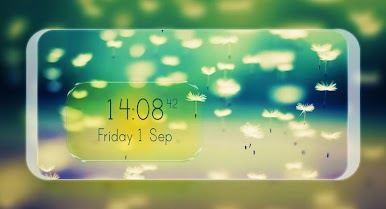
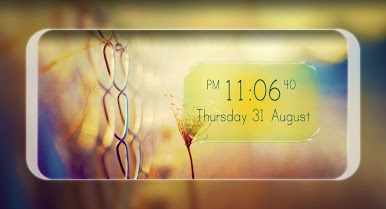
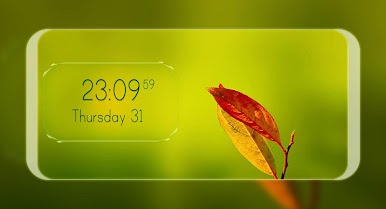
1. Beautiful Digital Clock:
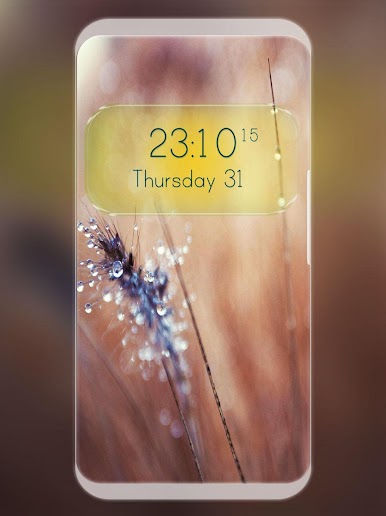
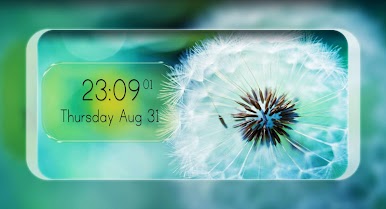
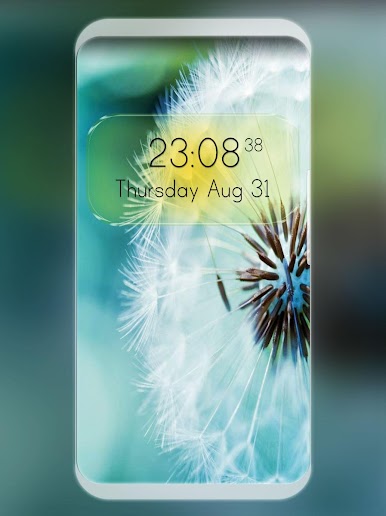
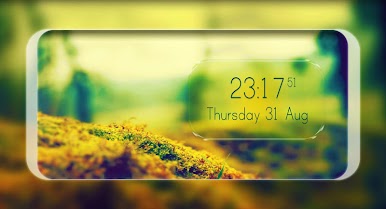
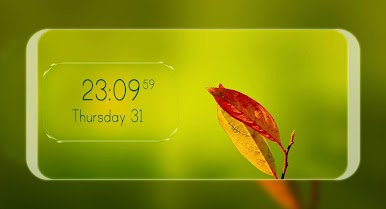
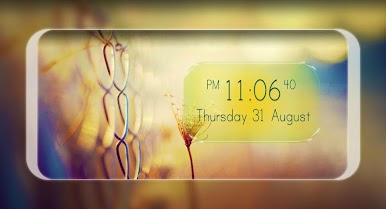
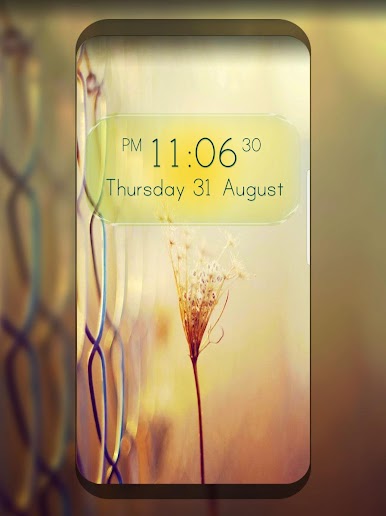
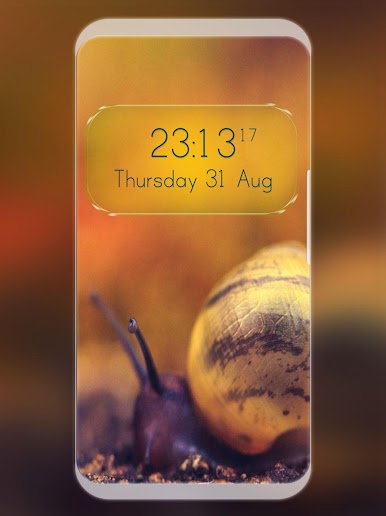
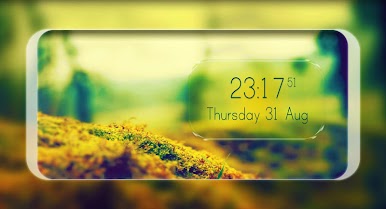
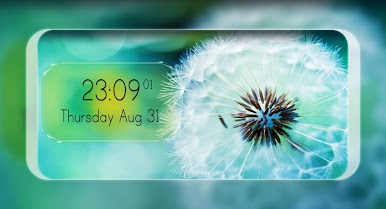
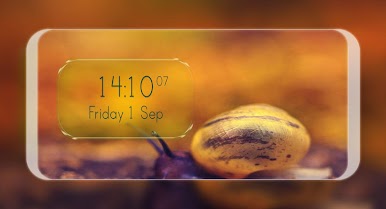
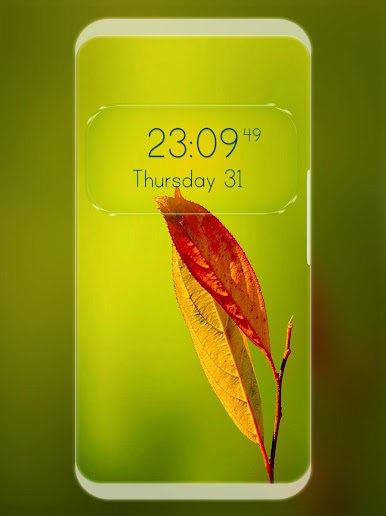
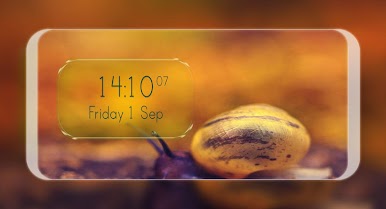
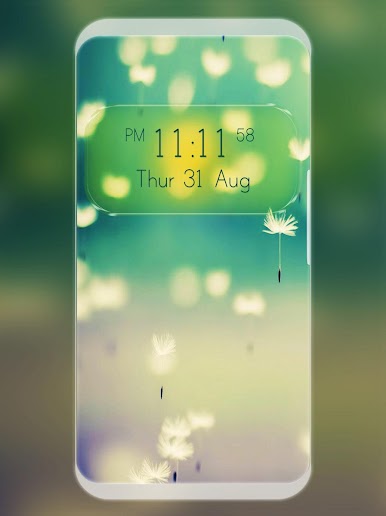
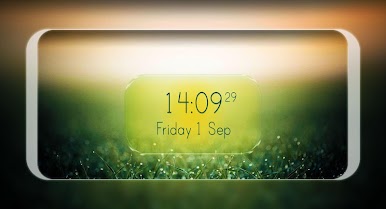
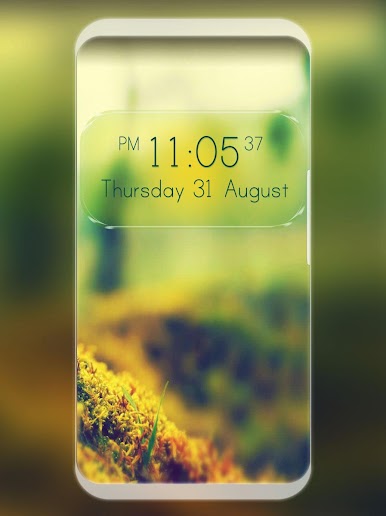
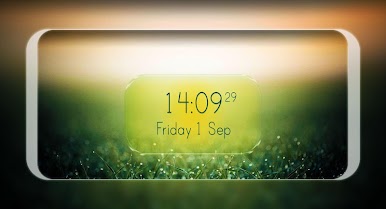
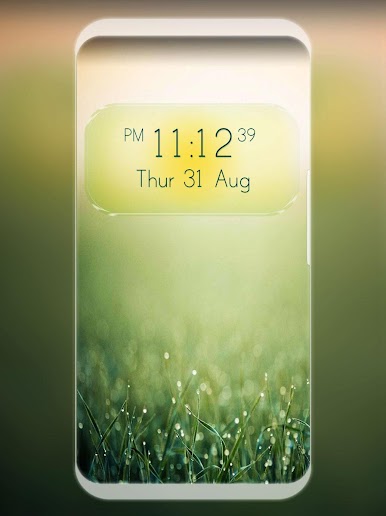
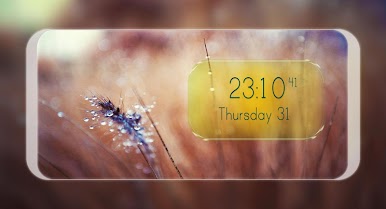
- Semi-transparent frame that elegantly blends with any background.
- Displays time, seconds, AM/PM, and the current date in various customizable formats.
2. Nature-Inspired Backgrounds:
- Choose from a set of serene and captivating nature backgrounds that complement the digital clock.
3. Gentle Rainfall Effect:
- Enjoy a calming rainfall animation in the background, symbolizing the passage of time.
- Customize the rainfall's size, intensity, speed, direction, and opacity, or remove it entirely.
4. Personal Photo Backgrounds:
- Personalize your experience by using your own photos as the background for the clock.
Customization Options:
Clock Position and Size:
- Easily adjust the position of the clock on your screen.
- Scale the clock to your preferred size for optimal viewing.
Transparency and Color:
- Modify the transparency of the clock and text to blend seamlessly with your background.
- Choose your favorite color for the clock and text to match your style.
Date and Time Formats:
- Select from various formats for displaying the current date.
- Choose between 24-hour and 12-hour time formats.
- Show or hide the AM/PM indicator and seconds for a clean look.
Rainfall Settings:
- Customize the rainfall effect by adjusting its size, intensity, speed, direction, and opacity.
- Option to disable the rainfall effect entirely if desired.
Hide the Clock:
- Temporarily hide the clock if you prefer a minimalist background.
Enhanced Visual Appeal:
- Transform your home screen into a dynamic and visually appealing interface with a clock that blends artfully with any background.
Ultimate Customization:
- With extensive customization options, you can tailor the live wallpaper to suit your personal taste and style.
Stay Informed:
- Keep track of time and date effortlessly with a prominently displayed digital clock.
Relaxing Atmosphere:
- The gentle rainfall effect adds a touch of tranquility to your home screen, making it a calming experience every time you unlock your device.
Easy to Use:
- Intuitive settings and customization options ensure a user-friendly experience.
Get Digital Clock Live Wallpaper and give your device a beautiful and functional upgrade! Enjoy the perfect combination of utility and aesthetics, and make your home screen uniquely yours.
Transform your home screen today with Digital Clock Live Wallpaper – where functionality meets beauty.
Jogue Relógios digitais no PC. É fácil começar.
-
Baixe e instale o BlueStacks no seu PC
-
Conclua o login do Google para acessar a Play Store ou faça isso mais tarde
-
Procure por Relógios digitais na barra de pesquisa no canto superior direito
-
Clique para instalar Relógios digitais a partir dos resultados da pesquisa
-
Conclua o login do Google (caso você pulou a etapa 2) para instalar o Relógios digitais
-
Clique no ícone do Relógios digitais na tela inicial para começar a jogar

