

UBhind(App lock/Screen time)
Jogue no PC com BlueStacks - A Plataforma de Jogos Android, confiada por mais de 500 milhões de jogadores.

Página modificada em: Nov 26, 2025
Run UBhind(App lock/Screen time) on PC or Mac
Upgrade your experience. Try UBhind(App lock/Screen time), the fantastic Productivity app from RinaSoft, from the comfort of your laptop, PC, or Mac, only on BlueStacks.
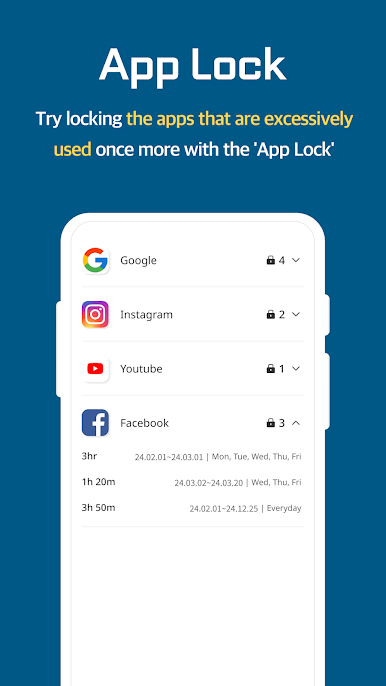
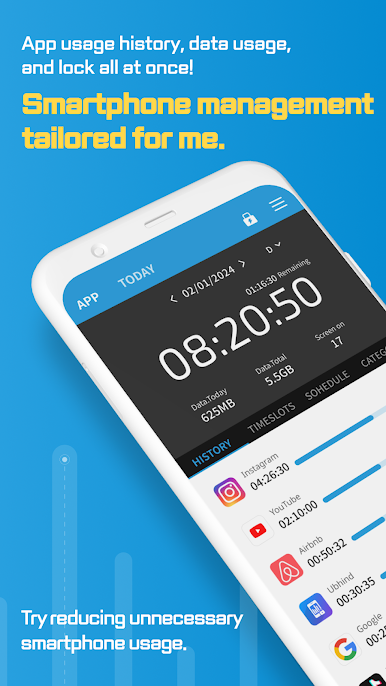
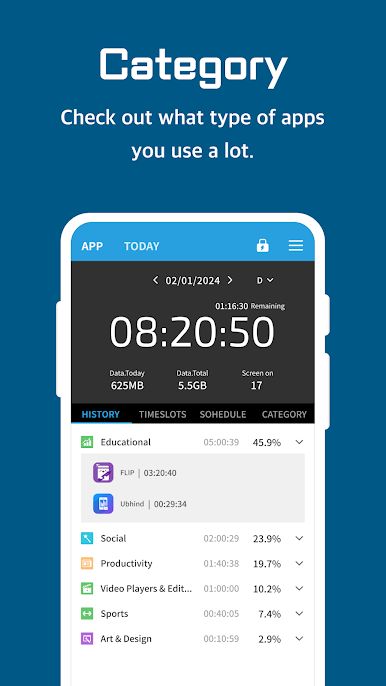
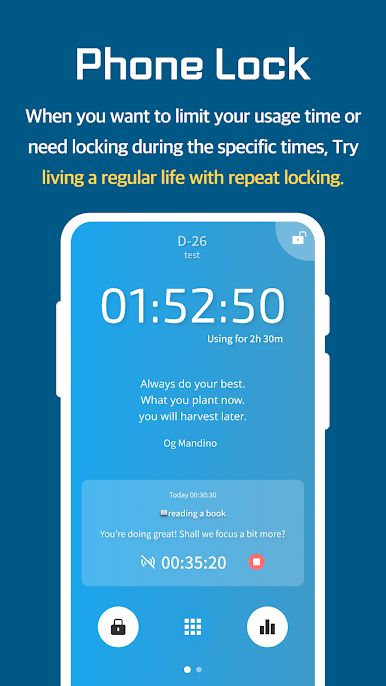
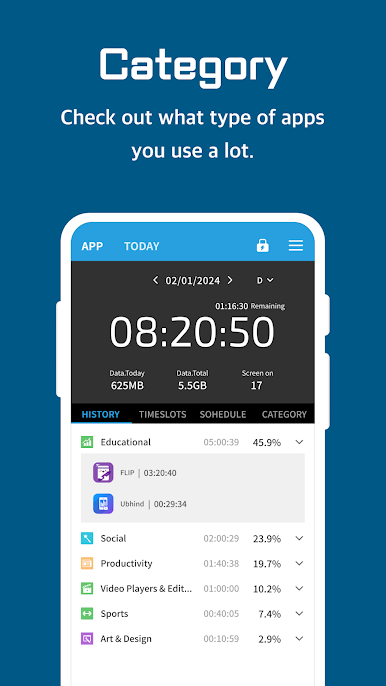
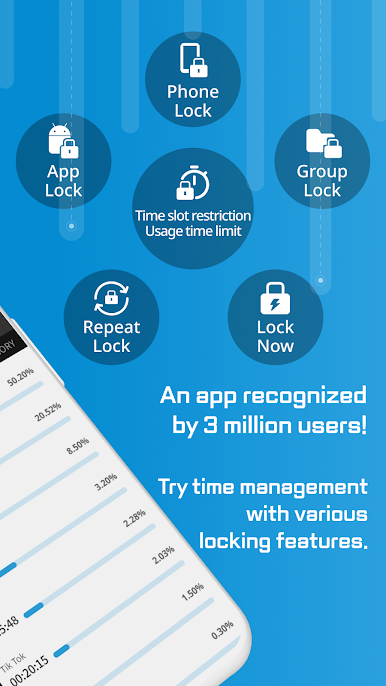
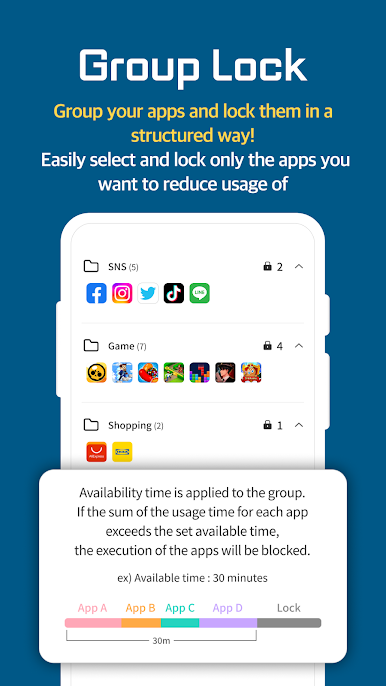
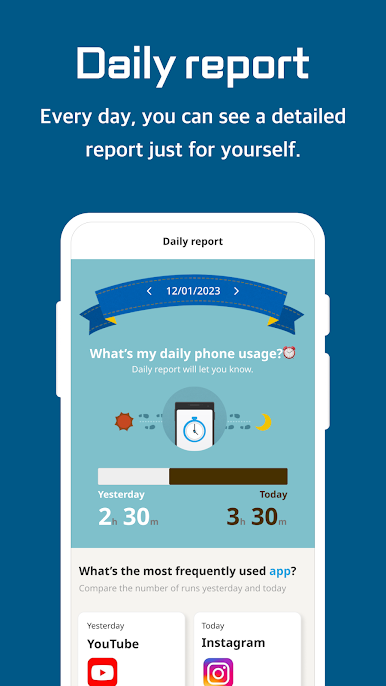
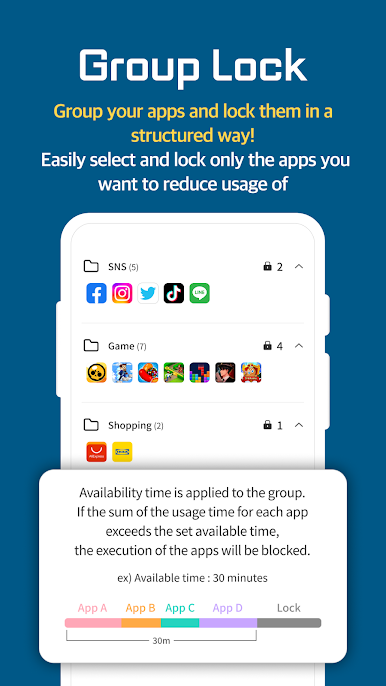
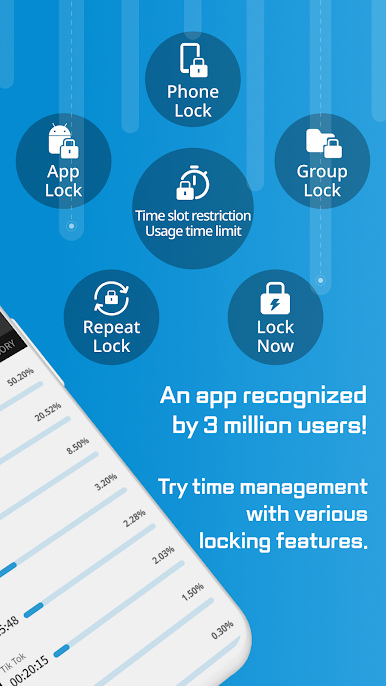
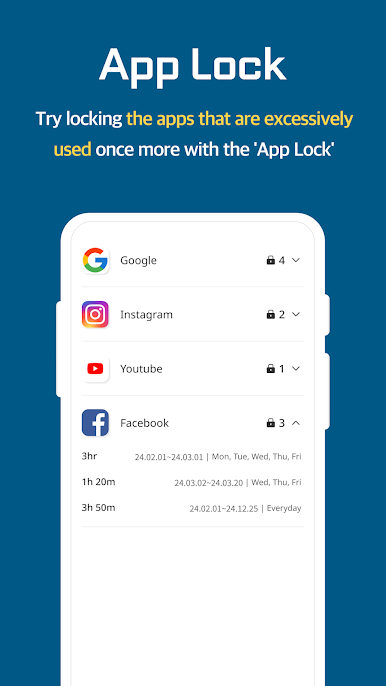
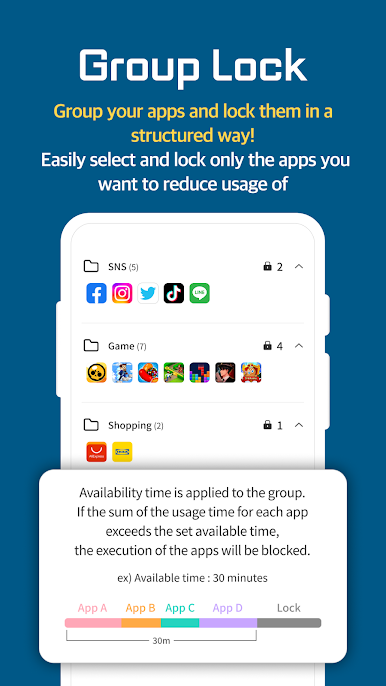
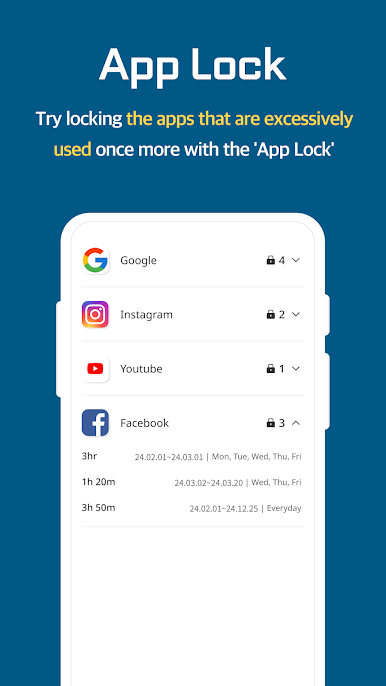
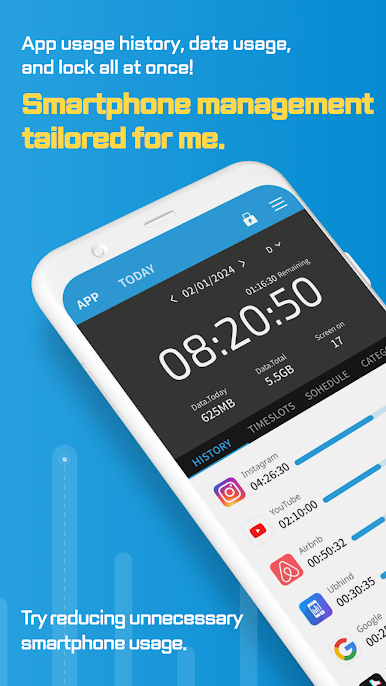
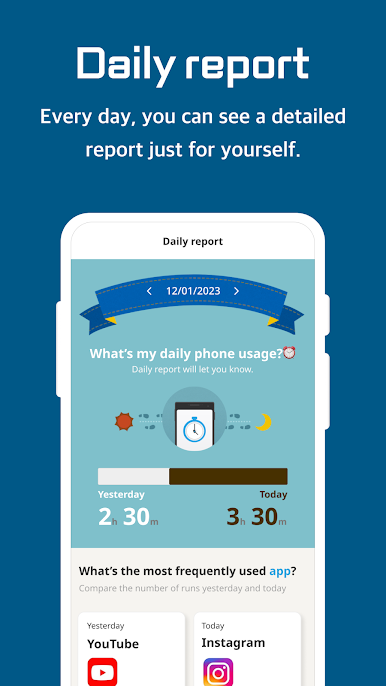
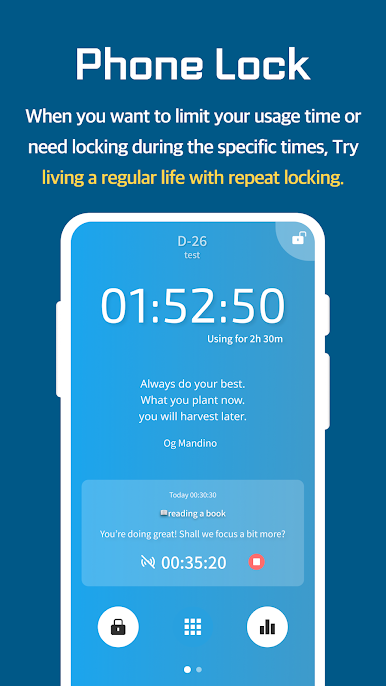
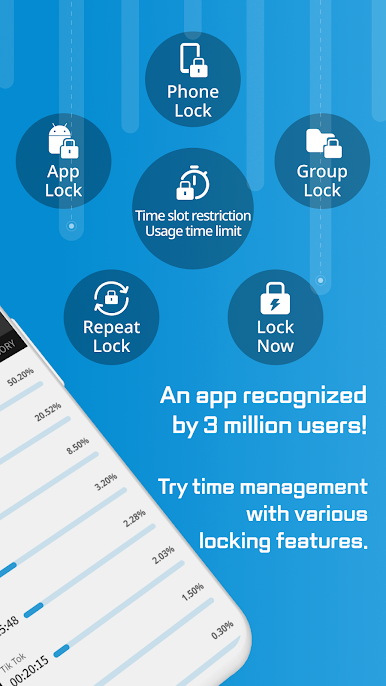
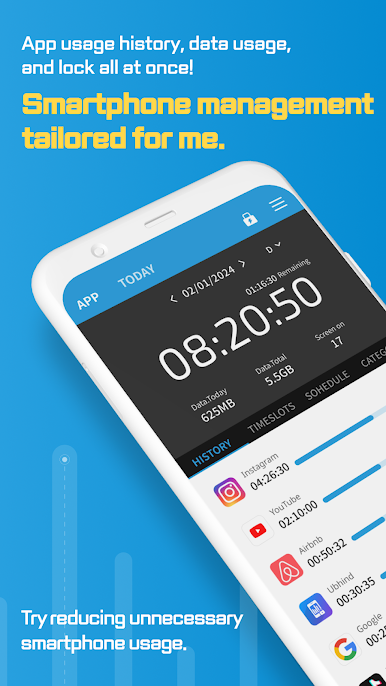
So, UBhind is one of those apps that’s all about helping people manage how much time they spend glued to their screens. It’s super straightforward — set up locks on apps, check how long things have been open, and keep an eye on daily phone usage. With the new Group Lock feature, instead of having to set a lock one by one, everything social, gaming, or shopping can get organized and locked in just a few taps. That’s helpful if someone finds themselves blowing way too much time on, say, games or scrolling endlessly through social feeds.
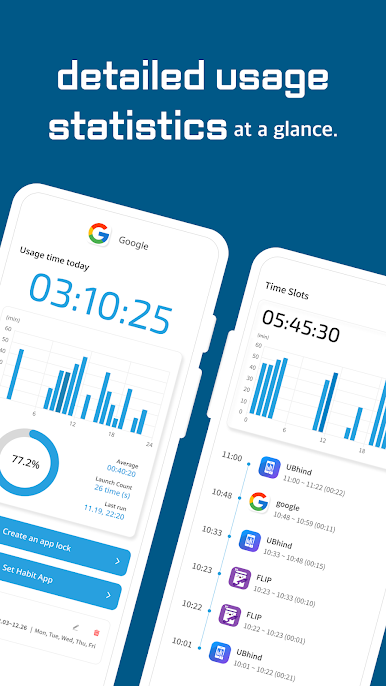
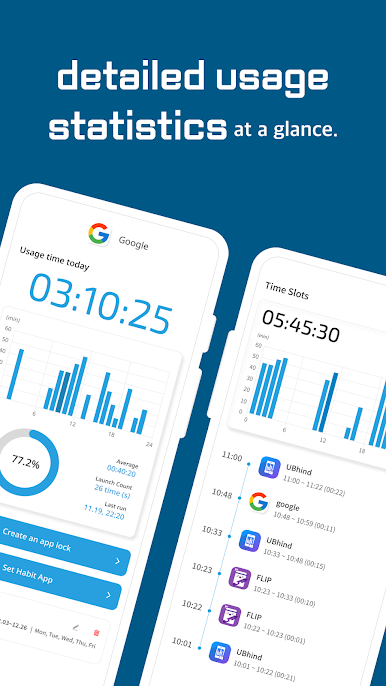
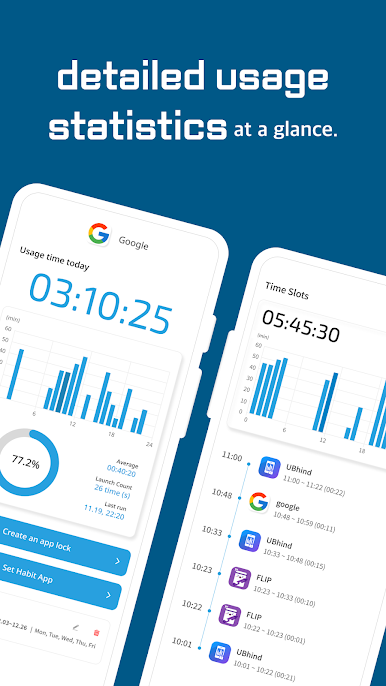
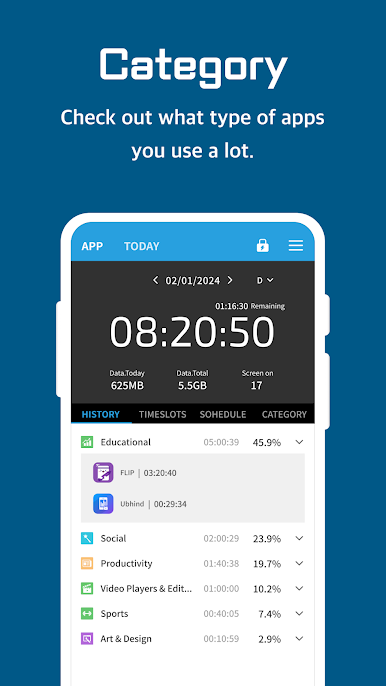
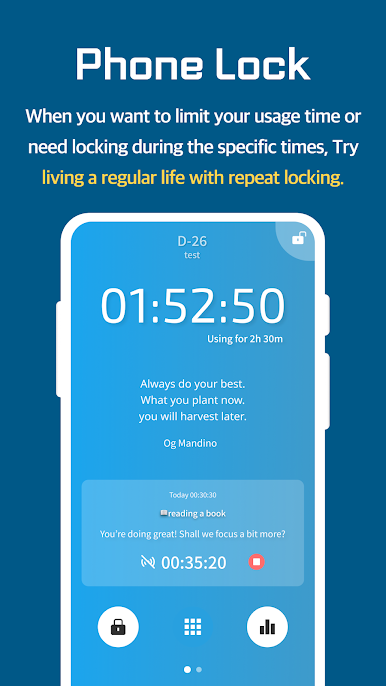
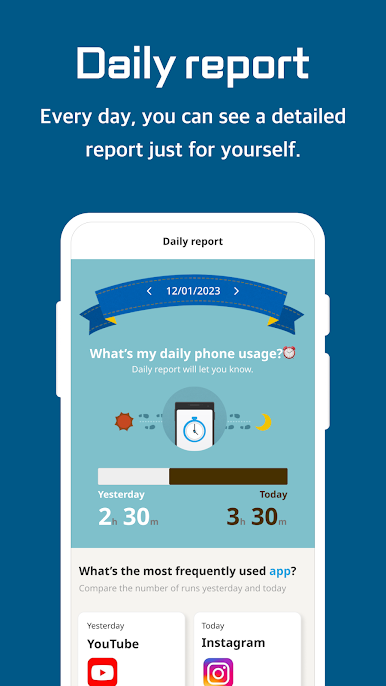
The app gives pretty detailed stats, too. It tracks stuff like how much time’s spent on each app, how often they’re opened, and even compares usage with others in the same age group. There are a bunch of settings — locking apps for specific times, giving oneself only a certain amount of phone access, or even setting up all-day app locks. For folks who like seeing things visualized, there are graphs and achievement trackers, so it’s easy to figure out what habits are improving and where things are slipping a little.
On PC, using it through BlueStacks, everything feels a bit more spread out and easy to manage, since there’s that big-screen space to dig into all the settings and stats. Anyone trying to build better habits or avoid distractions at work or study sessions might find it surprisingly useful. Plus, it doesn’t demand anything crazy complicated; it’s just about getting a clearer picture of where that phone time is actually going, and making it easier to stay on track. If someone needs that push to be less glued to the phone, or just wants to see what the fuss is about with habit trackers, it’s all laid out and pretty simple to get into.
BlueStacks brings your apps to life on a bigger screen—seamless and straightforward.
Jogue UBhind(App lock/Screen time) no PC. É fácil começar.
-
Baixe e instale o BlueStacks no seu PC
-
Conclua o login do Google para acessar a Play Store ou faça isso mais tarde
-
Procure por UBhind(App lock/Screen time) na barra de pesquisa no canto superior direito
-
Clique para instalar UBhind(App lock/Screen time) a partir dos resultados da pesquisa
-
Conclua o login do Google (caso você pulou a etapa 2) para instalar o UBhind(App lock/Screen time)
-
Clique no ícone do UBhind(App lock/Screen time) na tela inicial para começar a jogar

