


Pie Launcher version 2025
個人化 | Beauty Apps Studio
在電腦上使用BlueStacks –受到5億以上的遊戲玩家所信任的Android遊戲平台。

Play Pie Launcher version 2025 on PC
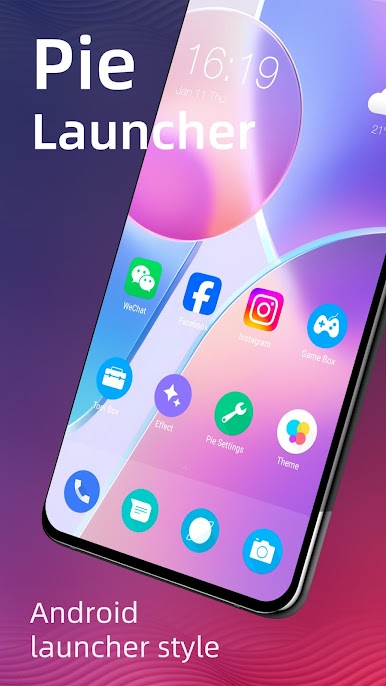
🔥 Pie Launcher is inspired by Android™ 11/12/13/14 launcher, adding many useful features, Pie Launcher make your phone look modern, and let you use Android 11/12/13/14 launcher feature in the first place.
👍 Pie Launcher features:
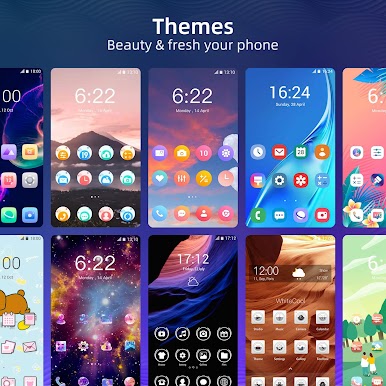
> Theme support, more than 1000+ cool themes
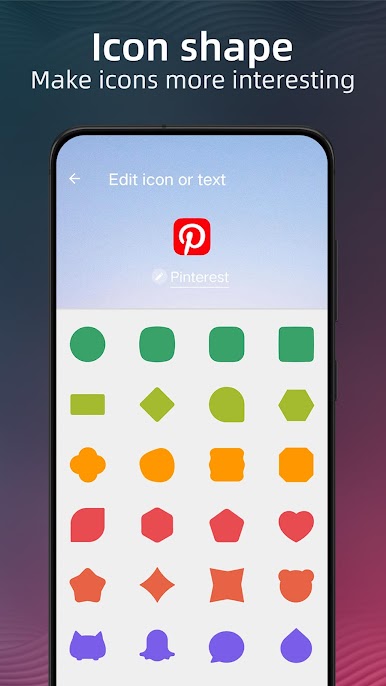
> Icon pack support, support most of the icon pack in Google Play Store
> Base on Android 11/12/13/14 launcher code, can run on all Android 5.0+ devices
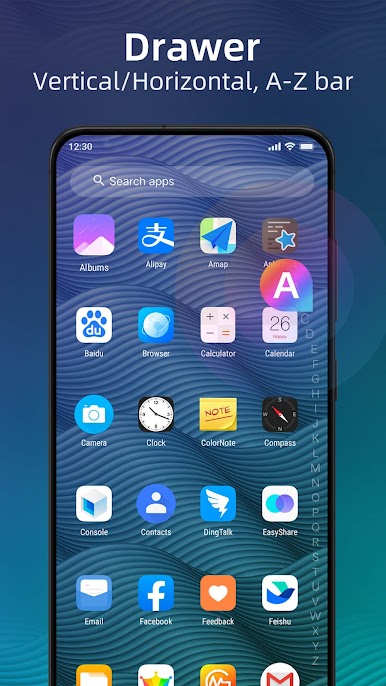
> Apps drawer is vertical mode by default, it also support horizontal mode
> Pie Launcher support hide unused or private apps
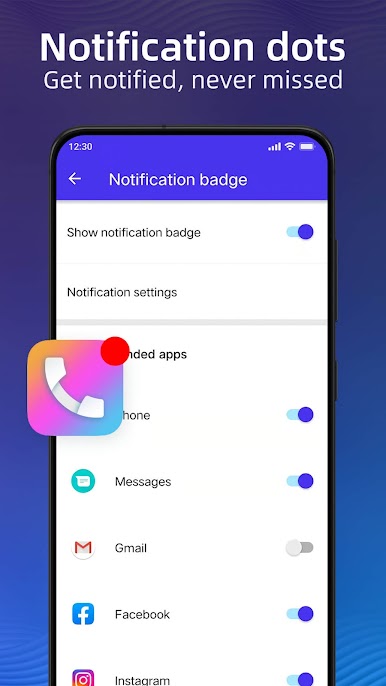
> Pie Launcher support notification dots
> Pie Launcher support ✌️gestures, such as swipe down/up, pinch in/out, double tap, swipe down/up(two fingers)
> Pie Launcher support handy ✌️Gesture feature in Android launcher P 9.0: Swipe up for all app drawer, Swipe down back to desktop
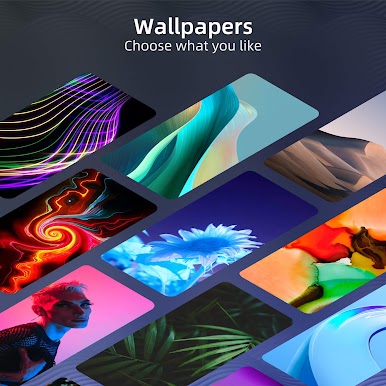
> Many beautiful online wallpapers for your choice
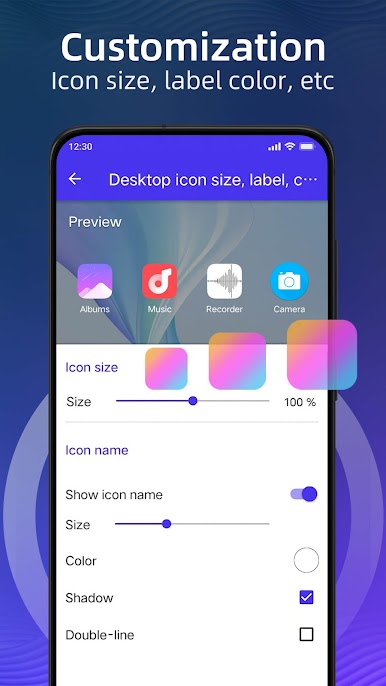
> Many options, you can change grid size, icon size, label size and color, etc
> You can lock desktop to avoid being messed up
> Drawer background support light, dark, blur, transparent and custom
> Dock background support rectangle, rounded, arc, platform or none
> Search bar support various style, you have the choice
> Wallpaper scrolling or not option
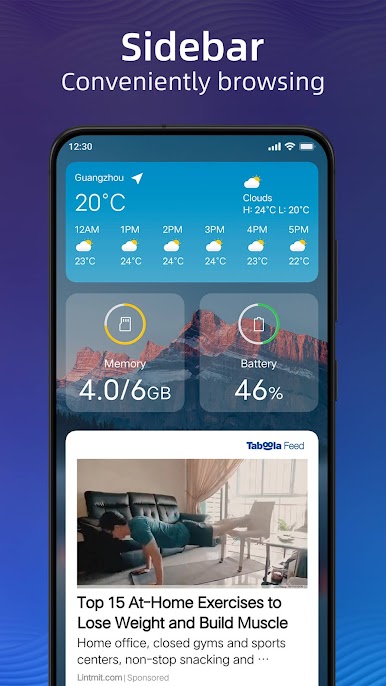
> Latest Android widgets drawer
Notice:
1. Android™ is a registered trademark of Google, Inc. Pie Launcher is inspired by Android Launcher, but please be noted that it is NOT Google official product.
❤️ We are working hard to make Pie Launcher better, please rate us if you like, thanks!
👍 Pie Launcher features:
> Theme support, more than 1000+ cool themes
> Icon pack support, support most of the icon pack in Google Play Store
> Base on Android 11/12/13/14 launcher code, can run on all Android 5.0+ devices
> Apps drawer is vertical mode by default, it also support horizontal mode
> Pie Launcher support hide unused or private apps
> Pie Launcher support notification dots
> Pie Launcher support ✌️gestures, such as swipe down/up, pinch in/out, double tap, swipe down/up(two fingers)
> Pie Launcher support handy ✌️Gesture feature in Android launcher P 9.0: Swipe up for all app drawer, Swipe down back to desktop
> Many beautiful online wallpapers for your choice
> Many options, you can change grid size, icon size, label size and color, etc
> You can lock desktop to avoid being messed up
> Drawer background support light, dark, blur, transparent and custom
> Dock background support rectangle, rounded, arc, platform or none
> Search bar support various style, you have the choice
> Wallpaper scrolling or not option
> Latest Android widgets drawer
Notice:
1. Android™ is a registered trademark of Google, Inc. Pie Launcher is inspired by Android Launcher, but please be noted that it is NOT Google official product.
❤️ We are working hard to make Pie Launcher better, please rate us if you like, thanks!
在電腦上遊玩Pie Launcher version 2025 . 輕易上手.
-
在您的電腦上下載並安裝BlueStacks
-
完成Google登入後即可訪問Play商店,或等你需要訪問Play商店十再登入
-
在右上角的搜索欄中尋找 Pie Launcher version 2025
-
點擊以從搜索結果中安裝 Pie Launcher version 2025
-
完成Google登入(如果您跳過了步驟2),以安裝 Pie Launcher version 2025
-
在首頁畫面中點擊 Pie Launcher version 2025 圖標來啟動遊戲

