


Swipetimes › Time tracker
비즈니스 | Leon Chiver
5억명 이상의 게이머가 신뢰하는 안드로이드 게임 플랫폼 BlueStacks으로 PC에서 플레이하세요.

Play Swipetimes › Time tracker on PC
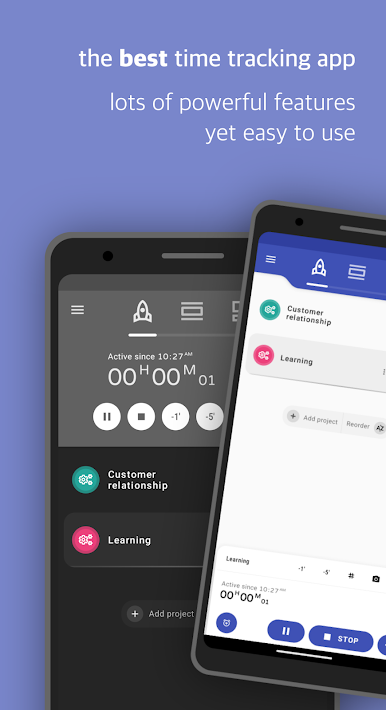
The best time tracker in the Play Store ™. Very versatile, yet simple and intuitive. The perfect time management app.
Track, organise and analyse your working hours in no time at all.
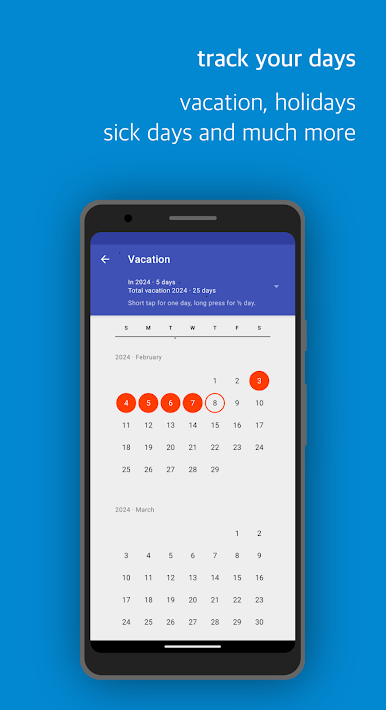
Keep an overview of your project times, overtime, holidays, sick or home-office days.
Whether you're an employee, freelancer, craftsman or student, whether you spend your time in the office, on the road or in the home-office,
you will always have an overview of your project hours. This is the only work time tracker you'll ever need.
The app doesn't require any kind of account, it's there to be used straight out of the box. Have fun!
Main features
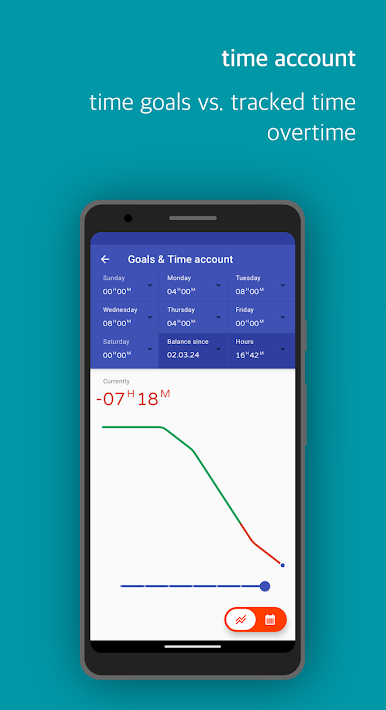
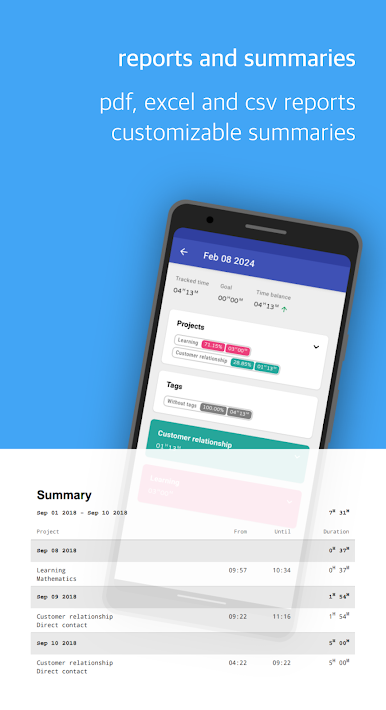
• Everything that is necessary for time and attendance recording: target and actual time, time account, overtime, vacation, sick days, public holidays, time sheets, Excel, PDF, CSV or XML exports.
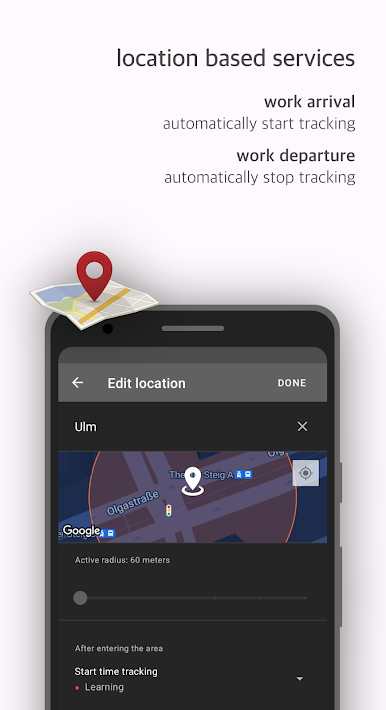
• Automatic starting and stopping on workplace arrival or departure. By using your location, connected WiFi networks or NFC you can record times without having to operate the app.
• Project rates & income calculations based on your working time.
• Invoice management and printing.
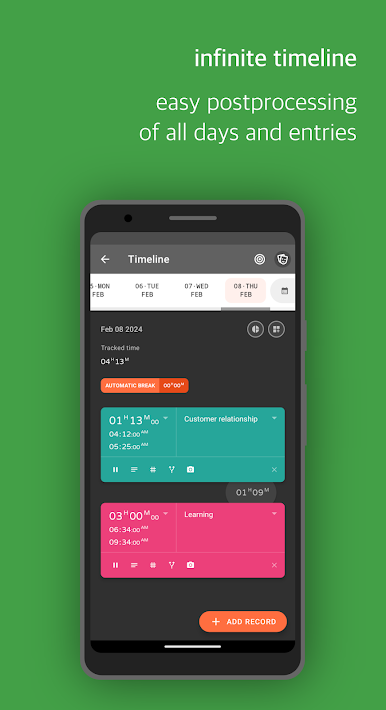
• Subsequent recording and processing in case you have forgotten something or need to correct it later.
• Project and task focus: times are recorded on projects. Projects can have budgets and hourly rates.
• Categorisation of time entries using tags/labels.
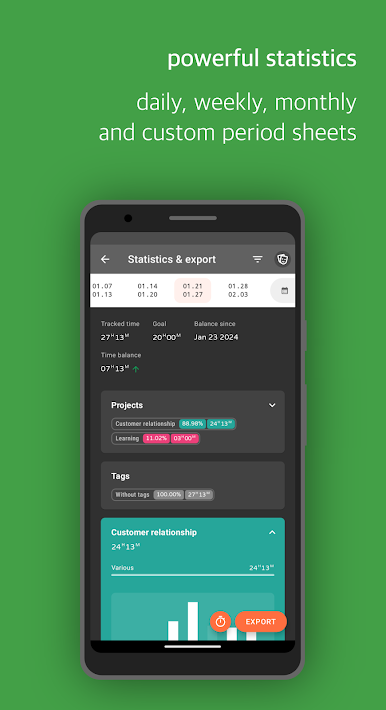
• Various statistics
• GPS-based recording of journeys.
• Daily/weekly backups to SD card, Google Drive or Dropbox.
• Google Calendar Integration
• Powerful Excel, PDF, CSV or XML exports
All cloud-based features (Google Drive, Google Calendar, Dropbox) are optional. They can be used, but do not have to be.
Have fun!
Track, organise and analyse your working hours in no time at all.
Keep an overview of your project times, overtime, holidays, sick or home-office days.
Whether you're an employee, freelancer, craftsman or student, whether you spend your time in the office, on the road or in the home-office,
you will always have an overview of your project hours. This is the only work time tracker you'll ever need.
The app doesn't require any kind of account, it's there to be used straight out of the box. Have fun!
Main features
• Everything that is necessary for time and attendance recording: target and actual time, time account, overtime, vacation, sick days, public holidays, time sheets, Excel, PDF, CSV or XML exports.
• Automatic starting and stopping on workplace arrival or departure. By using your location, connected WiFi networks or NFC you can record times without having to operate the app.
• Project rates & income calculations based on your working time.
• Invoice management and printing.
• Subsequent recording and processing in case you have forgotten something or need to correct it later.
• Project and task focus: times are recorded on projects. Projects can have budgets and hourly rates.
• Categorisation of time entries using tags/labels.
• Various statistics
• GPS-based recording of journeys.
• Daily/weekly backups to SD card, Google Drive or Dropbox.
• Google Calendar Integration
• Powerful Excel, PDF, CSV or XML exports
All cloud-based features (Google Drive, Google Calendar, Dropbox) are optional. They can be used, but do not have to be.
Have fun!
PC에서 Swipetimes › Time tracker 플레이해보세요.
-
BlueStacks 다운로드하고 설치
-
Google Play 스토어에 로그인 하기(나중에 진행가능)
-
오른쪽 상단 코너에 Swipetimes › Time tracker 검색
-
검색 결과 중 Swipetimes › Time tracker 선택하여 설치
-
구글 로그인 진행(만약 2단계를 지나갔을 경우) 후 Swipetimes › Time tracker 설치
-
메인 홈화면에서 Swipetimes › Time tracker 선택하여 실행

