


이지 다이어리
라이프스타일 | Awesome Application Factory
5억명 이상의 게이머가 신뢰하는 안드로이드 게임 플랫폼 BlueStacks으로 PC에서 플레이하세요.

Play Easy Diary on PC
📢 All features are free without ads
All the features of Easy Diary are free, without ads.
📢 Applying improvement opinions using reviews
Easy Diary checks users' opinions for improvement and applies them to application development.
📢 Support features
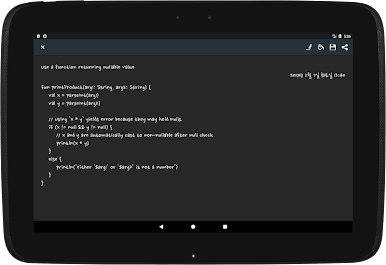
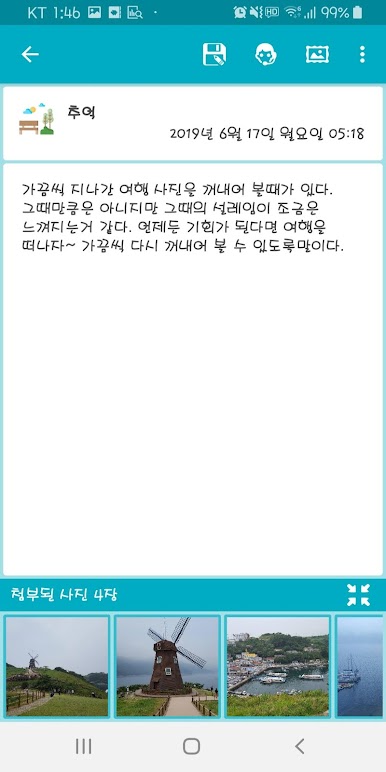
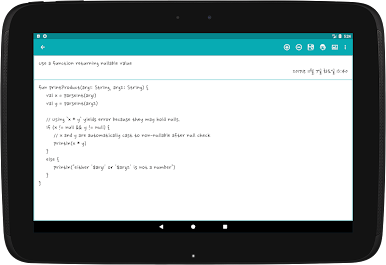
✍ Diary writing & editing
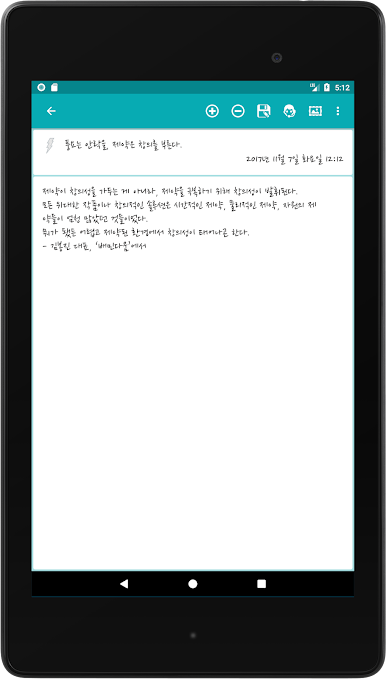
Contents can be created or edited using the keypad and voice recognition function.
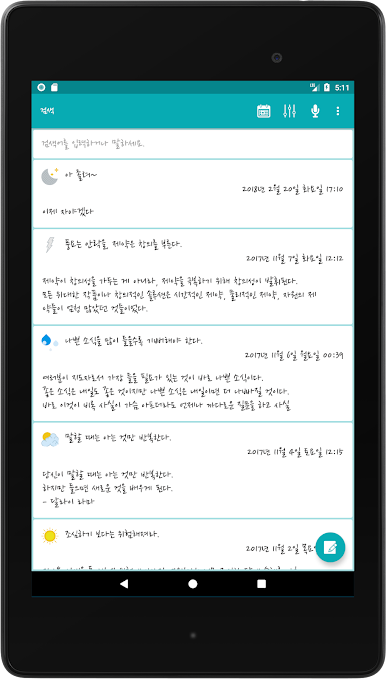
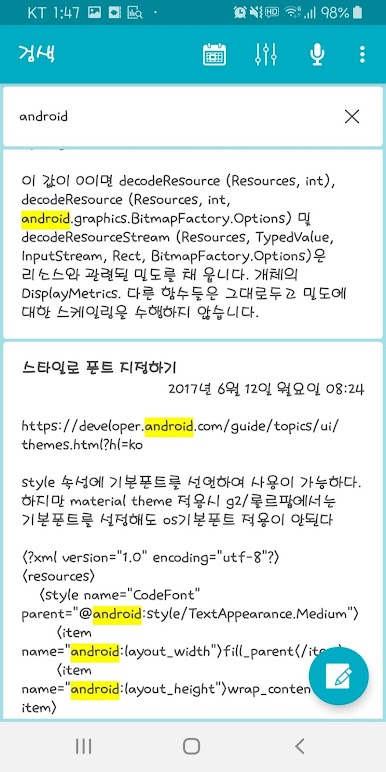
🔍 Diary search
You can quickly search for saved content. Words matching the searched keywords are highlighted and can be recognized at a glance.
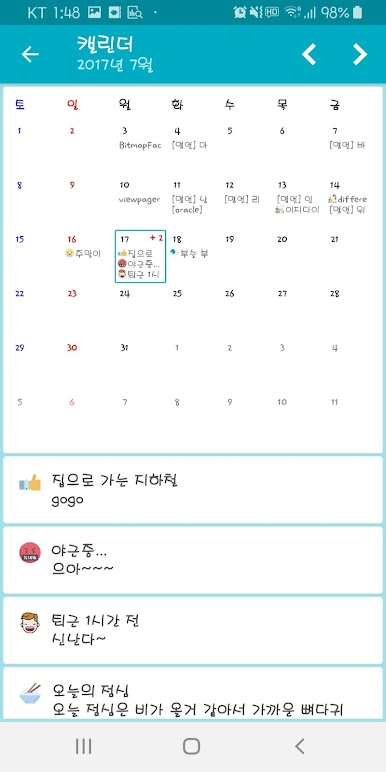
📅 Calendar
Saved content can be checked by day using the calendar.
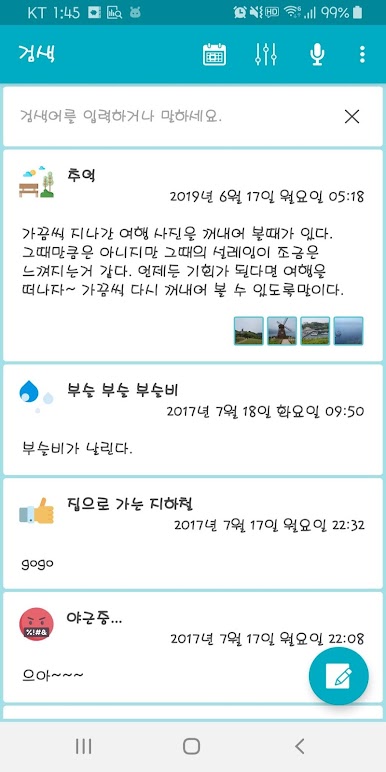
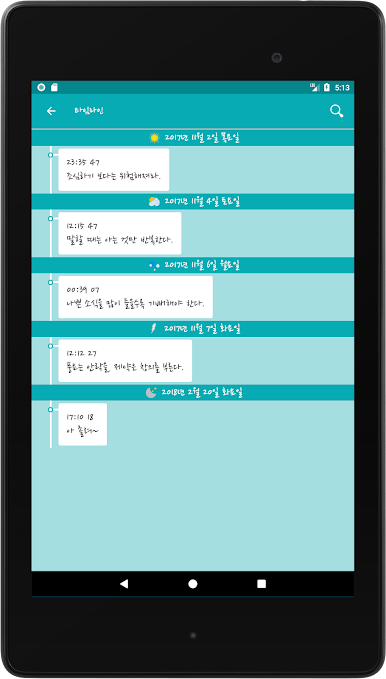
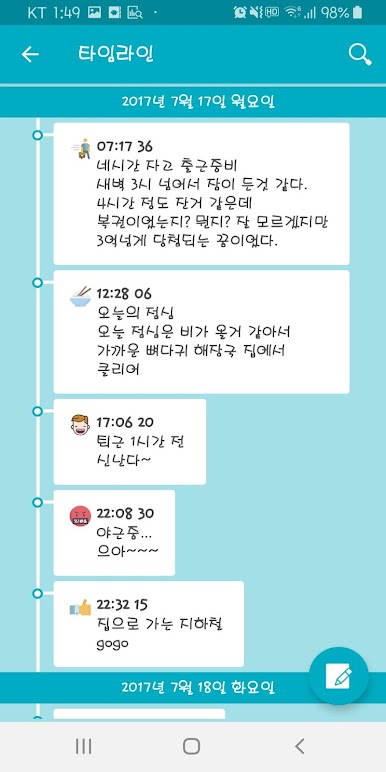
🕒 Timeline
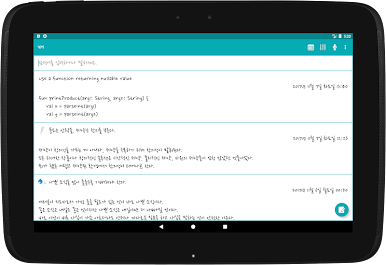
Saved content can be checked in the form of a timeline according to the created time.
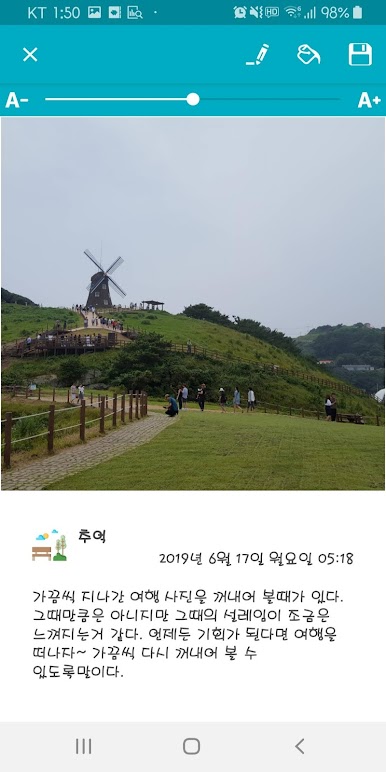
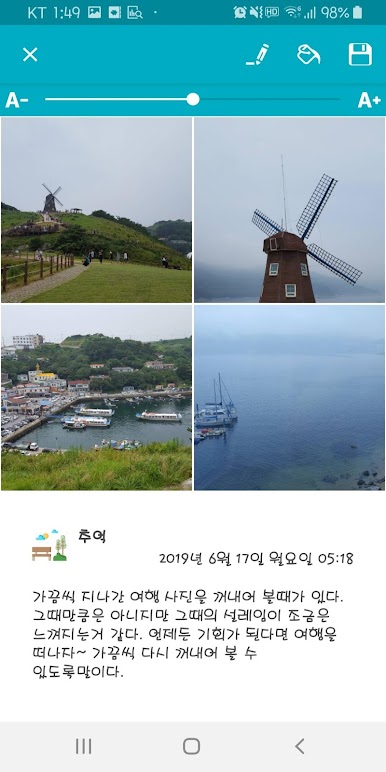
🃏 Diary post card
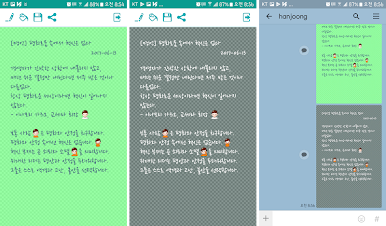
You can create a diary post card using the saved content (including the attached photo) and share it with your friends.
Share your anniversary or holiday greetings by making them pretty as a post card.
🔒 Diary lock
The application can be locked or unlocked using a PIN (personal identification number) or fingerprint recognition function.
🎨 Application theme setting
You can set the theme of 171 different colors and use the color picker to change the text and text background color to your liking.
🔤 Font setting
There are three basic fonts provided by Easy Diary, and fonts set in the device can also be used.
In addition, if you have TTF fonts you have, you can add them to the Easy Diary font directory and use them.
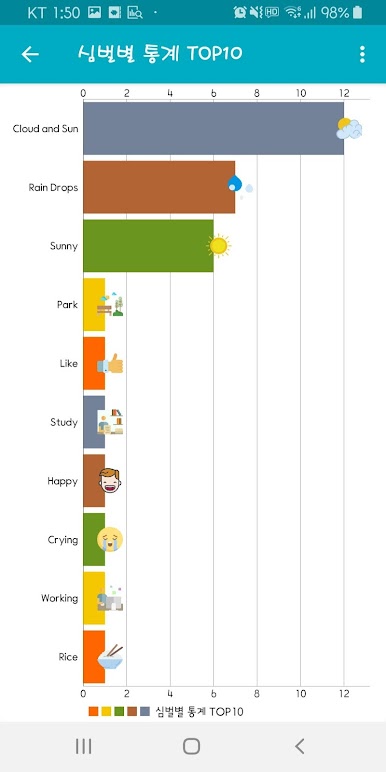
📊 Chart view
Diary writing status by time can be viewed at a glance in a bar chart.
💾 Backup and recovery
All content, including attached photos, can be backed up and restored using Google Drive.
📢 Welcome Developer
Are you a developer?
If you click on the visit website link, there is a GitHub link where you can download or fork all the sources of Easy Diary.
If it helped a little, please take a star.
📢 Request Permissions
Request permissions are classified into basic permissions (Normal Permissions) and permissions acquired after user approval (Dangerous Permissions). The types of permissions used in Easy Diary are as follows.
📌 Normal Permissions
1. FOREGROUND_SERVICE
2. USE_FINGERPRINT
3. INTERNET
📌 Dangerous Permissions
1. READ_EXTERNAL_STORAGE
2. WRITE_EXTERNAL_STORAGE
All the features of Easy Diary are free, without ads.
📢 Applying improvement opinions using reviews
Easy Diary checks users' opinions for improvement and applies them to application development.
📢 Support features
✍ Diary writing & editing
Contents can be created or edited using the keypad and voice recognition function.
🔍 Diary search
You can quickly search for saved content. Words matching the searched keywords are highlighted and can be recognized at a glance.
📅 Calendar
Saved content can be checked by day using the calendar.
🕒 Timeline
Saved content can be checked in the form of a timeline according to the created time.
🃏 Diary post card
You can create a diary post card using the saved content (including the attached photo) and share it with your friends.
Share your anniversary or holiday greetings by making them pretty as a post card.
🔒 Diary lock
The application can be locked or unlocked using a PIN (personal identification number) or fingerprint recognition function.
🎨 Application theme setting
You can set the theme of 171 different colors and use the color picker to change the text and text background color to your liking.
🔤 Font setting
There are three basic fonts provided by Easy Diary, and fonts set in the device can also be used.
In addition, if you have TTF fonts you have, you can add them to the Easy Diary font directory and use them.
📊 Chart view
Diary writing status by time can be viewed at a glance in a bar chart.
💾 Backup and recovery
All content, including attached photos, can be backed up and restored using Google Drive.
📢 Welcome Developer
Are you a developer?
If you click on the visit website link, there is a GitHub link where you can download or fork all the sources of Easy Diary.
If it helped a little, please take a star.
📢 Request Permissions
Request permissions are classified into basic permissions (Normal Permissions) and permissions acquired after user approval (Dangerous Permissions). The types of permissions used in Easy Diary are as follows.
📌 Normal Permissions
1. FOREGROUND_SERVICE
2. USE_FINGERPRINT
3. INTERNET
📌 Dangerous Permissions
1. READ_EXTERNAL_STORAGE
2. WRITE_EXTERNAL_STORAGE

PC에서 이지 다이어리 플레이해보세요.
-
BlueStacks 다운로드하고 설치
-
Google Play 스토어에 로그인 하기(나중에 진행가능)
-
오른쪽 상단 코너에 이지 다이어리 검색
-
검색 결과 중 이지 다이어리 선택하여 설치
-
구글 로그인 진행(만약 2단계를 지나갔을 경우) 후 이지 다이어리 설치
-
메인 홈화면에서 이지 다이어리 선택하여 실행

