


ImgPlay - 움짤만들기
5억명 이상의 게이머가 신뢰하는 안드로이드 게임 플랫폼 BlueStacks으로 PC에서 플레이하세요.

Run ImgPlay - GIF Maker on PC or Mac
Why limit yourself to your small screen on the phone? Run ImgPlay – GIF Maker, an app by ImgBase, Inc., best experienced on your PC or Mac with BlueStacks, the world’s #1 Android emulator.
About the App
Ever wanted to turn those hilarious moments from your videos or a burst of photos into a GIF you can share instantly? ImgPlay – GIF Maker from ImgBase, Inc. makes that pretty darn simple, whether you’re a pro at photography apps or just someone who loves sending funny memes to your group chat. It’s all about transforming memories into lively, sharable GIFs in just a few taps, right from your device—or through BlueStacks if you like mixing it up on a bigger screen.
App Features
-
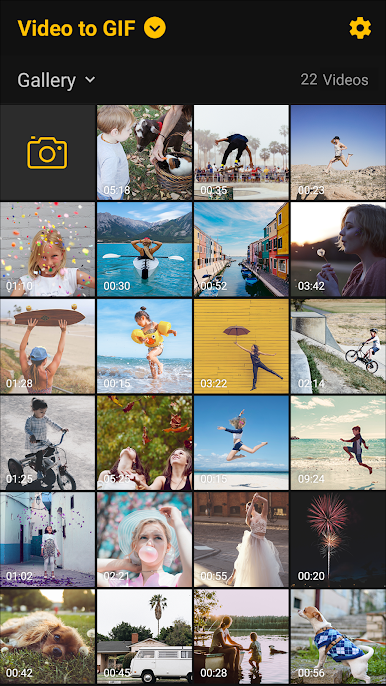
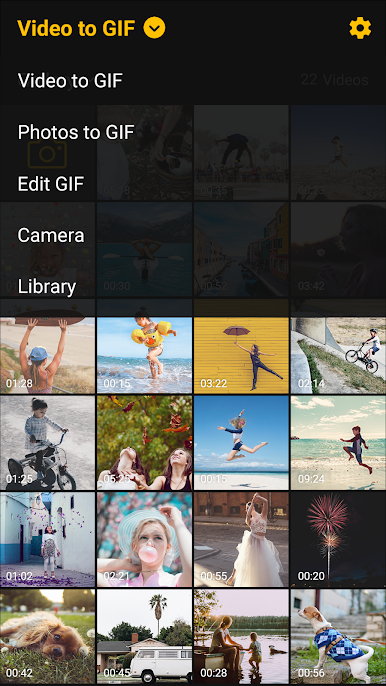
Switch Videos & Photos to GIFs
Got a quick video of your pet or a stack of party pics? Combine them and make a GIF, or even a simple slideshow, all using the files in your gallery. -
Edit Existing GIFs
Already have a GIF saved? No problem. Open it in the app and tweak it to make it even funnier or more eye-catching. -
Camera Integration
Capture fresh footage and turn it straight into a GIF without ever leaving the app. -
Work With Files From Other Apps
Got pics or videos on Google Drive or Dropbox? Bring them in and start creating—no fancy tech skills required. -
Play With Filters
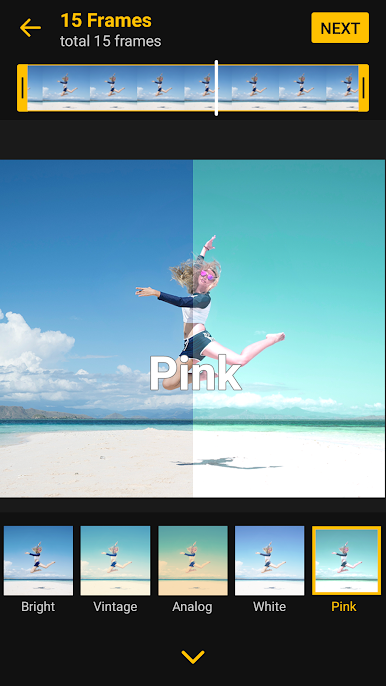
There are over 30 filters to try out, so every GIF can have just the vibe you want, whether you’re aiming for beautiful or downright silly. -
Customize Frames and Speed
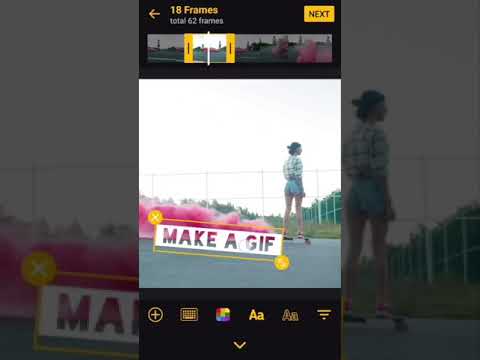
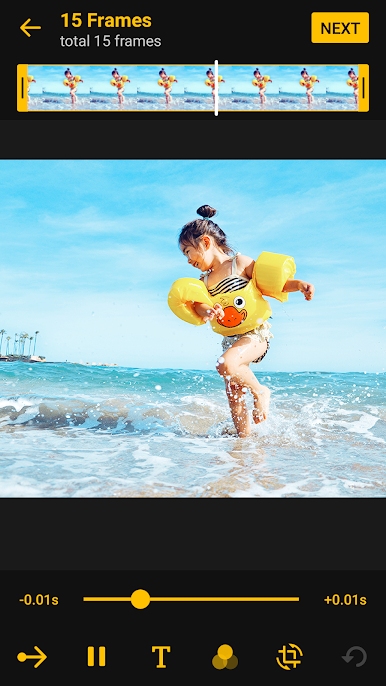
Crop out the exact section you want, ramp up or slow down the action (from super-fast to frame-by-frame slow), and tweak the direction for boomerang effects. -
Add Fun Captions
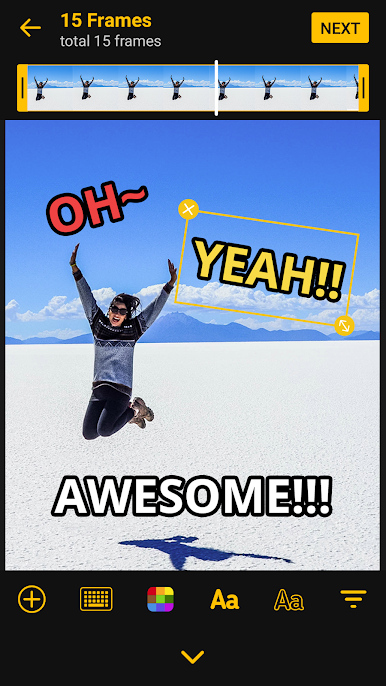
Got something to say? Drop a caption right onto your GIF to get your point (or punchline) across. -
Save in Multiple Formats
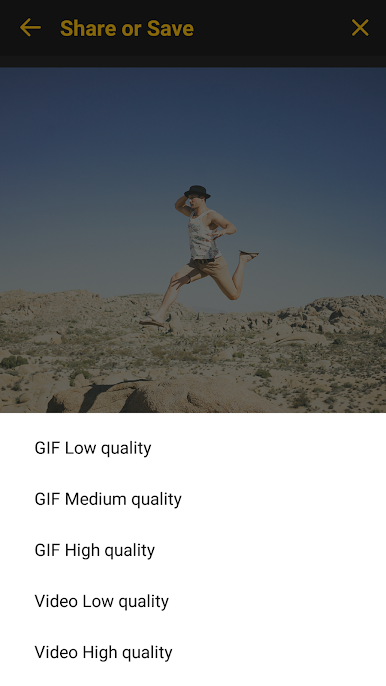
GIF or video, your choice. You can set the resolution to fit your needs and even control how many times your video loops to mimic a classic GIF. -
Quick Sharing Options
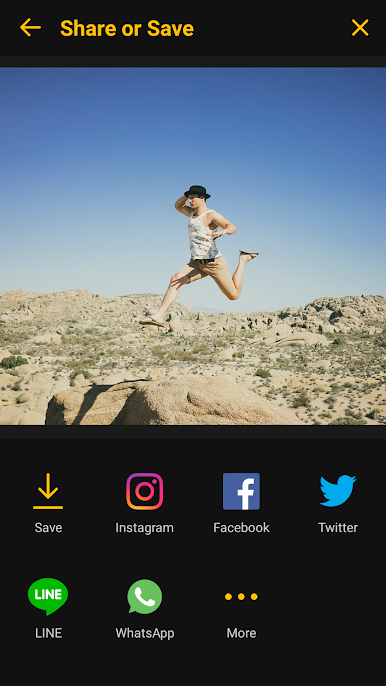
Post your creations directly to social networks like Instagram, WhatsApp, or LINE—no hoop-jumping necessary. -
Easy Import and Export
Whether you’re saving to your gallery or sharing your GIFs, the process is smooth. You can even use BlueStacks for a more flexible workstation if that’s your style.
Eager to take your app experience to the next level? Start right away by downloading BlueStacks on your PC or Mac.
PC에서 ImgPlay - 움짤만들기 플레이해보세요.
-
BlueStacks 다운로드하고 설치
-
Google Play 스토어에 로그인 하기(나중에 진행가능)
-
오른쪽 상단 코너에 ImgPlay - 움짤만들기 검색
-
검색 결과 중 ImgPlay - 움짤만들기 선택하여 설치
-
구글 로그인 진행(만약 2단계를 지나갔을 경우) 후 ImgPlay - 움짤만들기 설치
-
메인 홈화면에서 ImgPlay - 움짤만들기 선택하여 실행

