

Color by Number - 3D Pixel Art
العب على الكمبيوتر الشخصي مع BlueStacks - نظام أندرويد للألعاب ، موثوق به من قبل أكثر من 500 مليون لاعب.

Run Color by Number - 3D Pixel Art on PC or Mac
Let BlueStacks turn your PC, Mac, or laptop into the perfect home for Color by Number – 3D Pixel Art, a fun Entertainment app from byss mobile.
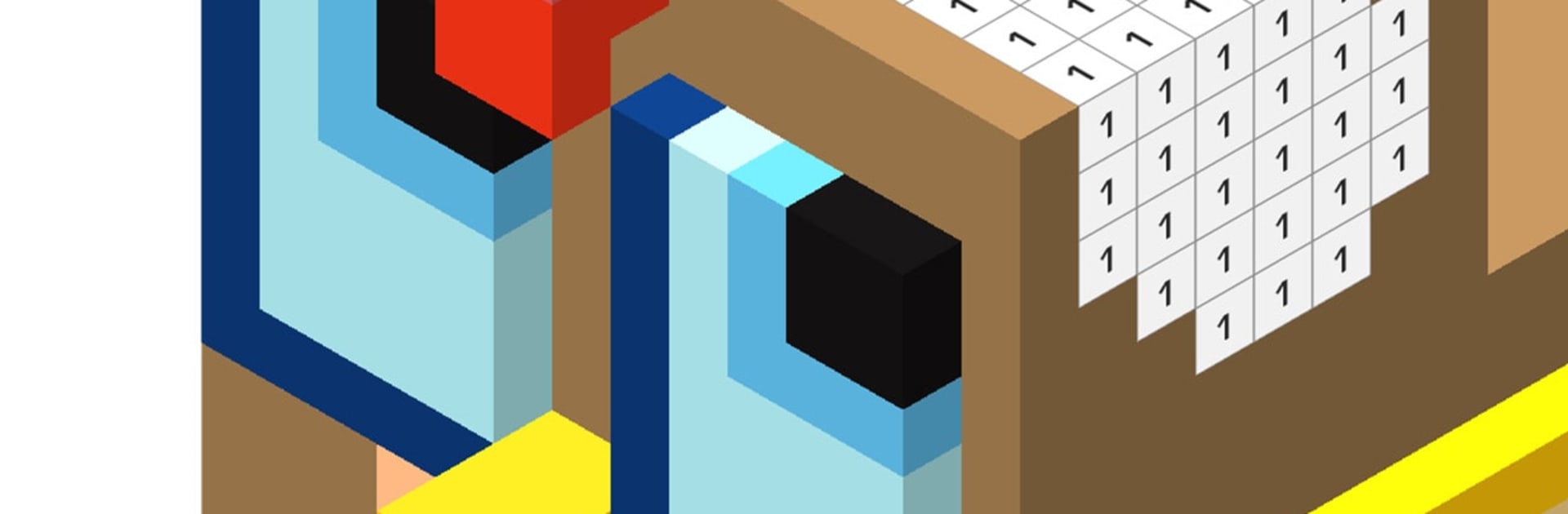
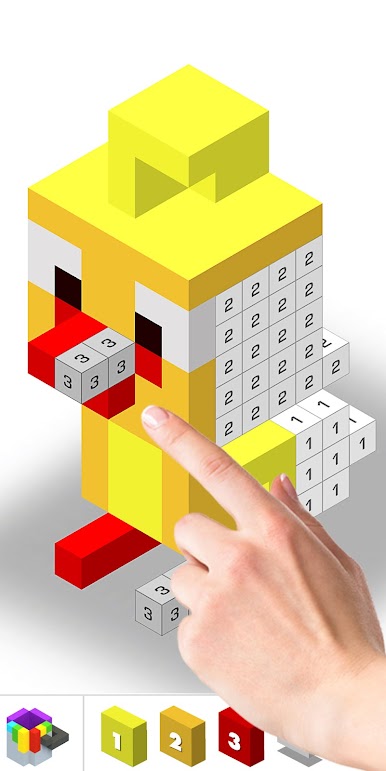
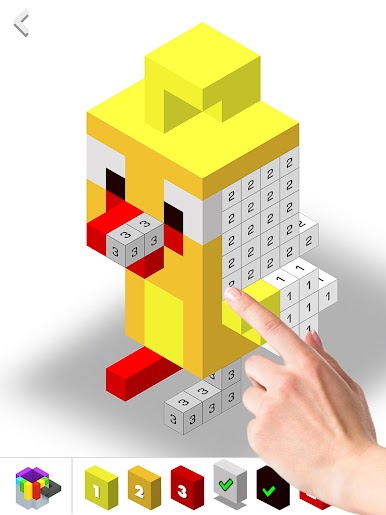
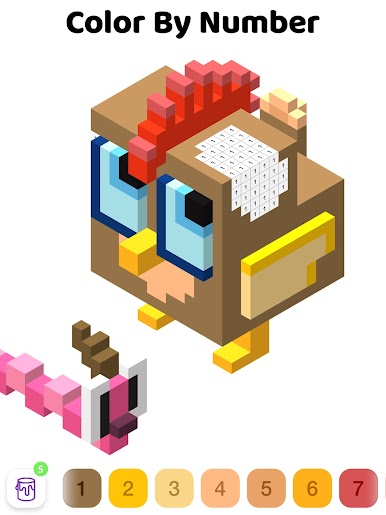
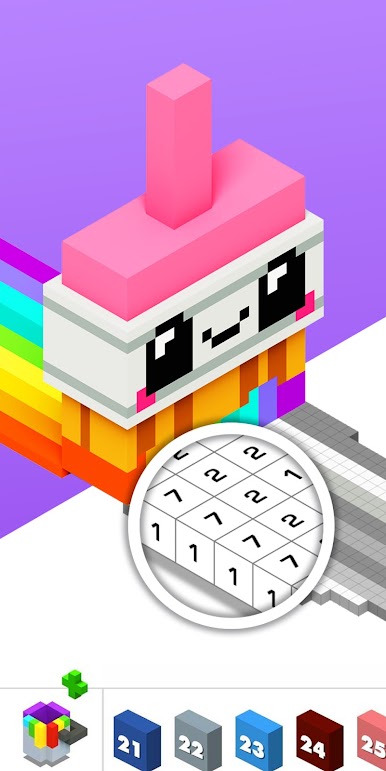
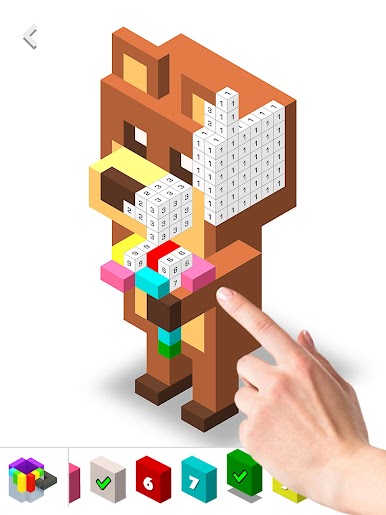
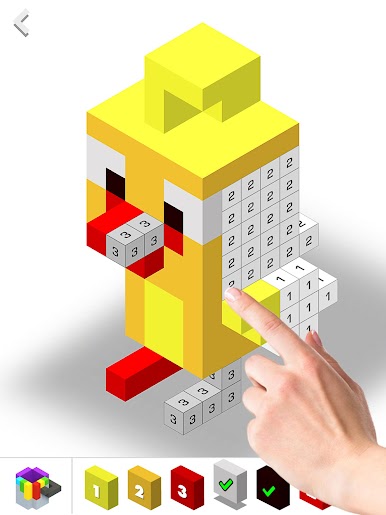
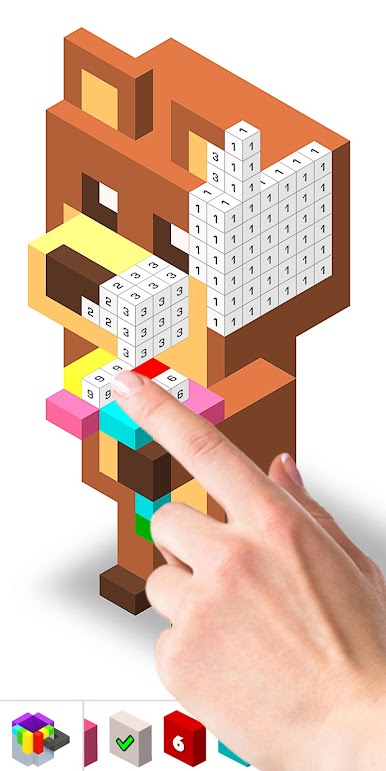
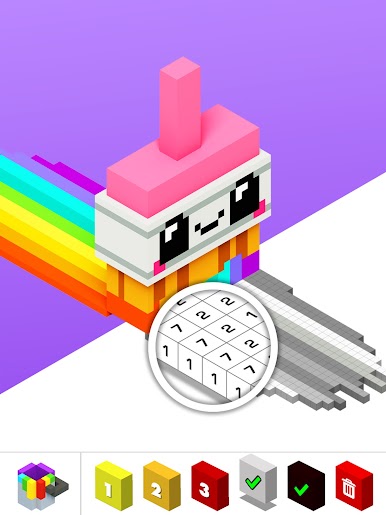
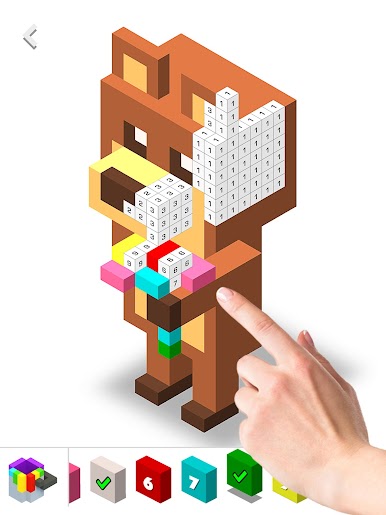
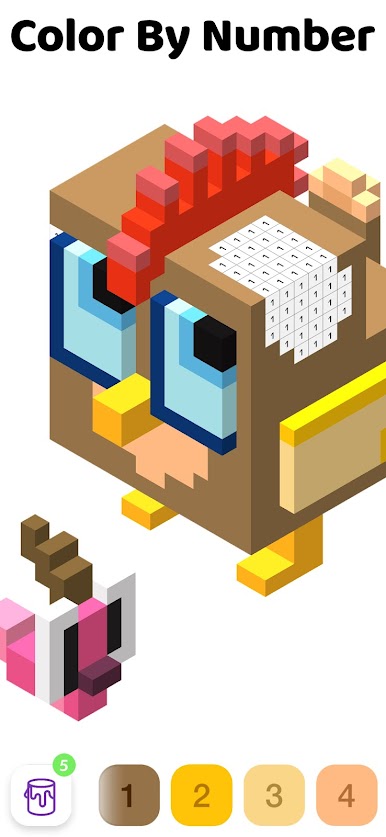
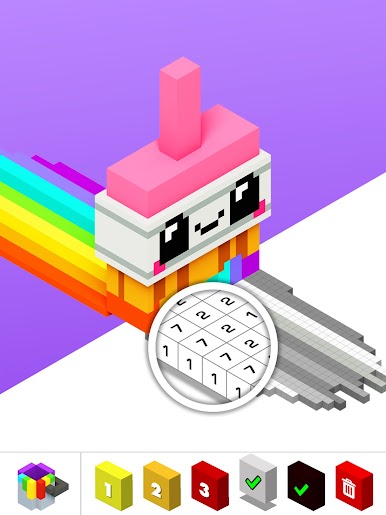
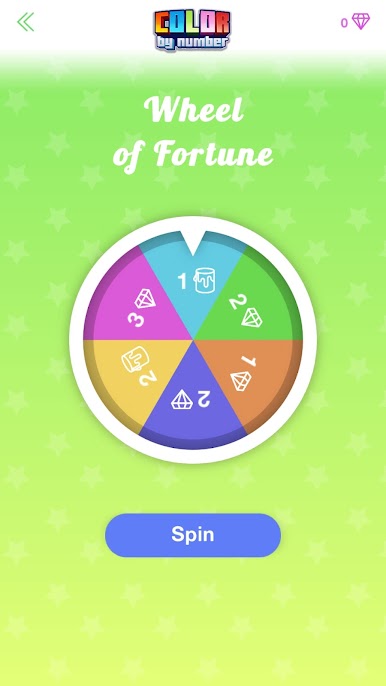
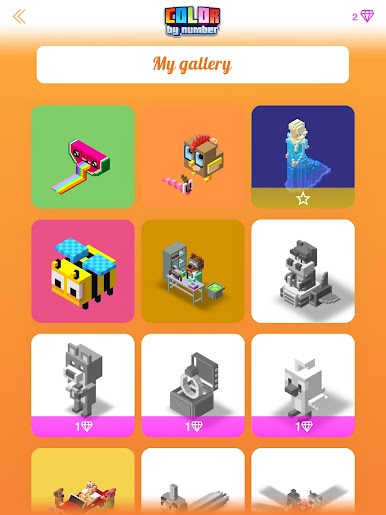
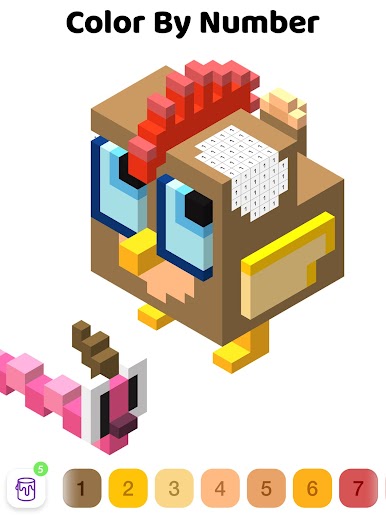
Color by Number – 3D Pixel Art is a chill little coloring toy that turns blocky 3D models into paint-by-number puzzles. Pick a model, zoom and rotate it, choose a color from the palette, then fill the cubes that match that number until the shape pops into a full voxel sculpture. It feels methodical and kind of soothing, no drawing skills needed. There is no timer or pressure, just tap, fill, watch the picture come together. It works offline, so it is easy to zone out on a break or while waiting around. On PC with BlueStacks, the bigger screen and a mouse make the tiny cubes easy to hit, and rotating the model feels smooth without all the pinching.
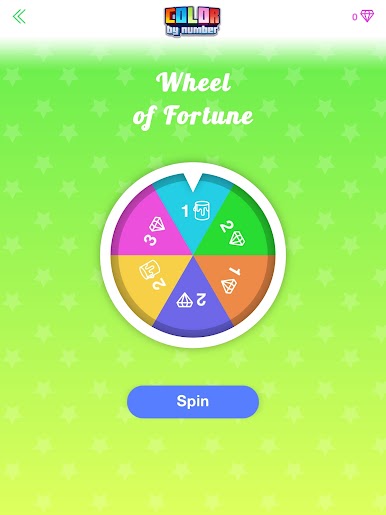
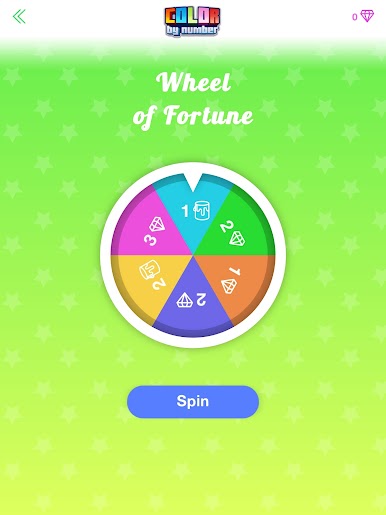
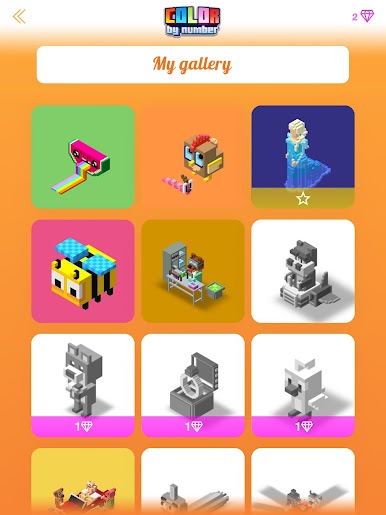
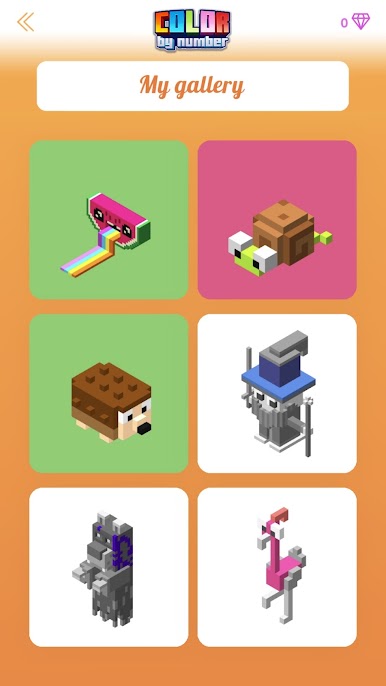
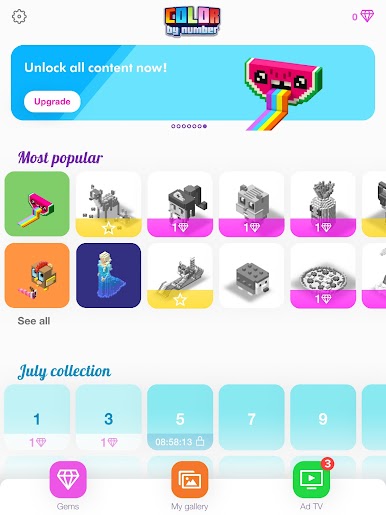
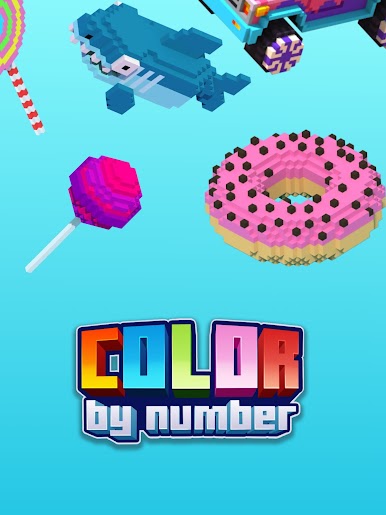
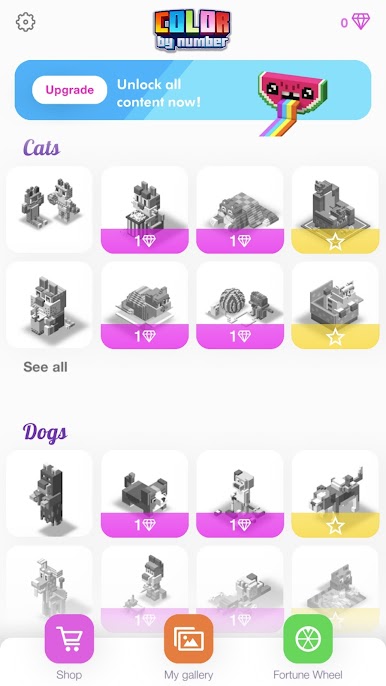
There are tons of themes to pick from: animals, fruit, people, sea life, vehicles, places, fantasy, sporty stuff, even little puzzles. Some are super quick five-minute pieces, others are chunkier and take longer then expected, which is nice when someone wants something to settle into. New pages unlock as progress is made, and there is a daily picture to color too. Finished pieces can be shared straight from the app if someone likes showing the before-and-after. The whole loop is simple in a good way, like a digital coloring book that happens to be in 3D. If relaxing, low-effort coloring sounds good, this scratches that itch, and it runs fine on BlueStacks without any fuss.
Ready to experience Color by Number – 3D Pixel Art on a bigger screen, in all its glory? Download BlueStacks now.


العب Color by Number - 3D Pixel Art على جهاز الكمبيوتر. من السهل البدء.
-
قم بتنزيل BlueStacks وتثبيته على جهاز الكمبيوتر الخاص بك
-
أكمل تسجيل الدخول إلى Google للوصول إلى متجر Play ، أو قم بذلك لاحقًا
-
ابحث عن Color by Number - 3D Pixel Art في شريط البحث أعلى الزاوية اليمنى
-
انقر لتثبيت Color by Number - 3D Pixel Art من نتائج البحث
-
أكمل تسجيل الدخول إلى Google (إذا تخطيت الخطوة 2) لتثبيت Color by Number - 3D Pixel Art
-
انقر على أيقونة Color by Number - 3D Pixel Art على الشاشة الرئيسية لبدء اللعب

