

Video Editor Star Maker - Mago
Jogue no PC com BlueStacks - A Plataforma de Jogos Android, confiada por mais de 500 milhões de jogadores.

Página modificada em: Aug 29, 2025
Run Video Star, Video Editor Magic Effects - MagoVideo on PC or Mac
What’s better than using Video Star, Video Editor Magic Effects – MagoVideo by MyMovie Inc.? Well, try it on a big screen, on your PC or Mac, with BlueStacks to see the difference.
About the App
Video Star, Video Editor Magic Effects – MagoVideo packs a playful, powerful editing studio into your phone. Make quick clips, photo slideshows, or full-on music videos with effects that actually feel fun to use. Built by MyMovie Inc. in the Video Players & Editors genre, it’s made for creating share-worthy moments fast.
App Features
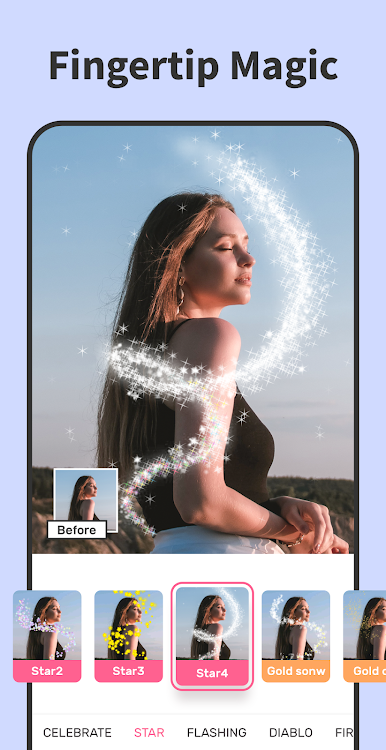
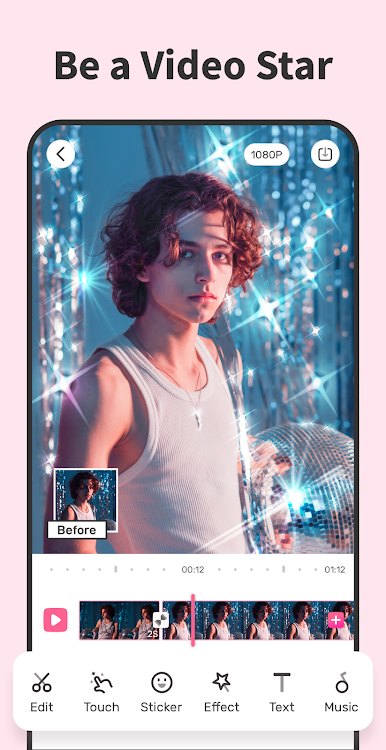
- Magic touch effects: Tap to paint your video with synced sparkles, neon trails, and other reactive effects that follow the action.
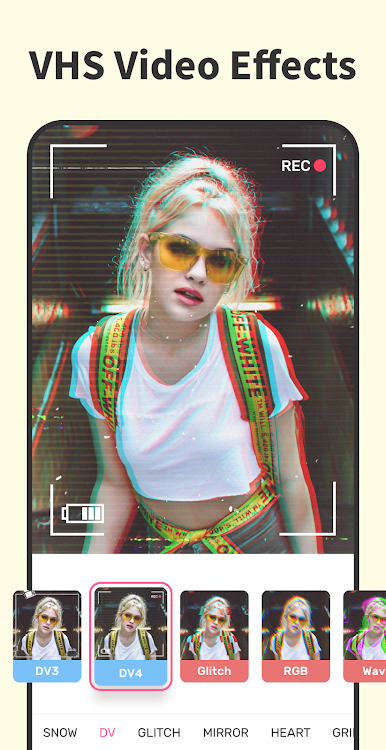
- Mixed FX and glitches: Blend mirror looks, dazzles, VHS vibes, and cinematic video FX for that “how’d you make that?” style.
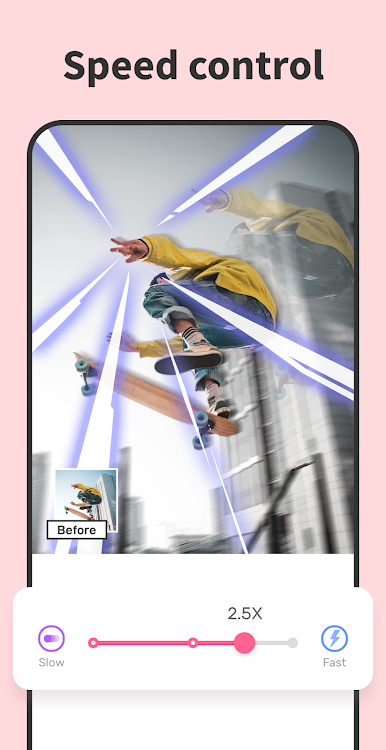
- Slow and fast motion: Dial in smooth slowmo, quick speed-ups, or playful time warps with simple time controls.
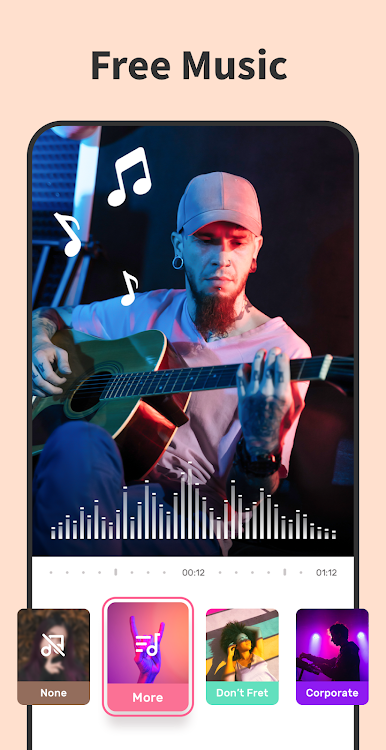
- Music library + your tracks: Pick from built-in songs or import your own audio; line up cuts and captions to the beat.
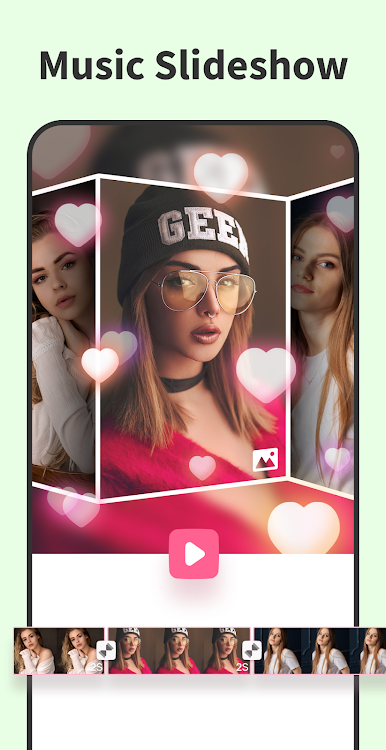
- Slideshow maker: Turn photos into a music video in minutes. Set timing per shot, add backgrounds, and drop in effects.
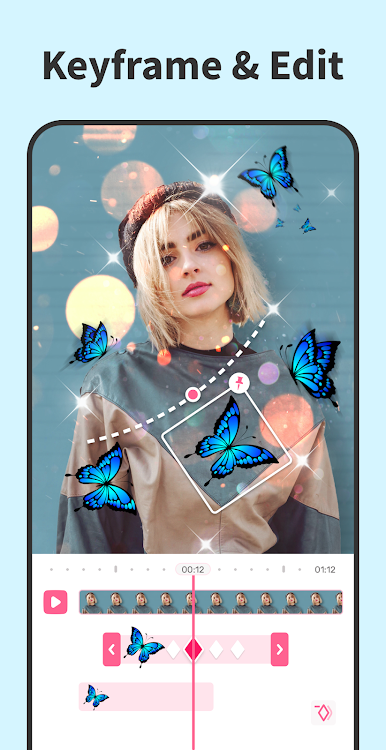
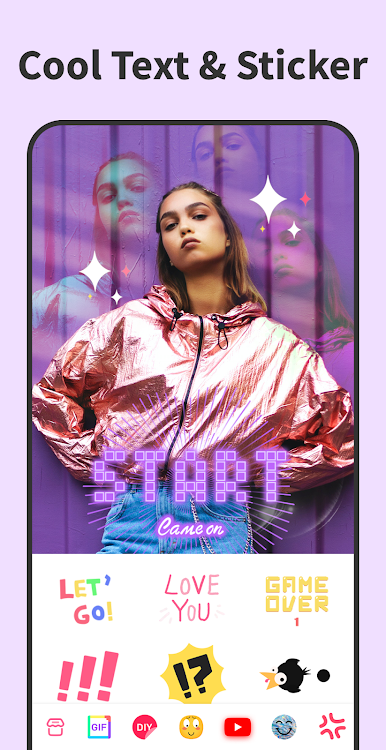
- Stickers, memes, GIFs, and text: Add emoji packs, funny memes, or DIY stickers from your pictures. Layer animated text for lip-syncs or captions.
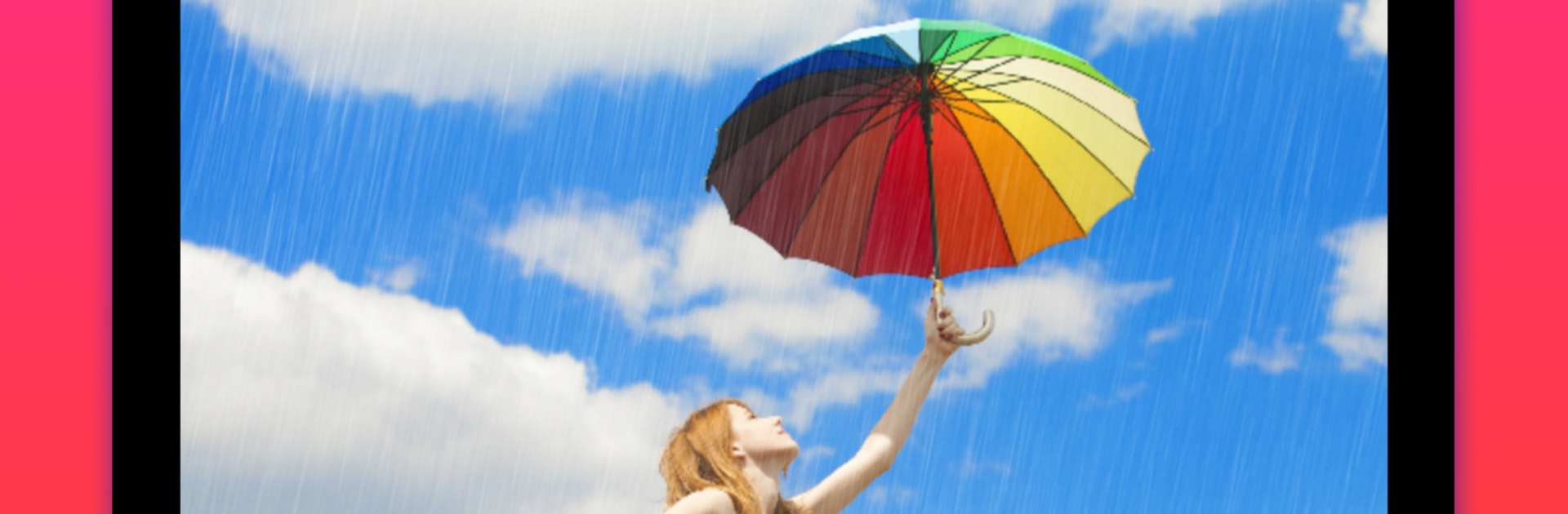
- Frames and overlays: Dress up scenes with 35+ frames—snow, rain, garlands, and more—to match the mood.
- Essential editing tools: Trim, cut, split, crop, rotate, flip, mirror, and compress. Clean edits without the headache.
- Canvas sizes and backgrounds: Export in 1:1, 4:5, or 16:9. Fill edges with blur, black, white, or color for a neat fit.
- HD export, no watermark: Save crisp videos to your gallery and share straight to TikTok, Instagram, YouTube, and beyond.
- Bigger-screen option: Prefer editing on a PC? You can run it with BlueStacks for extra room to work.
Switch to BlueStacks and make the most of your apps on your PC or Mac.
Jogue Video Editor Star Maker - Mago no PC. É fácil começar.
-
Baixe e instale o BlueStacks no seu PC
-
Conclua o login do Google para acessar a Play Store ou faça isso mais tarde
-
Procure por Video Editor Star Maker - Mago na barra de pesquisa no canto superior direito
-
Clique para instalar Video Editor Star Maker - Mago a partir dos resultados da pesquisa
-
Conclua o login do Google (caso você pulou a etapa 2) para instalar o Video Editor Star Maker - Mago
-
Clique no ícone do Video Editor Star Maker - Mago na tela inicial para começar a jogar

