


Dolphin - Popular Web Browser
العب على الكمبيوتر الشخصي مع BlueStacks - نظام أندرويد للألعاب ، موثوق به من قبل أكثر من 500 مليون لاعب.

Run Dolphin Browser: Fast, Private on PC or Mac
Why limit yourself to your small screen on the phone? Run Dolphin Browser: Fast, Private, an app by Dolphin Browser, best experienced on your PC or Mac with BlueStacks, the world’s #1 Android emulator.
About the App
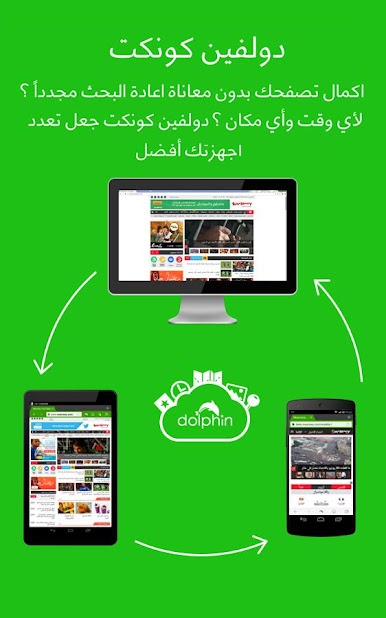
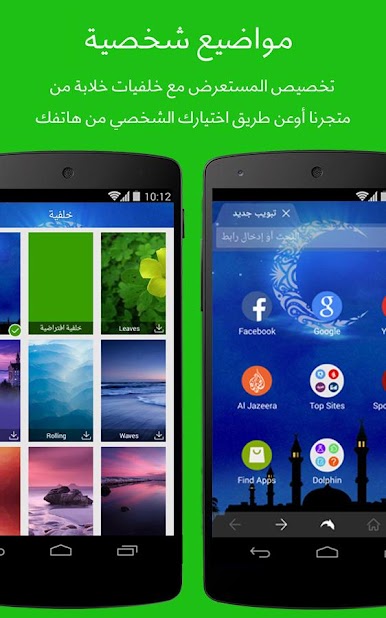
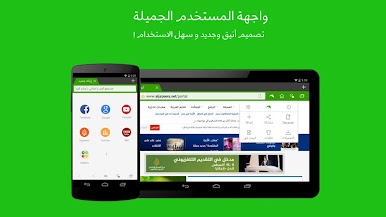
Dolphin Browser: Fast, Private by Dolphin Browser is a top-rated Communication app designed for Android users seeking a smart, speedy web browsing experience. Its intuitive design is loaded with features such as a customizable interface, fast HTML5 video player, and built-in AdBlocker. Effortlessly glide through the internet and enjoy a personalized browsing journey made for those who crave efficiency.
App Features
Flash Player Support
Enjoy seamless gaming and HD video streaming experiences with comprehensive Flash player support. Dive into content from YouTube, Dailymotion, and more.
AdBlock
Block pop-ups, ads, banners, and video ads with Dolphin’s powerful AdBlocker. Enjoy an uninterrupted browsing experience every time.
Multiple Tabs Bar
Easily swipe through open tabs for a desktop-like browsing experience right on your phone.
Incognito Browsing
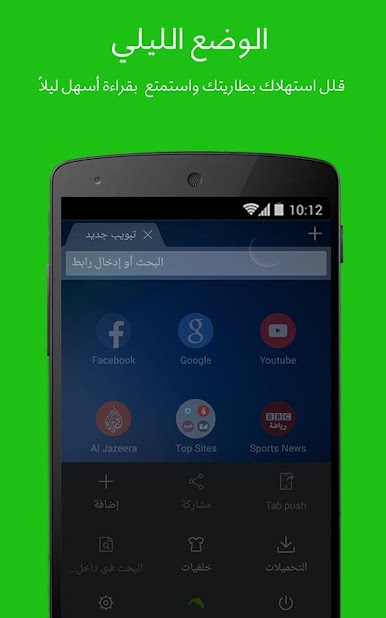
Stay private with Dolphin’s incognito mode that leaves no history trace.
Gestures & Sonar
Navigate the web with custom gestures or use your voice to search, share, and bookmark.
Check out Dolphin Browser on BlueStacks to explore these features and beyond!
Ready to experience Dolphin Browser: Fast, Private on a bigger screen, in all its glory? Download BlueStacks now.

العب Dolphin - Popular Web Browser على جهاز الكمبيوتر. من السهل البدء.
-
قم بتنزيل BlueStacks وتثبيته على جهاز الكمبيوتر الخاص بك
-
أكمل تسجيل الدخول إلى Google للوصول إلى متجر Play ، أو قم بذلك لاحقًا
-
ابحث عن Dolphin - Popular Web Browser في شريط البحث أعلى الزاوية اليمنى
-
انقر لتثبيت Dolphin - Popular Web Browser من نتائج البحث
-
أكمل تسجيل الدخول إلى Google (إذا تخطيت الخطوة 2) لتثبيت Dolphin - Popular Web Browser
-
انقر على أيقونة Dolphin - Popular Web Browser على الشاشة الرئيسية لبدء اللعب

