


سودوكو
لغز | appsmz
العب على الكمبيوتر الشخصي مع BlueStacks - نظام أندرويد للألعاب ، موثوق به من قبل أكثر من 500 مليون لاعب.

Play Sudoku Ultimate Brain Training on PC
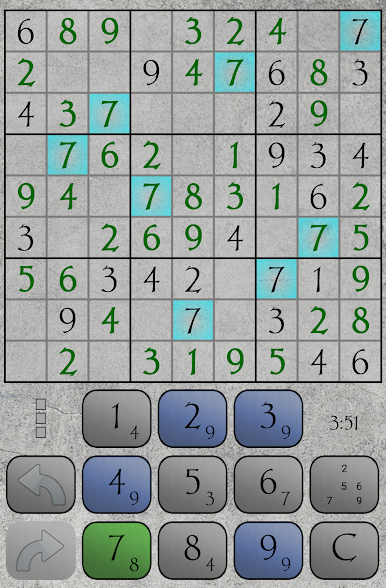
Dive into the captivating world of Sudoku Classic, the must-have puzzle game that guarantees hours of brain-boosting entertainment! This free app is designed to provide the perfect blend of challenge and relaxation, making it suitable for both beginners and seasoned Sudoku enthusiasts.
🧠 Ultimate Brain Training: Exercise your mind and enhance your cognitive abilities with our carefully crafted Sudoku puzzles. From easy to expert levels, there's a challenge for every skill level. Sharpen your logical thinking and enjoy the mental workout!
🎮 Intuitive Gameplay: Experience a smooth and user-friendly interface that makes playing Sudoku a breeze. Effortlessly navigate through the grids and input your numbers with ease. Our intuitive design ensures a seamless and enjoyable gaming experience.
🌟 Features:
- Multiple Difficulty Levels: Whether you're a beginner or a Sudoku master, choose from easy, medium, hard, and expert levels to suit your preference.
- Statistics: Keep your mind sharp with new, handcrafted puzzles every day. Challenge yourself and track your progress over time.
- Auto-Check and Hints: Get instant feedback with the auto-check feature, and use hints when you're stuck. Learn and improve with each game!
- Customizable Themes: Personalize your Sudoku experience with a variety of visually appealing themes. Find the perfect style that suits your taste.
📈 Why Sudoku Classic?
- Engaging and Addictive: Once you start, you won't be able to put it down. Experience the perfect balance of challenge and fun.
- Offline Play: Play anytime, anywhere, with or without an internet connection. Sudoku Classic is the perfect travel companion!
- Lightweight and Fast: Enjoy a smooth gaming experience without compromising your device's performance.
🔥 Download Sudoku Classic now and embark on a journey of logical mastery! Challenge yourself, relax your mind, and become a Sudoku champion today!
🧠 Ultimate Brain Training: Exercise your mind and enhance your cognitive abilities with our carefully crafted Sudoku puzzles. From easy to expert levels, there's a challenge for every skill level. Sharpen your logical thinking and enjoy the mental workout!
🎮 Intuitive Gameplay: Experience a smooth and user-friendly interface that makes playing Sudoku a breeze. Effortlessly navigate through the grids and input your numbers with ease. Our intuitive design ensures a seamless and enjoyable gaming experience.
🌟 Features:
- Multiple Difficulty Levels: Whether you're a beginner or a Sudoku master, choose from easy, medium, hard, and expert levels to suit your preference.
- Statistics: Keep your mind sharp with new, handcrafted puzzles every day. Challenge yourself and track your progress over time.
- Auto-Check and Hints: Get instant feedback with the auto-check feature, and use hints when you're stuck. Learn and improve with each game!
- Customizable Themes: Personalize your Sudoku experience with a variety of visually appealing themes. Find the perfect style that suits your taste.
📈 Why Sudoku Classic?
- Engaging and Addictive: Once you start, you won't be able to put it down. Experience the perfect balance of challenge and fun.
- Offline Play: Play anytime, anywhere, with or without an internet connection. Sudoku Classic is the perfect travel companion!
- Lightweight and Fast: Enjoy a smooth gaming experience without compromising your device's performance.
🔥 Download Sudoku Classic now and embark on a journey of logical mastery! Challenge yourself, relax your mind, and become a Sudoku champion today!
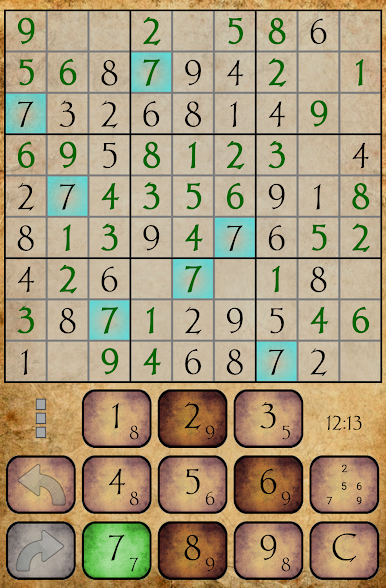
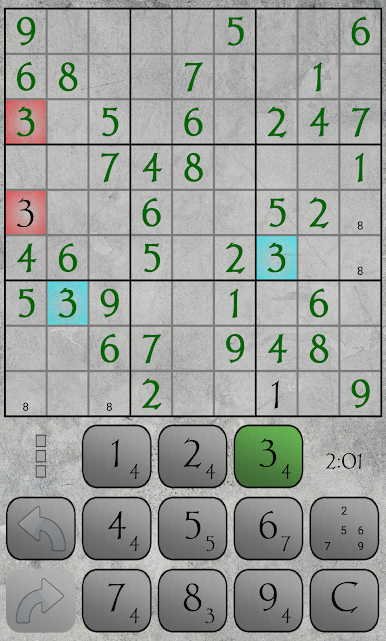
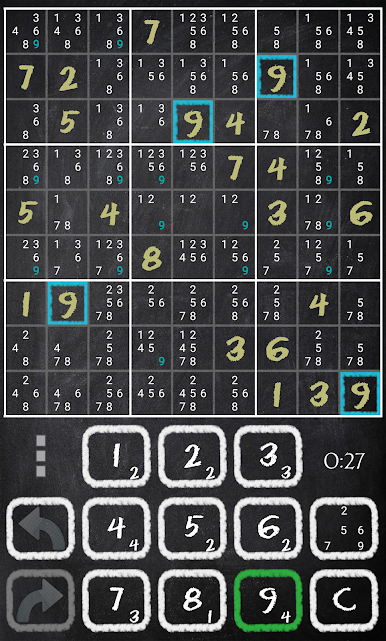
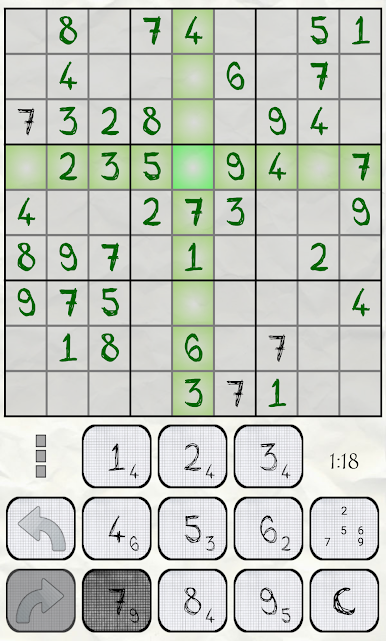
العب سودوكو على جهاز الكمبيوتر. من السهل البدء.
-
قم بتنزيل BlueStacks وتثبيته على جهاز الكمبيوتر الخاص بك
-
أكمل تسجيل الدخول إلى Google للوصول إلى متجر Play ، أو قم بذلك لاحقًا
-
ابحث عن سودوكو في شريط البحث أعلى الزاوية اليمنى
-
انقر لتثبيت سودوكو من نتائج البحث
-
أكمل تسجيل الدخول إلى Google (إذا تخطيت الخطوة 2) لتثبيت سودوكو
-
انقر على أيقونة سودوكو على الشاشة الرئيسية لبدء اللعب

