

BIG Launcher - 한국어
5억명 이상의 게이머가 신뢰하는 안드로이드 게임 플랫폼 BlueStacks으로 PC에서 플레이하세요.

Run BIG Launcher on PC or Mac
What’s better than using BIG Launcher by BIG Launcher? Well, try it on a big screen, on your PC or Mac, with BlueStacks to see the difference.
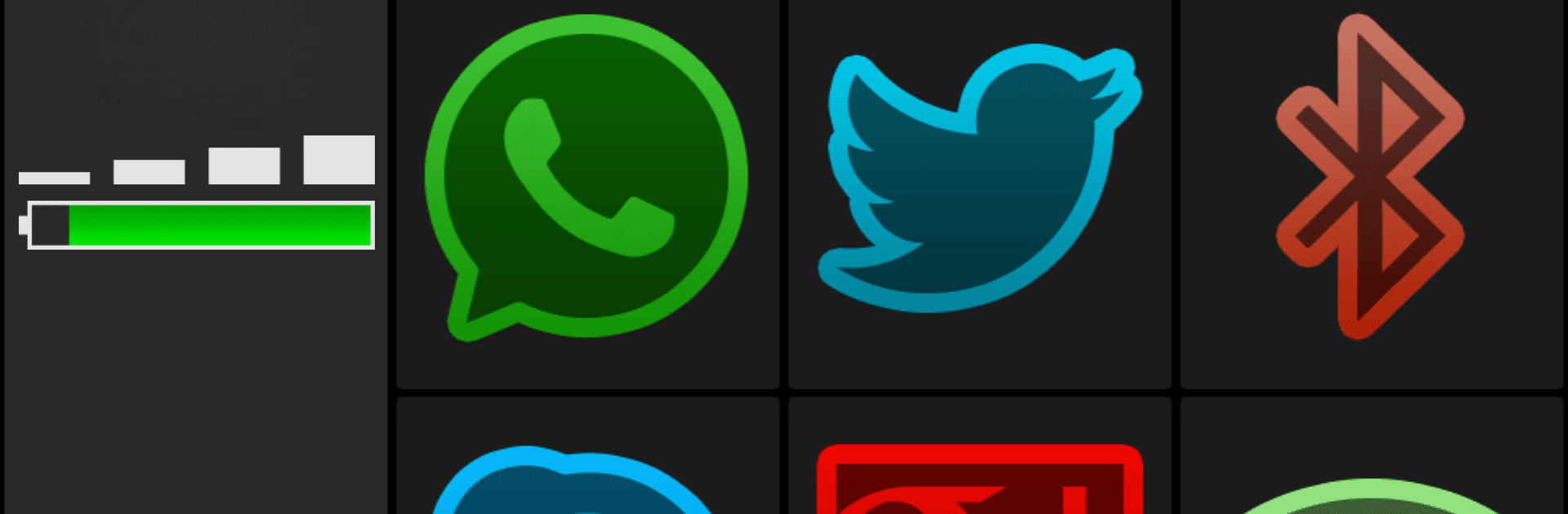
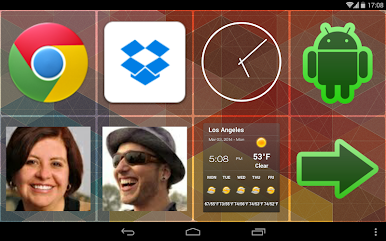
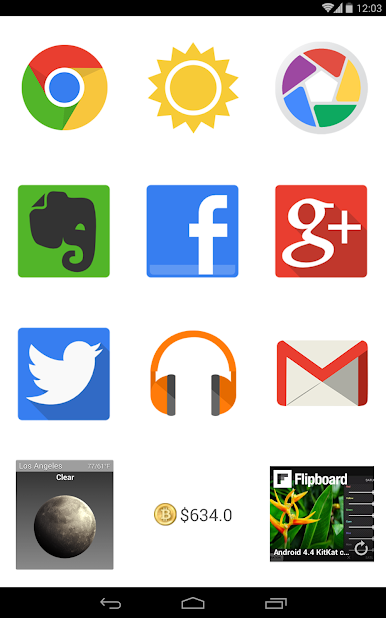
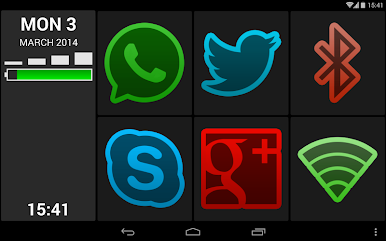
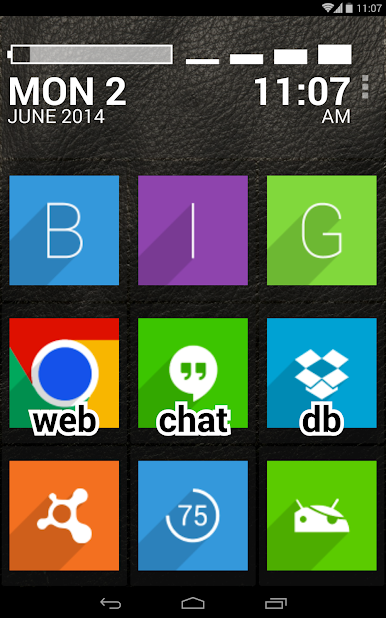
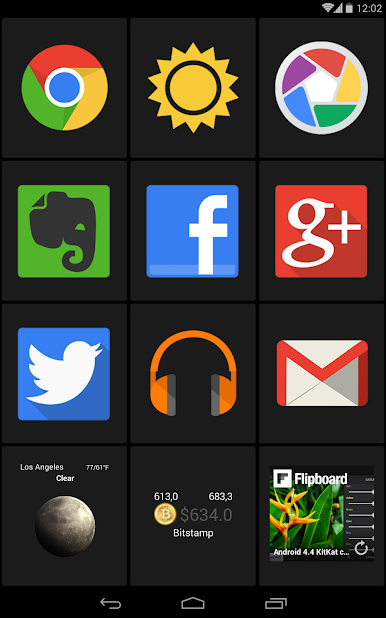
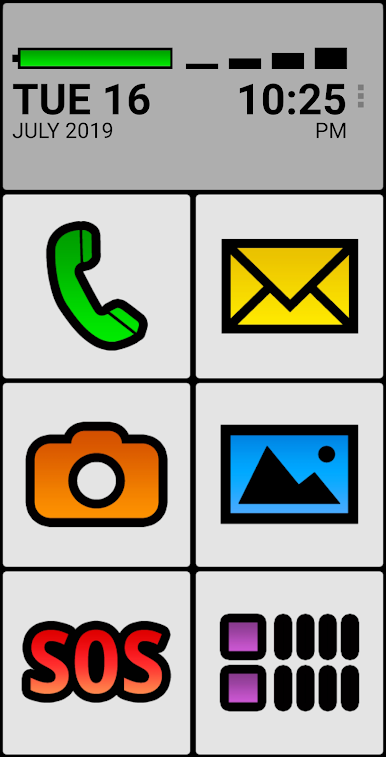
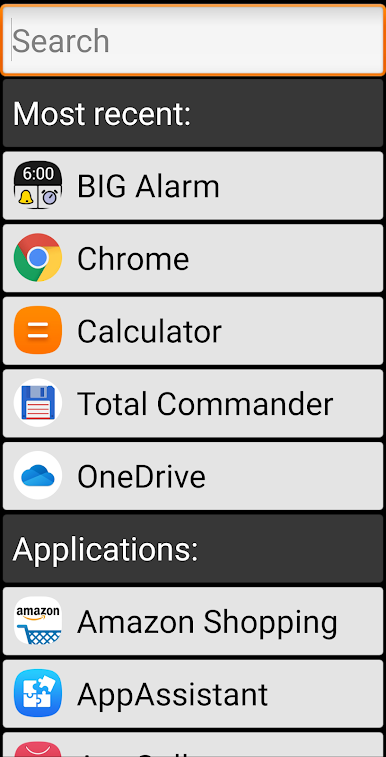
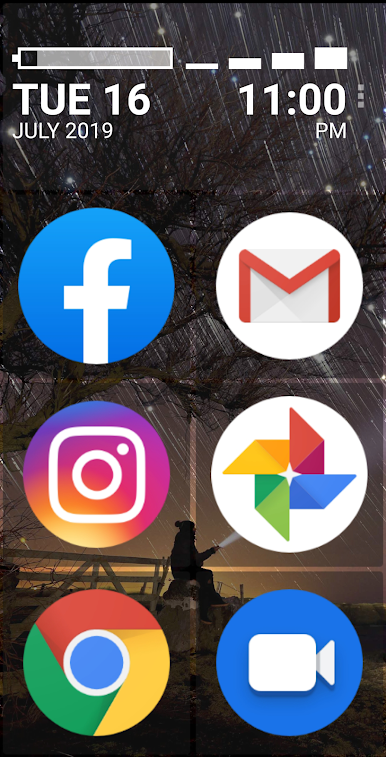
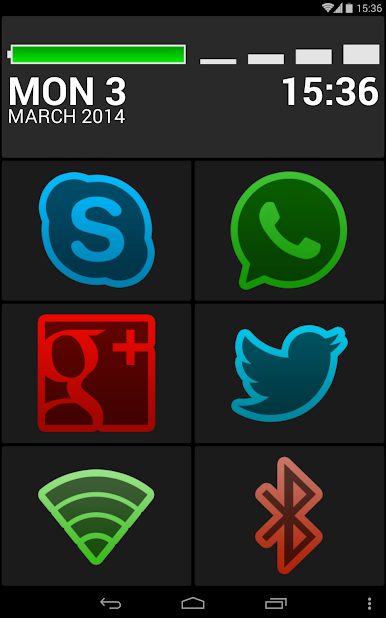
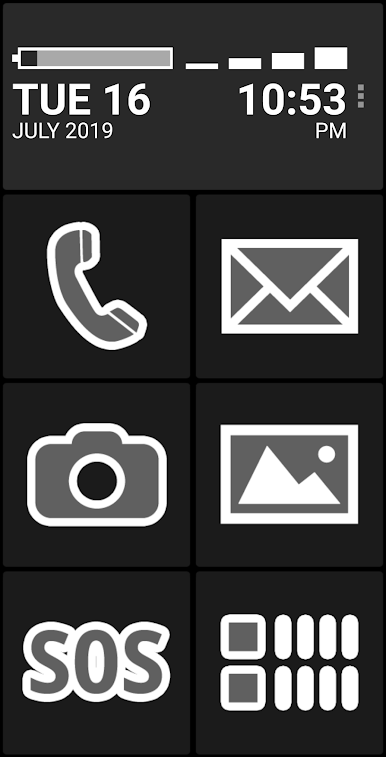
BIG Launcher is basically a super simple home screen that swaps out the usual clutter for huge buttons and chunky text. It is aimed at seniors, folks with low vision, kids, or anyone who just wants a phone that feels calm and not stressful. Every action is a single tap, the layout is clean, and the high-contrast themes make things easy to read without squinting. There is even an SOS button that can be set to call for help fast, which takes a lot of worry out of using a smartphone. Apps can be found with a quick search, recent apps sit at the top so they are not lost, and extra pages can be added if more room is needed. The whole idea is fewer mistakes and less hunting around.
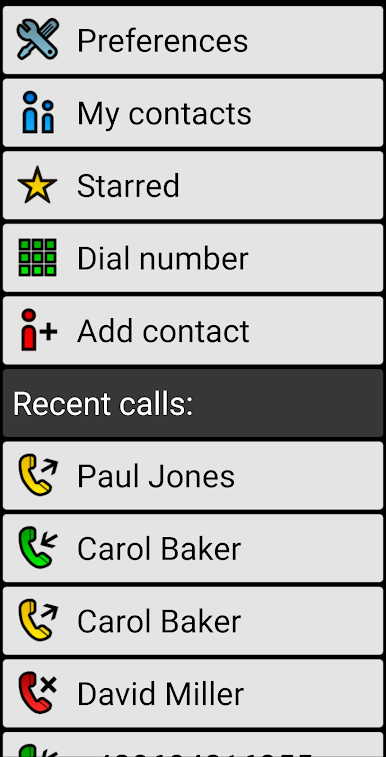
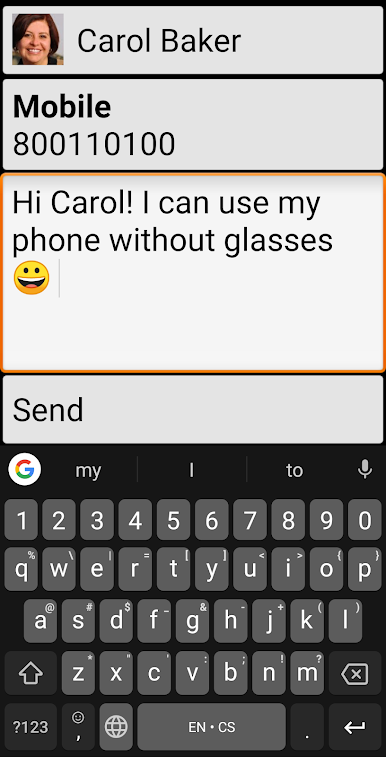
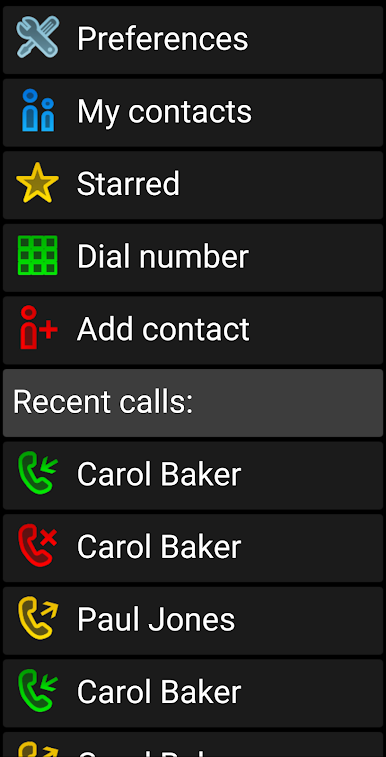
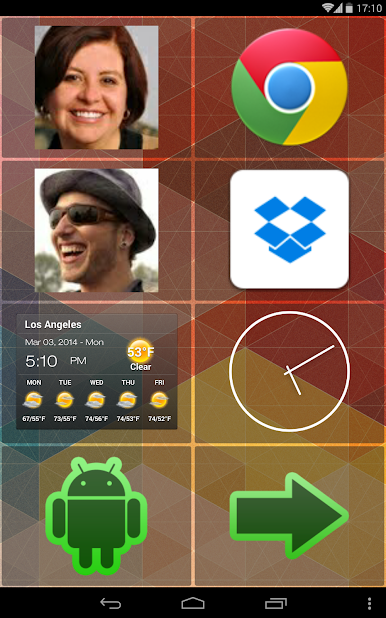
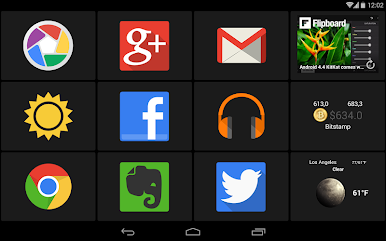
What stands out is how much can be customized without getting complicated. Shortcuts to apps, websites, contacts, or widgets can live right on the main screen. Anything confusing can be hidden so the user does not wander into menus by accident. There is a matching set of companion apps too, like BIG Phone for calling, BIG SMS for texting with large fonts, BIG Alarm, and BIG Notifications that makes alerts readable at a glance. Accessibility is baked in, with TalkBack support, several font sizes, strong color options, and even control by hardware keyboard or the Tecla interface. On a PC through BlueStacks, those big tiles feel even clearer, and using a mouse and keyboard to set it up for someone is painless. The free version has a few limits, like fewer screens, only one column to customize, no settings password, and a reminder that pops up, but it still gives a real feel for how relaxed and usable the whole thing is. It also speaks a ton of languages, so setup for different households is not a headache.
Big screen. Bigger performance. Use BlueStacks on your PC or Mac to run your favorite apps.

PC에서 BIG Launcher - 한국어 플레이해보세요.
-
BlueStacks 다운로드하고 설치
-
Google Play 스토어에 로그인 하기(나중에 진행가능)
-
오른쪽 상단 코너에 BIG Launcher - 한국어 검색
-
검색 결과 중 BIG Launcher - 한국어 선택하여 설치
-
구글 로그인 진행(만약 2단계를 지나갔을 경우) 후 BIG Launcher - 한국어 설치
-
메인 홈화면에서 BIG Launcher - 한국어 선택하여 실행

