


Smart Keyboard Pro
Jogue no PC com BlueStacks - A Plataforma de Jogos Android, confiada por mais de 500 milhões de jogadores.

Página modificada em: Jun 13, 2023
Run Smart Keyboard Pro on PC or Mac
Get freedom from your phone’s obvious limitations. Use Smart Keyboard Pro, made by Dexilog, a Tools app on your PC or Mac with BlueStacks, and level up your experience.
About the App
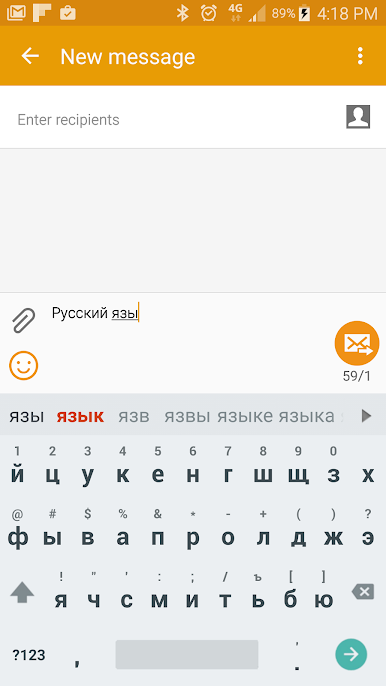
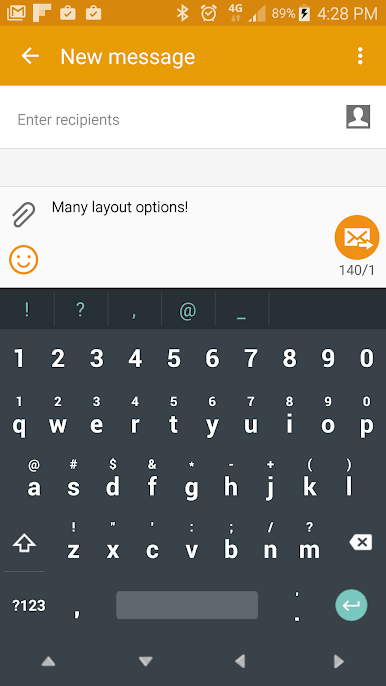
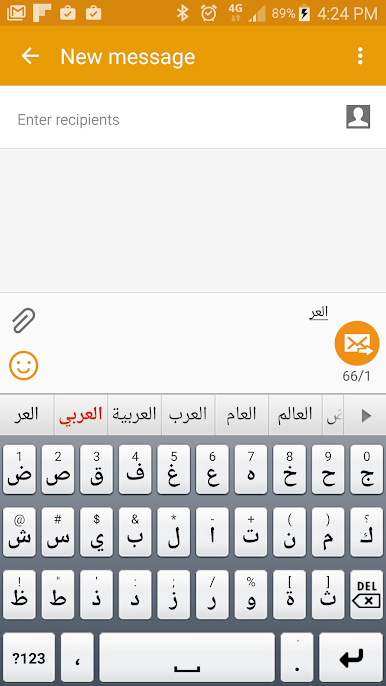
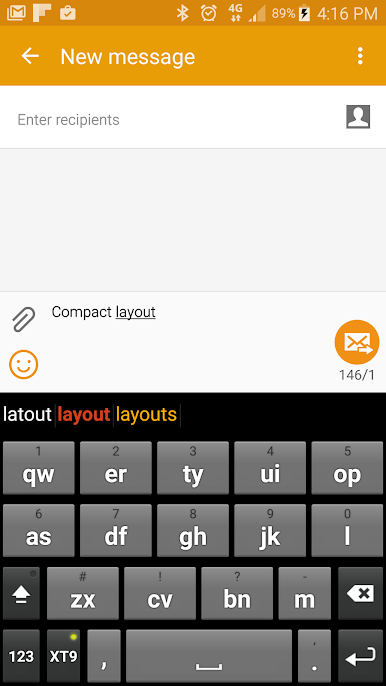
Enhance your Android typing with Smart Keyboard Pro by Dexilog. It’s a compact yet robust international keyboard that can be customized to your heart’s content. From skins and layouts to sounds and smileys, personalize everything to suit your style. Expect a seamless experience with a host of intuitive features designed to make typing a breeze.
App Features
-
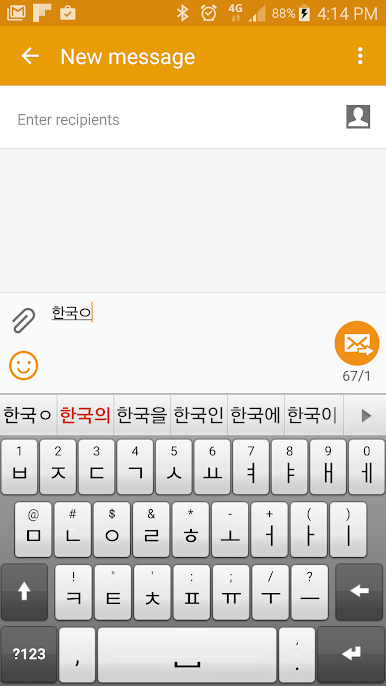
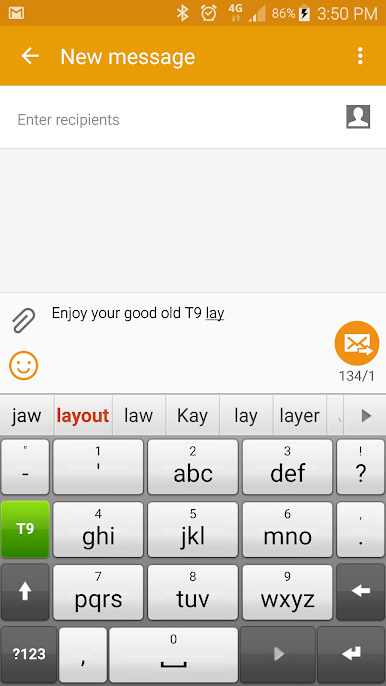
Versatile Layouts: Experience T9 and compact layouts for a myriad of languages, making it easy to switch and type effortlessly.
-
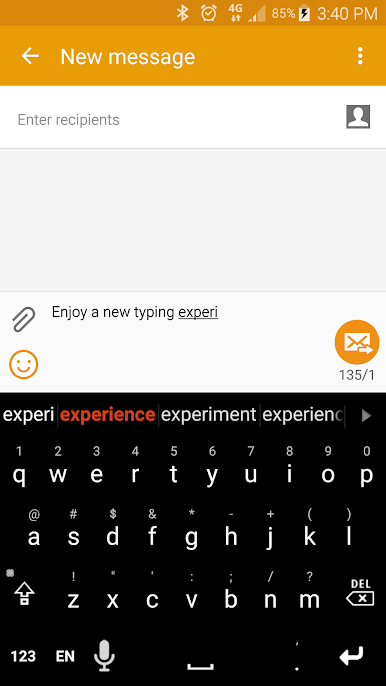
Thematic Customization: Explore built-in and downloadable themes to give your keyboard a fresh look.
-
Smart Shortcuts: Use AutoText to create custom text shortcuts for quicker typing.
-
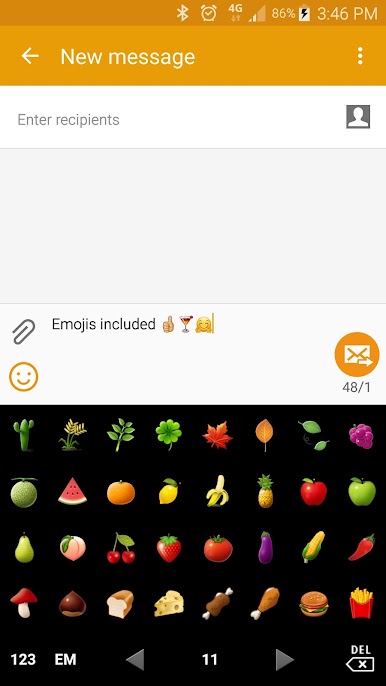
Voice & Emoji Input: Enjoy typing with voice input and an emoji keyboard to express more.
-
Gesture Magic: Execute quick actions with just a flick of your fingers.
Give your typing a boost with Smart Keyboard Pro on BlueStacks for a larger-than-life experience.
Switch to BlueStacks and make the most of your apps on your PC or Mac.
Jogue Smart Keyboard Pro no PC. É fácil começar.
-
Baixe e instale o BlueStacks no seu PC
-
Conclua o login do Google para acessar a Play Store ou faça isso mais tarde
-
Procure por Smart Keyboard Pro na barra de pesquisa no canto superior direito
-
Clique para instalar Smart Keyboard Pro a partir dos resultados da pesquisa
-
Conclua o login do Google (caso você pulou a etapa 2) para instalar o Smart Keyboard Pro
-
Clique no ícone do Smart Keyboard Pro na tela inicial para começar a jogar

