


Classic Lines
5억명 이상의 게이머가 신뢰하는 안드로이드 게임 플랫폼 BlueStacks으로 PC에서 플레이하세요.

Play Classic Lines on PC or Mac
Bring your A-game to Classic Lines, the Puzzle game sensation from SharLines Corp.. Give your gameplay the much-needed boost with precise game controls, high FPS graphics, and top-tier features on your PC or Mac with BlueStacks.
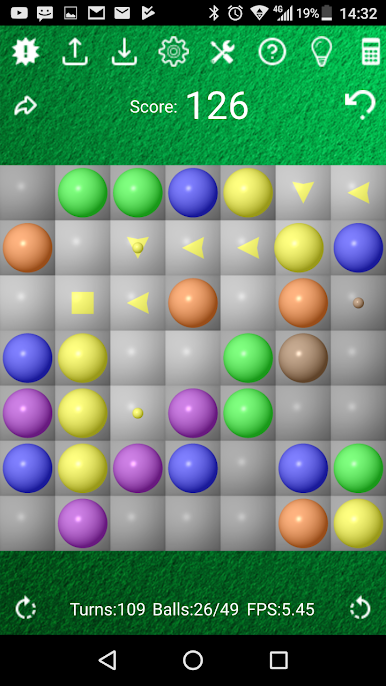
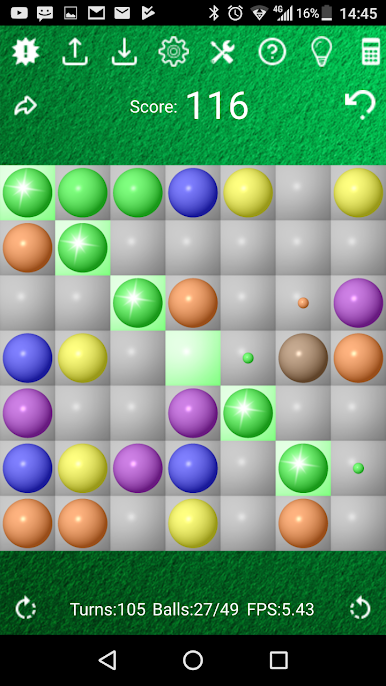
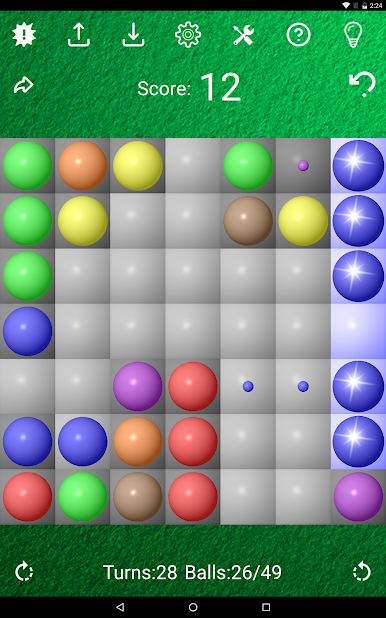
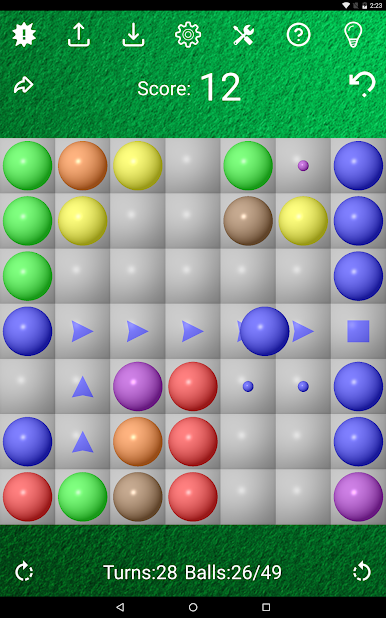
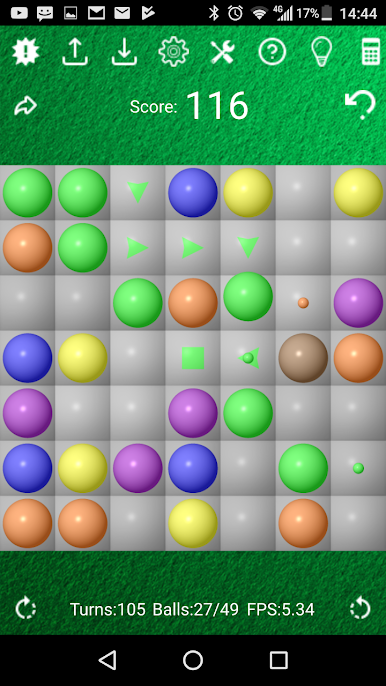
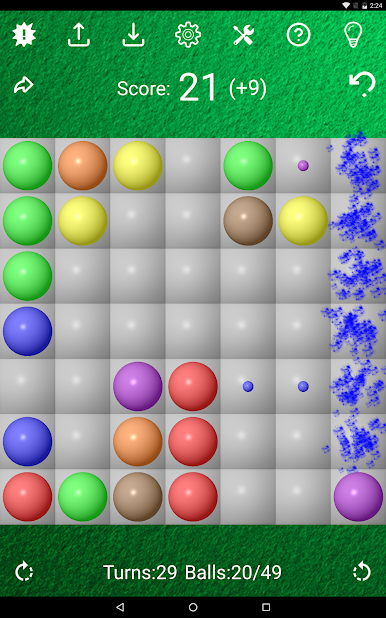
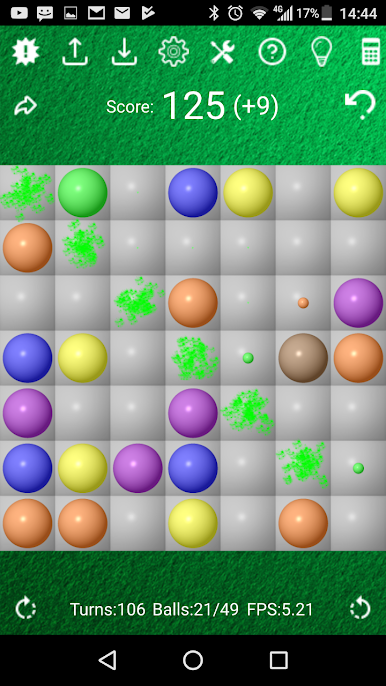
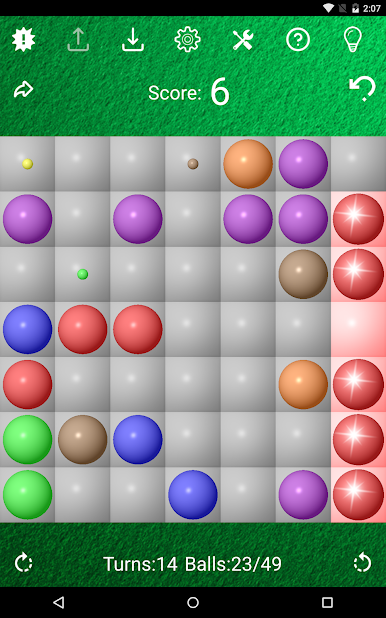
Classic Lines is a simple, thinky puzzle where colored balls sit on a grid and the whole challenge is moving them to form straight lines of five or more. Lines can be horizontal, vertical, or diagonal. When a line lands, those balls vanish and the board breathes again, score ticks up, and a new route opens. Miss a line and three new balls drop in, which is the part that keeps tension climbing, since space starts to disappear. It looks calm but it pushes careful planning, counting steps ahead, and sneaking a path through gaps before the next batch spawns. There is alot of satisfaction when five finally click into place and the clutter clears.
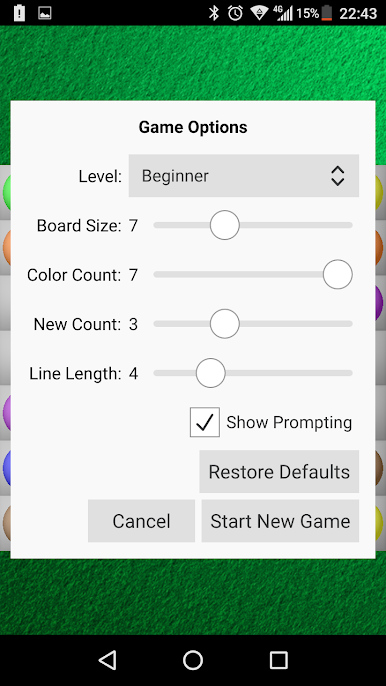
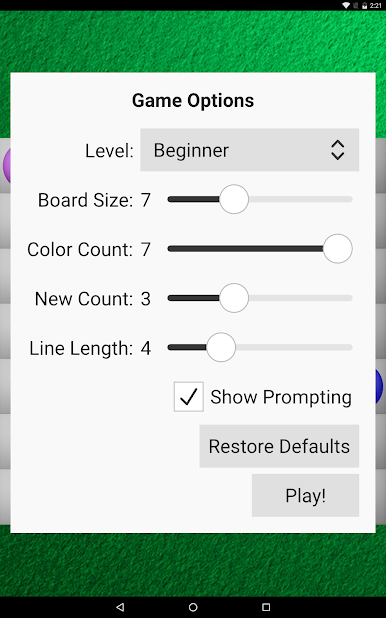
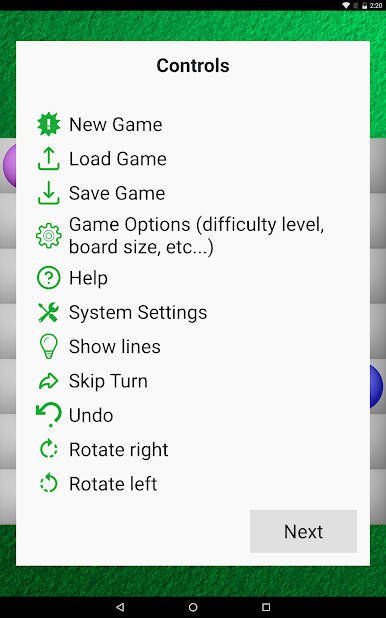
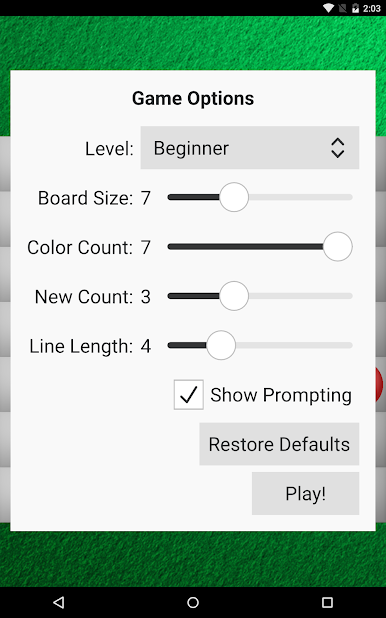
The game has several difficulty settings, from a very gentle Baby mode to Beginner, then Professional and Expert for people who want a real mental workout. There is also a custom setup where players tune the board size, how many colors appear, and how long a line must be, which changes the whole flow in a neat way. It is made for portrait play, so on a PC through BlueStacks it feels like a tall board that is easy to click around, clean and legible, no fuss. Classic Lines suits players who enjoy slow, methodical puzzles that are easy to learn and keep asking for one more move, especially if tweaking settings and chasing a higher score sounds fun rather than stressful.
Ready to top the leaderboard? We bet you do. Let precise controls and sharp visuals optimized on BlueStacks lead you to victory.

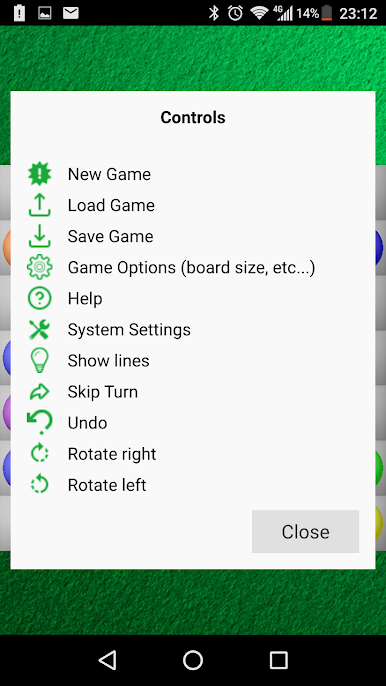
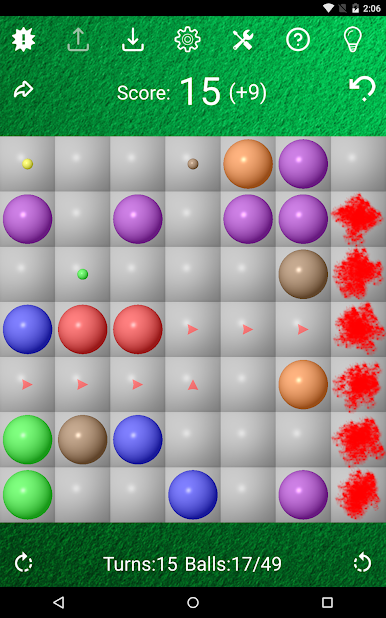
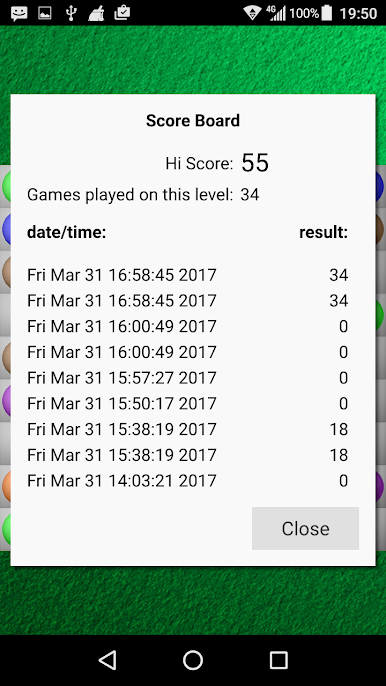
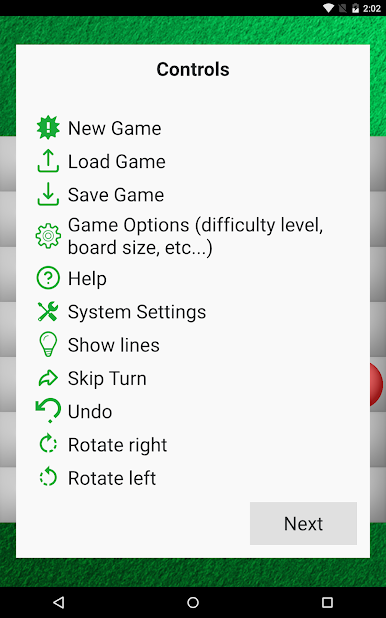
PC에서 Classic Lines 플레이해보세요.
-
BlueStacks 다운로드하고 설치
-
Google Play 스토어에 로그인 하기(나중에 진행가능)
-
오른쪽 상단 코너에 Classic Lines 검색
-
검색 결과 중 Classic Lines 선택하여 설치
-
구글 로그인 진행(만약 2단계를 지나갔을 경우) 후 Classic Lines 설치
-
메인 홈화면에서 Classic Lines 선택하여 실행

