


TouchOSC Mk1
العب على الكمبيوتر الشخصي مع BlueStacks - نظام أندرويد للألعاب ، موثوق به من قبل أكثر من 500 مليون لاعب.

Run TouchOSC on PC or Mac
Why limit yourself to your small screen on the phone? Run TouchOSC, an app by Hexler Limited, best experienced on your PC or Mac with BlueStacks, the world’s #1 Android emulator.
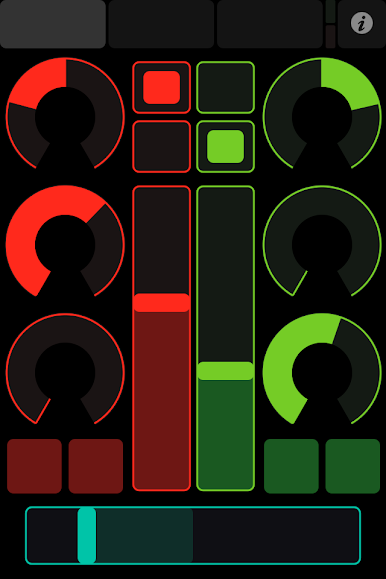
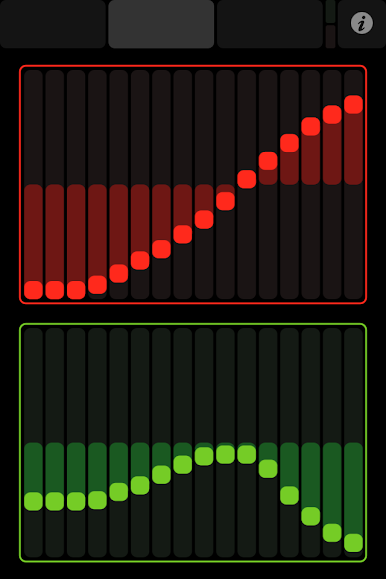
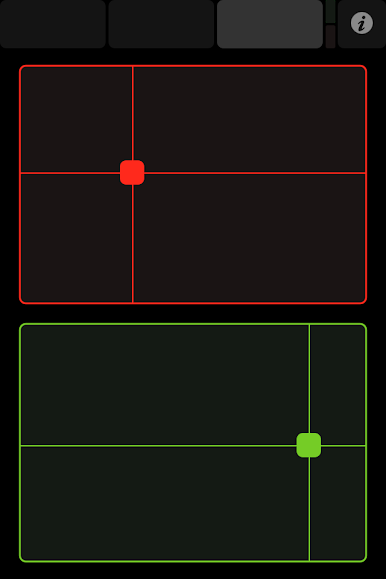
TouchOSC is basically this super flexible control surface app that lets you turn your phone or tablet into a bunch of different MIDI or OSC controllers. Playing it on a PC (with something like BlueStacks) is kind of cool because you get a bigger screen to lay everything out, and moving sliders and knobs with a mouse feels really sharp. It’s not a music-making app; it’s more like a remote control for actual music software or digital gear—stuff like Ableton, Logic, or even visuals with Resolume and TouchDesigner. The app works over Wi-Fi, so you can connect it to programs running on your computer and use all these touch controls—faders, buttons, knobs, pads, even XY pads—however you want. Each control can send and receive messages to your music or VJ program, so it’s super customizable.
What’s nice is the layouts—TouchOSC comes with some useful templates, but the real fun is making your own in the editor app. The layout editor is free, too, so making custom setups for mixes or live shows is easy and doesn’t cost extra. There are little things like LEDs, labels, even battery indicators you can add in, so it looks clean and feels responsive. Some folks get creative and use the accelerometer for motion control as well. If someone likes tinkering, building tools for their music or visuals setup, or just wants to control their DAW in a new way, this app really covers a lot of ground. There’s a bit of setup, especially with different programs, but once it’s running, it’s pretty powerful for controlling all sorts of software and even hardware that talks MIDI or OSC.
Ready to experience TouchOSC on a bigger screen, in all its glory? Download BlueStacks now.
العب TouchOSC Mk1 على جهاز الكمبيوتر. من السهل البدء.
-
قم بتنزيل BlueStacks وتثبيته على جهاز الكمبيوتر الخاص بك
-
أكمل تسجيل الدخول إلى Google للوصول إلى متجر Play ، أو قم بذلك لاحقًا
-
ابحث عن TouchOSC Mk1 في شريط البحث أعلى الزاوية اليمنى
-
انقر لتثبيت TouchOSC Mk1 من نتائج البحث
-
أكمل تسجيل الدخول إلى Google (إذا تخطيت الخطوة 2) لتثبيت TouchOSC Mk1
-
انقر على أيقونة TouchOSC Mk1 على الشاشة الرئيسية لبدء اللعب

