


Battery Widget Reborn 2025
العب على الكمبيوتر الشخصي مع BlueStacks - نظام أندرويد للألعاب ، موثوق به من قبل أكثر من 500 مليون لاعب.

Play Battery Widget Reborn 2025 on PC
====================
This app provides following functionality:
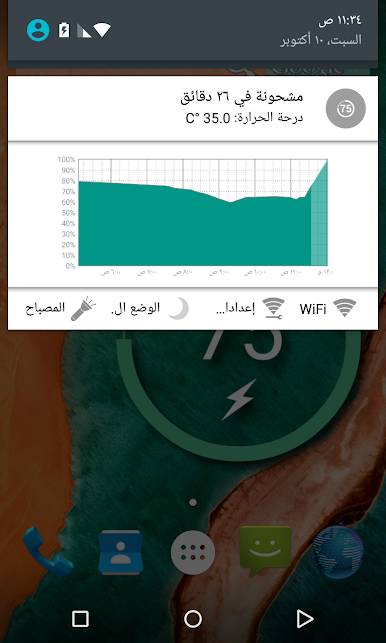
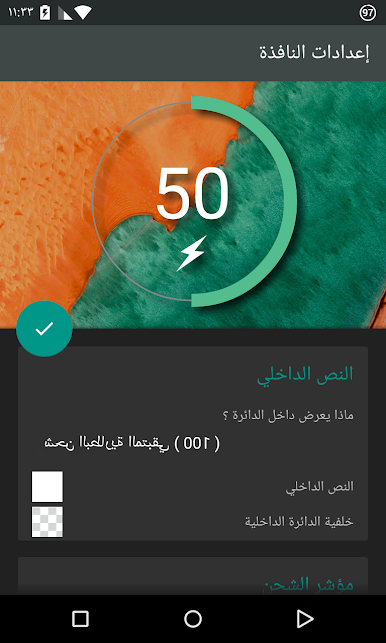
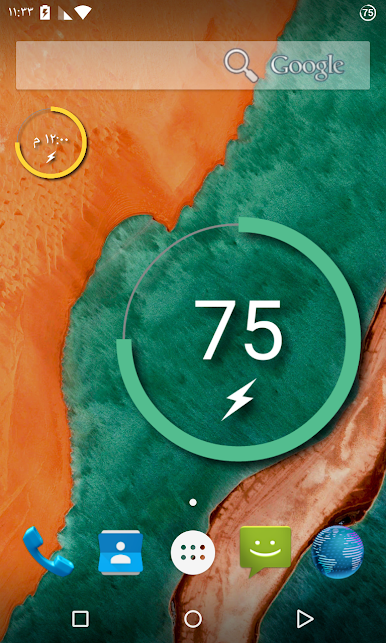
Battery widget
- circle battery level indicator perfectly fits pure Android design
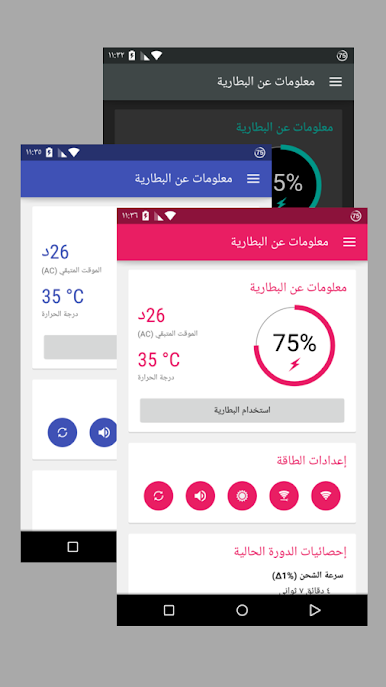
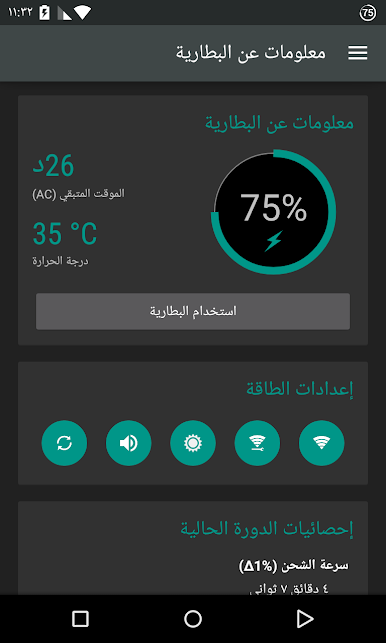
Basic battery info
- Battery Info
- Shortcuts to Power-Summary/Background Sync/Wifi/BT Settings *)
Status bar notification of battery status
- multiple icon styles
- prediction (estimation) how long battery lasts
- customisable texts in notification area (estimated time left, voltage, temperature, battery health)
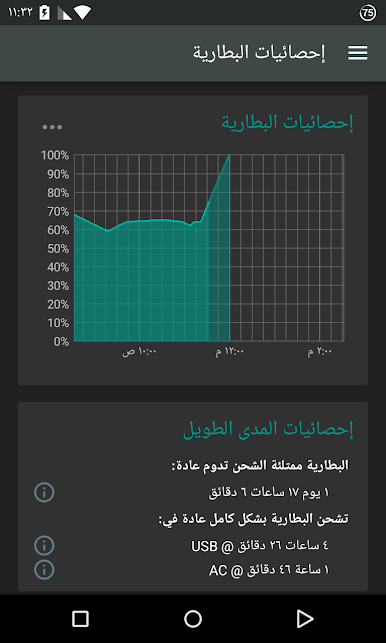
Charging and discharging chart
Extended notifications support
- optional charging and discharging chart
- power related toggles:
- Wifi *)
- Bluetooth *)
- Background Sync *)
- Airplane mode *)
- Customizable notification priority
*) if supported by your Android version
Additional tools
- Flashlight
- Settings shortcuts
- DashClock Extension
Material themed interface on phones with Android 4.0+
Installation and operation notes
================================
- Task Killer or Task Manager may affect this app. Please don’t use them if app does not work as expected
- App is highly optimized and DOES NOT drain you battery
- Known issues are at http://www.batterywidgetreborn.com/known-bugs.html you can prioritize bug fixes and enhancements there by voting
- Frequently asked questions are at http://www.batterywidgetreborn.com/faq.html, look there before sending support request
- Due to the limitation of the Android platform, home screen widgets will NOT be available if application is moved to SD card.
Become volunteer for translations at http://translations.hubalek.net/app/bwr
Which version to download?
==========================
If you like Material Design install either Free or Pro version
- Free version is Ad supported
- Pro flavor is Ads free.
Install Classic version if you like Holo Theme
- Classic has two options how to reward developer for his effort: either single payment for Pro functionality or Ad Supported version
العب Battery Widget Reborn 2025 على جهاز الكمبيوتر. من السهل البدء.
-
قم بتنزيل BlueStacks وتثبيته على جهاز الكمبيوتر الخاص بك
-
أكمل تسجيل الدخول إلى Google للوصول إلى متجر Play ، أو قم بذلك لاحقًا
-
ابحث عن Battery Widget Reborn 2025 في شريط البحث أعلى الزاوية اليمنى
-
انقر لتثبيت Battery Widget Reborn 2025 من نتائج البحث
-
أكمل تسجيل الدخول إلى Google (إذا تخطيت الخطوة 2) لتثبيت Battery Widget Reborn 2025
-
انقر على أيقونة Battery Widget Reborn 2025 على الشاشة الرئيسية لبدء اللعب

