


라멘 가게 스토리
시뮬레이션 | Kairosoft
5억명 이상의 게이머가 신뢰하는 안드로이드 게임 플랫폼 BlueStacks으로 PC에서 플레이하세요.

라멘 가게 스토리 PC에서 즐겨보세요
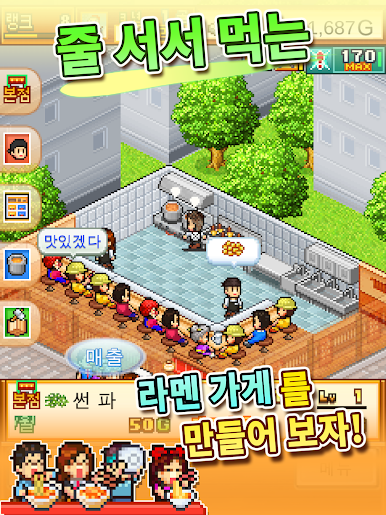
나만의 면과 육수를 만들어 독창적인 라멘을 완성시키자!
부드러운 고기, 맛있는 달걀, 풍성한 채소!
자유자재로 토핑하여 누구나 한입에 반하는
궁극의 라멘을 만들어 보자.
맛있는 라멘이 완성되면 손님들이 줄을 선다고!?
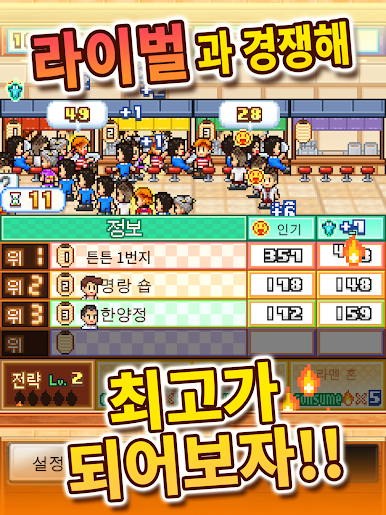
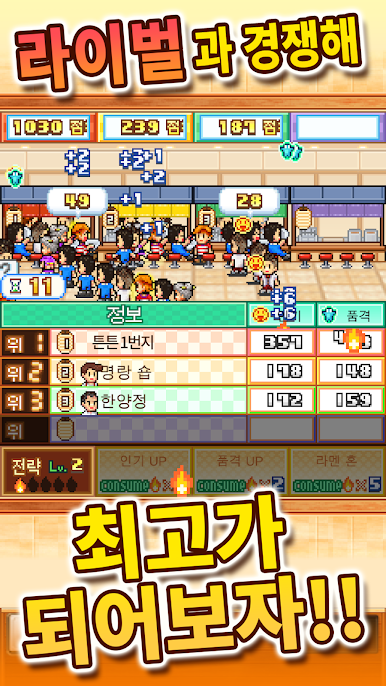
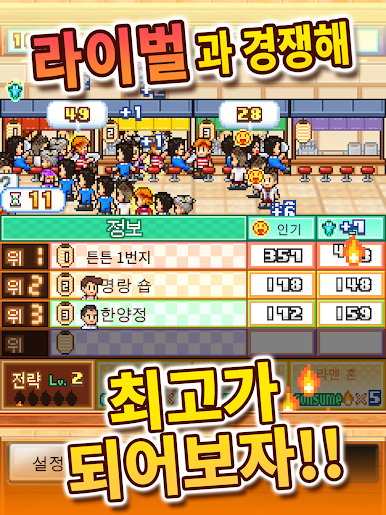
대회에서 라이벌과 경쟁하며 최고의 라멘 가게를 경영해 보세요!
라멘 가게를 모아
모든 손님을 만족시킬 수 있는
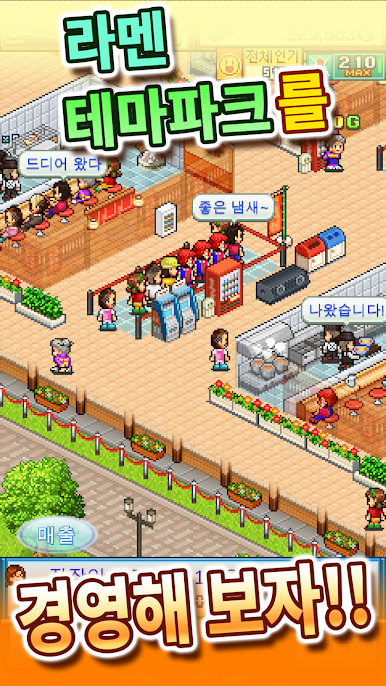
멋진 라멘 테마파크를 만들자!
--
※화면이 까맣게 변할 때에는 단말기를 재부팅 해 주십시오.
※게임 데이터는 단말기 내에 보존됩니다. 앱 삭제 후 재설치하는 경우에는 기기 변경 데이터 이전을 지원하지 않습니다.
다른 게임은「카이로소프트」를 검색해 보세요. https://kairopark.jp
모바일/PC용 게임개발 스토리와 무료 게임도 있어요!
부드러운 고기, 맛있는 달걀, 풍성한 채소!
자유자재로 토핑하여 누구나 한입에 반하는
궁극의 라멘을 만들어 보자.
맛있는 라멘이 완성되면 손님들이 줄을 선다고!?
대회에서 라이벌과 경쟁하며 최고의 라멘 가게를 경영해 보세요!
라멘 가게를 모아
모든 손님을 만족시킬 수 있는
멋진 라멘 테마파크를 만들자!
--
※화면이 까맣게 변할 때에는 단말기를 재부팅 해 주십시오.
※게임 데이터는 단말기 내에 보존됩니다. 앱 삭제 후 재설치하는 경우에는 기기 변경 데이터 이전을 지원하지 않습니다.
다른 게임은「카이로소프트」를 검색해 보세요. https://kairopark.jp
모바일/PC용 게임개발 스토리와 무료 게임도 있어요!










PC에서 라멘 가게 스토리 플레이해보세요.
-
BlueStacks 다운로드하고 설치
-
Google Play 스토어에 로그인 하기(나중에 진행가능)
-
오른쪽 상단 코너에 라멘 가게 스토리 검색
-
검색 결과 중 라멘 가게 스토리 선택하여 설치
-
구글 로그인 진행(만약 2단계를 지나갔을 경우) 후 라멘 가게 스토리 설치
-
메인 홈화면에서 라멘 가게 스토리 선택하여 실행

