


My Notes - Notepad
العب على الكمبيوتر الشخصي مع BlueStacks - نظام أندرويد للألعاب ، موثوق به من قبل أكثر من 500 مليون لاعب.

Run My Notes - Notepad on PC or Mac
Let BlueStacks turn your PC, Mac, or laptop into the perfect home for My Notes – Notepad, a fun Productivity app from KreoSoft.
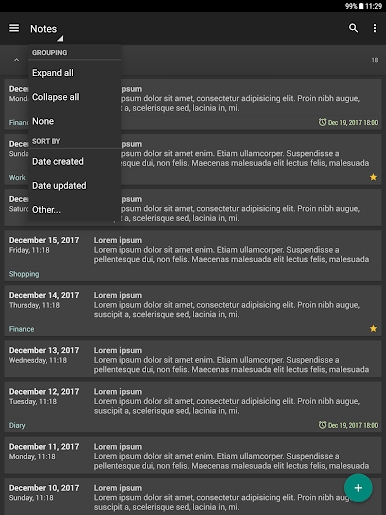
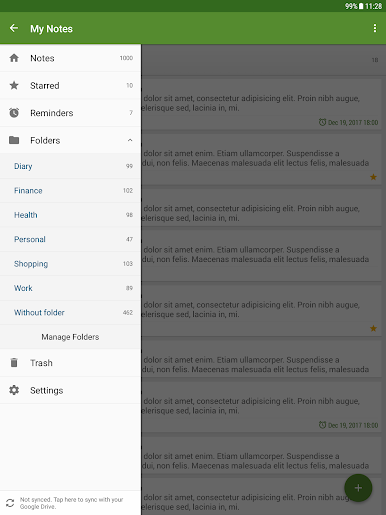
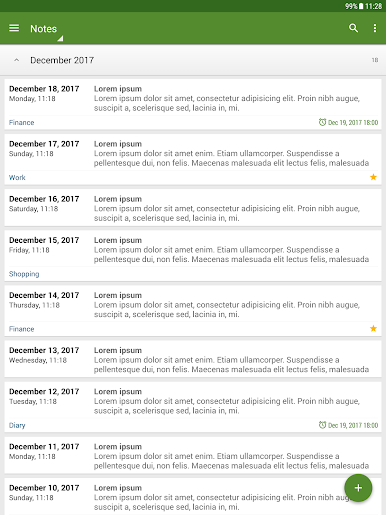
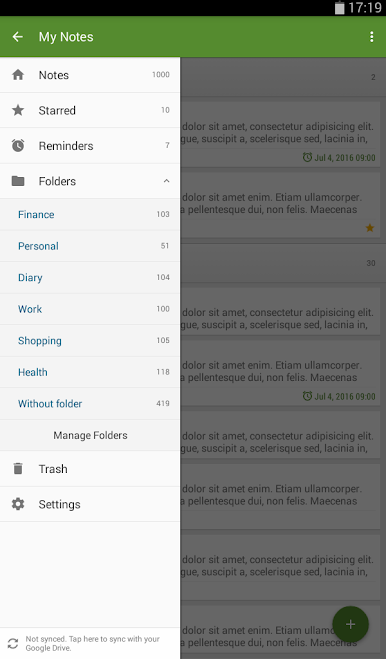
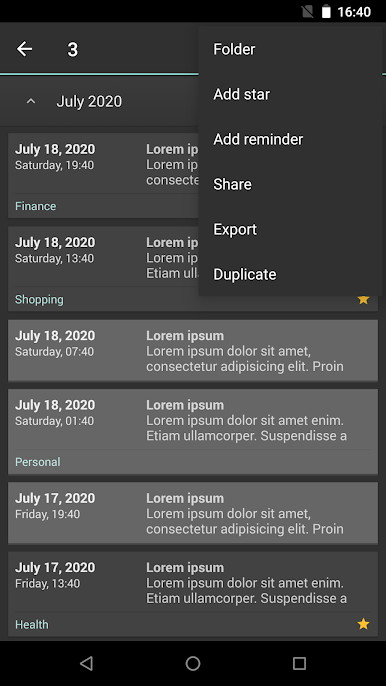
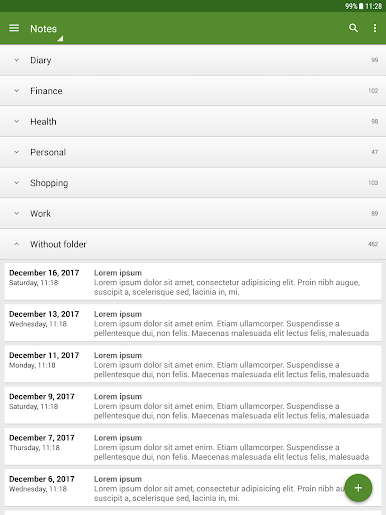
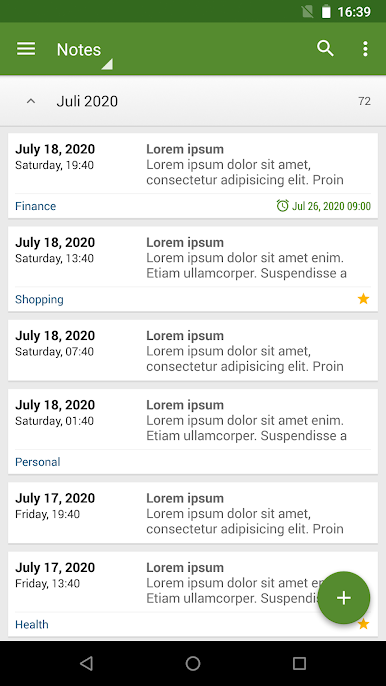
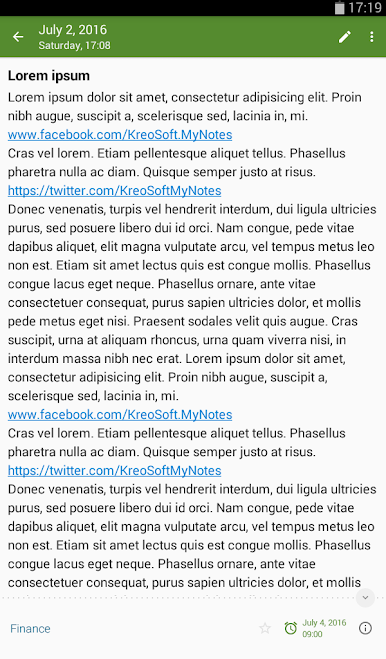
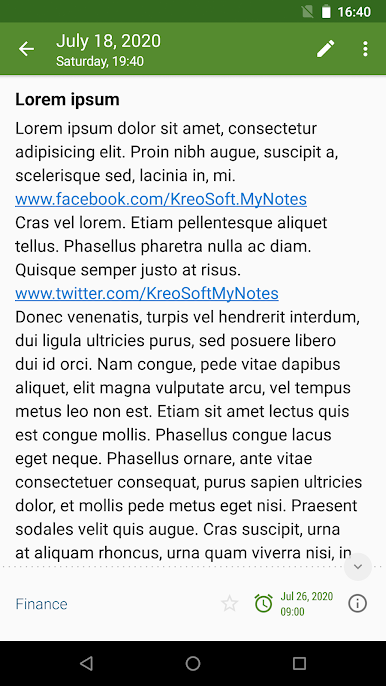
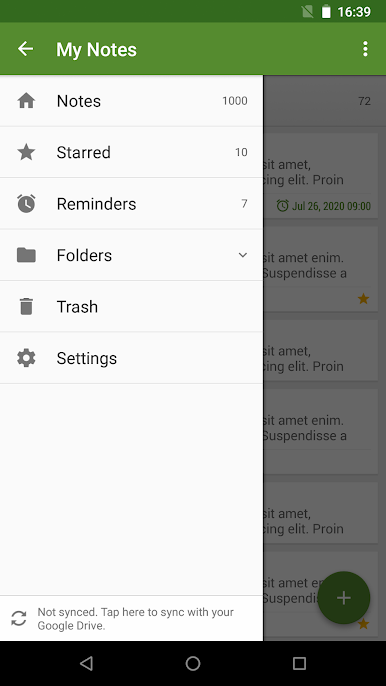
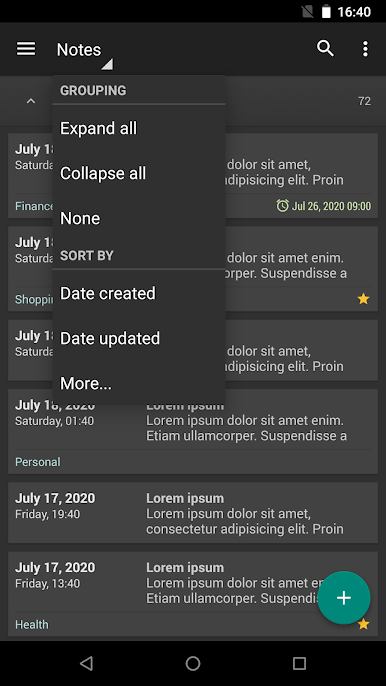
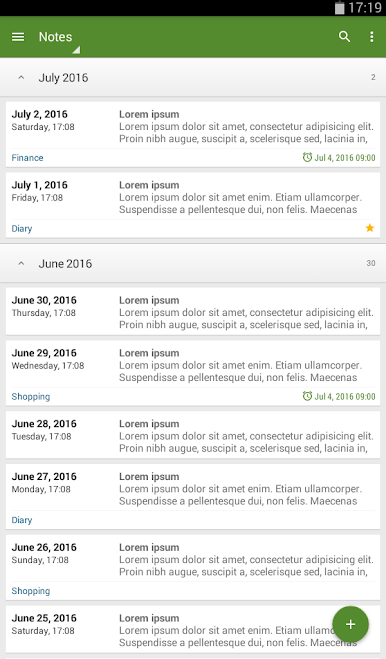
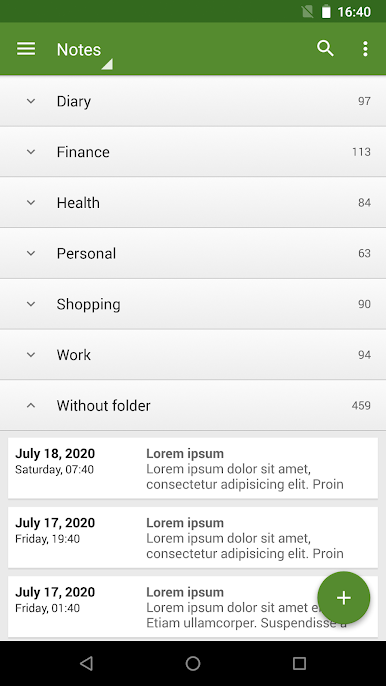
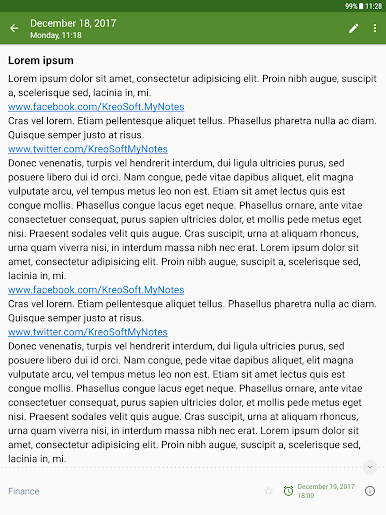
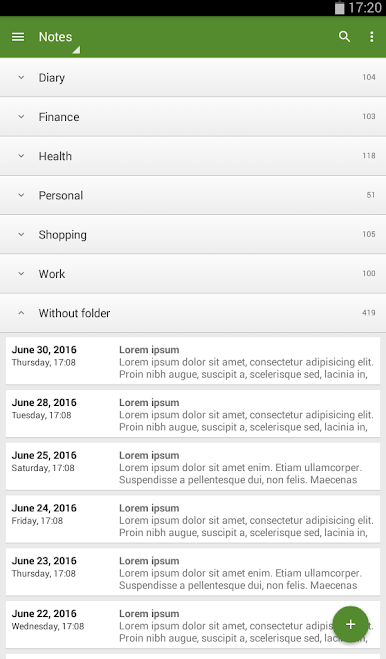
My Notes – Notepad is one of those apps that just makes organizing your notes feel simple and smooth. It’s got a neat setup for jotting down anything—quick lists, longer thoughts, or even using it more like a diary if that’s your thing. Switching to PC with something like BlueStacks is actually pretty nice because you have more space to see your notes, sort through folders, and switch between different topics. There’s this easy navigation menu so all your folders and notes stay organized, and it’s pretty straightforward moving notes around, sorting them by when you wrote or changed them, or just quickly searching for something.
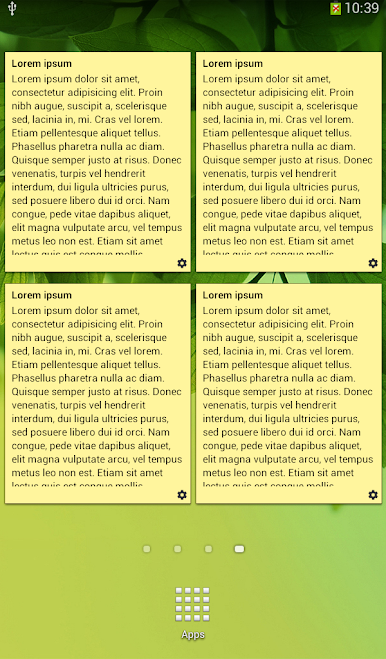
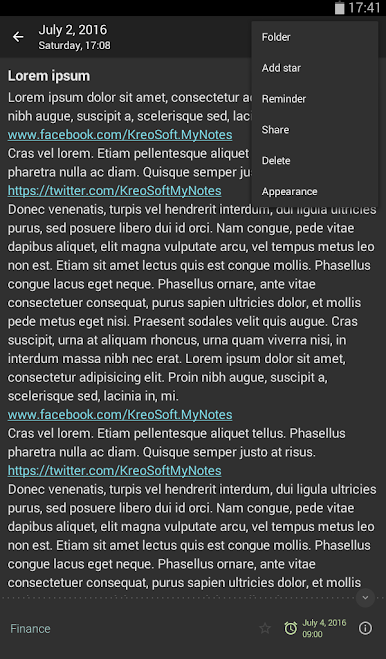
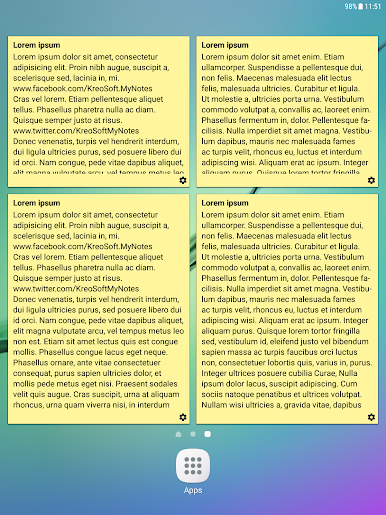
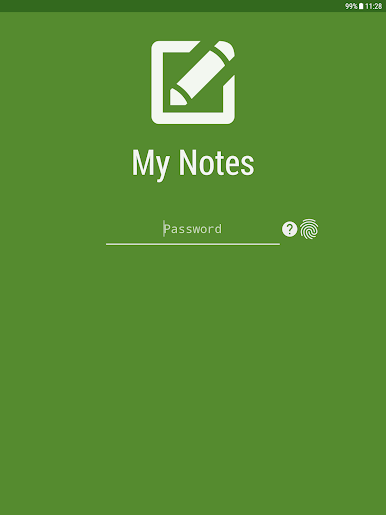
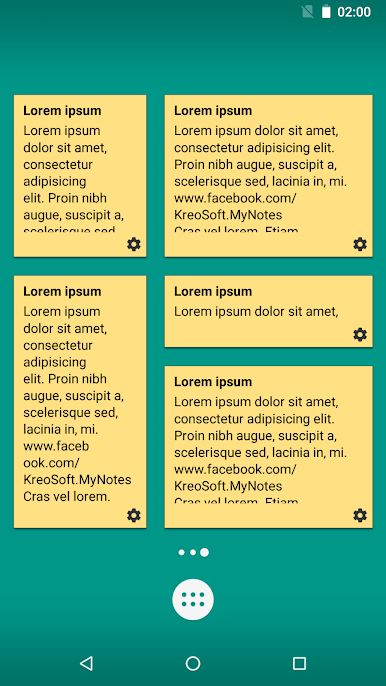
A couple of the handy bits include reminders (so you’ll actually remember stuff), along with security features like locks and fingerprint access if you want to keep certain notes private. There’s also support for backing up your stuff, restoring if you ever need to, and syncing through Google Drive, so losing notes isn’t really a worry. The app comes with different themes—dark or light—so you can pick what’s easiest on the eyes, and it even has widgets if you want quick access to notes on the desktop. Ads don’t get in the way on the premium version, but even without that, it handles a lot, from long notes to exporting files in different formats. Overall, it does what you expect, keeps things tidy, and runs easily whether on phone or using BlueStacks on a bigger screen.
Eager to take your app experience to the next level? Start right away by downloading BlueStacks on your PC or Mac.

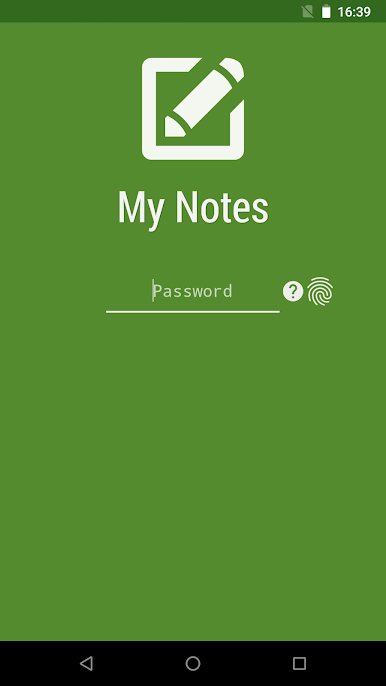
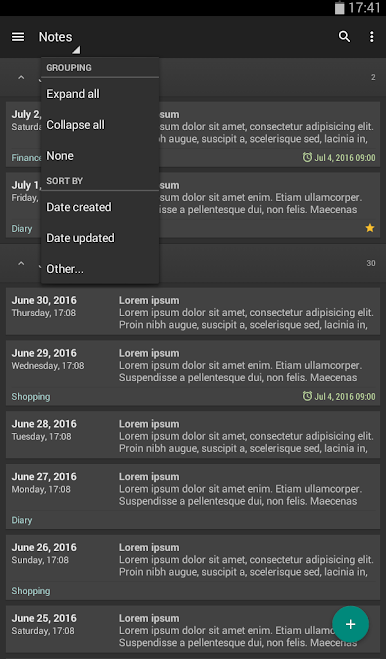
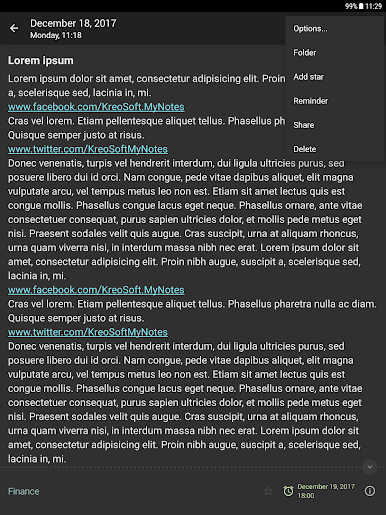
العب My Notes - Notepad على جهاز الكمبيوتر. من السهل البدء.
-
قم بتنزيل BlueStacks وتثبيته على جهاز الكمبيوتر الخاص بك
-
أكمل تسجيل الدخول إلى Google للوصول إلى متجر Play ، أو قم بذلك لاحقًا
-
ابحث عن My Notes - Notepad في شريط البحث أعلى الزاوية اليمنى
-
انقر لتثبيت My Notes - Notepad من نتائج البحث
-
أكمل تسجيل الدخول إلى Google (إذا تخطيت الخطوة 2) لتثبيت My Notes - Notepad
-
انقر على أيقونة My Notes - Notepad على الشاشة الرئيسية لبدء اللعب

