

MyLifeOrganized: To-Do List
العب على الكمبيوتر الشخصي مع BlueStacks - نظام أندرويد للألعاب ، موثوق به من قبل أكثر من 500 مليون لاعب.

Run MyLifeOrganized: To-Do List on PC or Mac
What’s better than using MyLifeOrganized: To-Do List by mylifeorganized.net? Well, try it on a big screen, on your PC or Mac, with BlueStacks to see the difference.
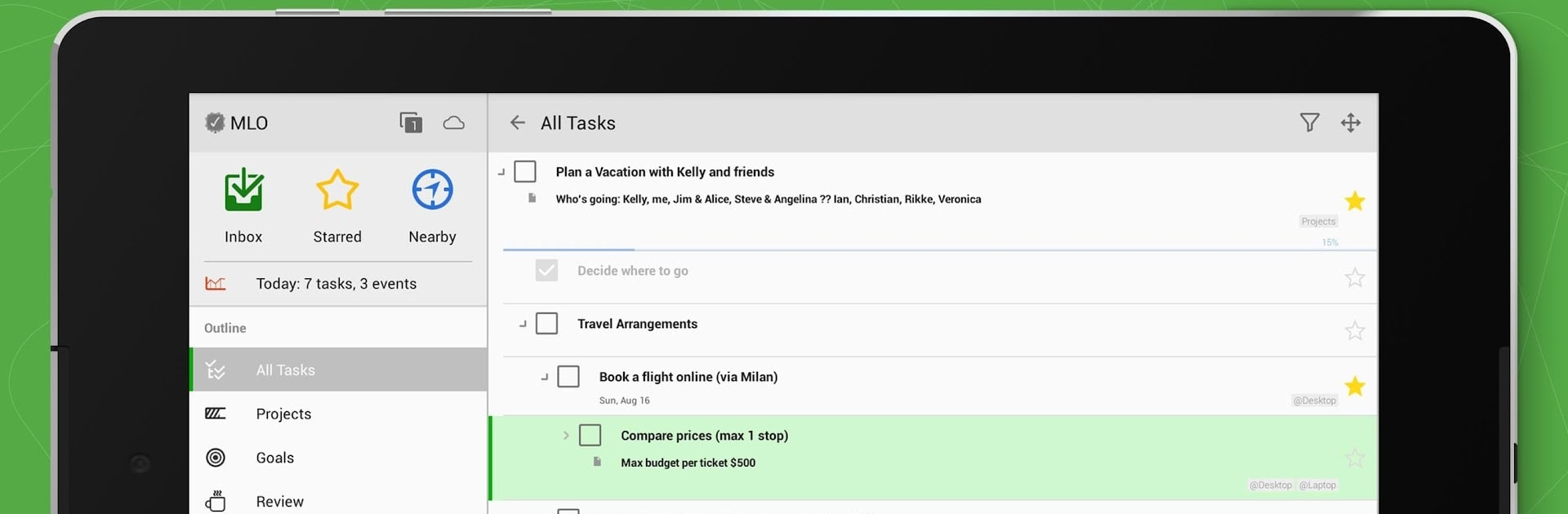
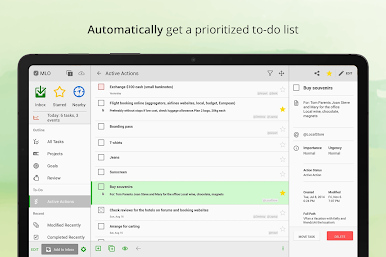
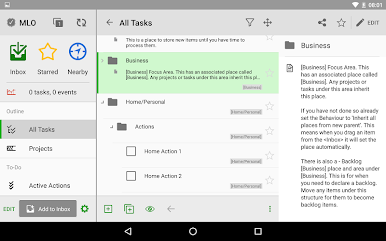
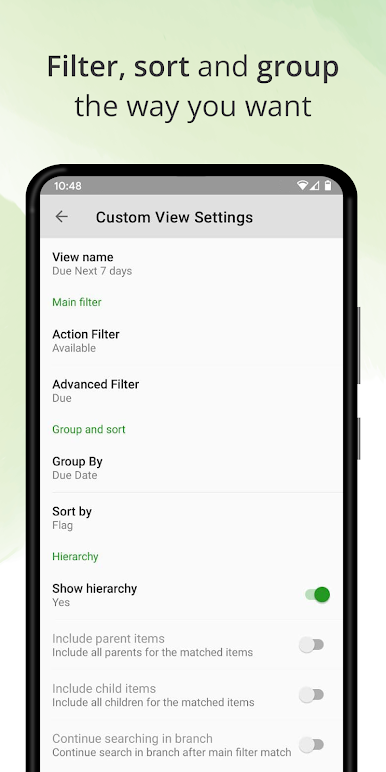
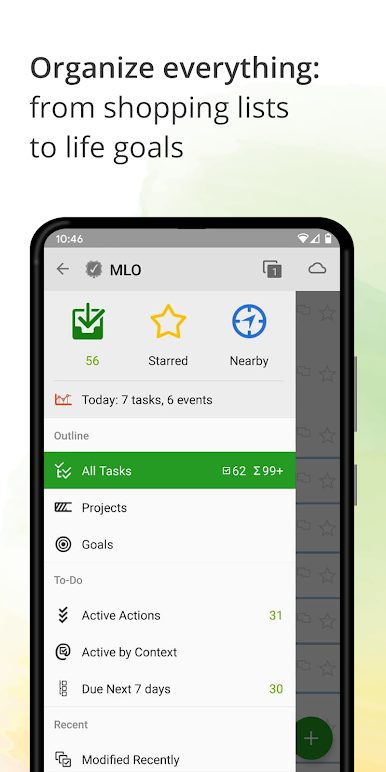
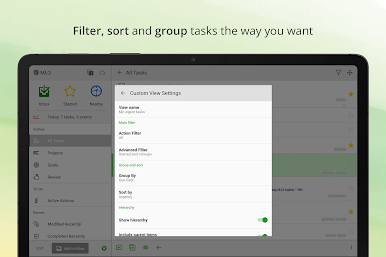
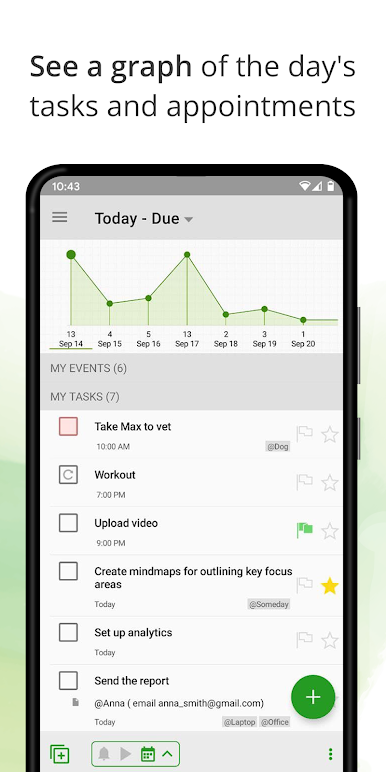
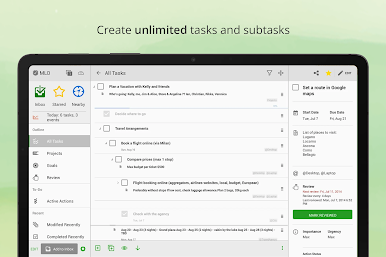
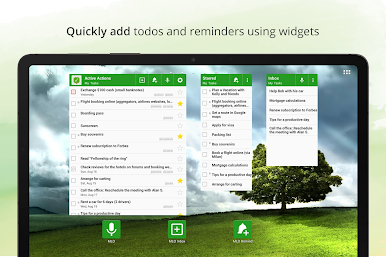
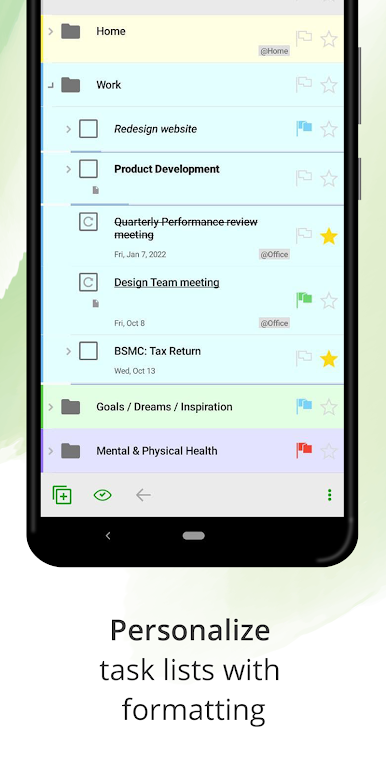
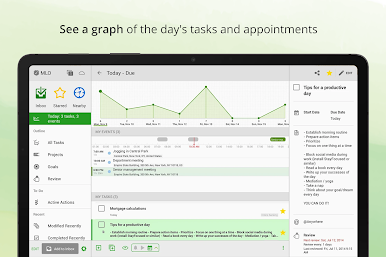
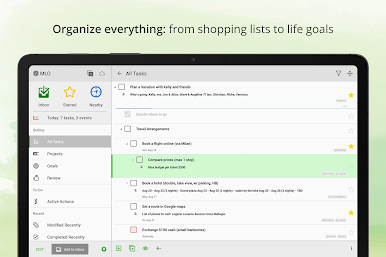
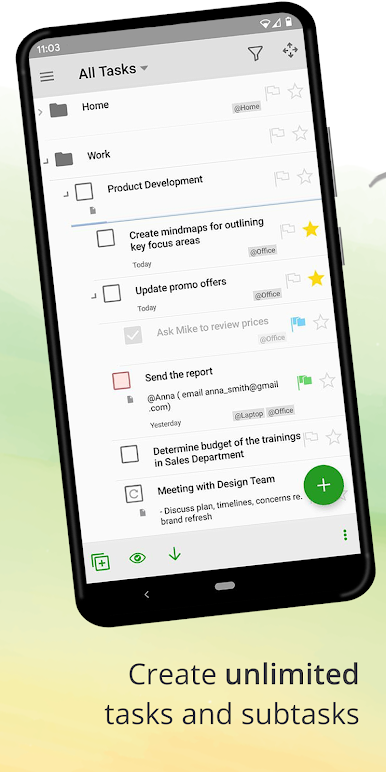
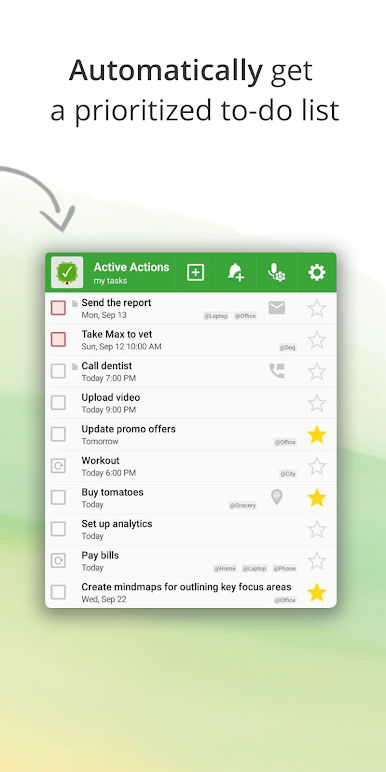
Playing MyLifeOrganized on a PC with BlueStacks feels like opening a neat, very organized toolbox for tasks. The interface is calm and focused rather than flashy, and it is easy to build projects by breaking things down into as many subtasks as needed. What stands out is how many ways the app lets someone slice and view their work — priorities, dates, starred items, contexts and custom filters can be combined so the list looks exactly how a person wants to see it. There is a handy next actions idea that will surface only what actually needs doing now, which keeps the screen from filling up with old stuff.
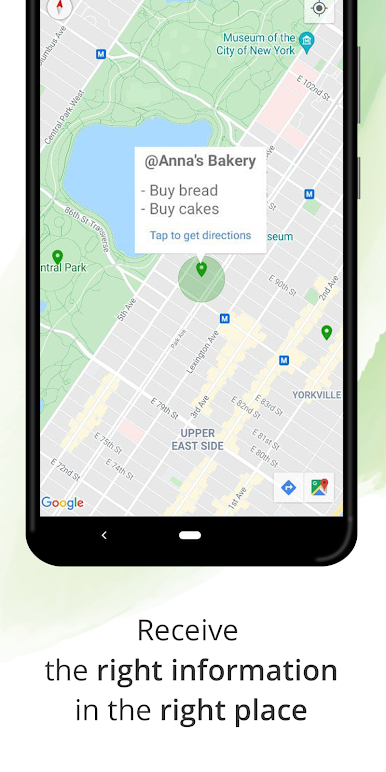
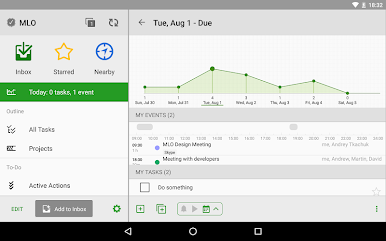
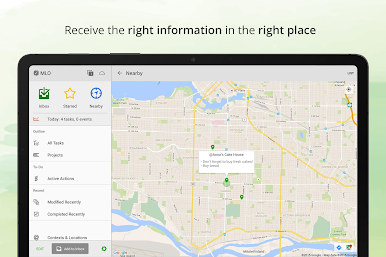
Syncing is flexible: there is a cloud option for automatic sync across devices, direct Wi Fi syncing, or the ability to work completely offline. Advanced extras include task dependencies for sequential projects, recurring tasks, a calendar view, templates, and a nearby view that will use location to show relevant actions. On PC it feels like a grown up task manager packed into an Android window — not lightweight, but very configurable. It may take a bit of setup to get everything tuned, so this will appeal to people who like control and structure rather than a super simple checklist.
BlueStacks brings your apps to life on a bigger screen—seamless and straightforward.
العب MyLifeOrganized: To-Do List على جهاز الكمبيوتر. من السهل البدء.
-
قم بتنزيل BlueStacks وتثبيته على جهاز الكمبيوتر الخاص بك
-
أكمل تسجيل الدخول إلى Google للوصول إلى متجر Play ، أو قم بذلك لاحقًا
-
ابحث عن MyLifeOrganized: To-Do List في شريط البحث أعلى الزاوية اليمنى
-
انقر لتثبيت MyLifeOrganized: To-Do List من نتائج البحث
-
أكمل تسجيل الدخول إلى Google (إذا تخطيت الخطوة 2) لتثبيت MyLifeOrganized: To-Do List
-
انقر على أيقونة MyLifeOrganized: To-Do List على الشاشة الرئيسية لبدء اللعب

