


Magic Home Inventory
العب على الكمبيوتر الشخصي مع BlueStacks - نظام أندرويد للألعاب ، موثوق به من قبل أكثر من 500 مليون لاعب.

Run Magic Home Inventory on PC or Mac
Upgrade your experience. Try Magic Home Inventory, the fantastic Productivity app from Róbert Papp (TWiStErRob), from the comfort of your laptop, PC, or Mac, only on BlueStacks.
About the App
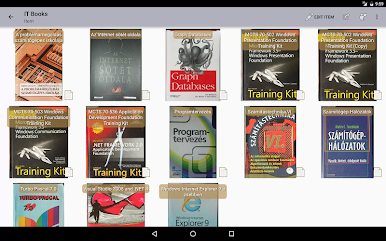
Ever wish you had a magic list telling you exactly where everything’s hiding in your home? Magic Home Inventory, built by Róbert Papp (TWiStErRob), is designed to help you keep track of all your stuff—whether it’s in your closet, attic, or somewhere in that stack of mystery boxes in the garage. The app gives you a clear way to organize your belongings, add photos, and sort everything just how you’d do it in real life. Want an easy way to remember which box your winter coats are in or which room has the spare batteries? That’s what this app is all about.
App Features
-
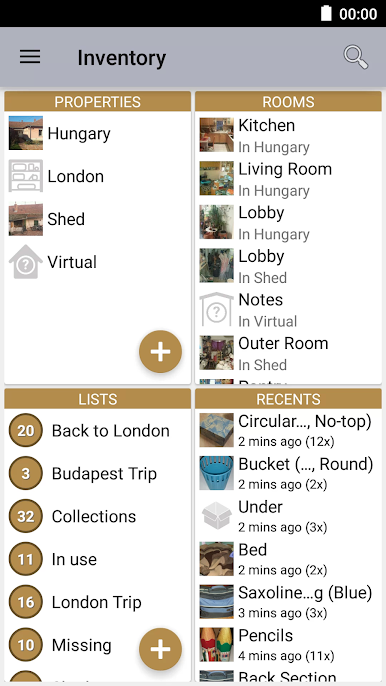
Real-Life Structure
Map your places just like home: add properties, rooms, areas, and then fill them with your items. You can even pop stuff into boxes or containers within each space. -
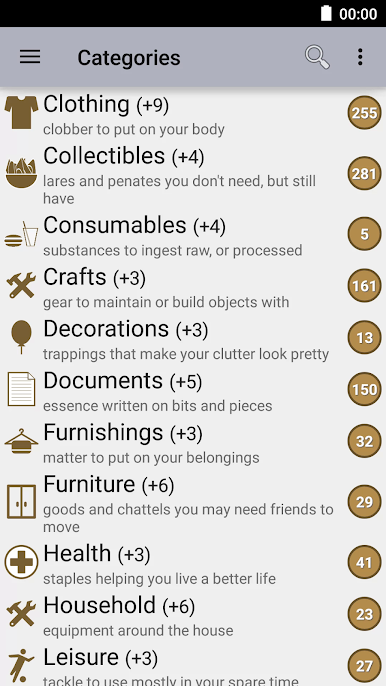
Handy Item Categories
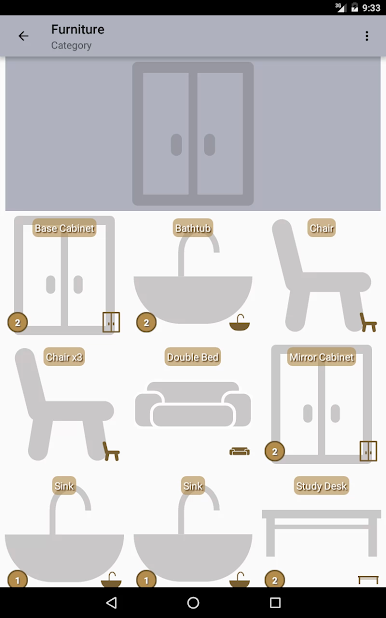
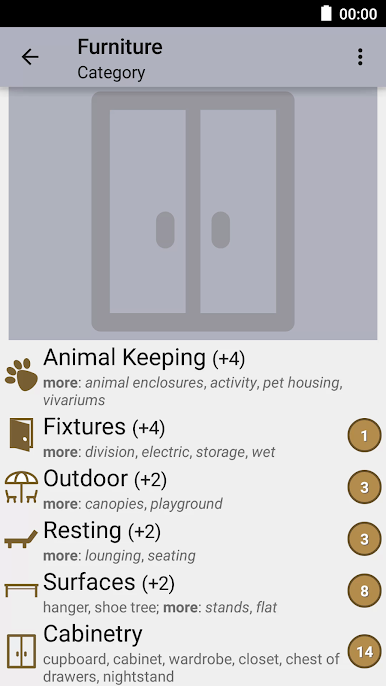
There are 15 main categories and over 300 subcategories, so you can get as detailed or broad as you want—everything from electronics to kitchenware. -
Smart Sorting & Help
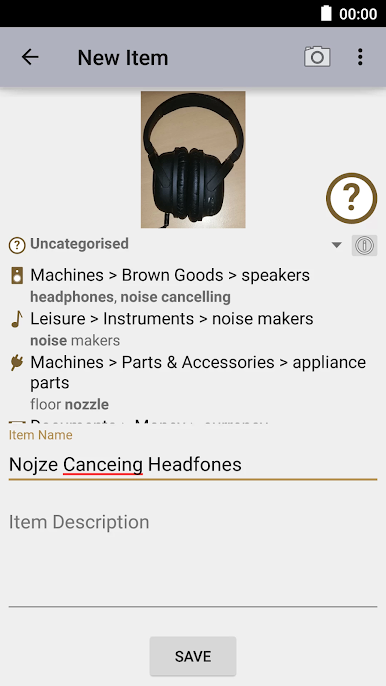
The app recognizes more than 2,500 keywords to help you quickly slot your stuff into the right spot. No more guessing where that random USB cable belongs. -
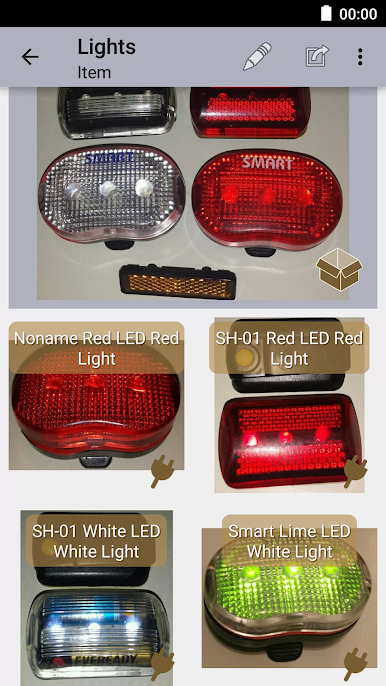
Quick Photos
Snap pics of your items straight from the app with a camera option that helps you focus on exactly what you want to track. -
Flexible Lists
Make as many lists as you want. Plan your next declutter, track things you want to give away, or jot down what’s in each moving box. -
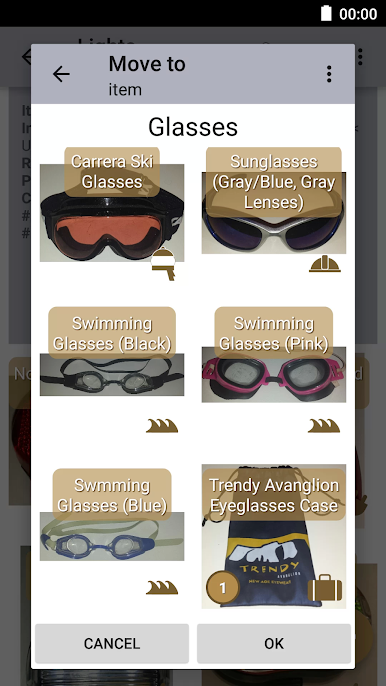
Easy Moving & Grouping
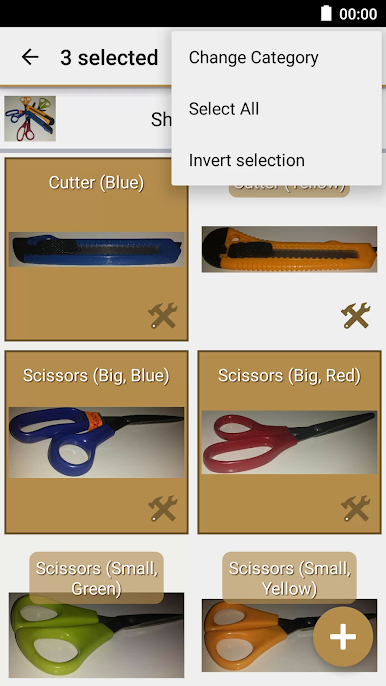
Shift items from one spot or container to another in just a tap or two—no need to start over every time your storage changes. -
Advanced Search
Swipe through your whole inventory or use the search feature to jump right to that one thing you (or your roommate) needs right now. -
Visual Overview
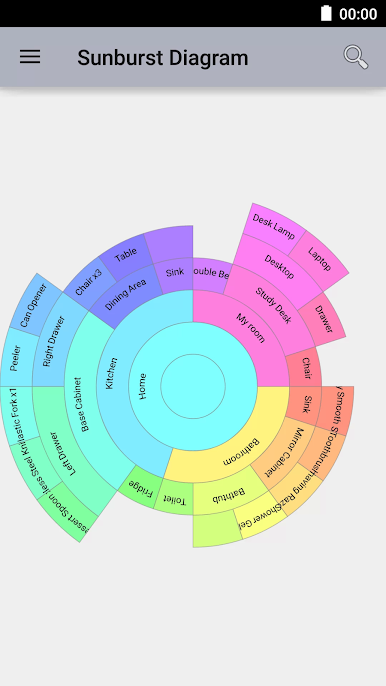
Get a sunburst chart that shows you a quick, colorful snapshot of your stuff at a glance. -
Backup & Transfer
Import and export your lists to keep copies safe or move your inventory to another device with zero hassle.
If you’re using BlueStacks, this productivity app runs smoothly on your PC or Mac, making it even easier to see and organize everything on a bigger screen.
Eager to take your app experience to the next level? Start right away by downloading BlueStacks on your PC or Mac.
العب Magic Home Inventory على جهاز الكمبيوتر. من السهل البدء.
-
قم بتنزيل BlueStacks وتثبيته على جهاز الكمبيوتر الخاص بك
-
أكمل تسجيل الدخول إلى Google للوصول إلى متجر Play ، أو قم بذلك لاحقًا
-
ابحث عن Magic Home Inventory في شريط البحث أعلى الزاوية اليمنى
-
انقر لتثبيت Magic Home Inventory من نتائج البحث
-
أكمل تسجيل الدخول إلى Google (إذا تخطيت الخطوة 2) لتثبيت Magic Home Inventory
-
انقر على أيقونة Magic Home Inventory على الشاشة الرئيسية لبدء اللعب

