


Polaris®
Jogue no PC com BlueStacks - A Plataforma de Jogos Android, confiada por mais de 500 milhões de jogadores.

Página modificada em: Oct 8, 2025
Play Polaris® on PC
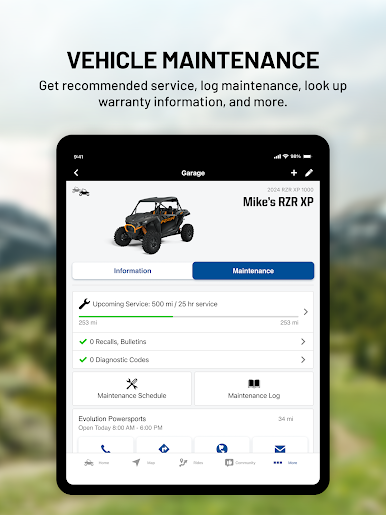
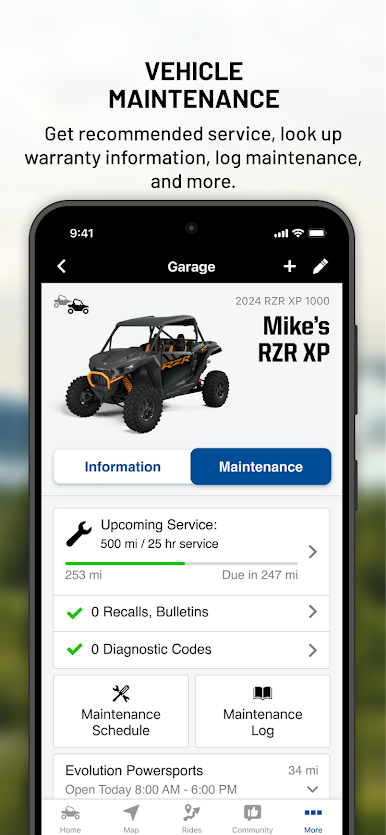
My Garage:
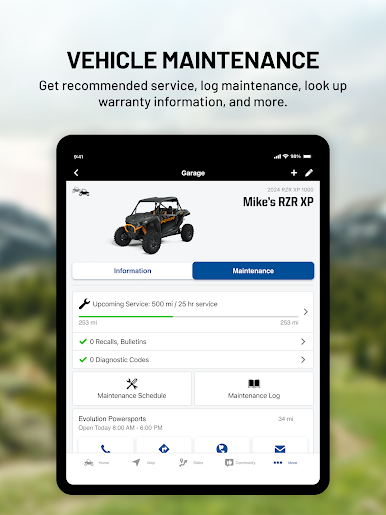
View your vehicle service history
Stay on top of your maintenance schedules and receive reminders
Easily schedule your RideReady service appointments
Rides & Community:
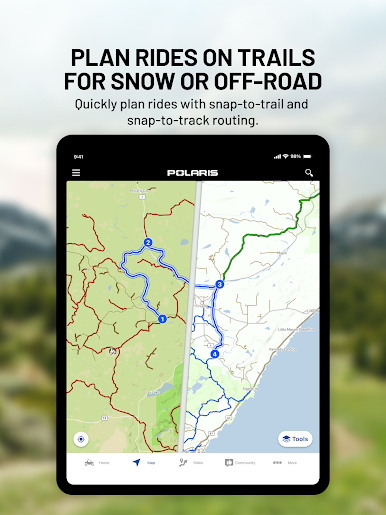
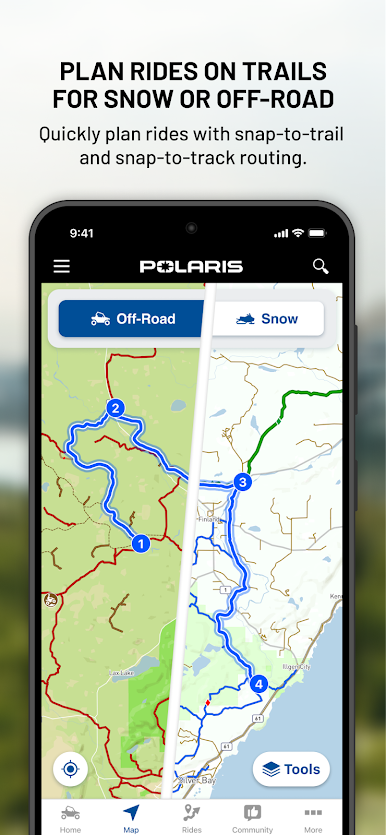
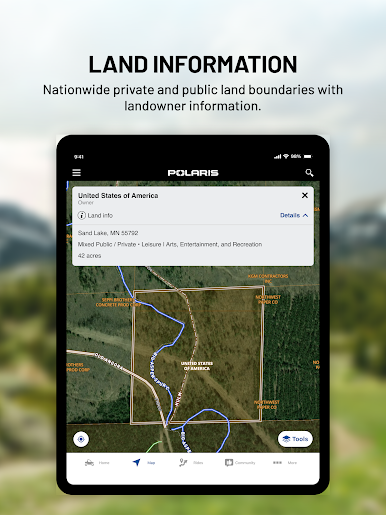
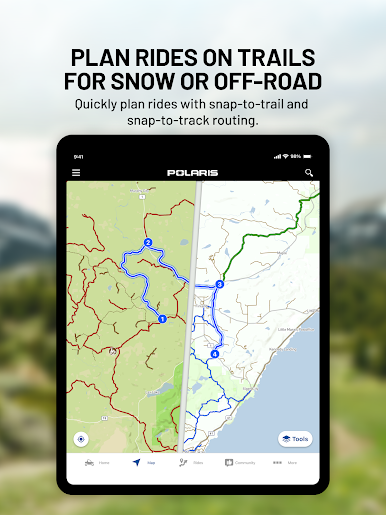
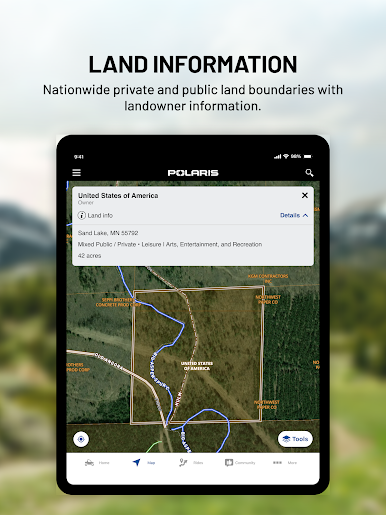
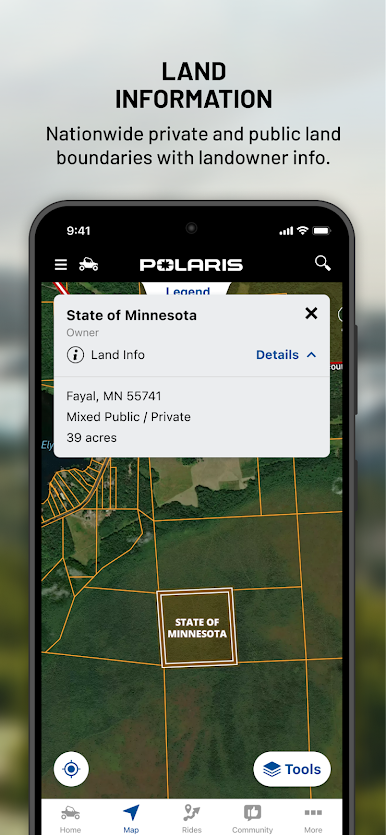
Plan your ultimate ride using snap to trail routing and on/offline maps
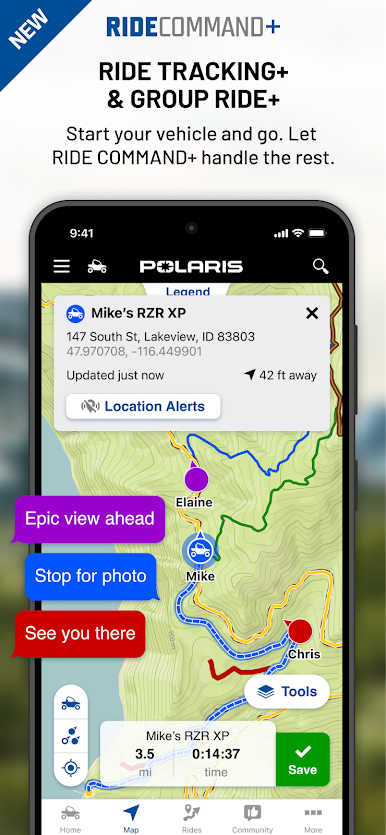
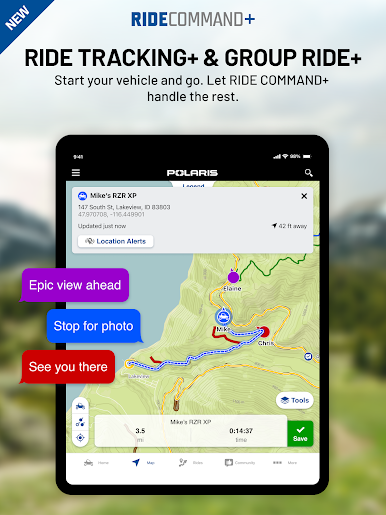
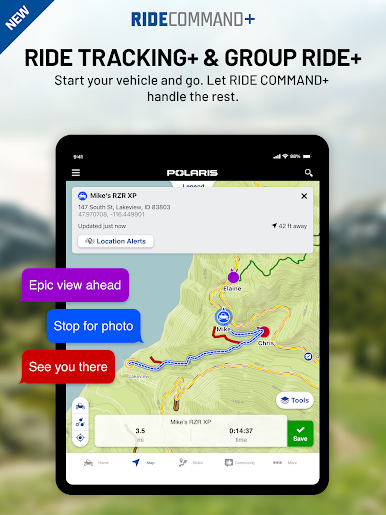
Navigate during your ride with Group Ride, waypoints, and tracking
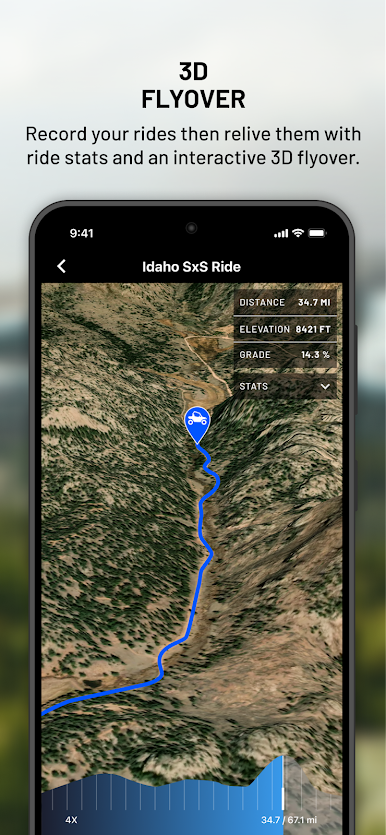
Relive and share your ride with 3D flyover of your tracked ride
Shopping & Support:
Find your gear & accessories to elevate your ride
Easily get your questions answered at the Help Center
Unleash the full power by connecting to your in-vehicle display powered by RIDE COMMAND, or upgrade to RIDE COMMAND+ for next level remote vehicle connectivity and control.
RIDE COMMAND® is a registered trademark of Polaris Industries Inc.
*Continued use of GPS running in the background can decrease battery life. Recommend running with power source.
**Group Ride functionality requires cellular connectivity. If cellular signal is lost, RIDE COMMAND will show the last known location of riders in your group until signal is established again.
Jogue Polaris® no PC. É fácil começar.
-
Baixe e instale o BlueStacks no seu PC
-
Conclua o login do Google para acessar a Play Store ou faça isso mais tarde
-
Procure por Polaris® na barra de pesquisa no canto superior direito
-
Clique para instalar Polaris® a partir dos resultados da pesquisa
-
Conclua o login do Google (caso você pulou a etapa 2) para instalar o Polaris®
-
Clique no ícone do Polaris® na tela inicial para começar a jogar

