


Fast Call
在電腦上使用BlueStacks –受到5億以上的遊戲玩家所信任的Android遊戲平台。

Run Fast Call on PC or Mac
Upgrade your experience. Try Fast Call, the fantastic Communication app from Fastnet Team, from the comfort of your laptop, PC, or Mac, only on BlueStacks.
About the App
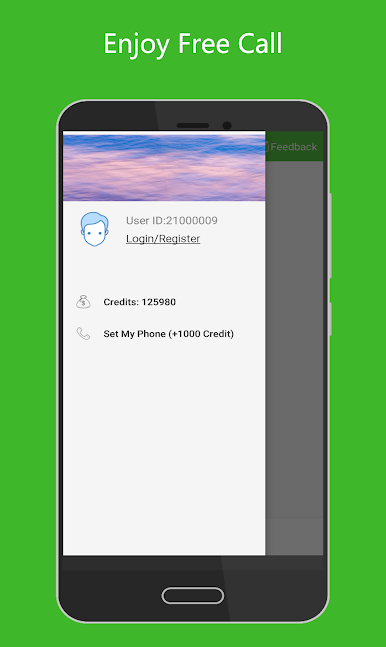
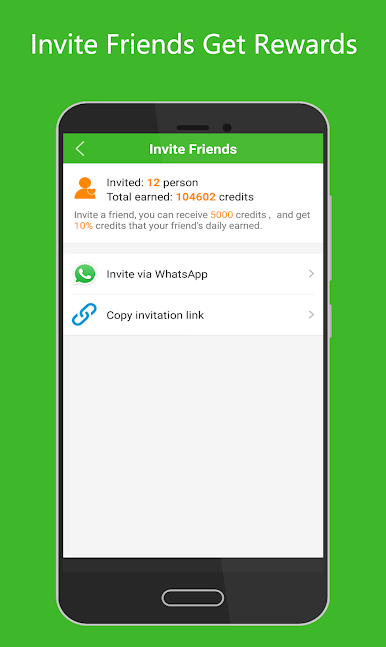
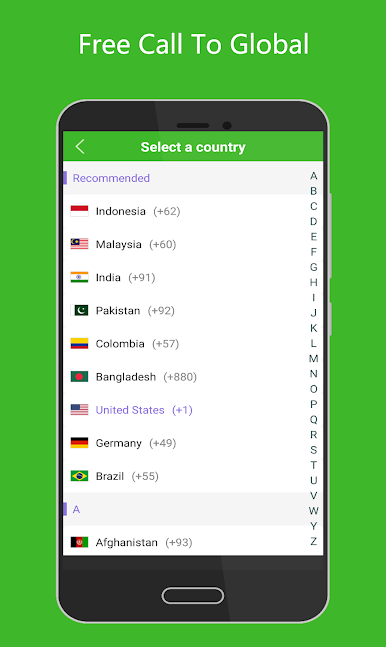
Fast Call by Fastnet Team is your go-to Communication app for making calls over wifi or cellular data. It’s perfect for connecting with friends across the globe, whether they’re on mobile or landline, regardless of their network status. Expect a seamless experience with 800 credits right off the bat to start reaching out. Plus, inviting friends can earn you even more credits.
App Features
-
No Phone Bills
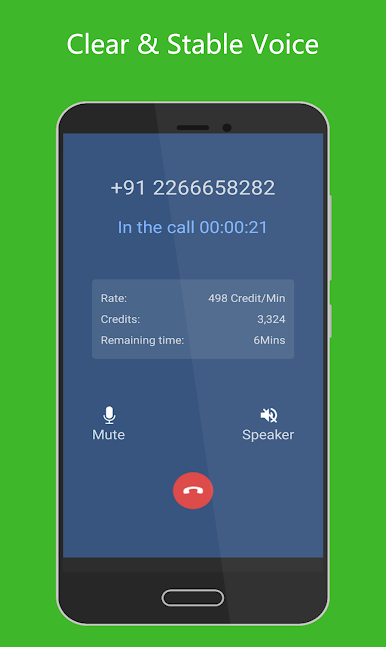
Make international calls to anyone anywhere—even if they’re offline—without worrying about phone bills. Fast Call takes care of it, letting you connect without hidden fees. -
Clear & Stable Calling
Experience crystal-clear voice quality, comparable to landline calls. The app supports VOIP with G.729 and G.711 codecs, ensuring high-quality audio for your calls. -
Unlimited Call Credits
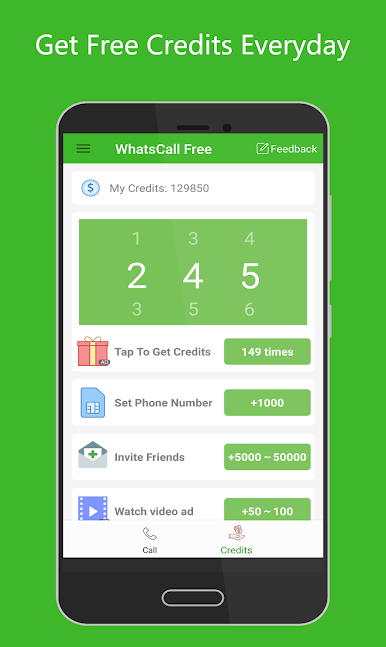
Earning credits is a breeze. Just a tap can get you more, and fun tasks offer additional ways to boost your credit stash.
Compatible with a range of Android devices like Huawei, Samsung, Nexus, and more, Fast Call runs smoothly on BlueStacks, among other platforms.
Big screen. Bigger performance. Use BlueStacks on your PC or Mac to run your favorite apps.
在電腦上遊玩Fast Call . 輕易上手.
-
在您的電腦上下載並安裝BlueStacks
-
完成Google登入後即可訪問Play商店,或等你需要訪問Play商店十再登入
-
在右上角的搜索欄中尋找 Fast Call
-
點擊以從搜索結果中安裝 Fast Call
-
完成Google登入(如果您跳過了步驟2),以安裝 Fast Call
-
在首頁畫面中點擊 Fast Call 圖標來啟動遊戲

