


A Launcher : Galaxy A Launcher
個人化 | Next edu
在電腦上使用BlueStacks –受到5億以上的遊戲玩家所信任的Android遊戲平台。

Play A Launcher : Galaxy A Launcher on PC
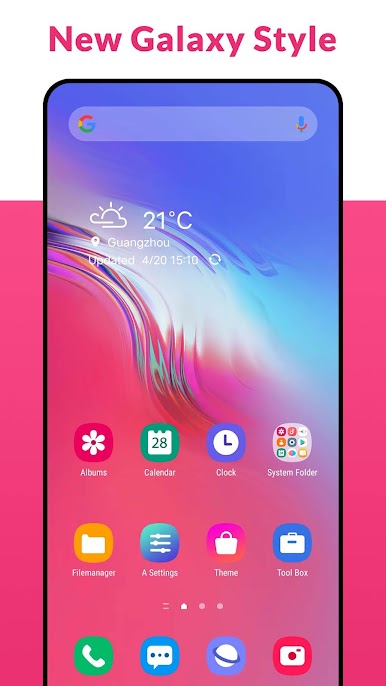
A Launcher is Galaxy A/S style launcher, bring you the latest Galaxy A/S phone experience, it make your phone like brand new Galaxy A & Galaxy S phone, get one ui 3.0 experience, just get and try!👍
🌟🌟🌟🌟🌟 A Launcher features:
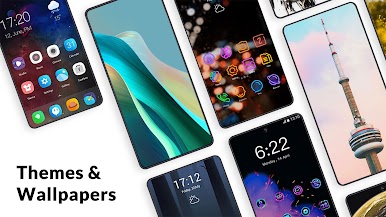
+ A Launcher support beautiful themes, many icon packs, cool effects, huge customization, and much more.
+ A Launcher can be installed on all Android 5.0+ devices
+ A Launcher bring you latest Galaxy A One UI 3.0 launcher user experience
+ A Launcher's theme library has more than 300+ beautiful themes
+ A Launcher support all most all the third party icon pack on Google Play
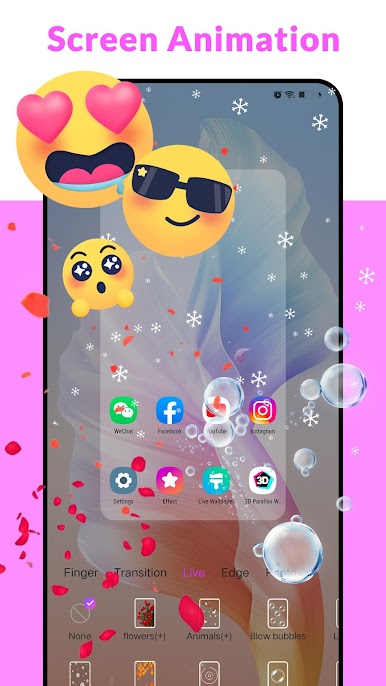
+ Live launcher effects: wave, flowers, weather, feather, bubble...
+ Cool launcher transition effects for desktop: cube in/out, wave, cross...
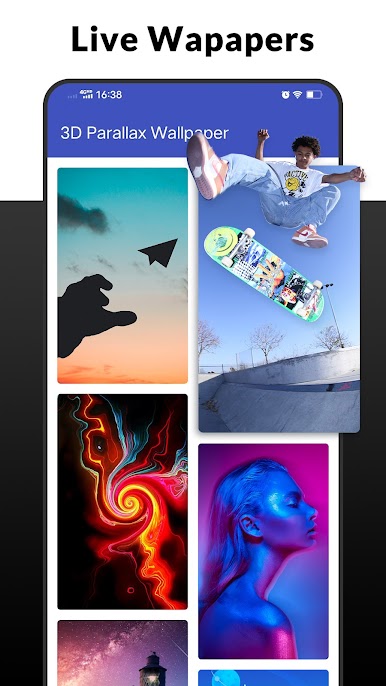
+ Support 3D launcher parallax wallpaper, video wallpaper
+ Support 20+ icon shape: square, circle, love, cat, hive, star...
+ Support gestures: swipe up/down, pinch in/out, two fingers gesture
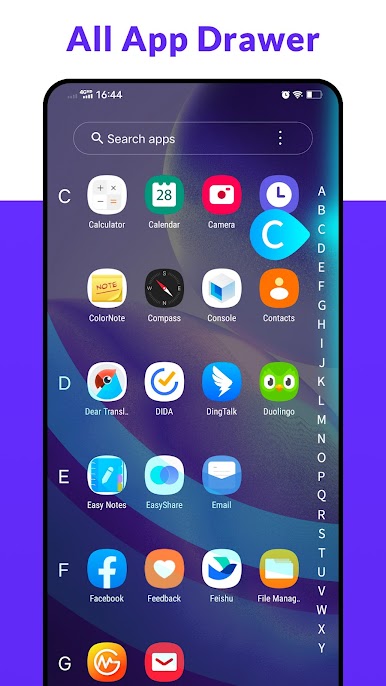
+ Apps drawer layout: A-Z location bar and app search bar in launcher drawer to find apps quickly
+ Apps drawer mode: horizontal mode, vertical mode, vertical with category
+ You can config launher icon grid, icon size
+ You can config launcher drawer background
+ You can do icon label color customization, lock desktop option
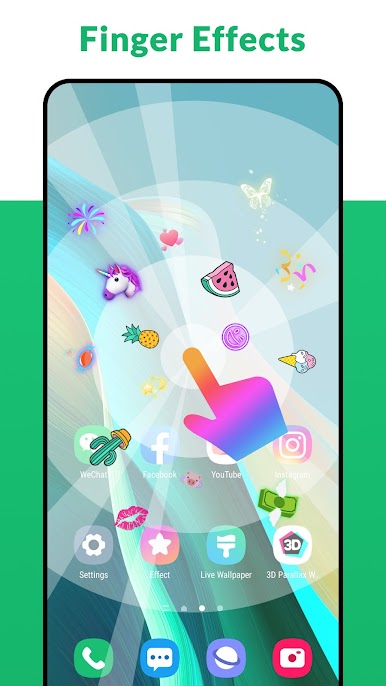
+ You can enable cool finger animation effect on launche desktop
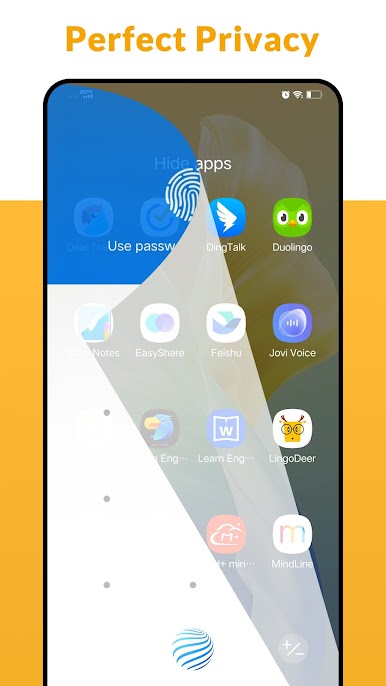
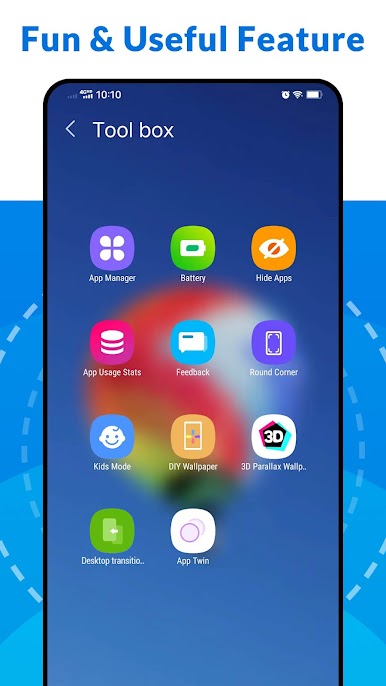
+ A Launcher support hide apps and even lock apps to protect your privacy
+ A Launcher support notification badge in laucnher desktop
+ A Launcher has weather widget shown in laucnher desktop
Please try A Launcher, it will bring you the latest Galaxy A/S One UI 3.0 launcher user experience, and you may get many more powerful, funny, cool features.
❤️ Your comments and rating are welcome, it help us making A Launcher better and better, thanks a lot
Notice:
1. Android™ is a registered trademark of Google, Inc.
2. A Launcher's user experience is inspired by Galaxy A One UI launcher's user experience, it is NOT official Samsung™ Galaxy A launcher, we have NO official relationship with Samsung™, please be noticed of this. A Launcher is built to bring the latest Galaxy A phone experience to all Android phone users
🌟🌟🌟🌟🌟 A Launcher features:
+ A Launcher support beautiful themes, many icon packs, cool effects, huge customization, and much more.
+ A Launcher can be installed on all Android 5.0+ devices
+ A Launcher bring you latest Galaxy A One UI 3.0 launcher user experience
+ A Launcher's theme library has more than 300+ beautiful themes
+ A Launcher support all most all the third party icon pack on Google Play
+ Live launcher effects: wave, flowers, weather, feather, bubble...
+ Cool launcher transition effects for desktop: cube in/out, wave, cross...
+ Support 3D launcher parallax wallpaper, video wallpaper
+ Support 20+ icon shape: square, circle, love, cat, hive, star...
+ Support gestures: swipe up/down, pinch in/out, two fingers gesture
+ Apps drawer layout: A-Z location bar and app search bar in launcher drawer to find apps quickly
+ Apps drawer mode: horizontal mode, vertical mode, vertical with category
+ You can config launher icon grid, icon size
+ You can config launcher drawer background
+ You can do icon label color customization, lock desktop option
+ You can enable cool finger animation effect on launche desktop
+ A Launcher support hide apps and even lock apps to protect your privacy
+ A Launcher support notification badge in laucnher desktop
+ A Launcher has weather widget shown in laucnher desktop
Please try A Launcher, it will bring you the latest Galaxy A/S One UI 3.0 launcher user experience, and you may get many more powerful, funny, cool features.
❤️ Your comments and rating are welcome, it help us making A Launcher better and better, thanks a lot
Notice:
1. Android™ is a registered trademark of Google, Inc.
2. A Launcher's user experience is inspired by Galaxy A One UI launcher's user experience, it is NOT official Samsung™ Galaxy A launcher, we have NO official relationship with Samsung™, please be noticed of this. A Launcher is built to bring the latest Galaxy A phone experience to all Android phone users
在電腦上遊玩A Launcher : Galaxy A Launcher . 輕易上手.
-
在您的電腦上下載並安裝BlueStacks
-
完成Google登入後即可訪問Play商店,或等你需要訪問Play商店十再登入
-
在右上角的搜索欄中尋找 A Launcher : Galaxy A Launcher
-
點擊以從搜索結果中安裝 A Launcher : Galaxy A Launcher
-
完成Google登入(如果您跳過了步驟2),以安裝 A Launcher : Galaxy A Launcher
-
在首頁畫面中點擊 A Launcher : Galaxy A Launcher 圖標來啟動遊戲

