

PixiTracker 1Bit
Jogue no PC com BlueStacks - A Plataforma de Jogos Android, confiada por mais de 500 milhões de jogadores.

Página modificada em: Sep 26, 2025
Run PixiTracker 1Bit on PC or Mac
Let BlueStacks turn your PC, Mac, or laptop into the perfect home for PixiTracker 1Bit, a fun Music & Audio app from Alexander Zolotov.
About the App
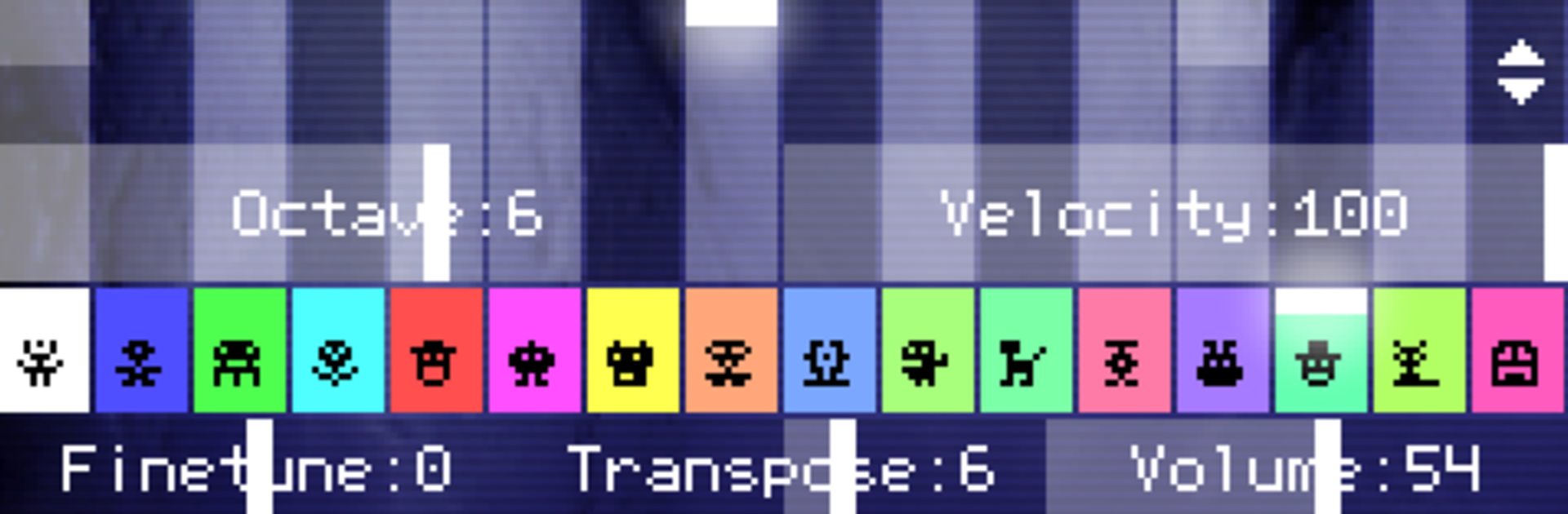
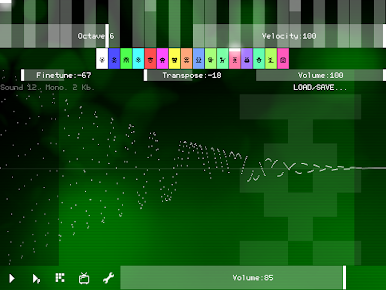
Ever wanted to mess around with music-making, even if you’ve never touched an instrument? PixiTracker 1Bit by Alexander Zolotov makes it easy—and honestly a bit addictive—to whip up chiptunes, retro sketches, and all sorts of quirky sound ideas. You don’t need to know music theory or have fancy equipment; it’s about experimenting and having fun. Just pick it up, tap around, and before you know it, you’re making something that sounds like it came straight from an old-school computer game.
App Features
-
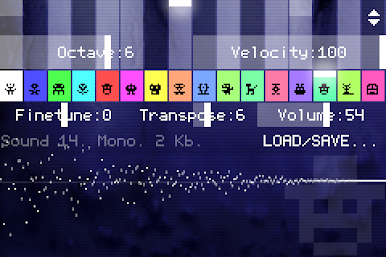
True 1-Bit Sound
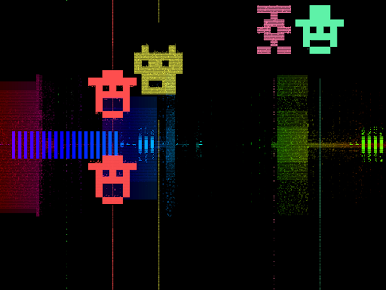
Explore a world where every note is digital and crisp. PixiTracker 1Bit gives you that classic, crunchy vibe from vintage microcomputers—think black-and-white pixel art, but for your ears. -
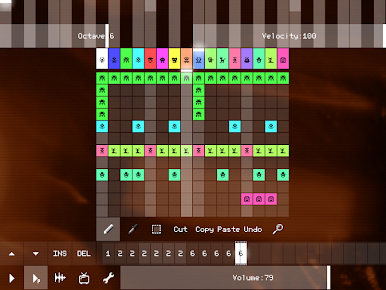
Pattern-Based Sequencer
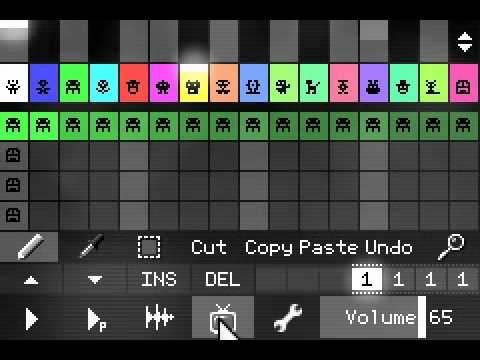
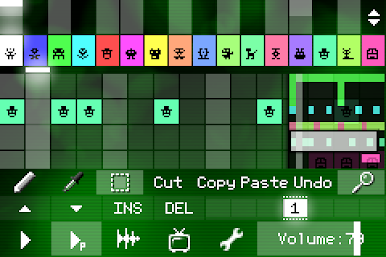
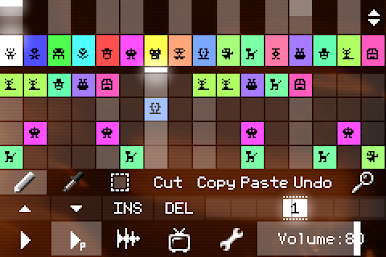
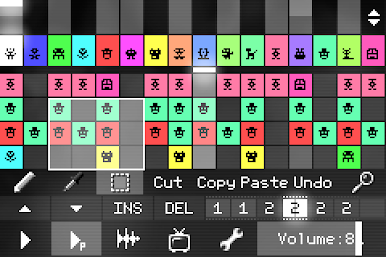
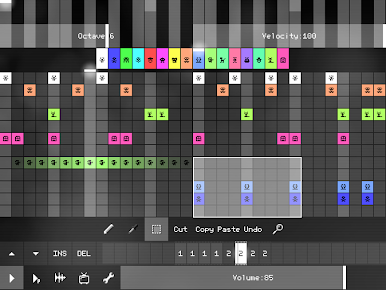
Laying down beats or melodies is super simple thanks to the built-in tracker. Arrange your music in patterns—no need for complex setups. You can build full tracks by playing around with these snippets. -
Unique Sound Packs
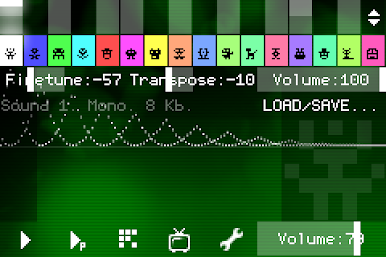
You’ll get several ready-to-go sound packs. Each one offers a different flavor, so you’re not stuck with just one set of blips and beeps. It keeps things interesting, no matter what you want to make. -
Record Your Own Sounds
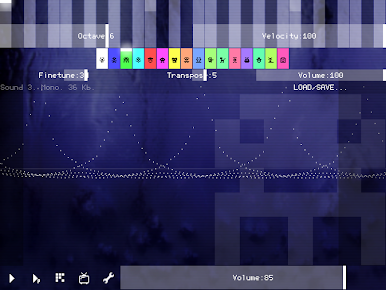
Want to get personal? There’s a sound recorder built in. Capture audio straight from your microphone or line-in and twist it into your next track. -
WAV and XM Export/Import
Finished a sketch you’re proud of? Export your creation as a WAV file or the XM format—great for sharing or finishing up using a different tracker or music player. Importing’s just as straightforward, so you can bring your own samples in, too. -
Open Source Player
If you’re into tinkering or making your own music apps in Pixilang, the open source player is there for you to dive into and mess around with. -
Seamless Use Across Devices
Whether you’re tapping away on your phone or putting in some work on BlueStacks, PixiTracker 1Bit stays easy to use, giving you a smooth experience no matter where you’re creating.
Big screen. Bigger performance. Use BlueStacks on your PC or Mac to run your favorite apps.
Jogue PixiTracker 1Bit no PC. É fácil começar.
-
Baixe e instale o BlueStacks no seu PC
-
Conclua o login do Google para acessar a Play Store ou faça isso mais tarde
-
Procure por PixiTracker 1Bit na barra de pesquisa no canto superior direito
-
Clique para instalar PixiTracker 1Bit a partir dos resultados da pesquisa
-
Conclua o login do Google (caso você pulou a etapa 2) para instalar o PixiTracker 1Bit
-
Clique no ícone do PixiTracker 1Bit na tela inicial para começar a jogar

