

SunVox
5억명 이상의 게이머가 신뢰하는 안드로이드 게임 플랫폼 BlueStacks으로 PC에서 플레이하세요.

Run SunVox on PC or Mac
What’s better than using SunVox by Alexander Zolotov? Well, try it on a big screen, on your PC or Mac, with BlueStacks to see the difference.
About the App
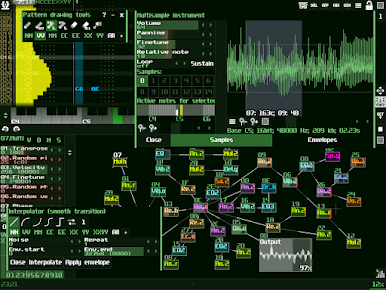
Looking to spark some creative energy and dive into music-making wherever you are? SunVox is a seriously versatile playground for musicians and audio tinkerers. Whether you’re just getting into sound design or you’ve been sequencing for years, this app brings a full-on modular studio right to your fingers. Expect a smooth, fast experience loaded with rich features—ready for playful jams, serious composition, or even those odd sounds you dream up late at night.
App Features
-
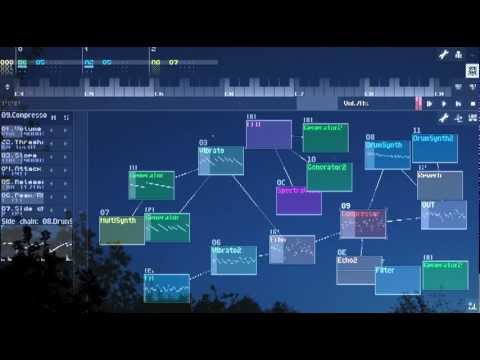
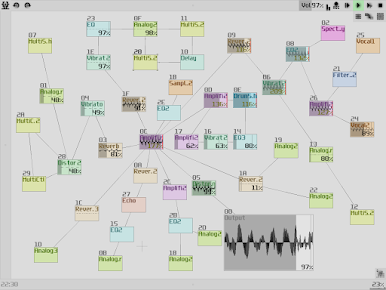
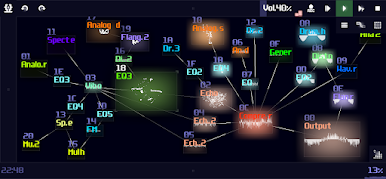
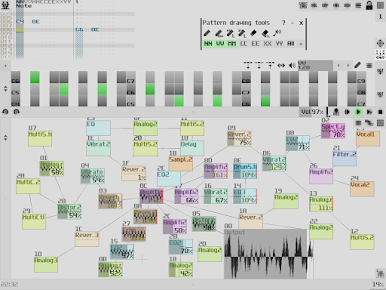
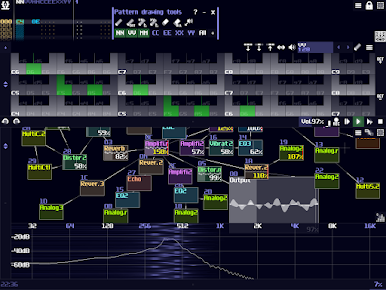
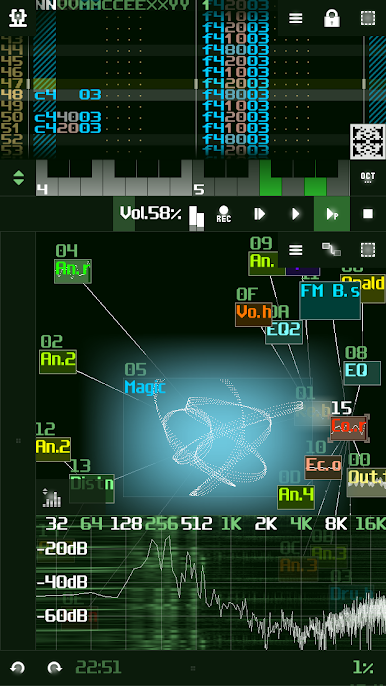
Modular Interface
Patch, twist, reroute, and experiment—SunVox’s setup lets you connect sound modules in all sorts of ways, just like you would in a real synth lab. -
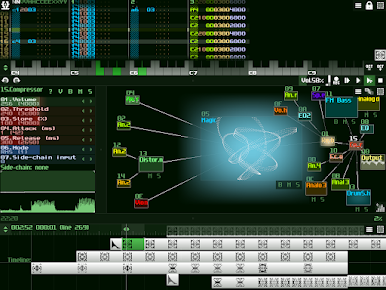
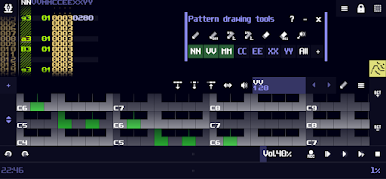
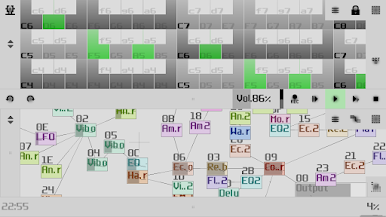
Flexible Sequencer
Create patterns and layer tracks using a microtonal sequencer that doesn’t put your creativity in a box. Anyone who loves exploring rhythms or grooves will feel right at home. -
Big Sample Support
Work with high-quality audio—SunVox plays nice with 16, 24, and even 32-bit WAV, AIFF, and XI files. If you’ve got samples, you’re covered. -
MIDI Tools
Got a keyboard or other gear? Plug in with MIDI import/export and USB MIDI on supported Android devices, turning SunVox into the heart of your setup. -
Multitrack Export
Finished a track? Export your creation as multitrack WAV so you can mix it wherever you like, or hand it off for polishing. -
Mic & Line-In Recording
Capture your voice or any live sounds straight into your projects using the built-in Sampler module. Handy for custom beats or unique sound bites! -
Classic Tracker Import
SunVox has your nostalgia covered too—bring in old tracks with support for XM and MOD files. -
Generative Music Tricks
Feeling experimental? Randomize notes, tweak controller values, and mess with probability effects for some wild, generative jams. -
Rich Synths & FX
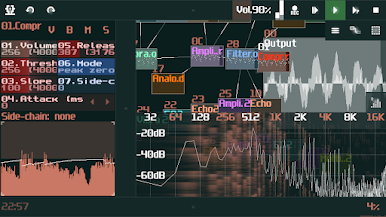
Mess around with a stack of built-in sound makers: classic analogs, punchy drum machines, FM synths, vocal filters, echoes, distortions, and lots more—all ready at your command. -
Developer Ready
If you’re into coding, you can even snag the SunVox engine for your own apps through a free library.
Want all this on a bigger screen? SunVox gets along great with BlueStacks, letting you build beats and soundscapes from your computer with even more space to get creative.
BlueStacks gives you the much-needed freedom to experience your favorite apps on a bigger screen. Get it now.

PC에서 SunVox 플레이해보세요.
-
BlueStacks 다운로드하고 설치
-
Google Play 스토어에 로그인 하기(나중에 진행가능)
-
오른쪽 상단 코너에 SunVox 검색
-
검색 결과 중 SunVox 선택하여 설치
-
구글 로그인 진행(만약 2단계를 지나갔을 경우) 후 SunVox 설치
-
메인 홈화면에서 SunVox 선택하여 실행

