


nRF Connect for Mobile
在電腦上使用BlueStacks –受到5億以上的遊戲玩家所信任的Android遊戲平台。

Run nRF Connect for Mobile on PC or Mac
Upgrade your experience. Try nRF Connect for Mobile, the fantastic Tools app from Nordic Semiconductor ASA, from the comfort of your laptop, PC, or Mac, only on BlueStacks.
About the App
If you’re often tinkering with Bluetooth gadgets or working on BLE development, nRF Connect for Mobile is pretty much a must-have. Created by Nordic Semiconductor ASA, this handy tool puts you in control of scanning, exploring, and talking to all sorts of Bluetooth Low Energy devices straight from your phone—or even from your computer if you’re running BlueStacks. Whether you’re a developer or just curious, it gives you a clear view into how your nearby devices are working and lets you test all sorts of interactions in real time.
App Features
-
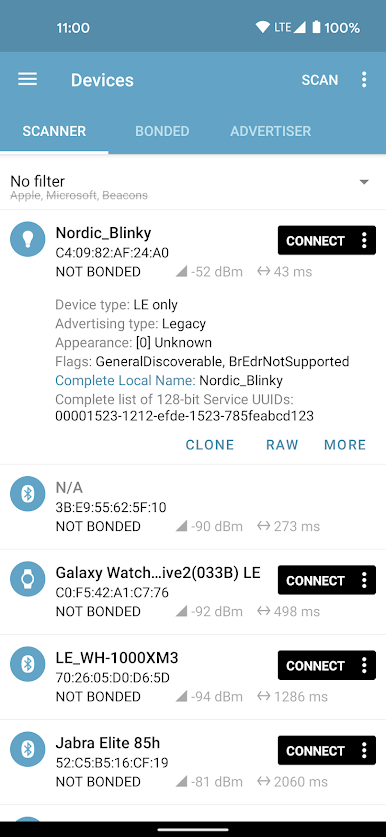
Device Scanning Made Simple
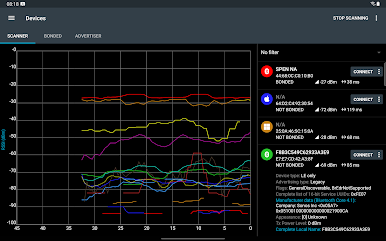
Quickly scan for available BLE devices all around you. It’s a snap to spot both known and unknown gadgets in your environment. -
Advertisement Data at a Glance
Get immediate access to details broadcast by BLE devices. The app sorts out and displays everything clearly, so you don’t need to squint at raw data. -
Signal Strength Tracking
Watch the RSSI (signal strength) in real time, and even export signal graphs if you want to analyze them later in Excel or as a CSV file. -
Full Device Interaction
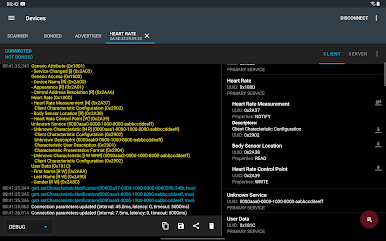
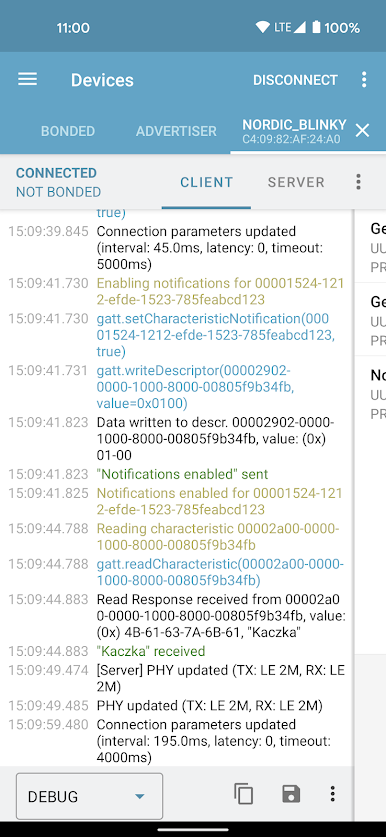
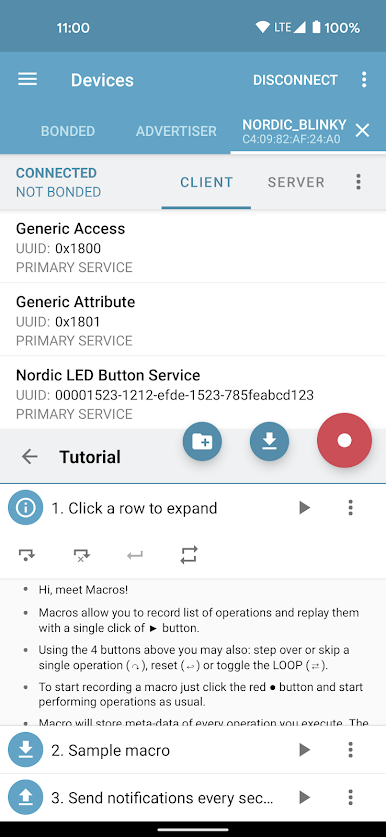
Connect to any compatible Bluetooth LE device. Browse its services, read and write characteristics, and test out notifications or indications on the fly. -
Advanced Features for Developers
Work with Device Firmware Updates (DFU), control Zephyr or Mynewt-based gadgets through McuMgr, and try out Nordic UART. Test macros and even automate BLE device testing with simple scripts. -
BLE Advertising Tools
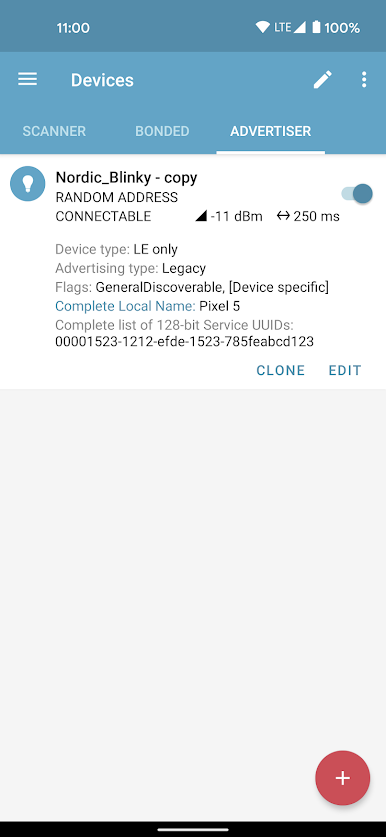
Set your device to advertise as a BLE beacon or peripheral (on Android 5+), tweak PHY settings (on Android 8+), and configure your own GATT server. -
Automated Testing
Use XML scripts to create and run automated tests, making regression testing and repeated experiments much less of a headache. -
Macro Recording and Playback
Record your regular operations as Macros and replay them whenever you need, speeding up repetitive workflows. -
Reliable Communications
Take advantage of reliable write options and thorough characteristic parsing, with support for just about every Bluetooth SIG-adopted profile you might need.
Whether you’re debugging custom devices, uploading firmware over-the-air, or just exploring how BLE works, nRF Connect for Mobile gives you a versatile toolkit. It works best on newer Android versions and feels right at home on BlueStacks for those bigger-screen sessions.
Big screen. Bigger performance. Use BlueStacks on your PC or Mac to run your favorite apps.
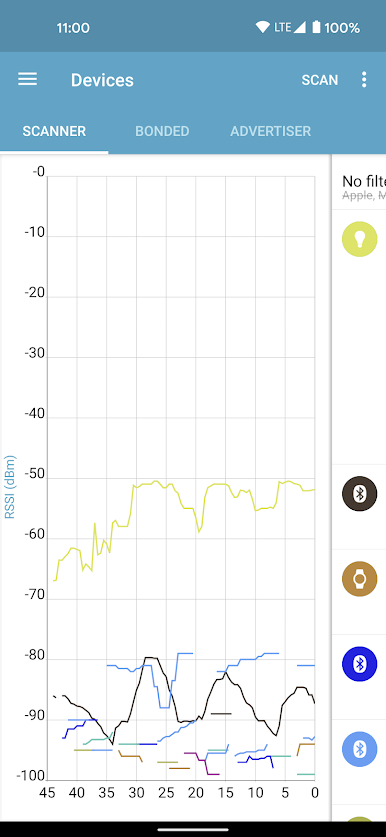
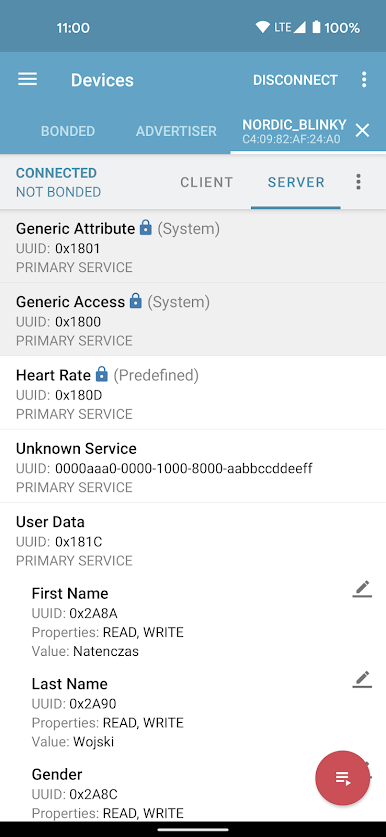
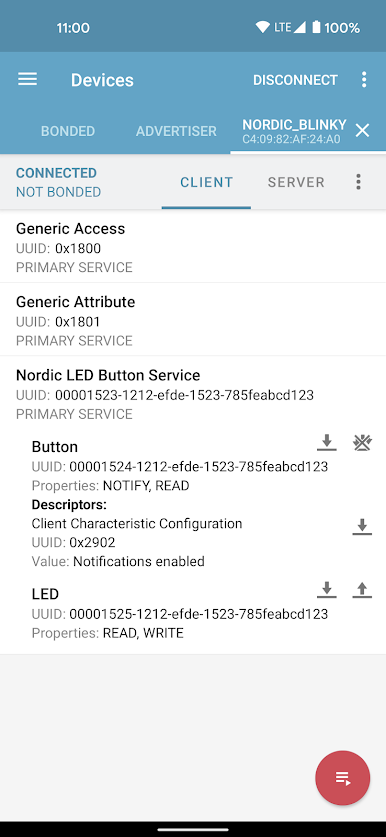
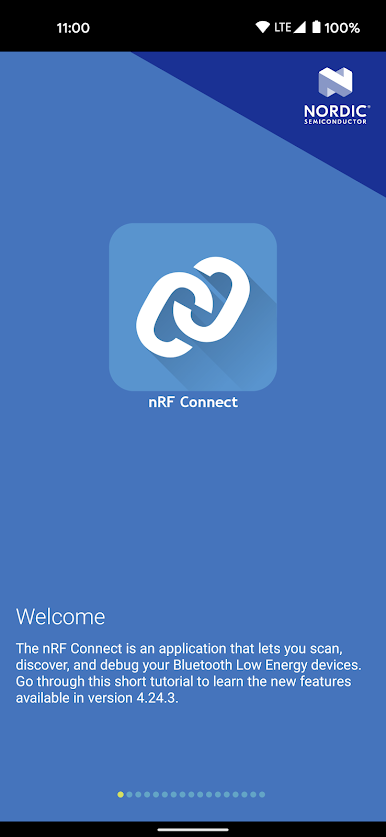
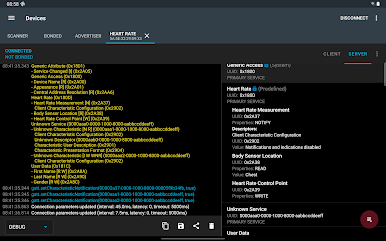
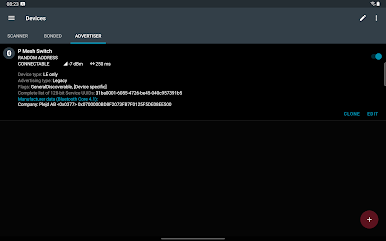
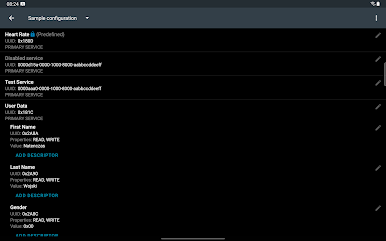
在電腦上遊玩nRF Connect for Mobile . 輕易上手.
-
在您的電腦上下載並安裝BlueStacks
-
完成Google登入後即可訪問Play商店,或等你需要訪問Play商店十再登入
-
在右上角的搜索欄中尋找 nRF Connect for Mobile
-
點擊以從搜索結果中安裝 nRF Connect for Mobile
-
完成Google登入(如果您跳過了步驟2),以安裝 nRF Connect for Mobile
-
在首頁畫面中點擊 nRF Connect for Mobile 圖標來啟動遊戲

