


Note، مفكرة وملاحظات - Notein
العب على الكمبيوتر الشخصي مع BlueStacks - نظام أندرويد للألعاب ، موثوق به من قبل أكثر من 500 مليون لاعب.

Run Notepad, Notes, Easy Notebook on PC or Mac
Let BlueStacks turn your PC, Mac, or laptop into the perfect home for Notepad, Notes, Easy Notebook, a fun Productivity app from Simple Design Ltd..
About the App
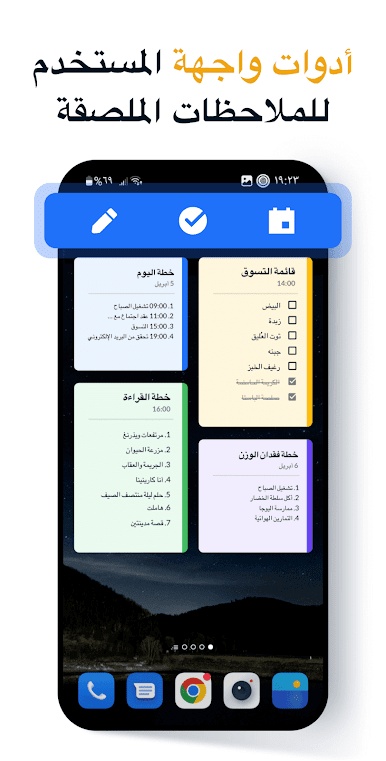
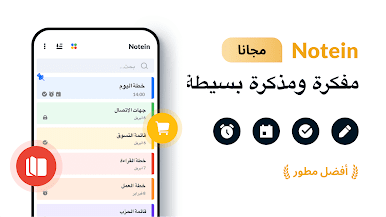
Looking for an uncomplicated, ad-free way to jot down your thoughts or organize your tasks? “Notepad, Notes, Easy Notebook” by Simple Design Ltd. offers just that in the productivity genre. This easy-to-use app helps you manage notes, create to-do or shopping lists, and set vital reminders. There’s no clutter, just straightforward and efficient note-taking—perfect whether you’re at home or on the go.
App Features
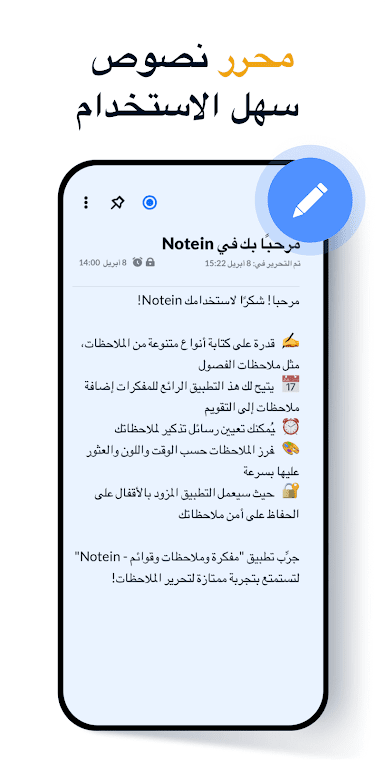
✍️ Handy Note Taking
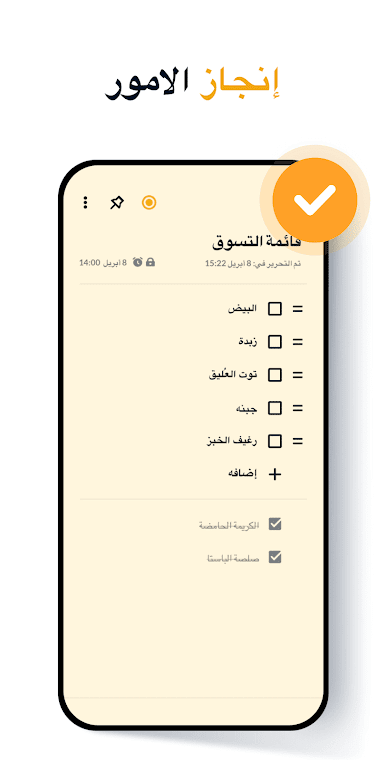
– Effortlessly switch between text and checklist modes, automatically saving notes as you type.
– Capture notes, memos, and lists any time—be it for school, meetings, or daily tasks.
📅 Calendar and Schedule Management
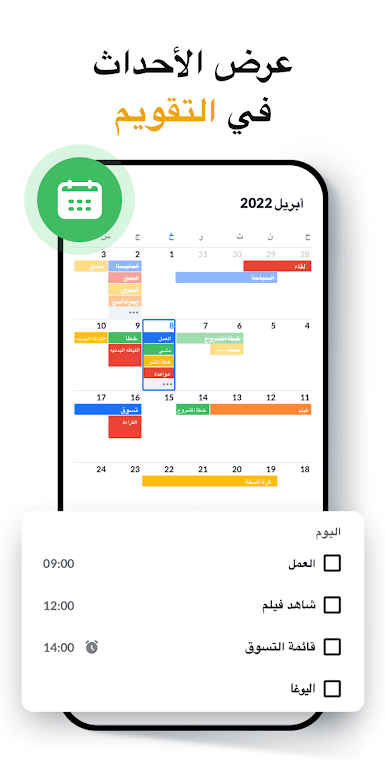
– Add your notes directly to the calendar to keep your schedule seamless and organized.
– Easily view and manage your tasks and memos in calendar mode.
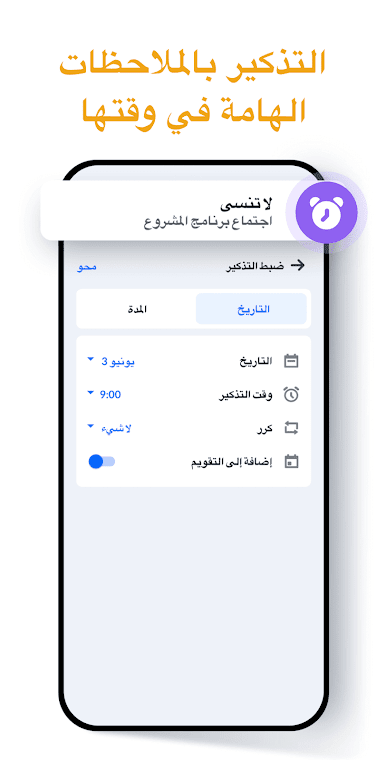
⏰ Reminders and Alerts
– Never miss a beat with timely reminders for all your notes and to-dos.
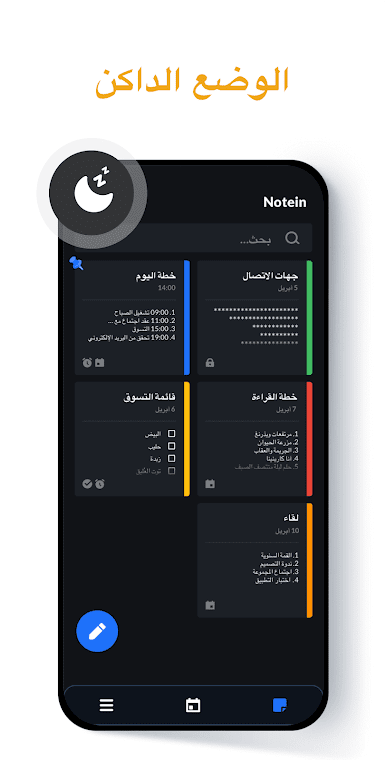
🎨 Colorful Note Management
– Utilize color coding for quick note sorting and efficient organization.
🔐 Secure Note Locking
– Protect your private notes with password options for peace of mind.
☁️ Easy Backup and Access
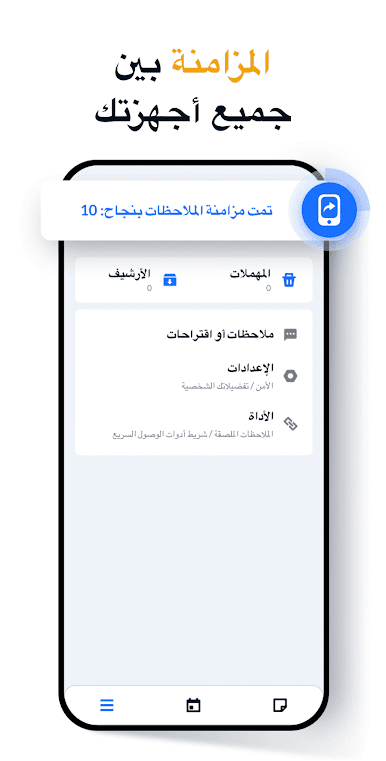
– Back up your notes to the cloud with ease, ensuring they’re always safe.
Feel the freedom of note-taking using BlueStacks for a larger screen experience!
Eager to take your app experience to the next level? Start right away by downloading BlueStacks on your PC or Mac.
العب Note، مفكرة وملاحظات - Notein على جهاز الكمبيوتر. من السهل البدء.
-
قم بتنزيل BlueStacks وتثبيته على جهاز الكمبيوتر الخاص بك
-
أكمل تسجيل الدخول إلى Google للوصول إلى متجر Play ، أو قم بذلك لاحقًا
-
ابحث عن Note، مفكرة وملاحظات - Notein في شريط البحث أعلى الزاوية اليمنى
-
انقر لتثبيت Note، مفكرة وملاحظات - Notein من نتائج البحث
-
أكمل تسجيل الدخول إلى Google (إذا تخطيت الخطوة 2) لتثبيت Note، مفكرة وملاحظات - Notein
-
انقر على أيقونة Note، مفكرة وملاحظات - Notein على الشاشة الرئيسية لبدء اللعب

