


Notas Rápidas – Notas e Tarefa
Jogue no PC com BlueStacks - A Plataforma de Jogos Android, confiada por mais de 500 milhões de jogadores.

Página modificada em: Jul 9, 2025
Jogue Notas Rápidas – Notas e Tarefa para PC
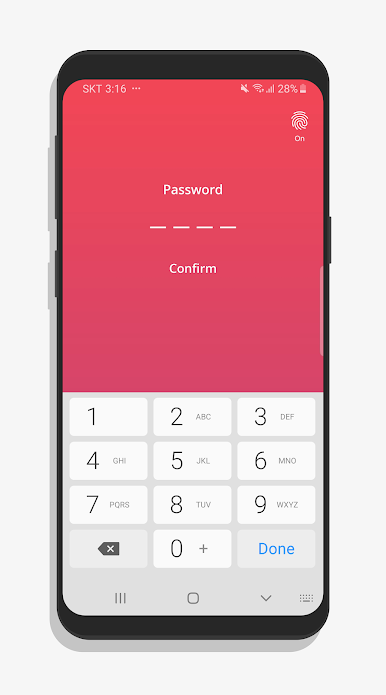
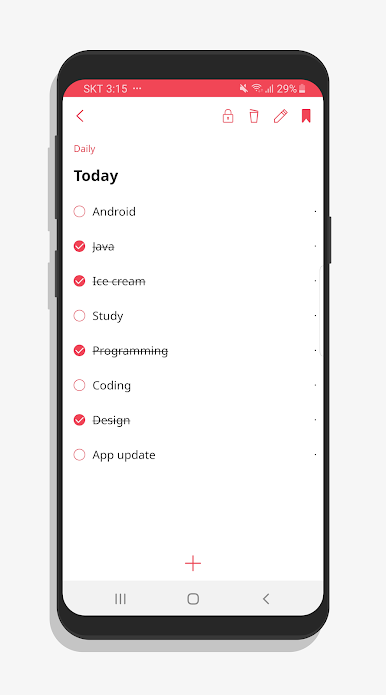
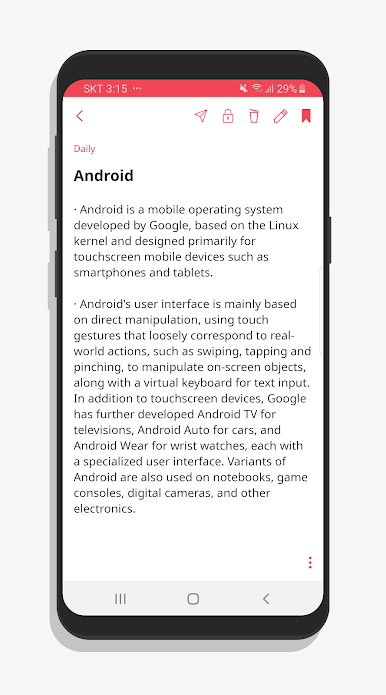
Interface intuitiva que permite criar ideias e tarefas imediatamente.
⚡ Criação eficiente
É possível criar notas de forma rápida e sem atraso, sem confusão.
💾 Salvar automaticamente
As notas criadas são salvas automaticamente, para que você não perca suas ideias.
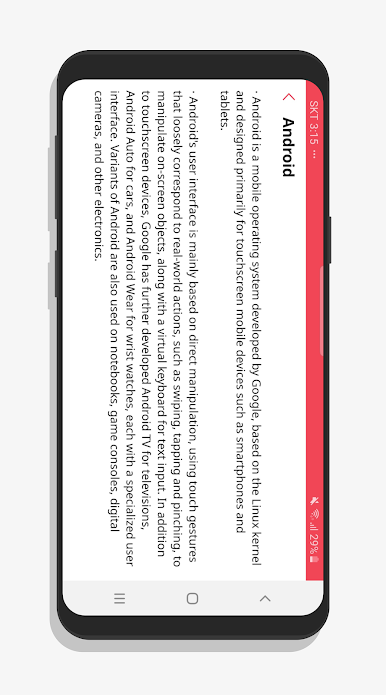
🌍 Uso offline
Crie e visualize suas notas a qualquer hora, em qualquer lugar, mesmo sem internet.
🗓️ Otimizado para uso diário
O aplicativo perfeito para gerenciar tarefas e notas no seu dia a dia.

Jogue Notas Rápidas – Notas e Tarefa no PC. É fácil começar.
-
Baixe e instale o BlueStacks no seu PC
-
Conclua o login do Google para acessar a Play Store ou faça isso mais tarde
-
Procure por Notas Rápidas – Notas e Tarefa na barra de pesquisa no canto superior direito
-
Clique para instalar Notas Rápidas – Notas e Tarefa a partir dos resultados da pesquisa
-
Conclua o login do Google (caso você pulou a etapa 2) para instalar o Notas Rápidas – Notas e Tarefa
-
Clique no ícone do Notas Rápidas – Notas e Tarefa na tela inicial para começar a jogar

