


Navigation Bar for Android
5억명 이상의 게이머가 신뢰하는 안드로이드 게임 플랫폼 BlueStacks으로 PC에서 플레이하세요.

Run Navigation Bar for Android on PC or Mac
What’s better than using Navigation Bar for Android by Wormhole Space? Well, try it on a big screen, on your PC or Mac, with BlueStacks to see the difference.
About the App
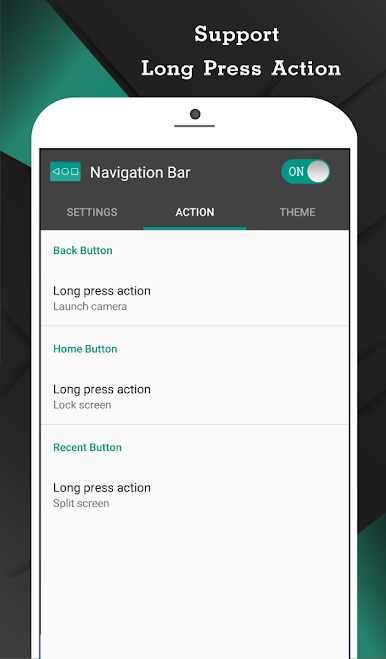
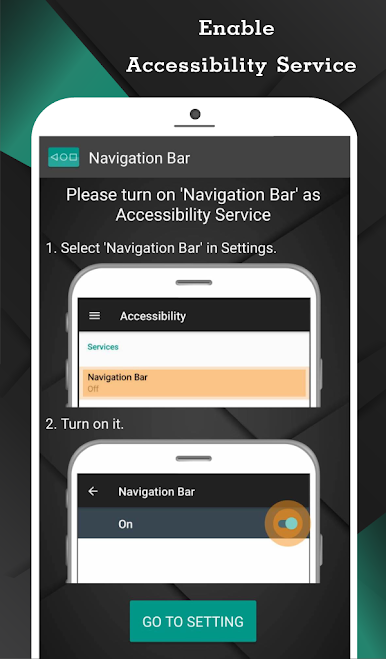
Navigation Bar for Android by Wormhole Space is a lifesaver for those dealing with broken buttons or faulty navigation panels. This app effortlessly replaces on-screen navigation bars, offering more than just basic functionality. Think you only need a button replacement? Think again! This app is packed with features, like long press actions and customizable navigation bars that make life so much easier.
App Features
Convenience at Your Fingertips
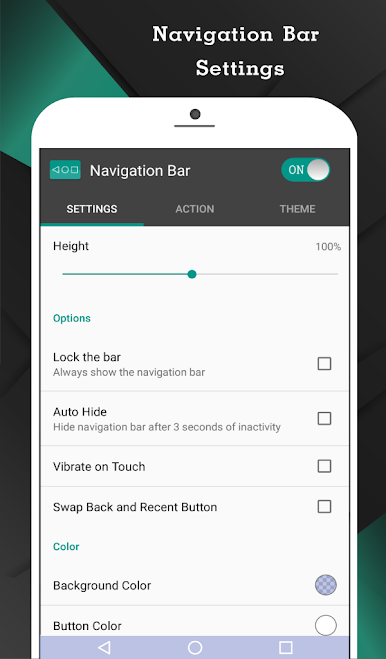
– Auto-hide navigation bar with your chosen duration.
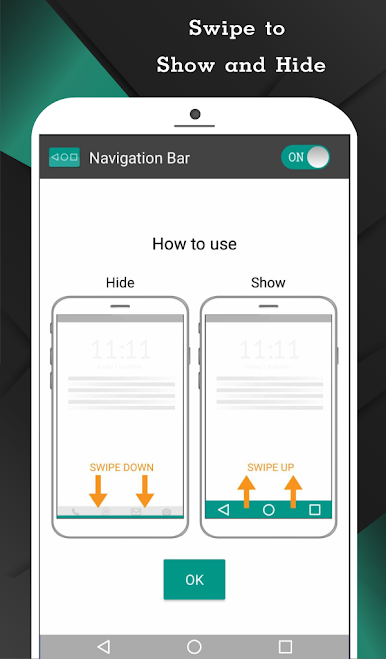
– Swipe up/down to show or hide easily.
Customization Galore
– Swap button positions between back and recent.
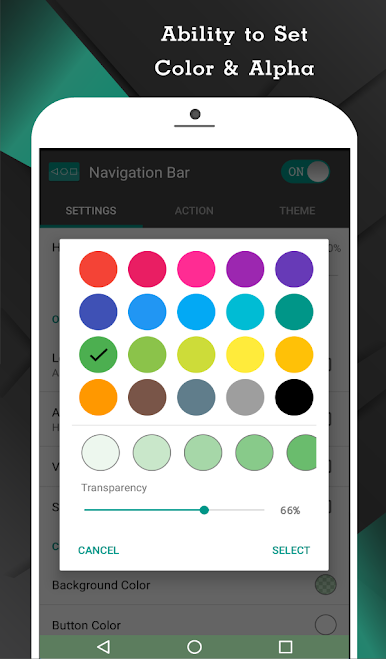
– Change background and button colors.
– Set navigation bar size to your liking.
Enhanced Functionality
– Single press for Home, Back, Recent.
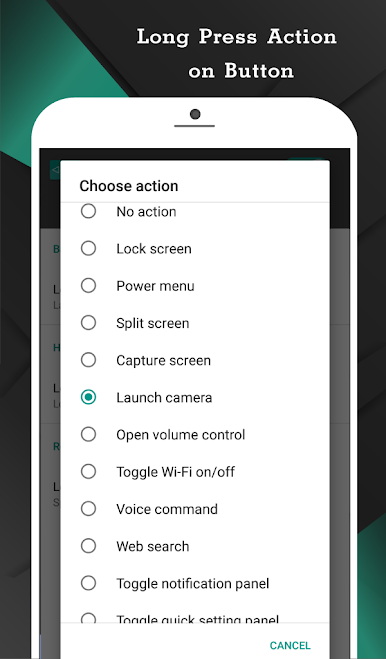
– Long press for advanced actions like launching apps or taking screenshots (Pro).
Theme and Style
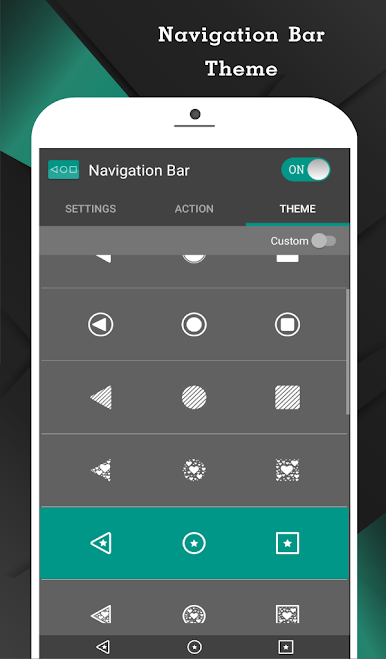
– Choose from 15 themes.
– Adjust swipe sensitivity for personalized touch.
Quick Access
– Switch on/off via notifications or quick settings (Android 7.0+).
Using BlueStacks? The experience gets even better!
Big screen. Bigger performance. Use BlueStacks on your PC or Mac to run your favorite apps.
PC에서 Navigation Bar for Android 플레이해보세요.
-
BlueStacks 다운로드하고 설치
-
Google Play 스토어에 로그인 하기(나중에 진행가능)
-
오른쪽 상단 코너에 Navigation Bar for Android 검색
-
검색 결과 중 Navigation Bar for Android 선택하여 설치
-
구글 로그인 진행(만약 2단계를 지나갔을 경우) 후 Navigation Bar for Android 설치
-
메인 홈화면에서 Navigation Bar for Android 선택하여 실행

