

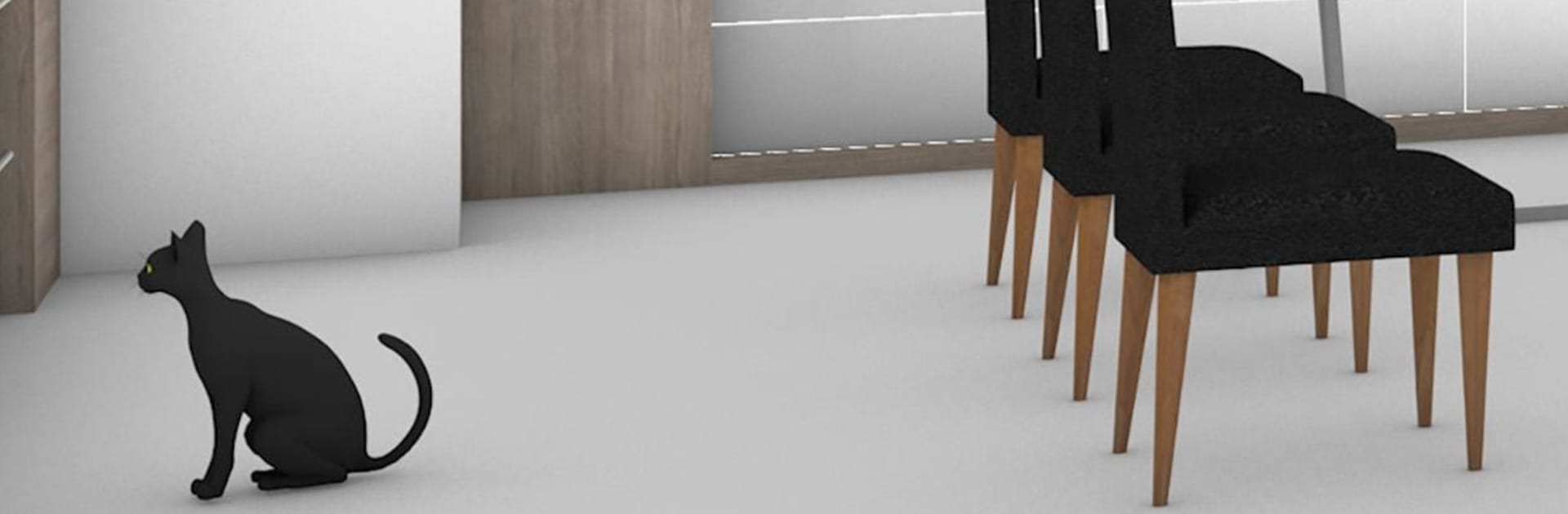
탈출 게임 Ocean View
5억명 이상의 게이머가 신뢰하는 안드로이드 게임 플랫폼 BlueStacks으로 PC에서 플레이하세요.

Play Escape Game: Ocean View on PC or Mac
Step into the World of Escape Game: Ocean View, a thrilling Adventure game from the house of Jammsworks Inc.. Play this Android game on BlueStacks App Player and experience immersive gaming on PC or Mac.
About the Game
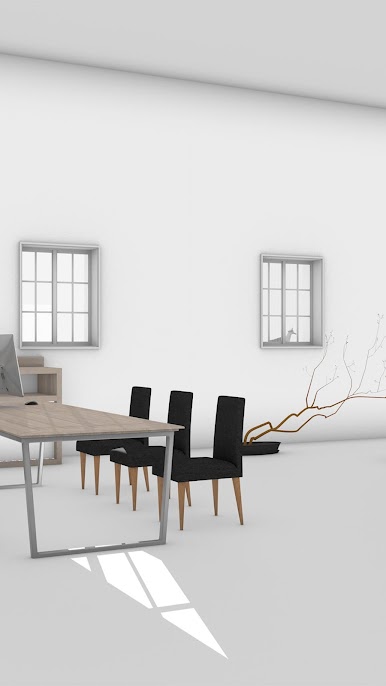
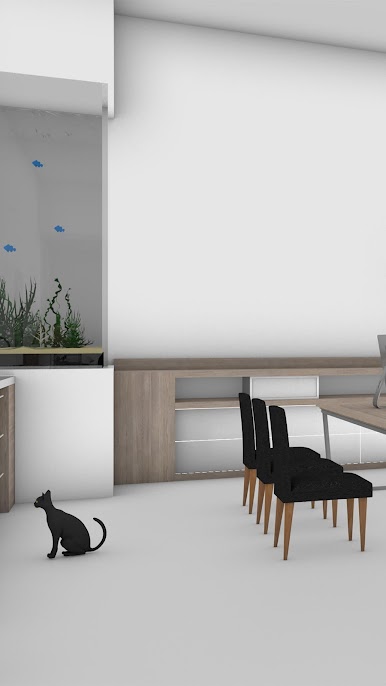
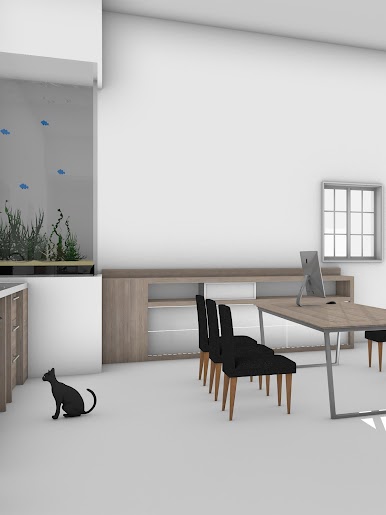
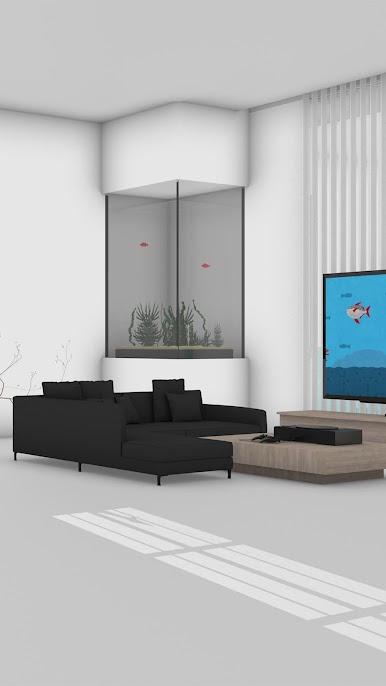
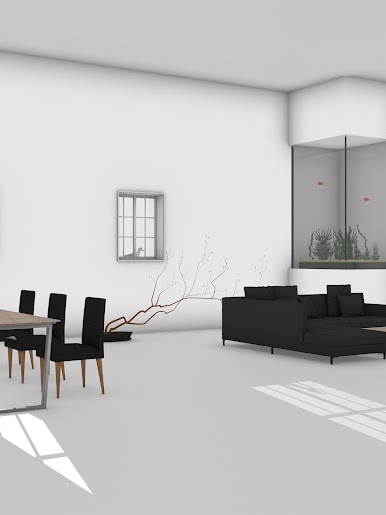
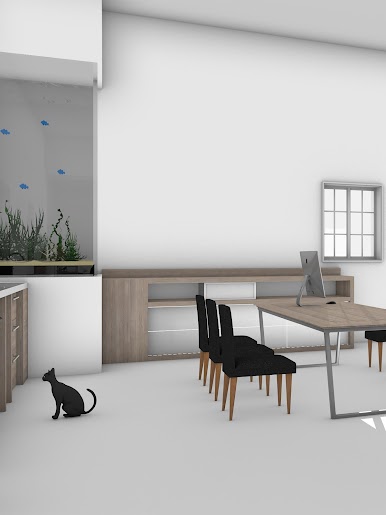
Escape Game: Ocean View is an Adventure escape puzzler set in a bright villa perched above the sea. You snoop around sunlit rooms, pick up odd little items, and piece together clever clues to unlock the way out. Finish the escape, and a cute bonus opens up—animals start hiding around the place, and yep, you get to find them. Prefer a bigger screen? It plays smoothly on BlueStacks too.
Game Features
- Seaside Villa Setting: Explore a breezy, ocean-view home filled with cozy corners and eye-catching details that make every room worth a second look.
- Pick‑Up‑and‑Play Controls: Tap to search spots, switch viewpoints with a button, and check areas you might’ve missed without any fuss.
- Zoom and Combine Items: Double‑tap to enlarge an item, then use it on another to create something new—simple, intuitive, and super satisfying.
- Built‑In Hints: Stuck on a puzzle? The in‑game hint menu offers gentle nudges so you can keep moving without spoilers.
- Auto‑Save Convenience: Step away anytime. Your progress is saved automatically and ready when you are.
- Bonus Hide‑and‑Seek: After escaping, stick around for a fun extra mode where adorable animals play hide‑and‑seek throughout the villa.
- Friendly for Newcomers: Designed so first-time escape fans can jump in, but with enough “aha!” moments to keep puzzle lovers grinning.
- From Jammsworks Inc.: A thoughtfully crafted experience with that handcrafted feel you expect from a focused team.
Make your gaming sessions memorable with precise controls that give you an edge in close combats and visuals that pop up, bringing every character to life.
PC에서 탈출 게임 Ocean View 플레이해보세요.
-
BlueStacks 다운로드하고 설치
-
Google Play 스토어에 로그인 하기(나중에 진행가능)
-
오른쪽 상단 코너에 탈출 게임 Ocean View 검색
-
검색 결과 중 탈출 게임 Ocean View 선택하여 설치
-
구글 로그인 진행(만약 2단계를 지나갔을 경우) 후 탈출 게임 Ocean View 설치
-
메인 홈화면에서 탈출 게임 Ocean View 선택하여 실행

