

GeoGebra Scientific Calculator
العب على الكمبيوتر الشخصي مع BlueStacks - نظام أندرويد للألعاب ، موثوق به من قبل أكثر من 500 مليون لاعب.

Run GeoGebra Scientific Calculator on PC or Mac
Multitask effortlessly on your PC or Mac as you try out GeoGebra Scientific Calculator, a Education app by GeoGebra on BlueStacks.
About the App
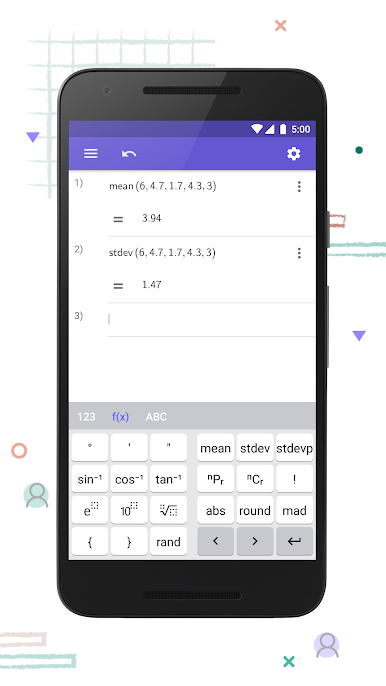
GeoGebra Scientific Calculator is a clean, no‑nonsense calculator you’ll actually want to use for homework, study sessions, and real exams. It brings the feel of a reliable handheld to your phone or tablet, with the precision and flexibility you’d expect from GeoGebra in the Education genre. Prefer a bigger screen? It also runs smoothly on your PC with BlueStacks.
App Features
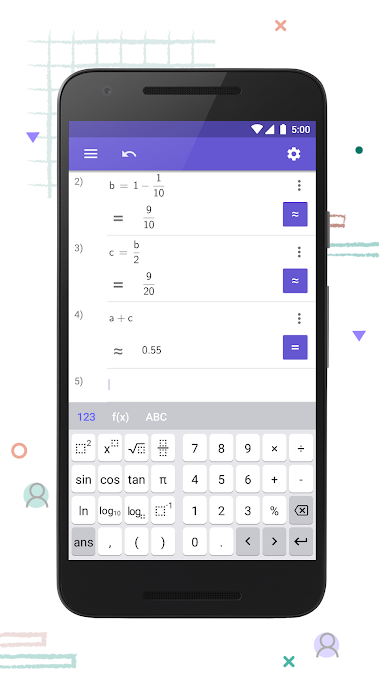
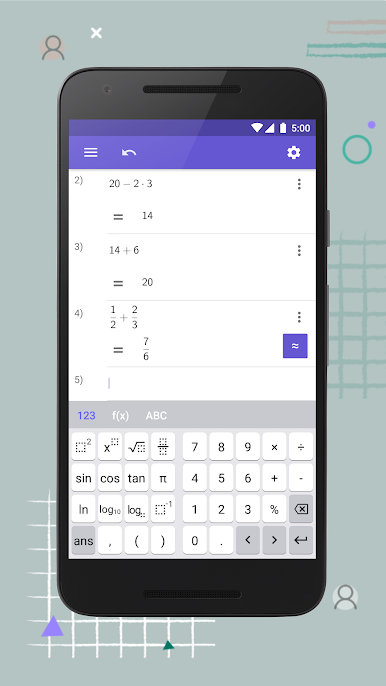
- Fraction tools: Do exact fraction calculations, simplify results, and switch between mixed and improper forms without breaking your flow.
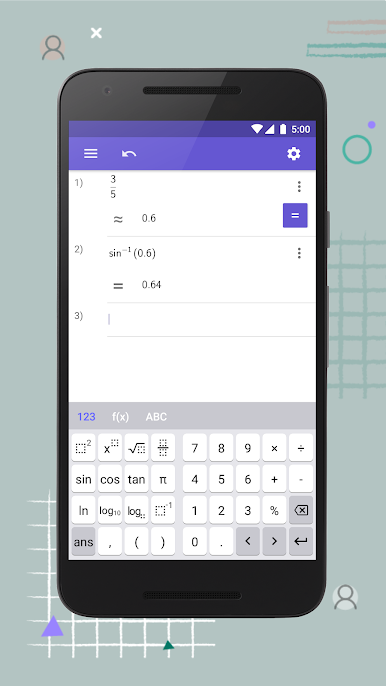
- Trigonometry built in: Get quick access to sin, cos, tan (and their inverses), and flip between degrees and radians whenever you need—no hunting through menus.
- Stats essentials: Work with core statistics functions to explore data, calculate common measures, and check results fast.
- Powers and logs: Handle exponents, roots, scientific notation, and logarithms (including natural log) for everything from algebra to physics.
- Test‑ready mode: Turn your phone or tablet into a dedicated calculator for exams by enabling the built‑in exam mode—nothing extra on screen, just the keys you’re allowed to use.
- Clear, focused layout: Big, readable buttons and a tidy interface keep you moving quickly, whether you’re crunching a single result or running a sequence of calculations.
- Reliable by design: Built by GeoGebra, it’s made for students, teachers, and anyone who needs accurate math on the go—without distractions.
BlueStacks gives you the much-needed freedom to experience your favorite apps on a bigger screen. Get it now.
العب GeoGebra Scientific Calculator على جهاز الكمبيوتر. من السهل البدء.
-
قم بتنزيل BlueStacks وتثبيته على جهاز الكمبيوتر الخاص بك
-
أكمل تسجيل الدخول إلى Google للوصول إلى متجر Play ، أو قم بذلك لاحقًا
-
ابحث عن GeoGebra Scientific Calculator في شريط البحث أعلى الزاوية اليمنى
-
انقر لتثبيت GeoGebra Scientific Calculator من نتائج البحث
-
أكمل تسجيل الدخول إلى Google (إذا تخطيت الخطوة 2) لتثبيت GeoGebra Scientific Calculator
-
انقر على أيقونة GeoGebra Scientific Calculator على الشاشة الرئيسية لبدء اللعب

