

Spectroid
5억명 이상의 게이머가 신뢰하는 안드로이드 게임 플랫폼 BlueStacks으로 PC에서 플레이하세요.

Run Spectroid on PC or Mac
Let BlueStacks turn your PC, Mac, or laptop into the perfect home for Spectroid, a fun Tools app from Carl Reinke.
About the App
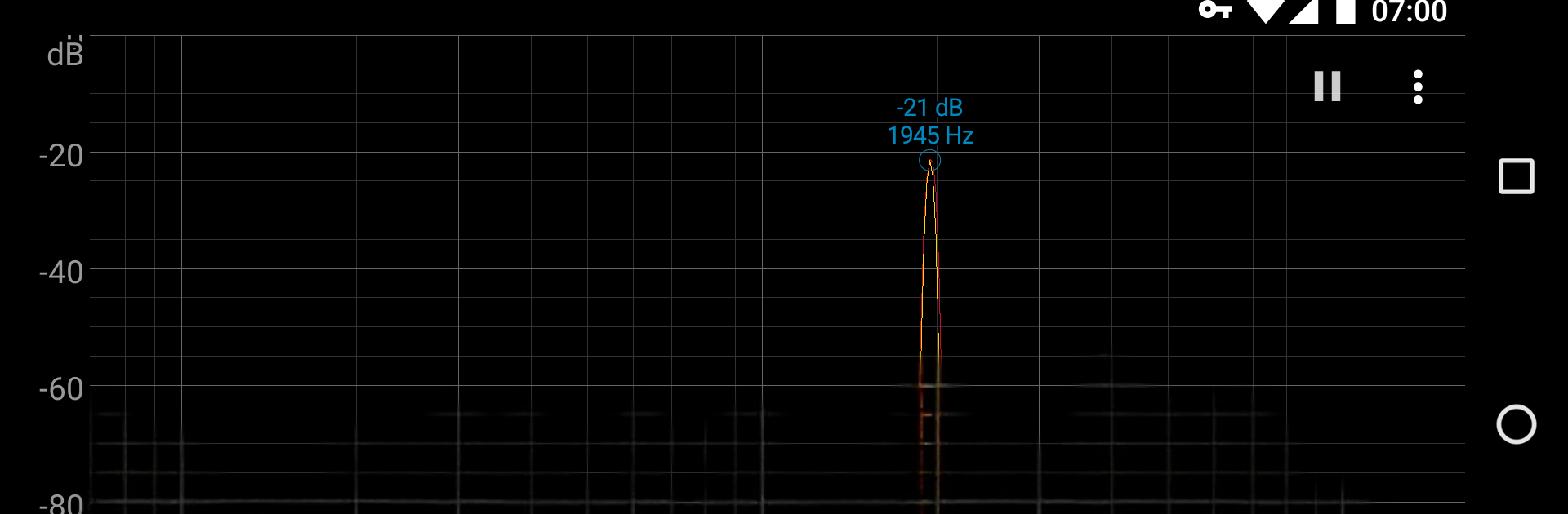
Ever found yourself curious about what the world around you really sounds like? Spectroid from Carl Reinke is a handy audio tool that lets you visualize real-time sounds, right as they happen. If you’ve ever wondered what’s going on in those frequencies and waveforms you keep hearing about, Spectroid lays it all out with a colorful, interactive spectrum display. Whether you’re just messing around or you’re into audio tinkering, this app makes exploring sound a bit more fun.
App Features
-
Live Spectrum Analyzer
See sounds as they happen! With its live, continuously-updating display, you’ll catch every blip and tone—instantly. -
Full Frequency Coverage
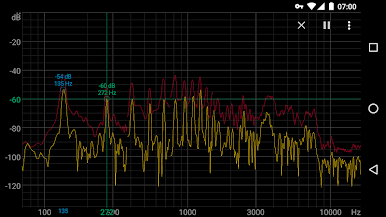
Spectroid breaks down audio across a wide range, not just the high notes or the lows. That means you get a real look at your environment’s full frequency spectrum, with details that are pretty impressive for a mobile app. -
Simple Zoom Controls
Want to get a closer look? Pinch with two fingers to zoom in on any part of the spectrum plot—handy for picking out tricky details or just seeing exactly what your ears are catching. -
dBFS Values Explained
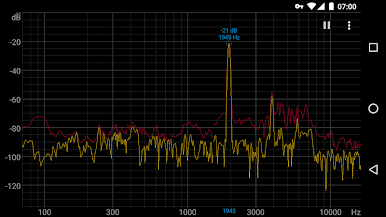
The app uses decibels in full scale (dBFS), so you’ll see negative values—don’t worry, it’s just telling you the audio isn’t maxing out your device’s limits. -
Human-Ear-Inspired Analysis
Multiple overlapping FFTs under the hood help improve detail at lower frequencies. It’s not perfect, but it comes pretty close to matching what your ears can actually perceive. -
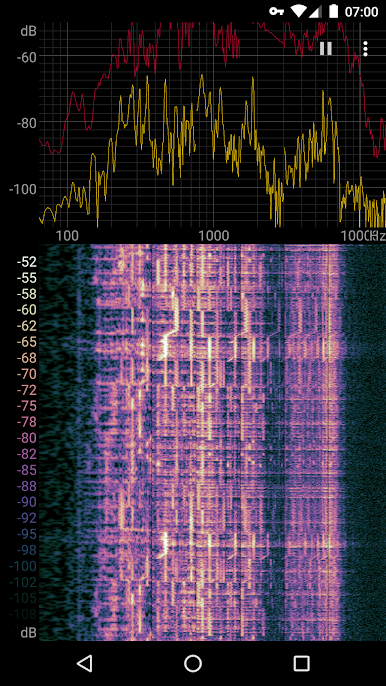
Insightful Waterfall View
Track how a sound evolves over time—those colorful waterfall displays show the shifts and changes in the audio spectrum, not just single snapshots. -
No Calibration Hassles
Spectroid is meant for quick checks and interesting finds, not precise scientific measurements. It’s perfect for exploring, learning, and having some geeky fun.
And if you ever want to see those colorful waveforms and spectrums on a bigger screen, BlueStacks lets you run Spectroid on your PC, too.
BlueStacks gives you the much-needed freedom to experience your favorite apps on a bigger screen. Get it now.
PC에서 Spectroid 플레이해보세요.
-
BlueStacks 다운로드하고 설치
-
Google Play 스토어에 로그인 하기(나중에 진행가능)
-
오른쪽 상단 코너에 Spectroid 검색
-
검색 결과 중 Spectroid 선택하여 설치
-
구글 로그인 진행(만약 2단계를 지나갔을 경우) 후 Spectroid 설치
-
메인 홈화면에서 Spectroid 선택하여 실행

