


7Zipper 2.0 – Local and Cloud
Jogue no PC com BlueStacks - A Plataforma de Jogos Android, confiada por mais de 500 milhões de jogadores.

Página modificada em: Nov 10, 2025
Run 7Zipper 2.0 – Local and Cloud on PC or Mac
Let BlueStacks turn your PC, Mac, or laptop into the perfect home for 7Zipper 2.0 – Local and Cloud , a fun Productivity app from PolarBear soft.
About the App
If you’ve ever wished for an all-in-one toolbox for your files, 7Zipper 2.0 – Local and Cloud is here to make your life a whole lot easier. Organizing, moving, or zipping up folders on your phone (and not just your phone—clouds too!) gets a serious upgrade with this app from PolarBear soft. Think of it as your one-stop shop for sorting out the clutter, peeking into archives, and even juggling files remotely.
App Features
-
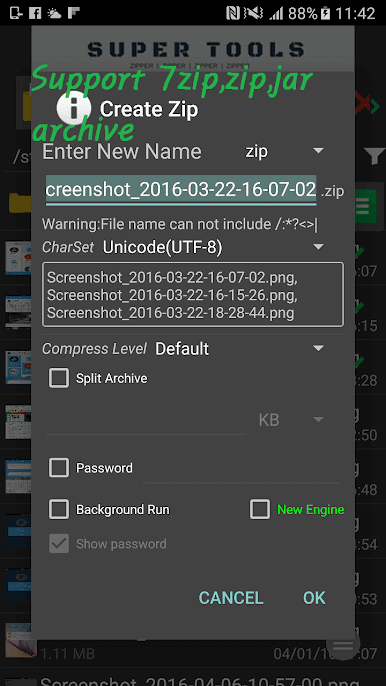
Full-Featured File Management
Whether your stuff’s hiding in your internal storage or on a memory card, you’re covered. Copy, delete, and rename files or folders right from the app. -
Cloud Storage Support
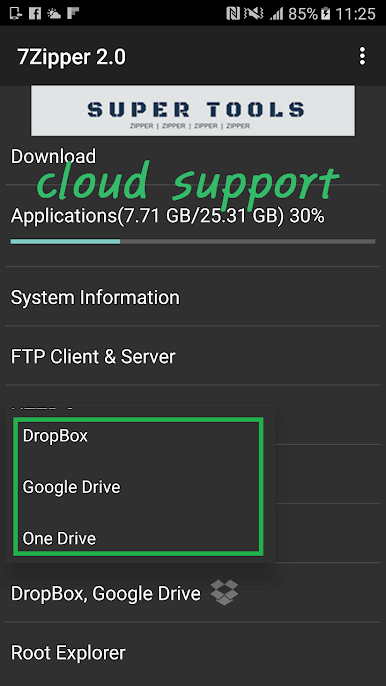
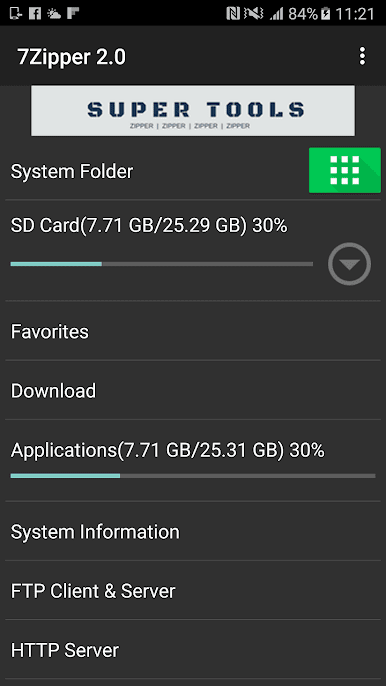
Access files stored on cloud services like Google Drive and Dropbox. Moving things around between your phone and the cloud is simple, which means no more awkward “where did I put that file?” moments. -
Archive Mastery
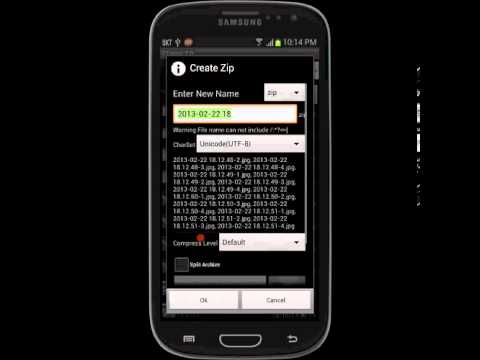
7Zipper 2.0 – Local and Cloud handles your ZIP and 7Z files without breaking a sweat—and when it’s time to unzip, it supports a whole bunch of formats. That includes rar, tar, gz, jar, lzh, and more. Got a “split” archive with multiple parts? The app knows how to deal with those too. -
Remote File Access
Move files between devices or manage what’s on your phone using FTP or a simple web browser on your network. Easy file transfers over Wi-Fi, no tangled cords in sight. -
Handy Extra Tools
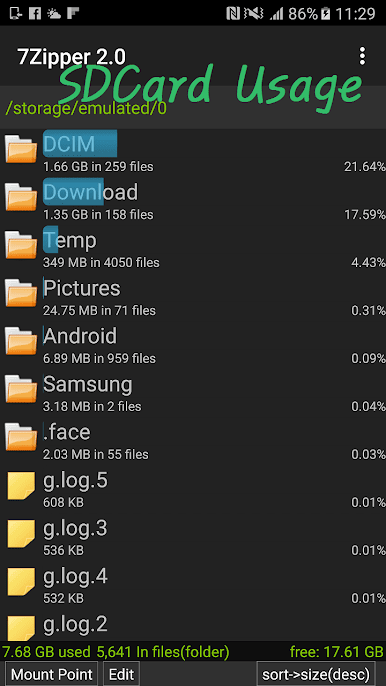
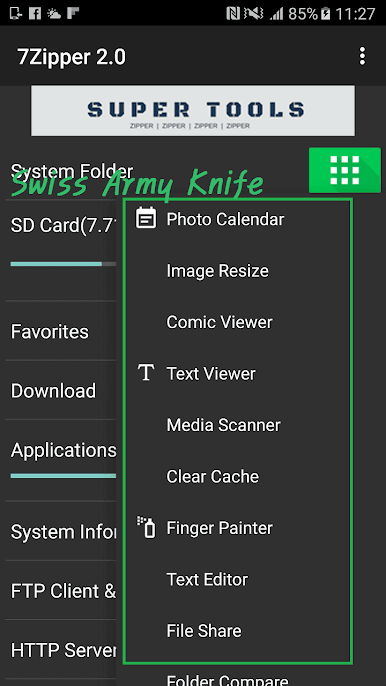
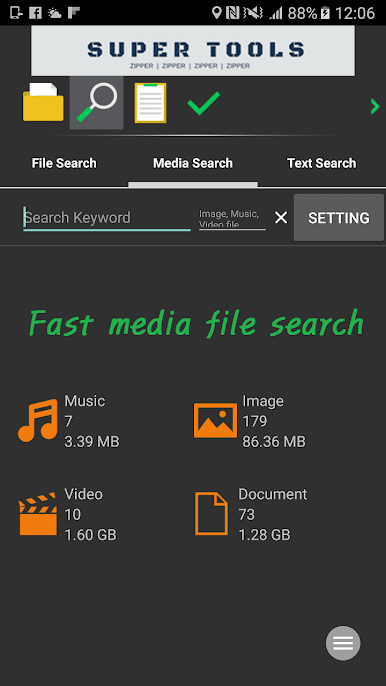
Need to check what’s hogging space on your SD card or squash large images smaller? There’s an SD card usage tracker, an image resizer, and even a hex viewer for those who like to get technical.
If you want to take full advantage of managing your mobile files with more screen space and easy navigation, using 7Zipper 2.0 – Local and Cloud on BlueStacks is a smart move.
Ready to experience 7Zipper 2.0 – Local and Cloud on a bigger screen, in all its glory? Download BlueStacks now.
Jogue 7Zipper 2.0 – Local and Cloud no PC. É fácil começar.
-
Baixe e instale o BlueStacks no seu PC
-
Conclua o login do Google para acessar a Play Store ou faça isso mais tarde
-
Procure por 7Zipper 2.0 – Local and Cloud na barra de pesquisa no canto superior direito
-
Clique para instalar 7Zipper 2.0 – Local and Cloud a partir dos resultados da pesquisa
-
Conclua o login do Google (caso você pulou a etapa 2) para instalar o 7Zipper 2.0 – Local and Cloud
-
Clique no ícone do 7Zipper 2.0 – Local and Cloud na tela inicial para começar a jogar

