


JW Language
5억명 이상의 게이머가 신뢰하는 안드로이드 게임 플랫폼 BlueStacks으로 PC에서 플레이하세요.

Run JW Language on PC or Mac
What’s better than using JW Language by Jehovah’s Witnesses? Well, try it on a big screen, on your PC or Mac, with BlueStacks to see the difference.
About the App
JW Language, created by Jehovah’s Witnesses, is a handy tool for anyone eager to pick up a new language in a way that’s both practical and engaging. This Education app isn’t just about memorizing words—it’s focused on real communication, especially for anyone active in the ministry or attending congregation meetings. Expect lots of interactive features, from audio phrases to visual aids, all designed to help you feel more at home in another language.
App Features
-
Easy Language Pairing
You can quickly set up the app by choosing your primary language and the one you want to learn. With a pretty wide selection—think everything from Korean and French, to Swahili, German, Tagalog, and more—you’ve got options whether you’re aiming for something popular or a bit niche. -
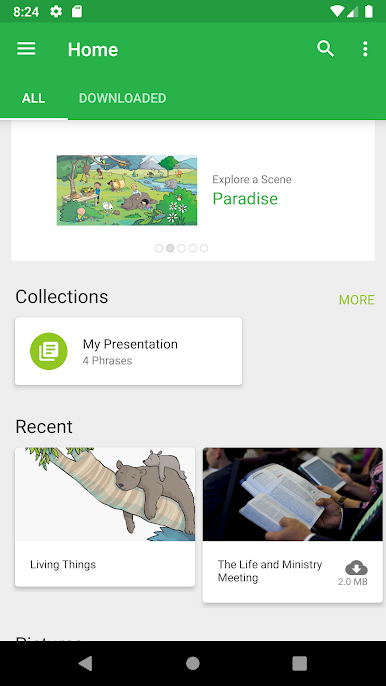
Helpful Home Screen
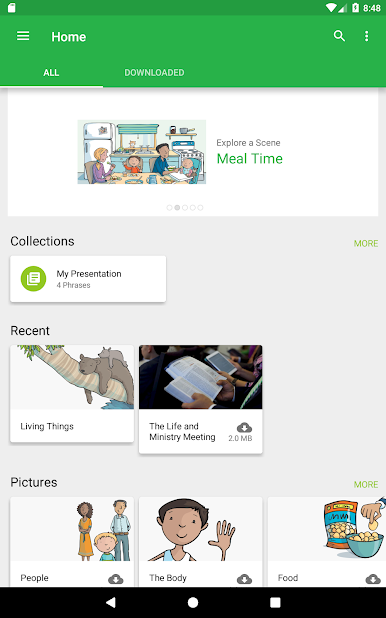
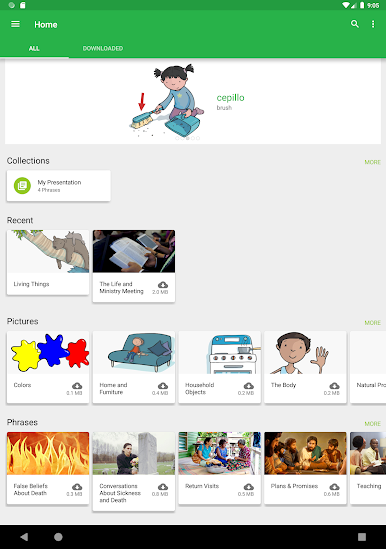
The home area keeps things motivational. It’s where you’ll find encouragement to try new words and activities, plus see your recently viewed topics for easy access. -
Audio Phrases On Demand
Hear how real sentences sound in your chosen language, without needing to download anything extra (just make sure you’ve got an internet connection). It’s super useful for getting your pronunciation on point. -
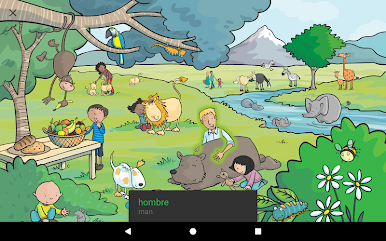
Picture-Based Learning
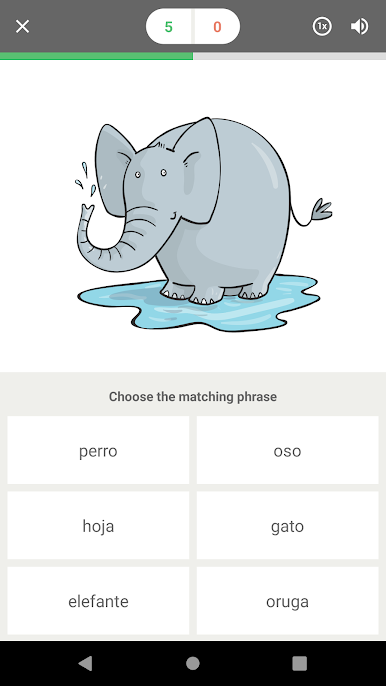
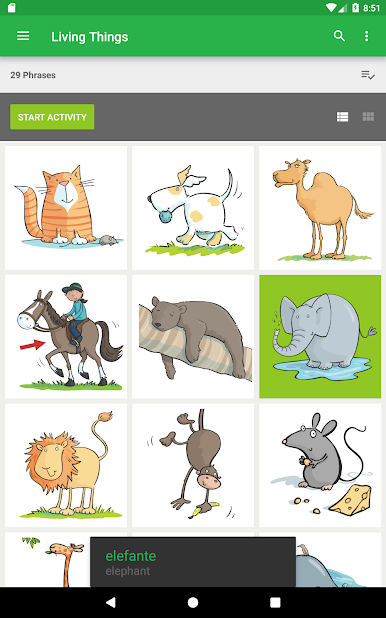
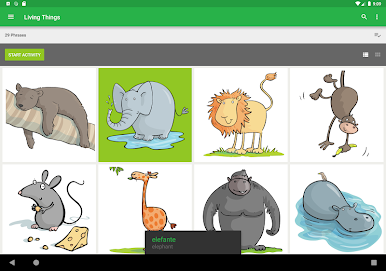
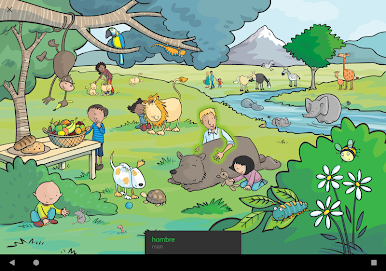
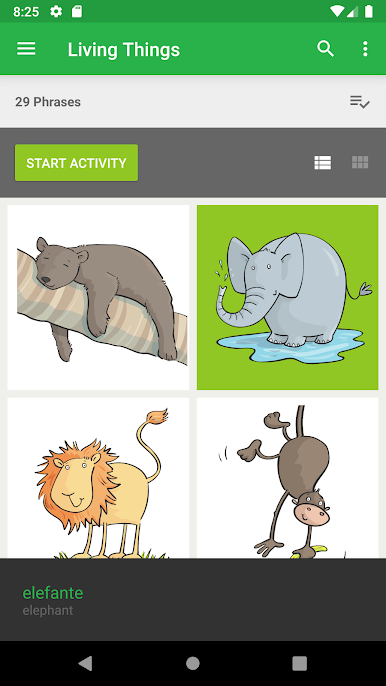
Visual learners will appreciate the vocab lists that come with clear pictures. You’ll also find mini-scenes that help put words into context, making them easier to remember. -
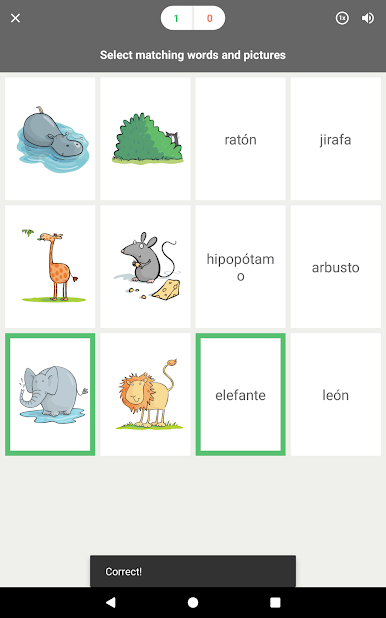
Interactive Activities
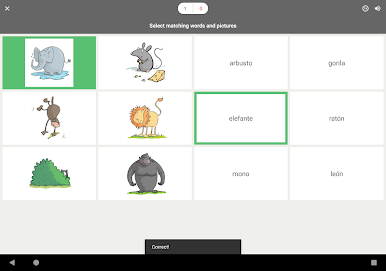
Test your skills with fun games and learning activities in any language category. If you make a mistake, the app brings that word up more often, so you get another shot at mastering it. -
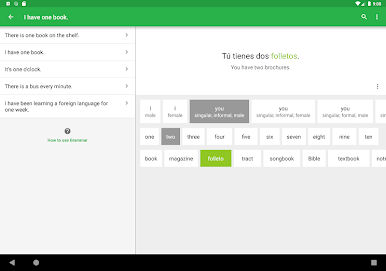
Grammar Insights
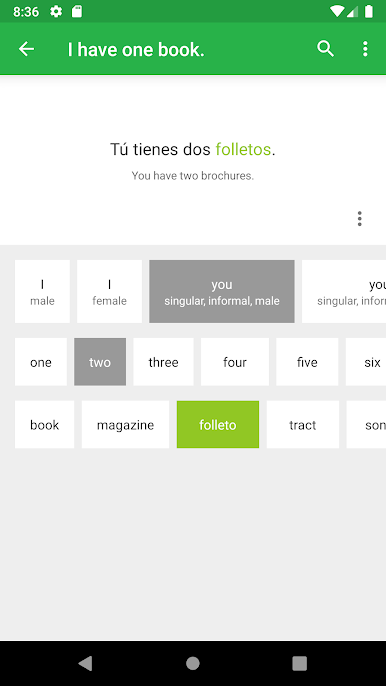
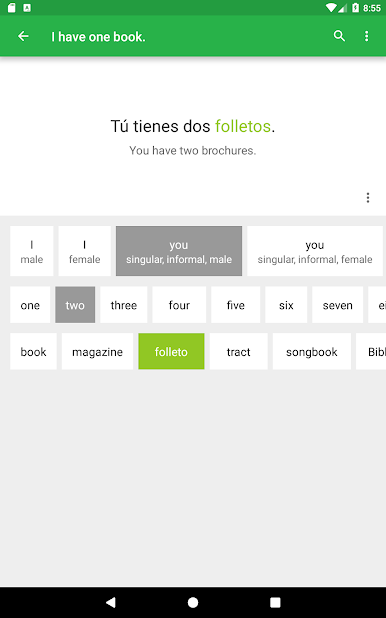
See firsthand how switching up words changes a sentence—like moving from singular to plural, or present to past—which really helps you get the hang of sentence structure in your new language. -
Customizable Settings
Adjust how you hear grammar explanations through your device’s built-in text-to-speech feature. While not every language is fully supported for every feature, most are covered except for Arabic and Low German in the grammar section.
JW Language runs smoothly on lots of devices, and if you want to use it on a bigger screen, BlueStacks is a solid option.
BlueStacks brings your apps to life on a bigger screen—seamless and straightforward.

PC에서 JW Language 플레이해보세요.
-
BlueStacks 다운로드하고 설치
-
Google Play 스토어에 로그인 하기(나중에 진행가능)
-
오른쪽 상단 코너에 JW Language 검색
-
검색 결과 중 JW Language 선택하여 설치
-
구글 로그인 진행(만약 2단계를 지나갔을 경우) 후 JW Language 설치
-
메인 홈화면에서 JW Language 선택하여 실행

