


AnyMemo: 記憶輔助,背單詞
在電腦上使用BlueStacks –受到5億以上的遊戲玩家所信任的Android遊戲平台。

Run AnyMemo: Flash Card Study on PC or Mac
Let BlueStacks turn your PC, Mac, or laptop into the perfect home for AnyMemo: Flash Card Study, a fun Education app from Haowen Ning.
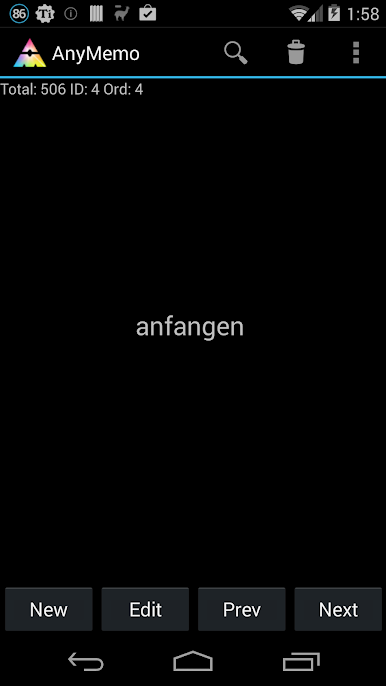
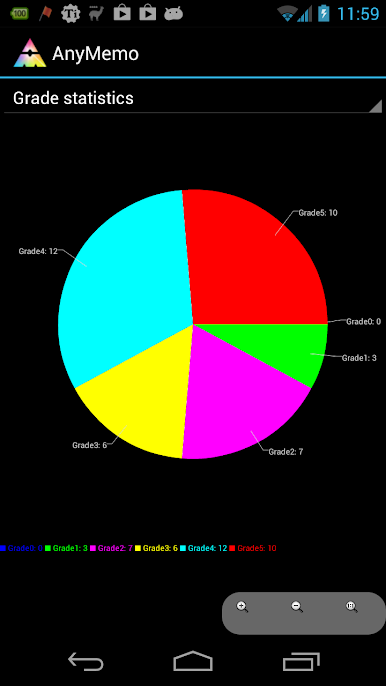
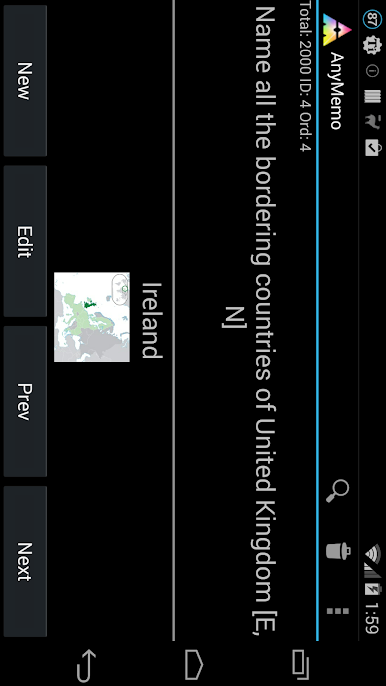
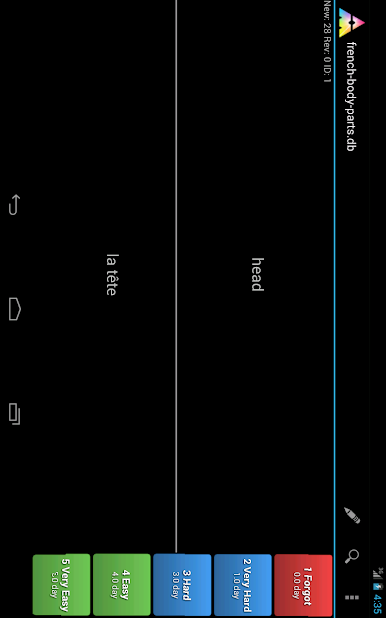
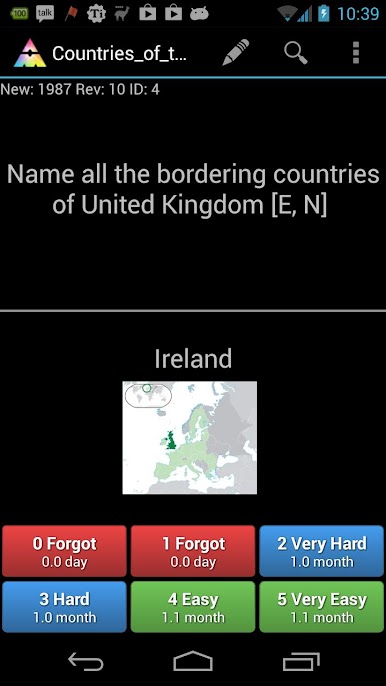
AnyMemo feels like a no fuss flash card app that focuses on studying instead of shiny extras. The layout is simple and quick, which makes it easy to get into a review session without poking around menus. It uses a smart spaced repetition system inspired by tools like Anki and SuperMemo, so cards show up right when the brain is about to forget them. No ads, no clutter, and it is open source, which is nice if someone cares about that sort of thing.
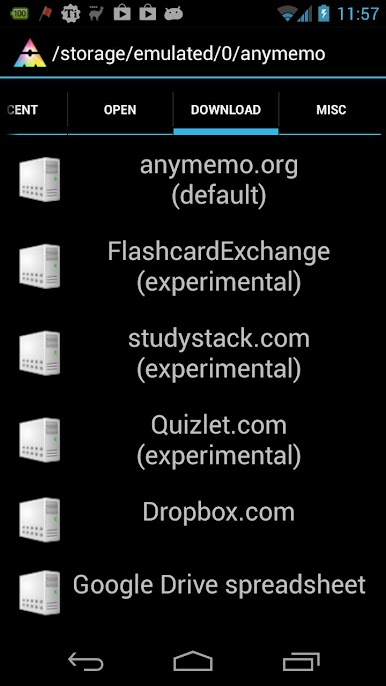
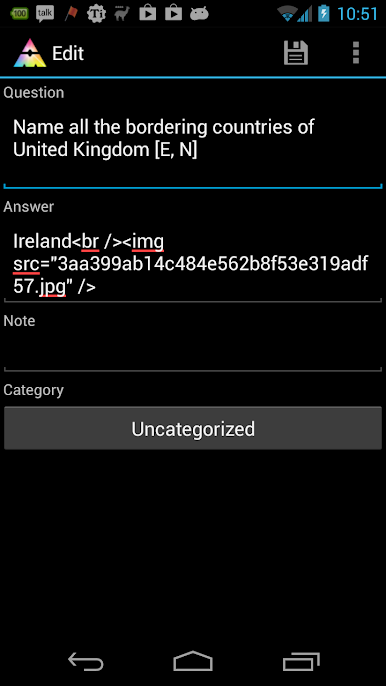
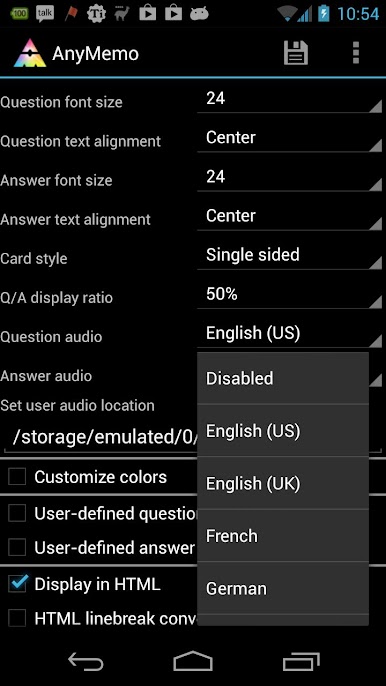
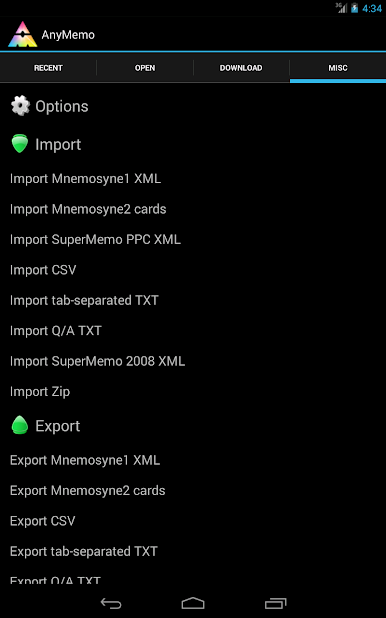
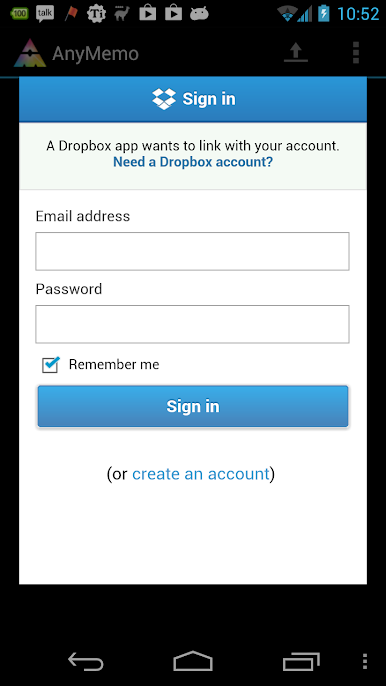
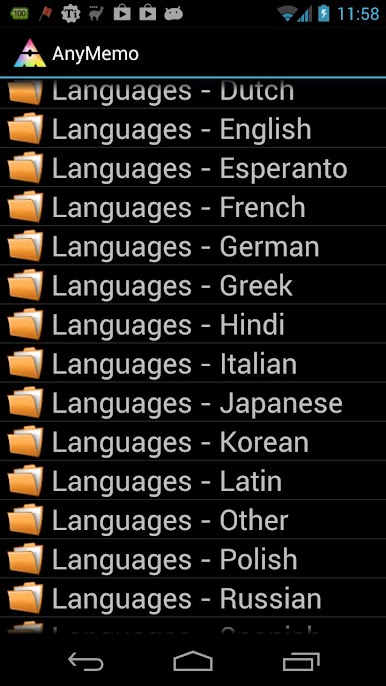
What stands out is how flexible it is. There is text to speech for pronunciation practice, and it can play audio files like MP3 or OGG, so language decks work well. Decks can be imported from a bunch of places and formats, including CSV, tab separated text, QA text, and Mnemosyne XML. There is built in support for pulling sets from big flash card sites, plus syncing with Dropbox or Google Drive to move decks between devices. Languages are covered broadly, from Arabic and Chinese to Spanish, German, and French, and there are subject decks for things like computer topics or religion too. On PC with BlueStacks, typing answers with a keyboard feels faster and the bigger screen helps with long definitions or example sentences. The app is small and efficient. One heads-up: moving it to an SD card can disable widgets or notifications. It works offline and does not nag for a connection, so study can just happen, calm and steady.
BlueStacks brings your apps to life on a bigger screen—seamless and straightforward.

在電腦上遊玩AnyMemo: 記憶輔助,背單詞 . 輕易上手.
-
在您的電腦上下載並安裝BlueStacks
-
完成Google登入後即可訪問Play商店,或等你需要訪問Play商店十再登入
-
在右上角的搜索欄中尋找 AnyMemo: 記憶輔助,背單詞
-
點擊以從搜索結果中安裝 AnyMemo: 記憶輔助,背單詞
-
完成Google登入(如果您跳過了步驟2),以安裝 AnyMemo: 記憶輔助,背單詞
-
在首頁畫面中點擊 AnyMemo: 記憶輔助,背單詞 圖標來啟動遊戲

