


LibreOffice Impress Remote
5억명 이상의 게이머가 신뢰하는 안드로이드 게임 플랫폼 BlueStacks으로 PC에서 플레이하세요.

Run LibreOffice Impress Remote on PC or Mac
Upgrade your experience. Try LibreOffice Impress Remote, the fantastic Productivity app from The Document Foundation, from the comfort of your laptop, PC, or Mac, only on BlueStacks.
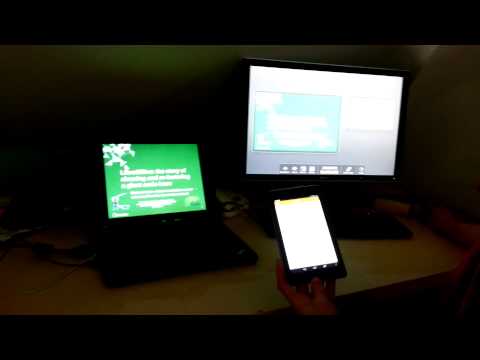
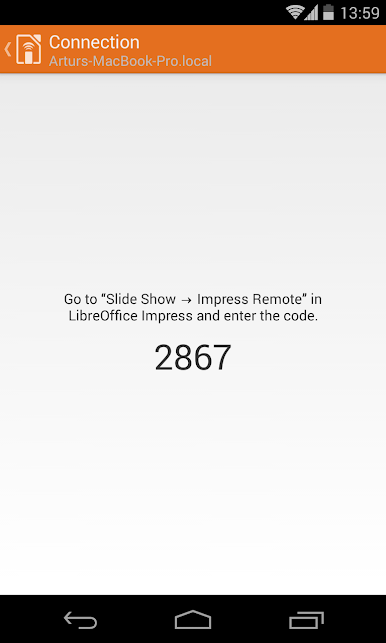
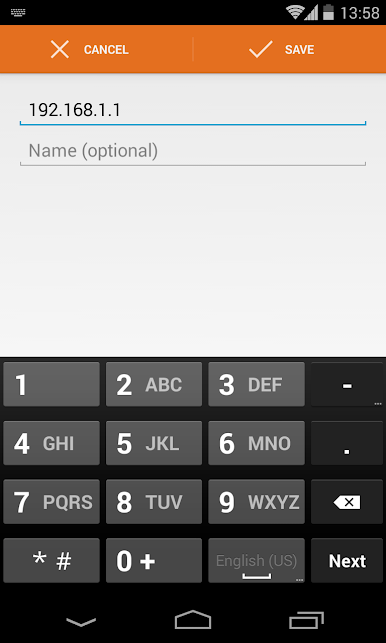
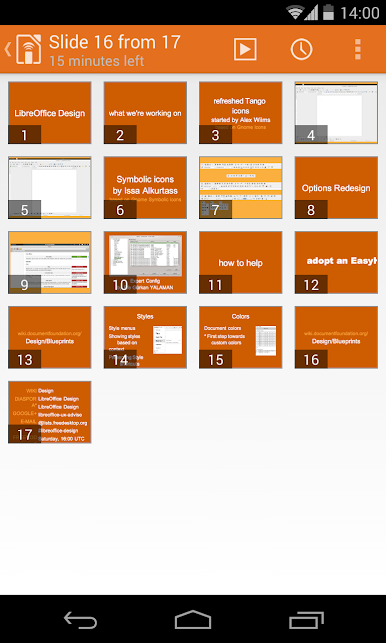
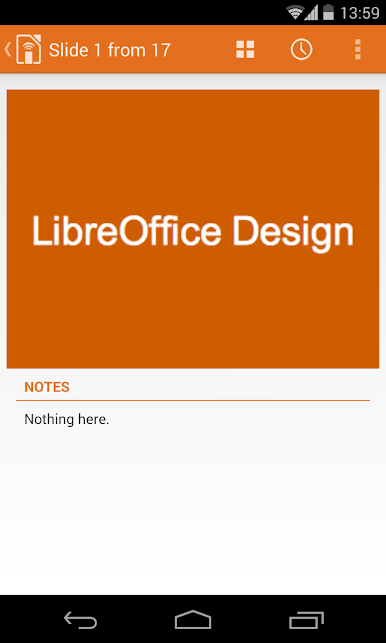
So with LibreOffice Impress Remote, it’s not some flashy game or anything, but more of a helper tool if you ever do presentations with LibreOffice Impress. The cool thing is, it basically turns your phone—or in this case, with BlueStacks, your PC—into a remote control for presentations. Instead of being stuck at your computer clicking through slides, you can just sit back and flip through them, check your presenter notes, maybe even peek at upcoming slides before your audience sees them. It feels smooth, almost like having those pro remotes without needing extra hardware.
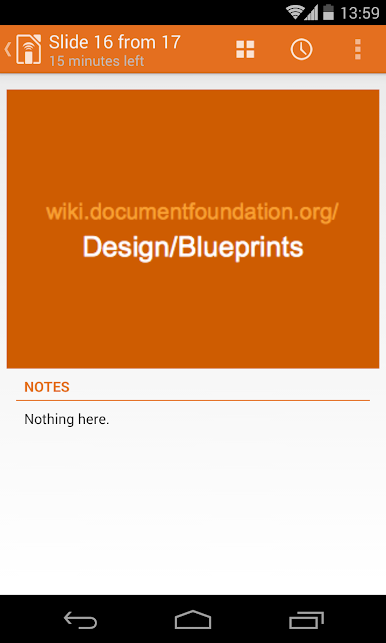
The layout’s simple, clear, and doesn’t try to be more complicated than it needs to be. Anyone who’s used to LibreOffice will get how this fits in. What stands out is the little conveniences, like previewing slides or checking speaker notes without hunting around. If you’re into LibreOffice already or just want a basic, reliable way to keep presentations flowing without awkward pauses, it’s pretty nice. Running it with BlueStacks on a PC actually opens up some different options—like controlling your presentation from another window or device if you want, so there’s a flexibility to it that works for different setups. Nothing flashy, just straightforward and surprisingly handy for its purpose.
Big screen. Bigger performance. Use BlueStacks on your PC or Mac to run your favorite apps.
PC에서 LibreOffice Impress Remote 플레이해보세요.
-
BlueStacks 다운로드하고 설치
-
Google Play 스토어에 로그인 하기(나중에 진행가능)
-
오른쪽 상단 코너에 LibreOffice Impress Remote 검색
-
검색 결과 중 LibreOffice Impress Remote 선택하여 설치
-
구글 로그인 진행(만약 2단계를 지나갔을 경우) 후 LibreOffice Impress Remote 설치
-
메인 홈화면에서 LibreOffice Impress Remote 선택하여 실행

