


وإذ تلاحظ
العب على الكمبيوتر الشخصي مع BlueStacks - نظام أندرويد للألعاب ، موثوق به من قبل أكثر من 500 مليون لاعب.

Run Notes Taking on PC or Mac
Multitask effortlessly on your PC or Mac as you try out Notes Taking, a Productivity app by TGI Technology Inc. (Gillal) on BlueStacks.
About the App
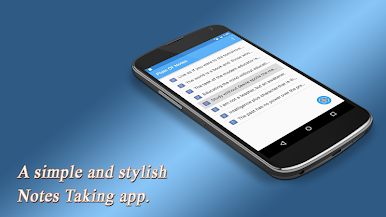
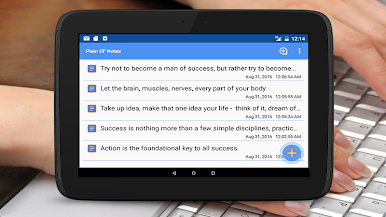
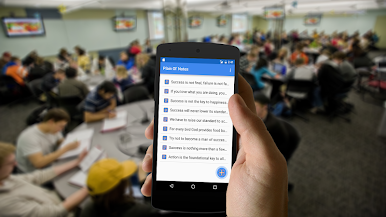
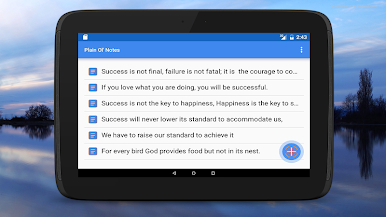
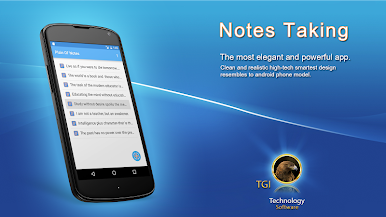
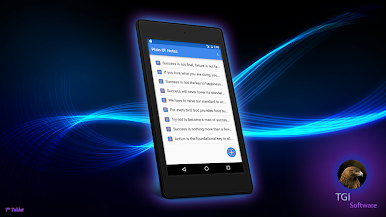
If you’ve ever found yourself scrambling for a stray sticky note or wishing your reminders followed you everywhere, Notes Taking might just become your new go-to. Created by TGI Technology Inc. (Gillal), this Productivity app puts all your important thoughts right where you need them—no matter what you’re working on. Whether you’re jotting down a quick shopping list or keeping track of your next big idea, Notes Taking keeps everything tidy and at your fingertips, even if you switch from your Android device to a laptop running BlueStacks.
App Features
-
Effortless Note Saving
Write your notes and forget the hassle—Notes Taking automatically saves your work so you never lose a single thought or reminder. -
Simple, Flexible Editor
The editor is straightforward and easy to use, perfect for quick memos, to-do lists, or those longer lecture and meeting notes. -
Smart Organization
All your notes stay in one spot. It doesn’t matter if you’re making a checklist for groceries or saving text files for a project—you’ll always know where to look. -
Supports Lengthy Notes
Need space for more than just a line or two? This app handles everything from brief reminders to extended outlines without missing a beat. -
Advanced File Management
Open, edit, rename, and delete text files with a few simple taps. Managing notes on your SD card is really straightforward here. -
Automatic Sync Across Devices
Start something on your phone, pick it up on your computer with BlueStacks, and nothing gets left behind. Everything syncs up so your ideas travel with you. -
Attractive, User-Friendly Design
No clutter or confusion here—the buttons are stylish, and the whole setup just feels easy on the eyes (and fingers). -
Quick Startup
The app launches fast, so you can jot things down as soon as they pop into your head—no waiting around while your inspiration fades. -
Perfect for On-the-Go Notes
Whether you’re outdoors or busy at work, Notes Taking lets you capture anything—text or sketches—right when you need to. -
Easy SD Card Support
Saving notes straight to your SD card? That’s built in. Organizing and backing up your notes couldn’t be easier.
Switch to BlueStacks and make the most of your apps on your PC or Mac.







العب وإذ تلاحظ على جهاز الكمبيوتر. من السهل البدء.
-
قم بتنزيل BlueStacks وتثبيته على جهاز الكمبيوتر الخاص بك
-
أكمل تسجيل الدخول إلى Google للوصول إلى متجر Play ، أو قم بذلك لاحقًا
-
ابحث عن وإذ تلاحظ في شريط البحث أعلى الزاوية اليمنى
-
انقر لتثبيت وإذ تلاحظ من نتائج البحث
-
أكمل تسجيل الدخول إلى Google (إذا تخطيت الخطوة 2) لتثبيت وإذ تلاحظ
-
انقر على أيقونة وإذ تلاحظ على الشاشة الرئيسية لبدء اللعب

