


TLauncher PE for Minecraft
Jogue no PC com BlueStacks - A Plataforma de Jogos Android, confiada por mais de 500 milhões de jogadores.

Página modificada em: Oct 15, 2026
Visão Geral
Key features:
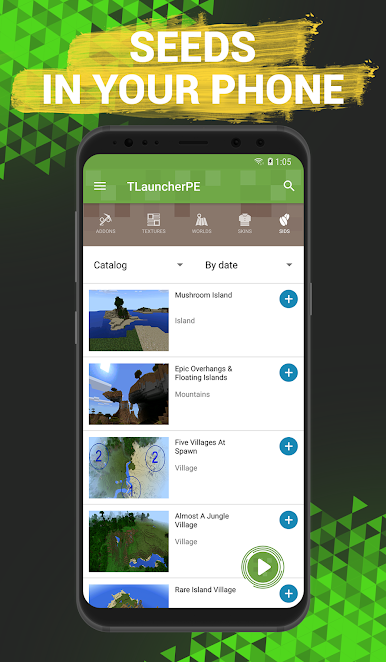
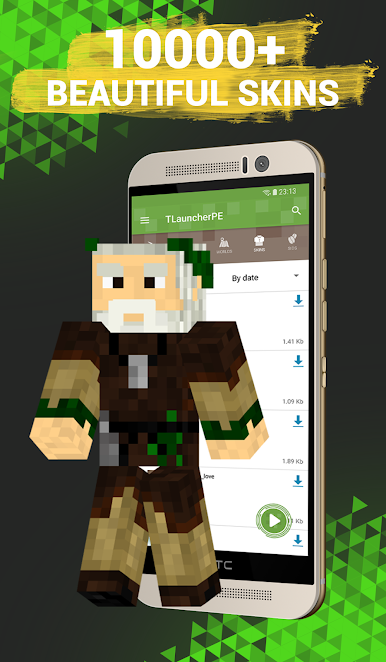
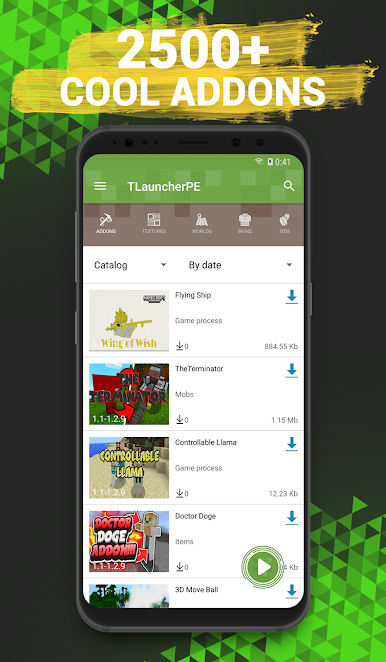
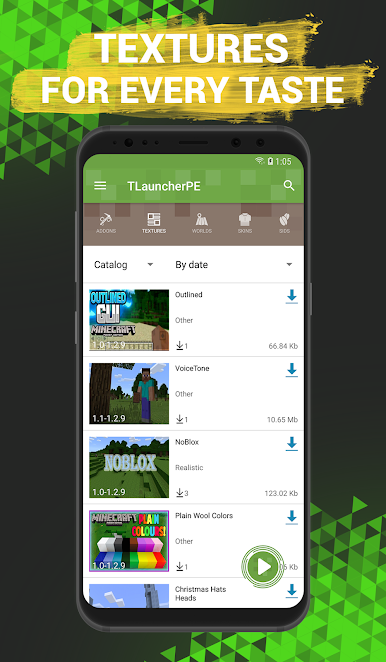
- Installation of add-ons, textures, skins, maps and seeds in one click!
- Maximum compatibility with different versions of the game.
- New add-ons and maps every day!
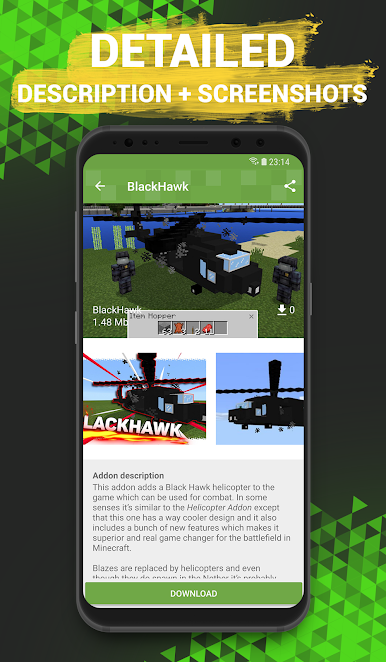
If you have long dreamed of playing your MCPE using mods, then you just need our TLauncher PE. After all, you can use it to install them literally in one touch. They can make new mobs and objects appear in the game and even change the gameplay. We provide a huge selection of mods. The catalog is often filled with new products!
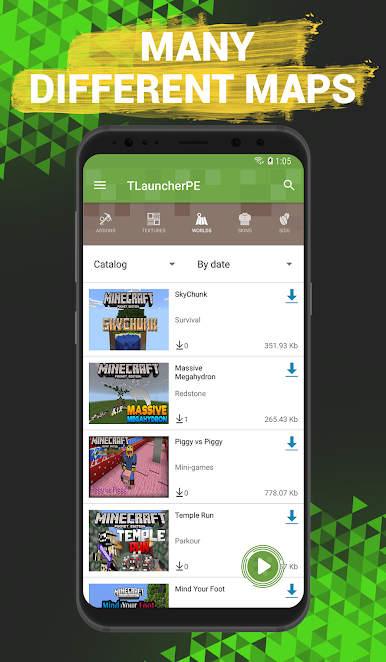
In addition, if you are tired of building, you can download ready-made maps, which may be both architectural constructions and survival maps.
Textures can change the external component of the world. All blocks and objects will be drawn anew. Maybe you will even not be able to recognize your former world.
TLauncher with mods for Minecraft PE is constantly evolving: bugs are fixed and new functions are added. Therefore, we will be very glad to get your feedback describing the features you like or problems you face.
This is an unofficial application for Minecraft Pocket Edition. This application is not associated with the game developers, all the rights to the name belong to their owners.
Jogue TLauncher PE for Minecraft no PC. É fácil começar.
-
Baixe e instale o BlueStacks no seu PC
-
Conclua o login do Google para acessar a Play Store ou faça isso mais tarde
-
Procure por TLauncher PE for Minecraft na barra de pesquisa no canto superior direito
-
Clique para instalar TLauncher PE for Minecraft a partir dos resultados da pesquisa
-
Conclua o login do Google (caso você pulou a etapa 2) para instalar o TLauncher PE for Minecraft
-
Clique no ícone do TLauncher PE for Minecraft na tela inicial para começar a jogar

