

Brain N-Back
5억명 이상의 게이머가 신뢰하는 안드로이드 게임 플랫폼 BlueStacks으로 PC에서 플레이하세요.

Play Brain N-Back on PC or Mac
Bring your A-game to Brain N-Back, the Puzzle game sensation from Philip Nguyen. Give your gameplay the much-needed boost with precise game controls, high FPS graphics, and top-tier features on your PC or Mac with BlueStacks.
About the Game
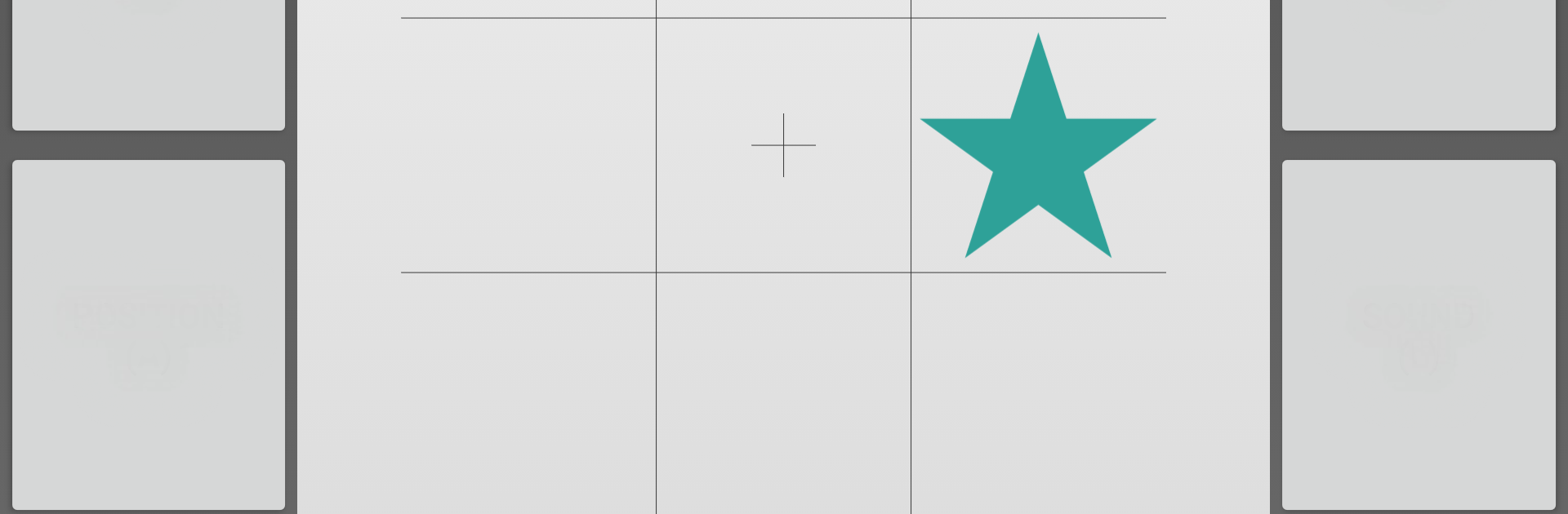
Ever wondered if you could give your brain a real workout while actually enjoying it? Brain N-Back by Philip Nguyen takes the classic dual n-back challenge and packs it into a clever, no-nonsense puzzle experience. Whether you’re looking to push your memory limits or just curious how far you can go, this game will keep you guessing—and thinking—every minute you play.
Game Features
-
Dual N-Back Training
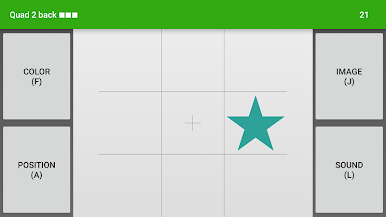
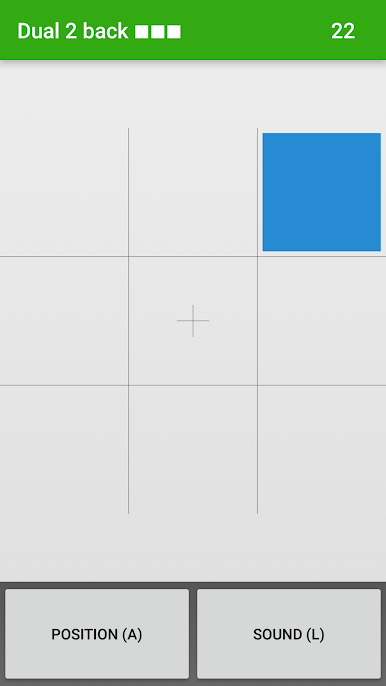
Sharpen your working memory and fluid intelligence using a proven method. Tackle tricky audio and visual puzzles that keep your mind active, not bored. -
Simple, Clean Interface
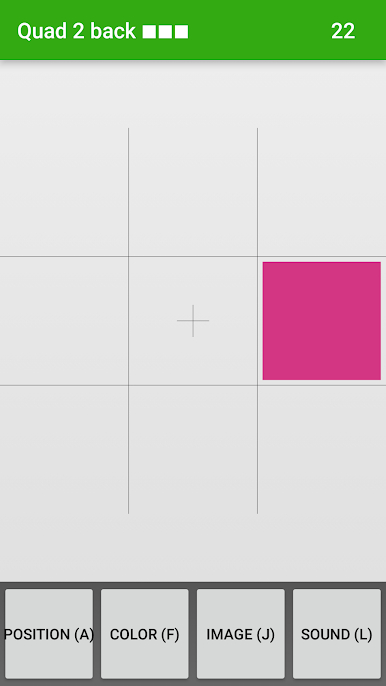
All the extras are stripped away. The layout’s quick and clean, so you can focus on the next move instead of hunting for buttons. -
Flexible Audio Options
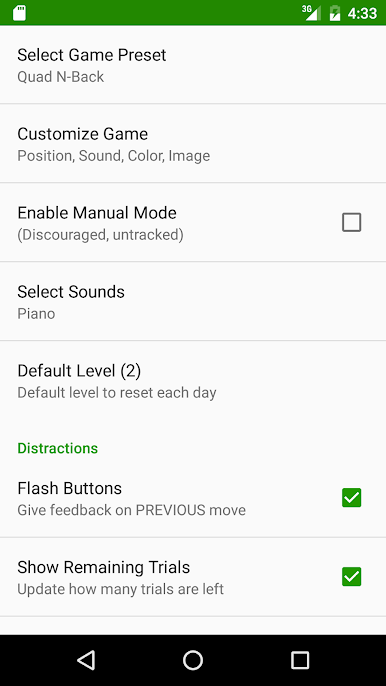
Choose among different sound settings—including a piano option—to prevent your brain from falling into unhelpful routines or “cheats” as you progress. -
Real-Time Difficulty Progression
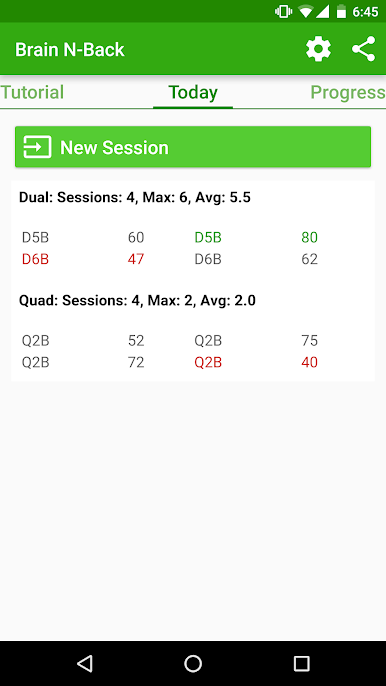
The game automatically bumps up the challenge as you show improvement. It keeps you from getting too comfortable and encourages real brain training, even if you stumble a little at new levels. -
No unnecessary paywalls
Pick the free (ad-supported) version, or, if you like, support Philip Nguyen directly and opt out of ads by donating. No locked modes, no hassle. -
Responsive Developer
Got feedback? User suggestions are taken seriously, with updates tuned around real player comments—not just ratings. -
BlueStacks Ready
Want a bigger screen? You can enjoy Brain N-Back on your PC using BlueStacks for some elbow room and easier multitasking, especially when you want to get intense about your puzzle sessions.
Ready to top the leaderboard? We bet you do. Let precise controls and sharp visuals optimized on BlueStacks lead you to victory.

PC에서 Brain N-Back 플레이해보세요.
-
BlueStacks 다운로드하고 설치
-
Google Play 스토어에 로그인 하기(나중에 진행가능)
-
오른쪽 상단 코너에 Brain N-Back 검색
-
검색 결과 중 Brain N-Back 선택하여 설치
-
구글 로그인 진행(만약 2단계를 지나갔을 경우) 후 Brain N-Back 설치
-
메인 홈화면에서 Brain N-Back 선택하여 실행

