


Coloring Book+ (by Playground)
العب على الكمبيوتر الشخصي مع BlueStacks - نظام أندرويد للألعاب ، موثوق به من قبل أكثر من 500 مليون لاعب.

Run Coloring Book+ on PC or Mac
Let BlueStacks turn your PC, Mac, or laptop into the perfect home for Coloring Book+, a fun Entertainment app from playground.
About the App
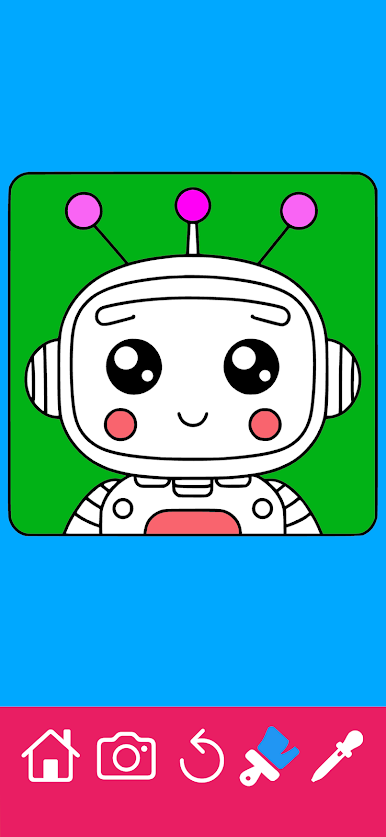
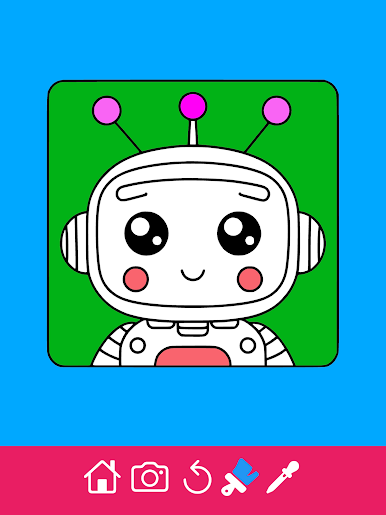
Coloring Book+ is perfect for anyone craving a bit of creative downtime, whether you’re 5 or 55. This Entertainment app from playground makes it super easy to jump into coloring, whether you’re unwinding solo or setting up a family activity for the afternoon. If you enjoy coloring but hate the mess, this one’s a treat—you just tap, swipe, and let your imagination do the rest.
App Features
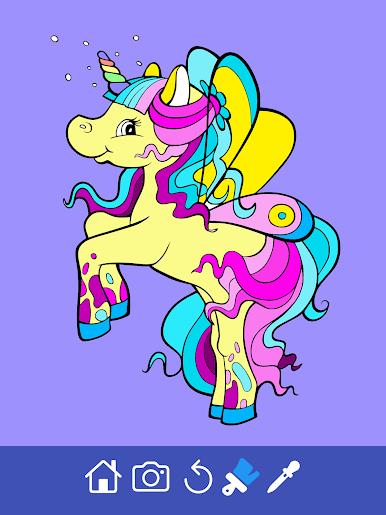
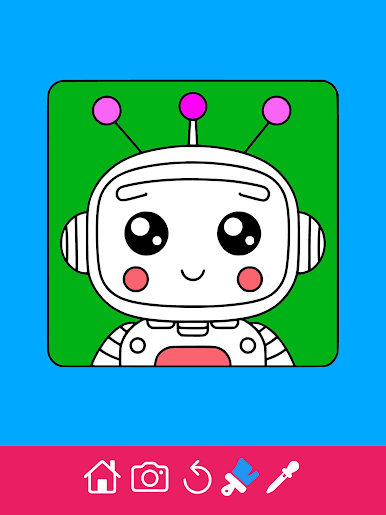
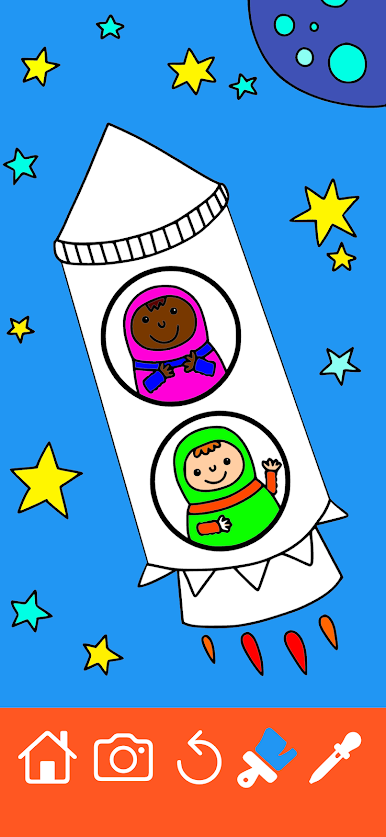
- Loads of Designs: With over 450 coloring sheets, there’s something here for every mood and age. You’ll find everything from adorable animals to wintery scenes, even stained glass patterns that teens and adults might get hooked on.
- Fun for All Ages: The pictures are sorted by theme—animals, cars, holidays, you name it. There’s a nice mix for both boys and girls, and the categories mean you won’t get bored anytime soon.
- Get Creative with Your Own Pictures: Want to color a family photo or something you found online? Snap a picture, or grab one from your Gallery, and color it right in the app. Kind of cool, right?
- Handy Tools: Zoom in for those tiny details or hit “undo” if your finger slips. The advanced color picker gives you endless shades to play with, or you can tap into a bunch of ready-made options.
- Flexible Settings: Prefer double-tap coloring for bigger pictures? You can turn off zoom and set things up the way you like.
- Shareable Memories: Finished a masterpiece? You can easily share it with friends and family, making it perfect for digital cards or just showing off.
- Great On Any Device: Coloring Book+ works just as smoothly on your phone or tablet, and yes, it feels even better on a bigger screen with BlueStacks.
With Coloring Book+, letting your creativity loose is pretty much as easy as it gets—just pick a page and start coloring.
Switch to BlueStacks and make the most of your apps on your PC or Mac.











العب Coloring Book+ (by Playground) على جهاز الكمبيوتر. من السهل البدء.
-
قم بتنزيل BlueStacks وتثبيته على جهاز الكمبيوتر الخاص بك
-
أكمل تسجيل الدخول إلى Google للوصول إلى متجر Play ، أو قم بذلك لاحقًا
-
ابحث عن Coloring Book+ (by Playground) في شريط البحث أعلى الزاوية اليمنى
-
انقر لتثبيت Coloring Book+ (by Playground) من نتائج البحث
-
أكمل تسجيل الدخول إلى Google (إذا تخطيت الخطوة 2) لتثبيت Coloring Book+ (by Playground)
-
انقر على أيقونة Coloring Book+ (by Playground) على الشاشة الرئيسية لبدء اللعب

