


مشغل موسيقى - مشغل الصوت
العب على الكمبيوتر الشخصي مع BlueStacks - نظام أندرويد للألعاب ، موثوق به من قبل أكثر من 500 مليون لاعب.

Play Music Player - Audio Player on PC
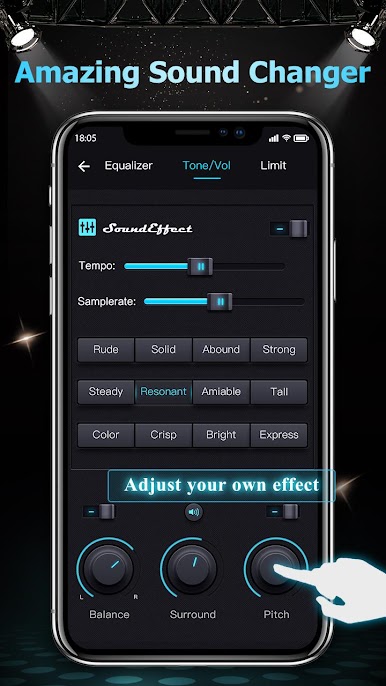
It is also a sound changer, Change the speed and pitch of your songs and audio, and listen to your modified music!
Features :
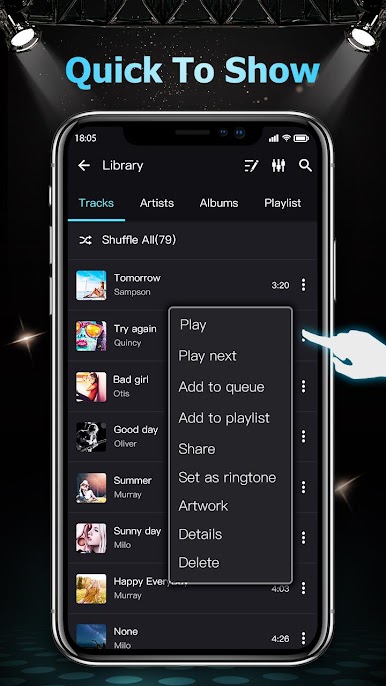
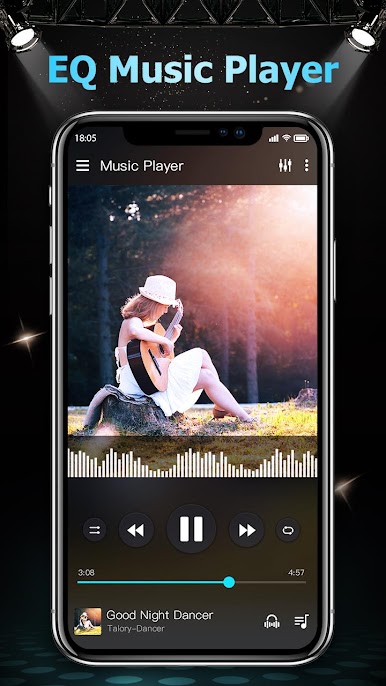
♪ High-Quality MP3 Player
♪ 10+ Page switching effect
♪ Easy to play songs
♪ Lyric support
♪ Headset controls
♪ Set sleep timer
♪ Lock screen music play
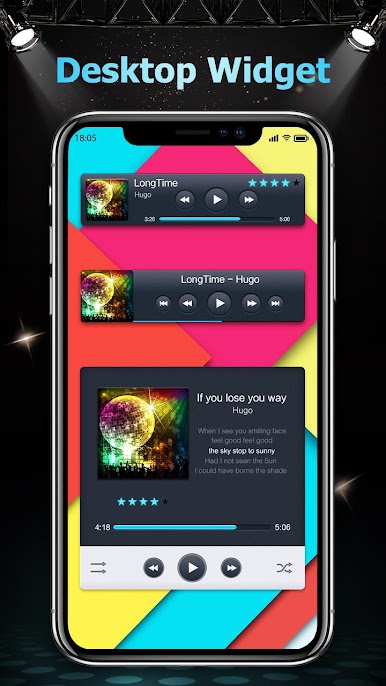
♪ Home screen Widgets
♪ Plays song by folder
♪ Set as play next song
♪ Drag to sort playlist
♪ Driving mode
♪ Edit the song details ( track name, artist name, album name )
♪ Browse and play your music by playlists, songs, albums, artists, folders
♪ Support all music and audio formats, like MP3, WAV, FLAC, AAC, APE, etc.
Amazing Sound Changer
- Sound Speed Changer & Sound Pitch Changer: enjoy sound changers that can change songs tone and have fun
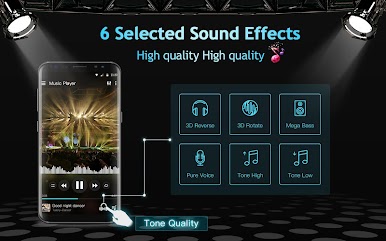
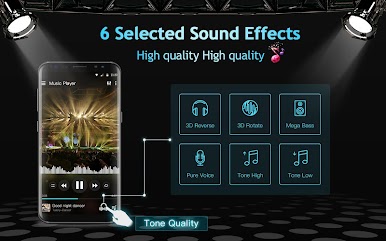
- Custom sound with effects: 3D, reverb, echo, pitch, tempo, volume, bass, mid, treble
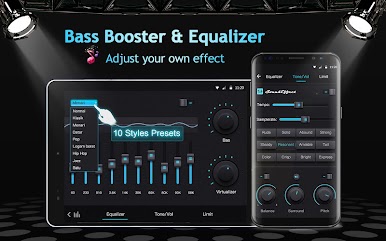
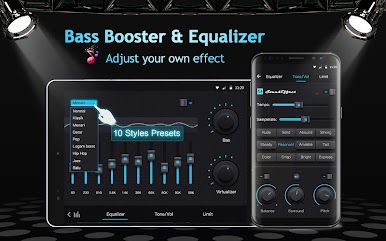
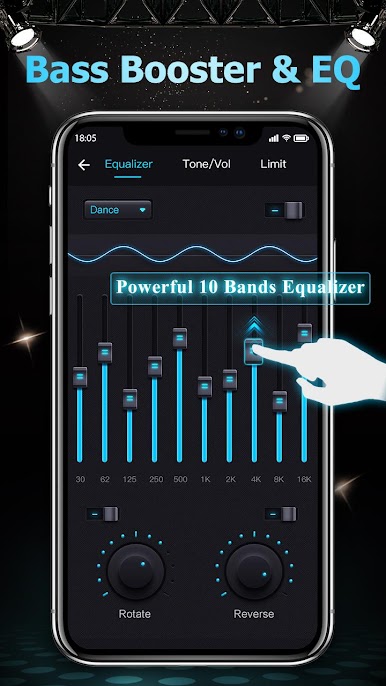
Powerful Equalizer & great sound
- 10-band graphic equalizer: Presets Includes Normal, Classical, Hip hop, Dance, Flat, Folk, Heavy Metal, Jazz, Pop & Rock
Download this perfect music player & audio player for free! It provides you with powerful equalizer and different tones! Enjoy your music! 🎺 🎸 🎻
العب مشغل موسيقى - مشغل الصوت على جهاز الكمبيوتر. من السهل البدء.
-
قم بتنزيل BlueStacks وتثبيته على جهاز الكمبيوتر الخاص بك
-
أكمل تسجيل الدخول إلى Google للوصول إلى متجر Play ، أو قم بذلك لاحقًا
-
ابحث عن مشغل موسيقى - مشغل الصوت في شريط البحث أعلى الزاوية اليمنى
-
انقر لتثبيت مشغل موسيقى - مشغل الصوت من نتائج البحث
-
أكمل تسجيل الدخول إلى Google (إذا تخطيت الخطوة 2) لتثبيت مشغل موسيقى - مشغل الصوت
-
انقر على أيقونة مشغل موسيقى - مشغل الصوت على الشاشة الرئيسية لبدء اللعب

