


TCP Telnet Terminal
커뮤니케이션 | mightyIT
5억명 이상의 게이머가 신뢰하는 안드로이드 게임 플랫폼 BlueStacks으로 PC에서 플레이하세요.

TCP Telnet Terminal PC에서 즐겨보세요
INTRODUCTION:
- This app is used by Electronics people for hardware testing and debugging purpose.
- TCP Telnet Terminal works based on TCP/IP protocol, Using this app we can create TCP Client that communicate with Server.
- To start a Telnet terminal, You must provide IP address and PORT number of the server. After connection is established with server, you can easily access and communicate with your server.
FEATURES:
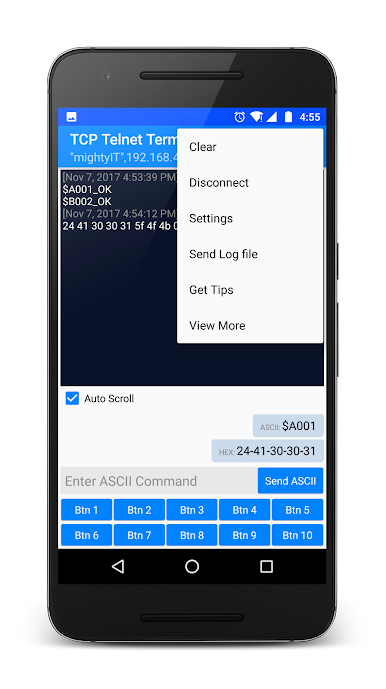
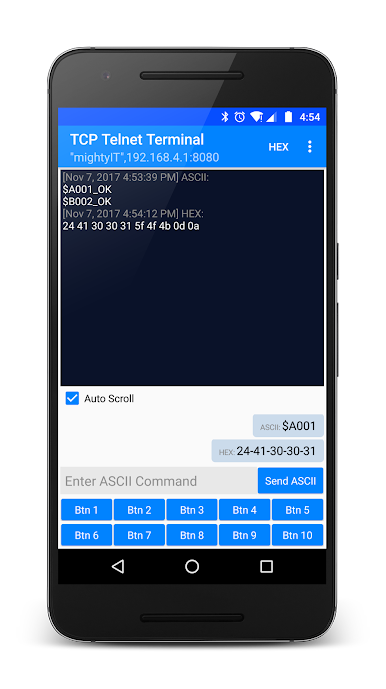
- Separate panels for sending and receiving data.
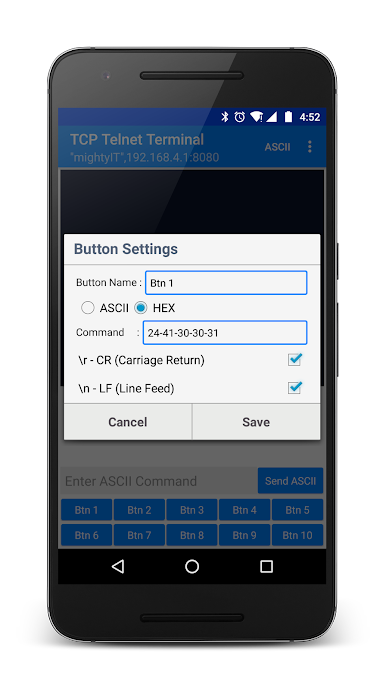
- Custom your own buttons for frequent sending of same data.
- Selection for \r \n at the end of sending data.
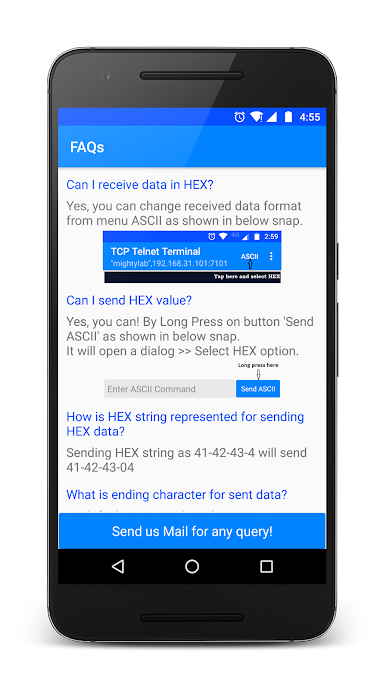
- Monitoring receiving data as HEX or ASCII.
- Simple copy option in sent data just long press on data.
- Remove Ads and get uninterrupted access with an Ad - free version of TCP Telnet Terminal.
- This app is used by Electronics people for hardware testing and debugging purpose.
- TCP Telnet Terminal works based on TCP/IP protocol, Using this app we can create TCP Client that communicate with Server.
- To start a Telnet terminal, You must provide IP address and PORT number of the server. After connection is established with server, you can easily access and communicate with your server.
FEATURES:
- Separate panels for sending and receiving data.
- Custom your own buttons for frequent sending of same data.
- Selection for \r \n at the end of sending data.
- Monitoring receiving data as HEX or ASCII.
- Simple copy option in sent data just long press on data.
- Remove Ads and get uninterrupted access with an Ad - free version of TCP Telnet Terminal.
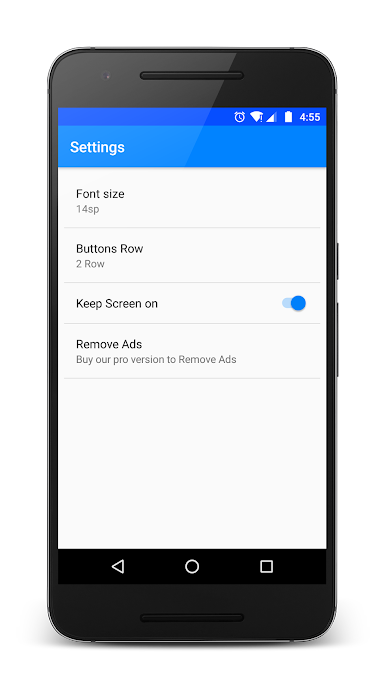
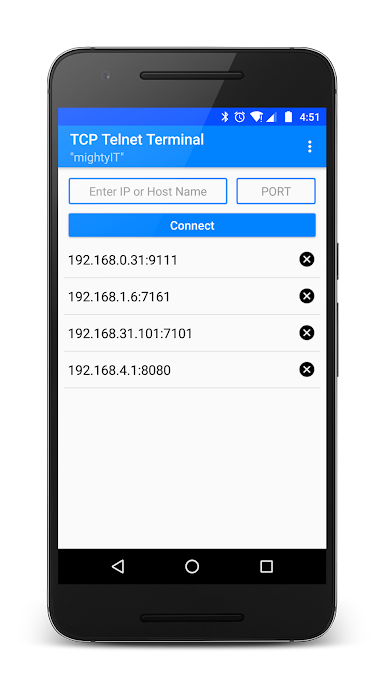
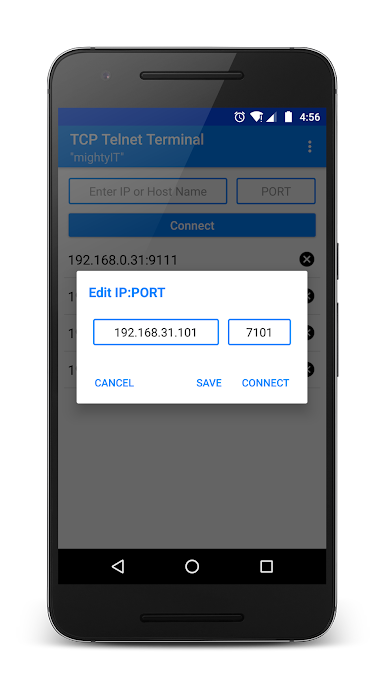
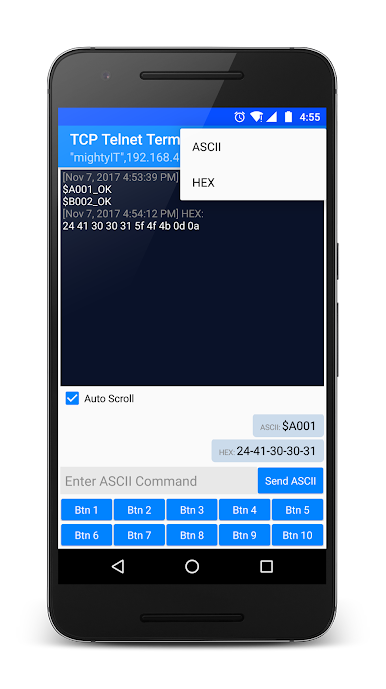
PC에서 TCP Telnet Terminal 플레이해보세요.
-
BlueStacks 다운로드하고 설치
-
Google Play 스토어에 로그인 하기(나중에 진행가능)
-
오른쪽 상단 코너에 TCP Telnet Terminal 검색
-
검색 결과 중 TCP Telnet Terminal 선택하여 설치
-
구글 로그인 진행(만약 2단계를 지나갔을 경우) 후 TCP Telnet Terminal 설치
-
메인 홈화면에서 TCP Telnet Terminal 선택하여 실행

