


Hex Installer: OneUI themes
個人化 | SatySatsZB & envy_
在電腦上使用BlueStacks –受到5億以上的遊戲玩家所信任的Android遊戲平台。

Play Hex Installer: OneUI themes on PC
All the Galaxy smart phones running "Official OneUI" are supported*.
No root required.
Features:
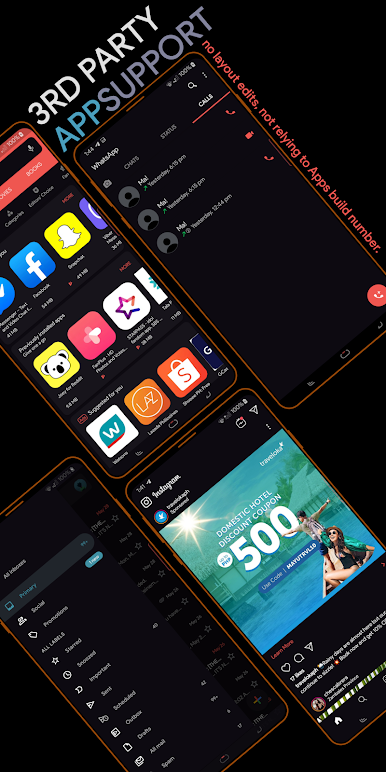
✺ 100+ app themes
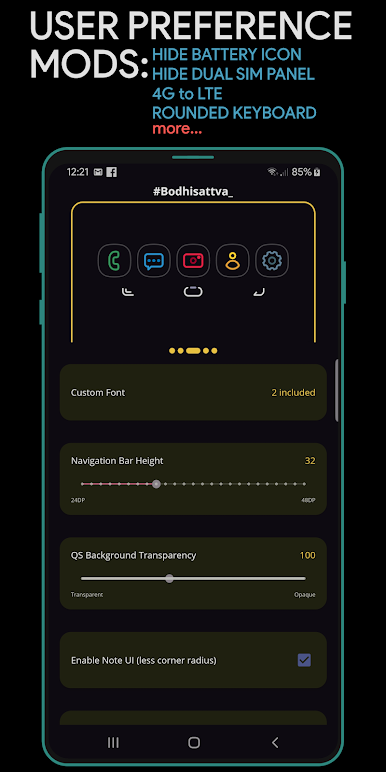
✺ Designed for both Regular Rounded and Note-UI screens
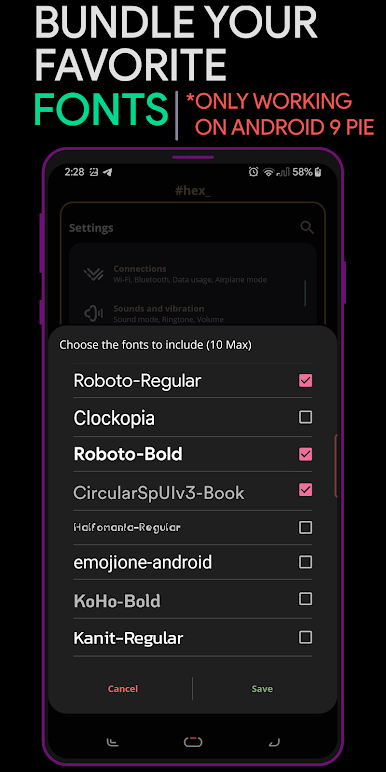
✺ Custom fonts support
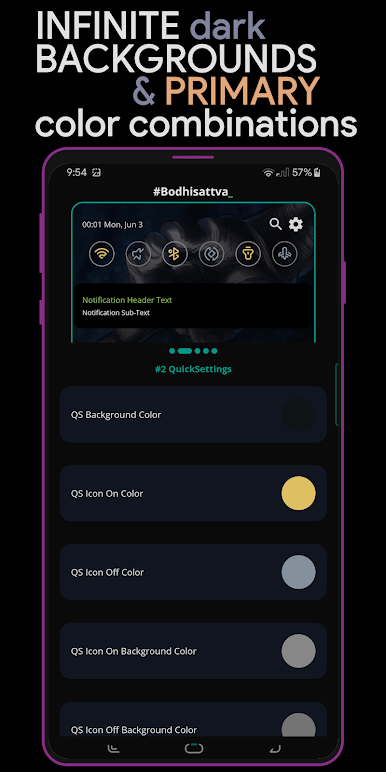
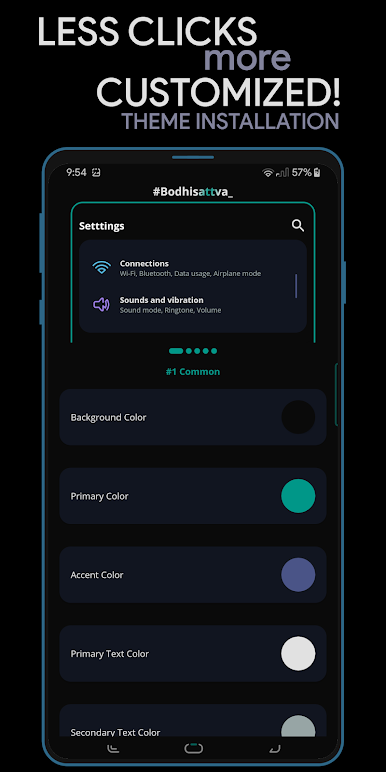
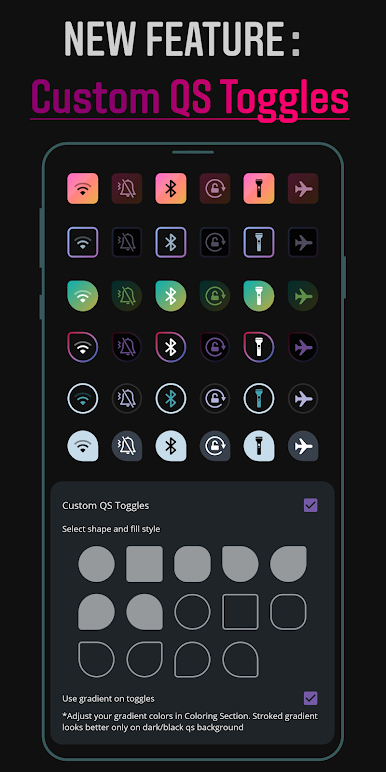
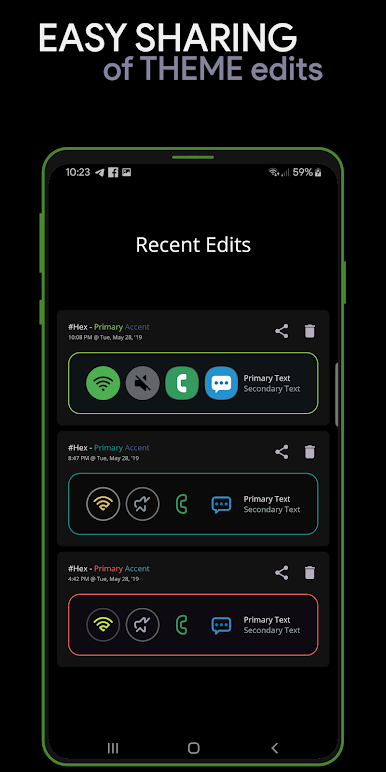
✺ 16 Coloring options that lets you theme everything with endless possibilities
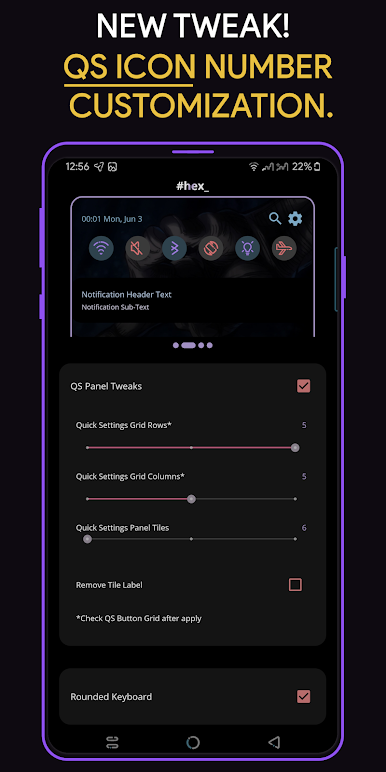
✺ Theme preferences & tweaks
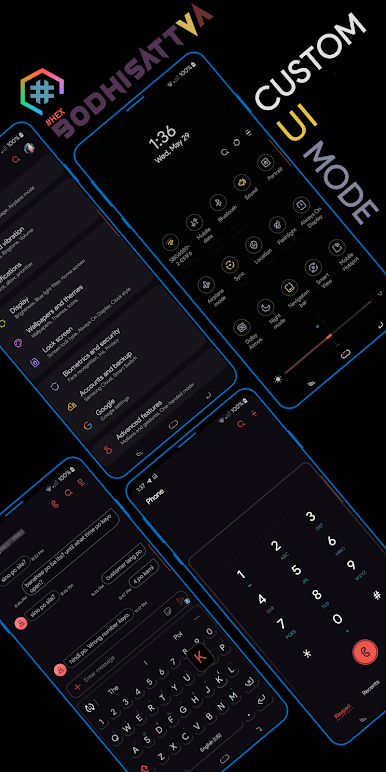
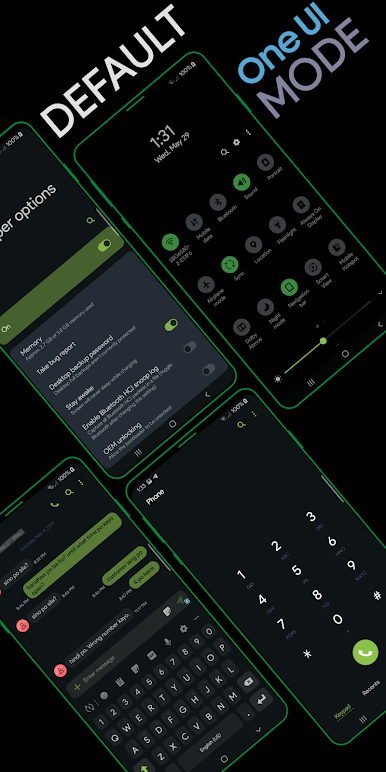
✺ Third-party plugins support for different UI Mode
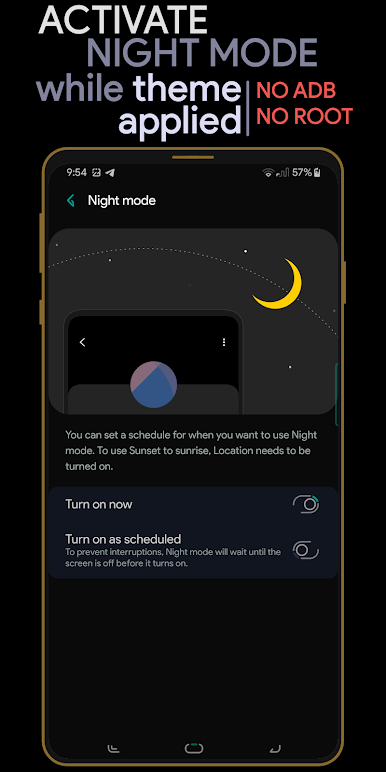
✺ Night mode along with your theme
✺ Live previews for easy theming
✺ Simple UI that smoothens the UI experience
For more description, see FAQ section in the app.
*A/M series - OneUI Core 4 aren't supported
This app cannot be used with Samsung Galaxy Tab devices
If you like our app and the work we put into this, and if you like to contribute our development team more, you can donate in the app itself. Special thanks to our translators, contributors and users.
Refunds : If you have purchased and can't use it properly, you can refund within 2 hours from your device and 48 hours from web as long as it is your first purchase. You can also send us your GPA order number within 48 hours to process your refund, if you can't do it in the web.
If you have issues or feedbacks, feel free to contact via our support mail.
在電腦上遊玩Hex Installer: OneUI themes . 輕易上手.
-
在您的電腦上下載並安裝BlueStacks
-
完成Google登入後即可訪問Play商店,或等你需要訪問Play商店十再登入
-
在右上角的搜索欄中尋找 Hex Installer: OneUI themes
-
點擊以從搜索結果中安裝 Hex Installer: OneUI themes
-
完成Google登入(如果您跳過了步驟2),以安裝 Hex Installer: OneUI themes
-
在首頁畫面中點擊 Hex Installer: OneUI themes 圖標來啟動遊戲

