


Weather Night Dock with clock
맞춤 설정 | GeniusTools Labs
5억명 이상의 게이머가 신뢰하는 안드로이드 게임 플랫폼 BlueStacks으로 PC에서 플레이하세요.

Play Weather Night Dock with clock on PC
Neon Night Clock: Night Dock - Your Perfect Nighttime Companion
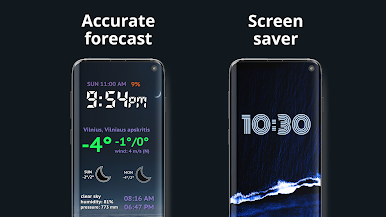
Discover the ultimate nighttime display solution with the Neon Night Clock: Night Dock. This app is designed to provide a beautiful and functional experience, ensuring you can always stay on top of time and weather conditions. Whether you are looking for a Night Clock Always On Display or a Bedside Clock With Weather, this app has everything you need.From vibrant neon themes to comprehensive weather updates, the Night Glow Clock With Weather combines style and practicality for your nightstand.
📄 Neon Night Clock: Night Dock Key Features: 📄
⏰ Night Clock Always On Display: Always keep your watch visible;
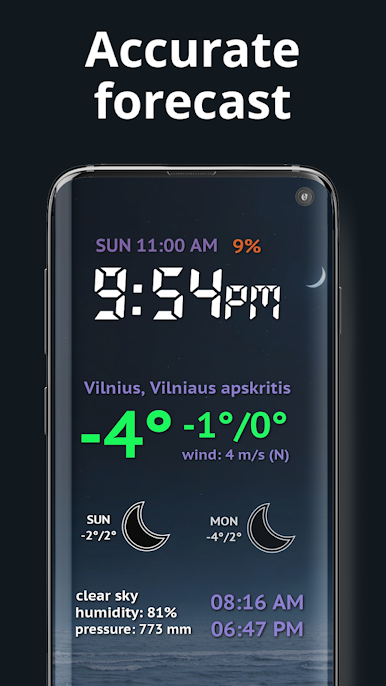
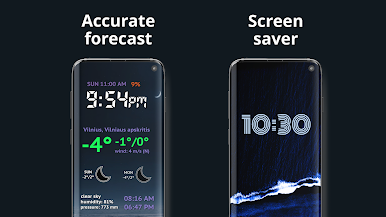
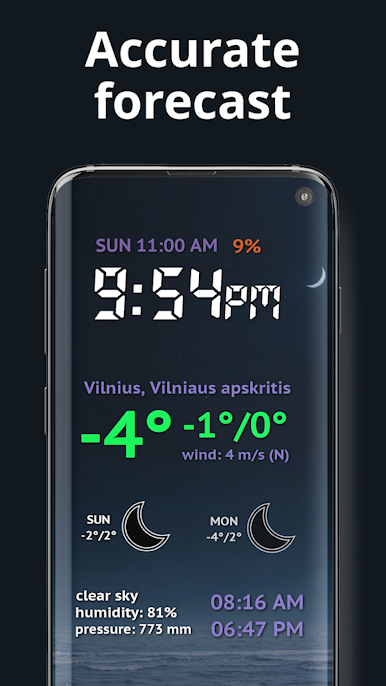
🌡️ Night Glow Clock With Weather: Get real-time weather updates;
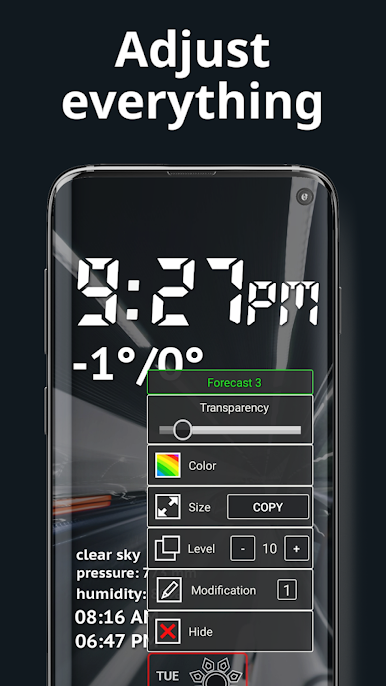
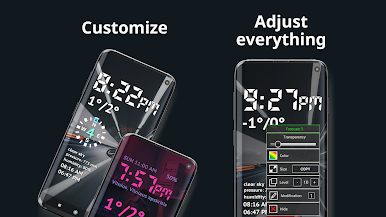
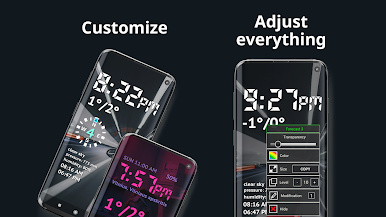
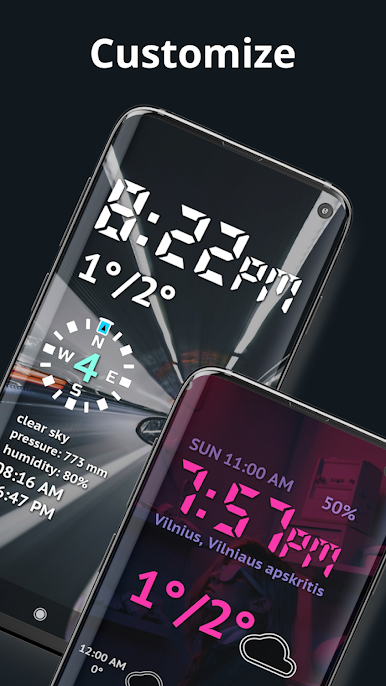
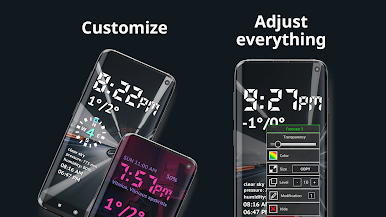
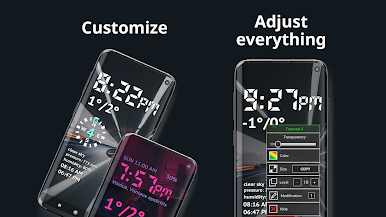
🎨 Customizable Themes: Choose themes to personalize your Nightstand Clock Always On experience;
🌙 Automatic Brightness Adjustment: The brightness adjusts automatically based on the ambient light;
🔋 Battery-Friendly Design: Enjoy a long-lasting, power-efficient experience;
⏱️ Quick Alarm Access: Double-tap the screen to set alarms, making this app the perfect Bedside Clock With Weather;
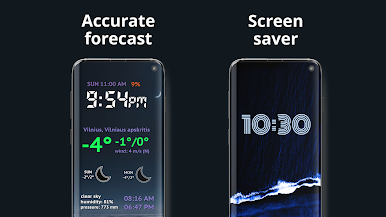
📅 Weather Integration: Plan your day with weather forecasts on your Nightstand Clock Always On;
💡 LED Clock Display: Experience the sharp clarity with vibrant neon colors.
Your Go-To Nightstand Clock With Always-On Display!
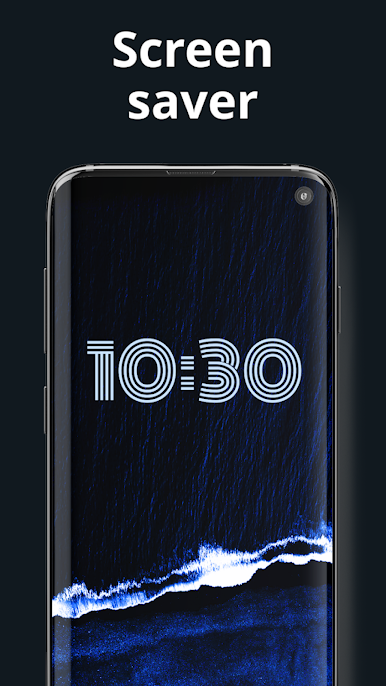
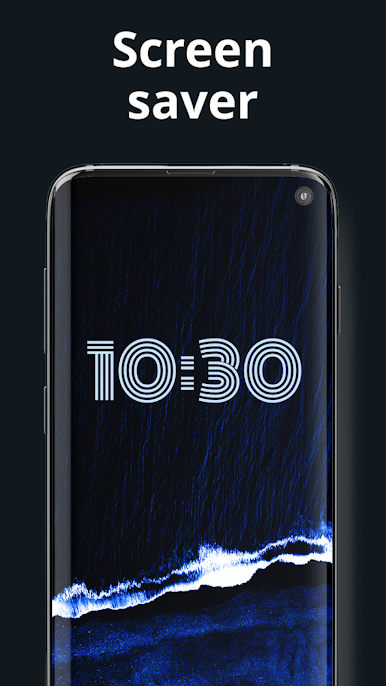
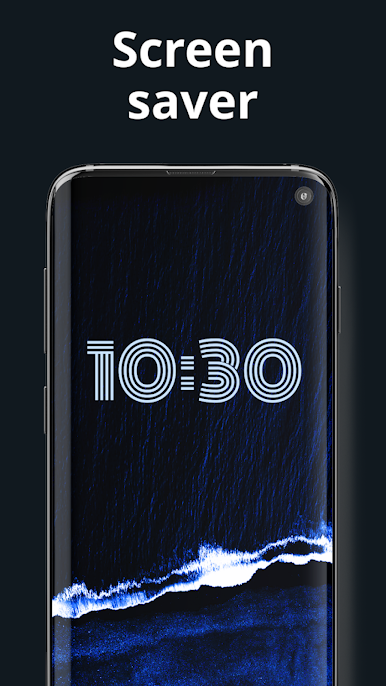
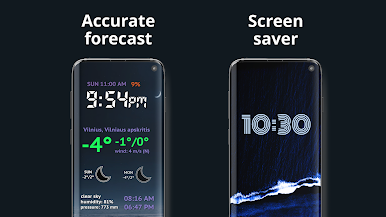
The Night Clock Always On Display is designed to quickly access time and weather information without constantly unlocking their device. Whether you're using it as a Bedside Clock With Weather or for its sleek Screensaver functionality, you'll love how easily it fits into your nighttime routine.Stay Informed with Weather Integration: 🌡️
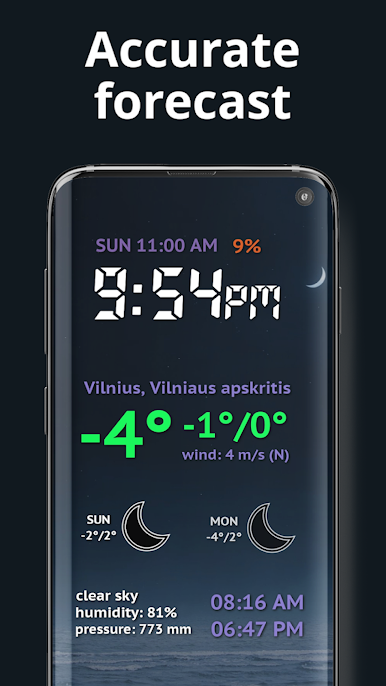
The Night Glow Clock With Weather keeps you informed with real-time updates, ensuring you're always aware of changing conditions. This Nightstand Clock Always On delivers comprehensive forecasts, helping you plan your day without checking separate weather apps. Everything is integrated into one elegant display. Its battery-efficient design lets you leave it on overnight while using minimal power. This feature makes it a must-have for anyone who wants time and weather at their fingertips without excessive power consumption.
Personalize Your Experience: 🎨
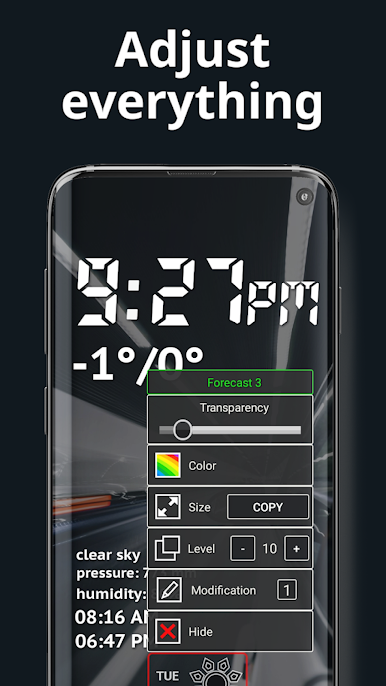
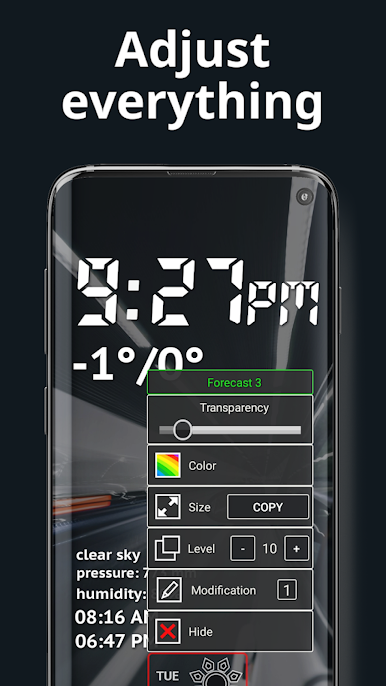
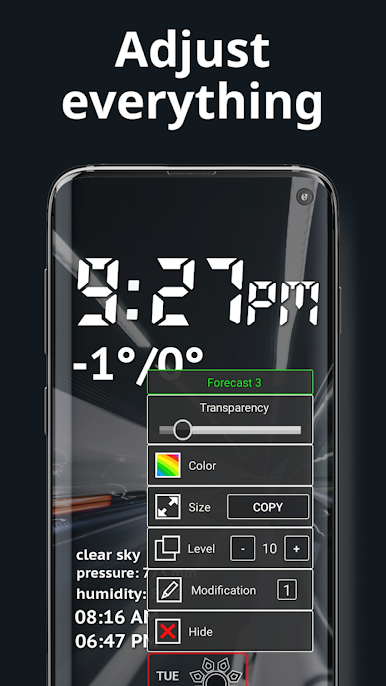
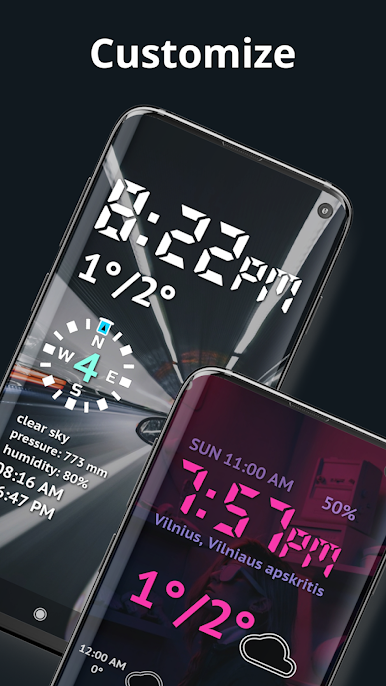
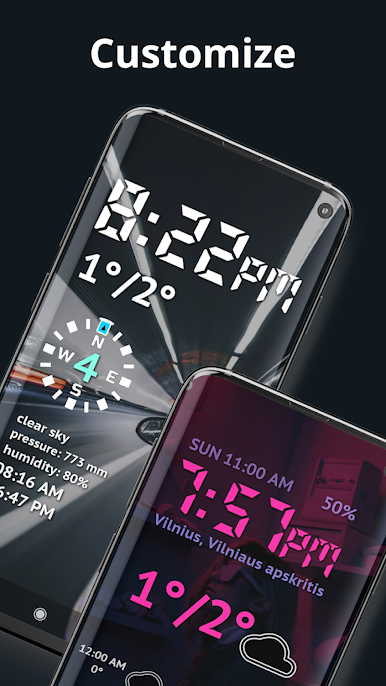
Customize your look with vibrant neon themes and fonts to match your taste. This fantastic app allows you to experiment with different colors and designs, giving you control over how your Neon Night Clock: Night Dock looks in any setting. Whether you prefer a soft glow or a bright LED Clock display, this app lets you personalize every aspect of your experience.
Enhance Your Nights with Neon Night Clock: Night Dock!
Embrace the future of nighttime displays with the Neon Night Clock: Night Dock. This app is perfect for anyone who values style, functionality, and convenience. Whether you need a Night Clock Always On Display or a Night Glow Clock With Weather, this app has it all. Let the LED Clock display light up your nights and keep you informed with style and ease.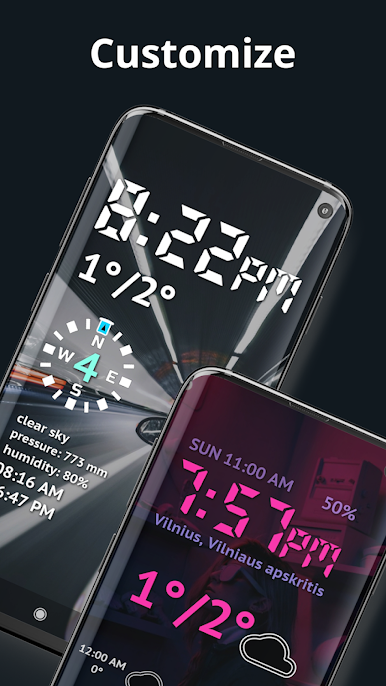
PC에서 Weather Night Dock with clock 플레이해보세요.
-
BlueStacks 다운로드하고 설치
-
Google Play 스토어에 로그인 하기(나중에 진행가능)
-
오른쪽 상단 코너에 Weather Night Dock with clock 검색
-
검색 결과 중 Weather Night Dock with clock 선택하여 설치
-
구글 로그인 진행(만약 2단계를 지나갔을 경우) 후 Weather Night Dock with clock 설치
-
메인 홈화면에서 Weather Night Dock with clock 선택하여 실행

