


GPS Waypoints
在電腦上使用BlueStacks –受到5億以上的遊戲玩家所信任的Android遊戲平台。

Run GPS Waypoints on PC or Mac
What’s better than using GPS Waypoints by Bluecover Technologies? Well, try it on a big screen, on your PC or Mac, with BlueStacks to see the difference.
About the App
If you’re looking for a flexible way to map, track, and organize your outdoor adventures—or you’ve got serious survey work on your plate—GPS Waypoints makes it easy to capture and manage all your locations and routes. Created by Bluecover Technologies, this handy tool packs a punch for folks managing forests or fields, but it’s just as at home helping hikers, travelers, or anyone curious about their journeys. Use it out in the wild or for day-to-day mapping from your favorite device, and everything just works.
App Features
-
Waypoint Creation and Custom Notes
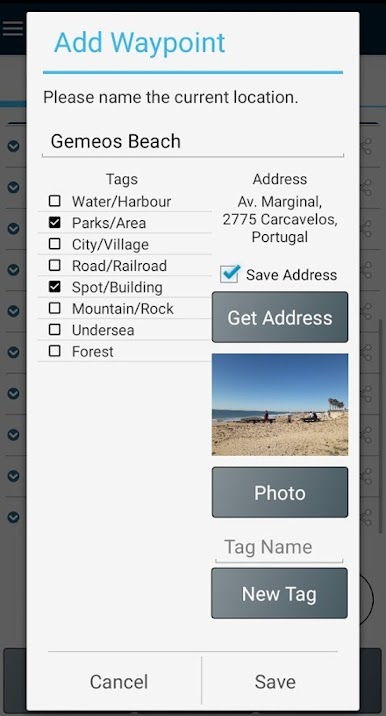
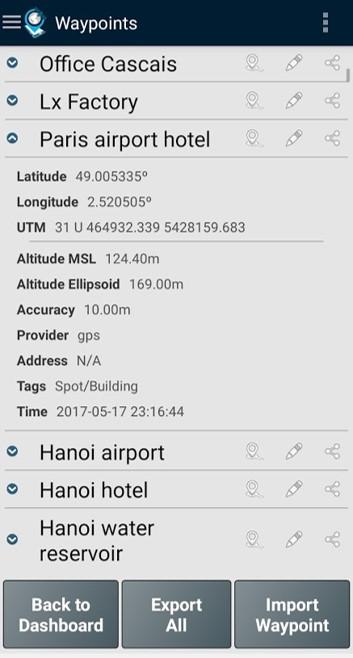
Mark your important spots wherever you go. You can tag each waypoint with extra info, and the app keeps track of its accuracy—so you know just how close you really were. -
Detailed Paths and Area Measurement
Want to track where you walked, hiked, or droned? Map out a path, measure distance, or see the perimeter and area when the path forms a closed shape—perfect for everything from fieldwork to curiosity on a stroll. -
Export & Share Your Maps
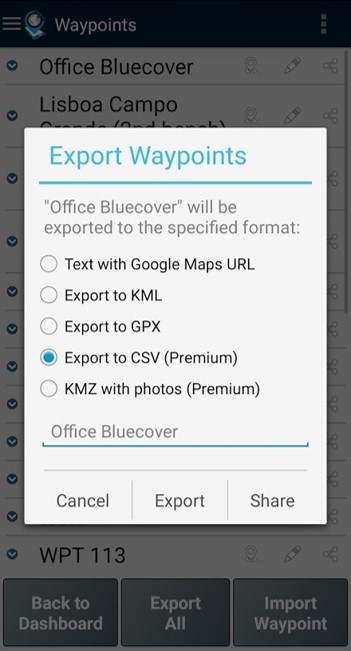
Get your waypoints and paths out in KML, GPX, or even CSV formats, so you can open them up in other mapping programs or easily share with others. Integration with apps like Google Drive or Dropbox keeps things flexible. -
Precision Tools for Pros
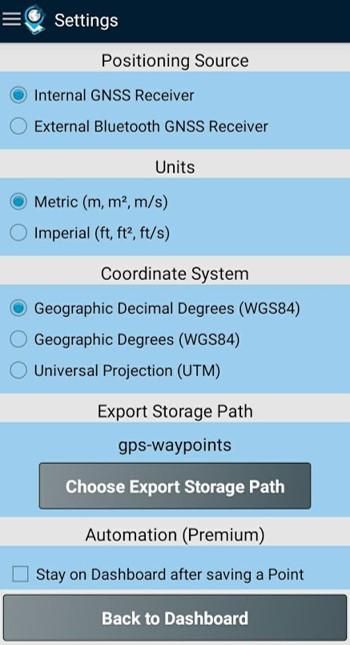
Use your phone’s internal GPS or, for extra accuracy, connect with supported Bluetooth GNSS receivers—including models like Garmin Glo and Trimple R1—to nail down your position with serious precision. -
Import Existing Data
Already have locations saved somewhere else? You can pull in waypoints and paths from geographic coordinates, addresses, or even import them from CSV and GPX files, making setup super fast. -
Reverse and Forward Geocoding
Instantly find the address linked to a location, or instead, search for places by address or name and add them straight to your maps. -
Satellite Info at a Glance
Check which satellites your device can see (from GPS, GLONASS, GALILEO, and BEIDOU networks), along with navigation and positioning info, as you capture data. -
Premium Extras
The premium subscription unlocks data backup and restore (to move info between devices), advanced export options, and handy features for sorting and filtering waypoints and paths by time, name, or how close they are.
You can also run GPS Waypoints on your desktop using BlueStacks if you want a bigger view while managing your maps and exploring your data.
BlueStacks brings your apps to life on a bigger screen—seamless and straightforward.
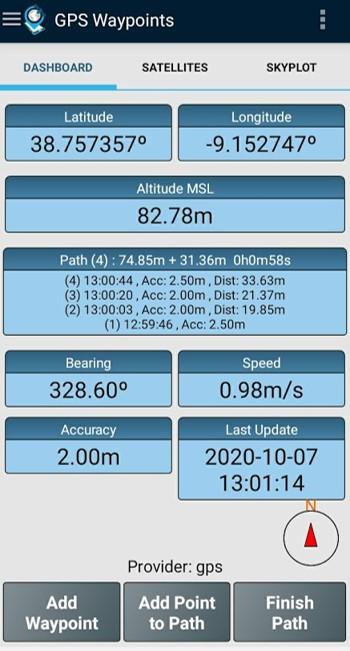
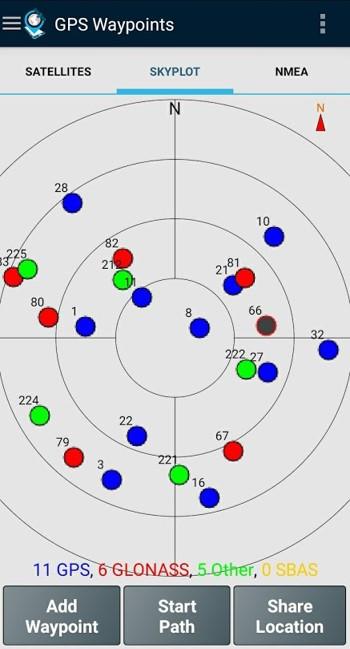
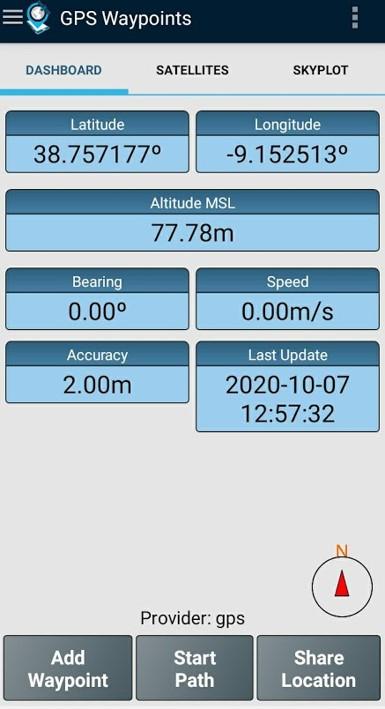
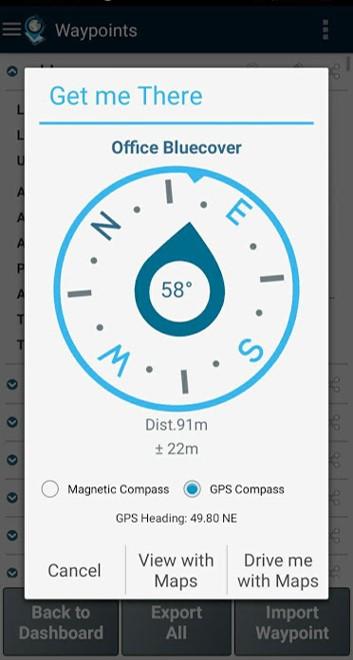
在電腦上遊玩GPS Waypoints . 輕易上手.
-
在您的電腦上下載並安裝BlueStacks
-
完成Google登入後即可訪問Play商店,或等你需要訪問Play商店十再登入
-
在右上角的搜索欄中尋找 GPS Waypoints
-
點擊以從搜索結果中安裝 GPS Waypoints
-
完成Google登入(如果您跳過了步驟2),以安裝 GPS Waypoints
-
在首頁畫面中點擊 GPS Waypoints 圖標來啟動遊戲

