


Recuperar Fotos Perdidas
Jogue no PC com BlueStacks - A Plataforma de Jogos Android, confiada por mais de 500 milhões de jogadores.

Página modificada em: Oct 22, 2025
Run Photo Recovery - Data Recovery on PC or Mac
Let BlueStacks turn your PC, Mac, or laptop into the perfect home for Photo Recovery – Data Recovery, a fun Productivity app from Tap into Apps.
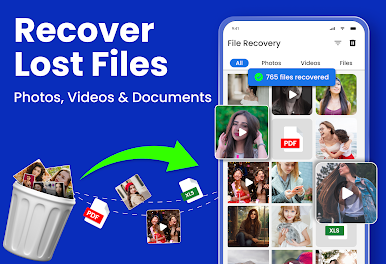
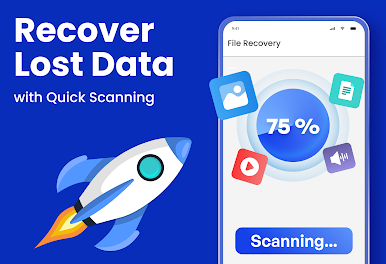
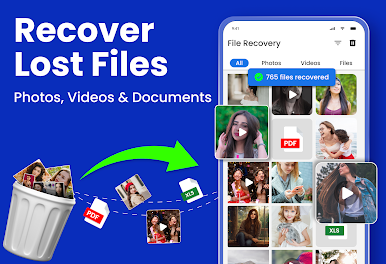
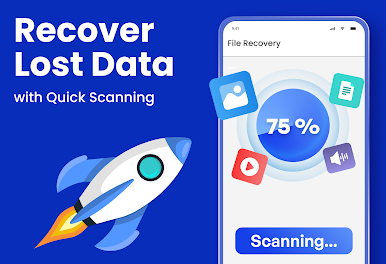
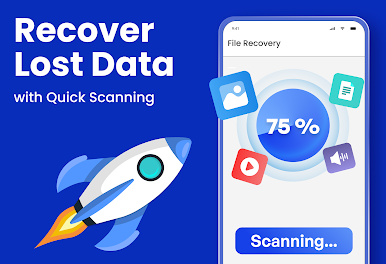
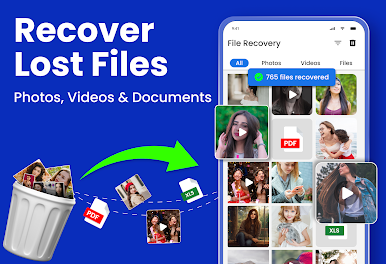
So, using Photo Recovery – Data Recovery on PC through BlueStacks actually feels really straightforward, which is nice if you’re someone who just wants their stuff back without a lot of hassle. The whole idea is simple: if a photo, video, or even an audio file goes missing, this app scans through your device to find it. It only takes a few clicks and you get this list of what can be recovered, then just pick what you want and save it back — there aren’t a million confusing steps. It’s not just for photos either, it pulls up documents and audio files, too, which can be surprisingly useful if something from the downloads folder goes missing.
One thing that stands out is this private vault feature. If there are photos you don’t want anyone scrolling through, the app lets you lock those down behind a password. There’s also an image enhancer — it’s not Photoshop or anything, but it actually does improve old or low-quality pics a bit and helps sometimes if something looks faded. The layout is pretty clean, so it doesn’t feel overwhelming or technical. If you’re using it on PC with BlueStacks, navigating is easier since you’re using a mouse and bigger screen, which helps if you have a lot of files to sift through. Just a heads up, it does ask for permission to access all your files, which makes sense since it needs to search everywhere for what’s lost. All in all, it’s just a practical tool for those “whoops, deleted that by accident” moments or finding stuff you didn’t even realize was gone.
BlueStacks gives you the much-needed freedom to experience your favorite apps on a bigger screen. Get it now.






Jogue Recuperar Fotos Perdidas no PC. É fácil começar.
-
Baixe e instale o BlueStacks no seu PC
-
Conclua o login do Google para acessar a Play Store ou faça isso mais tarde
-
Procure por Recuperar Fotos Perdidas na barra de pesquisa no canto superior direito
-
Clique para instalar Recuperar Fotos Perdidas a partir dos resultados da pesquisa
-
Conclua o login do Google (caso você pulou a etapa 2) para instalar o Recuperar Fotos Perdidas
-
Clique no ícone do Recuperar Fotos Perdidas na tela inicial para começar a jogar

