

Clabber LiveGames online
在電腦上使用BlueStacks –受到5億以上的遊戲玩家所信任的Android遊戲平台。

Play Clabber LiveGames online on PC or Mac
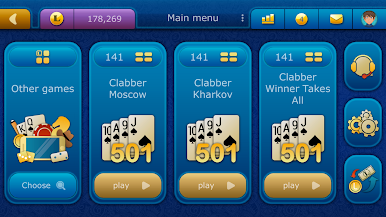
Step into the World of Clabber LiveGames online, a thrilling Card game from the house of NanoFlash LLC. Play this Android game on BlueStacks App Player and experience immersive gaming on PC or Mac.
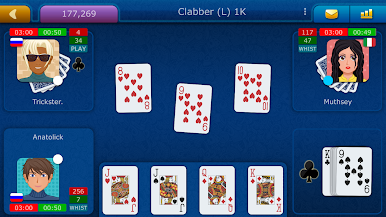
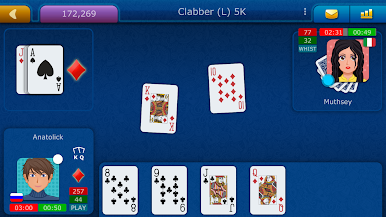
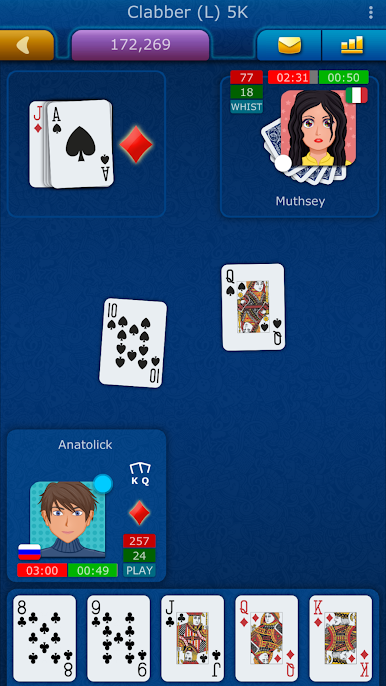
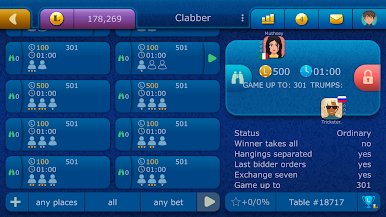
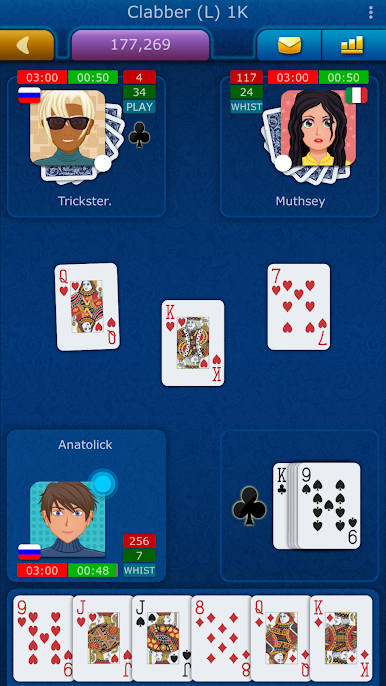
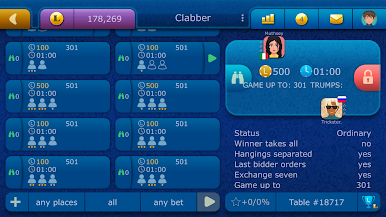
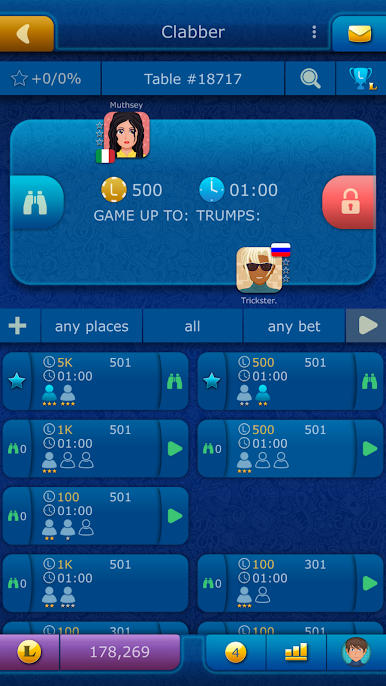
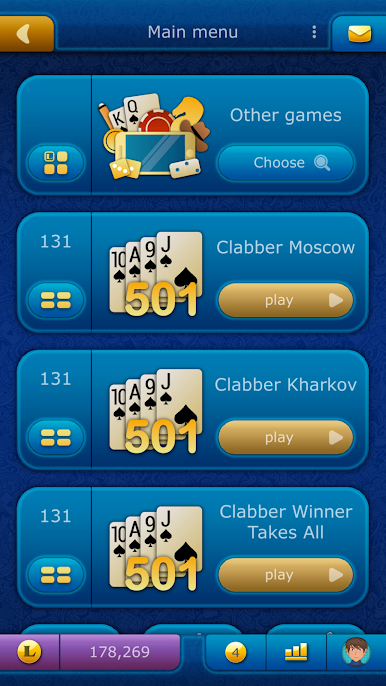
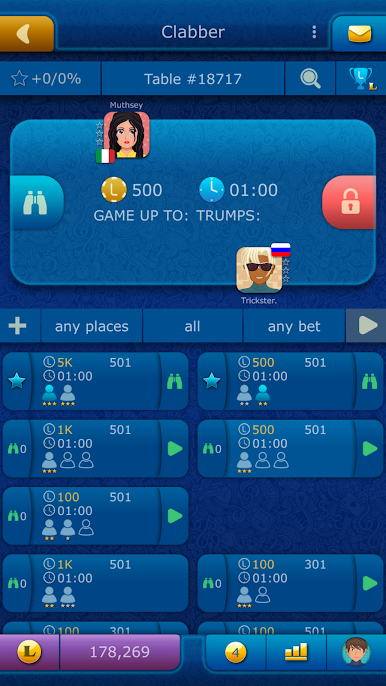
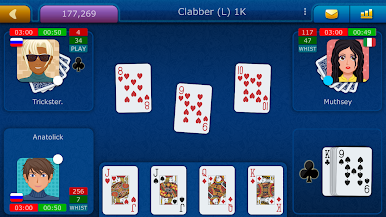
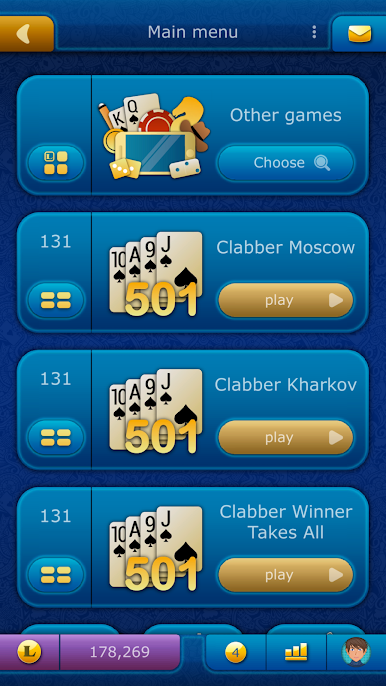
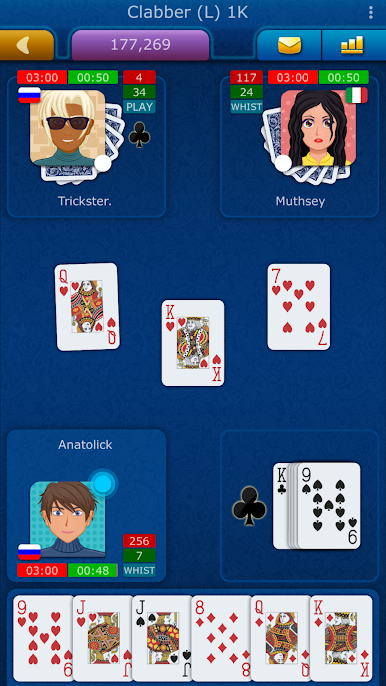
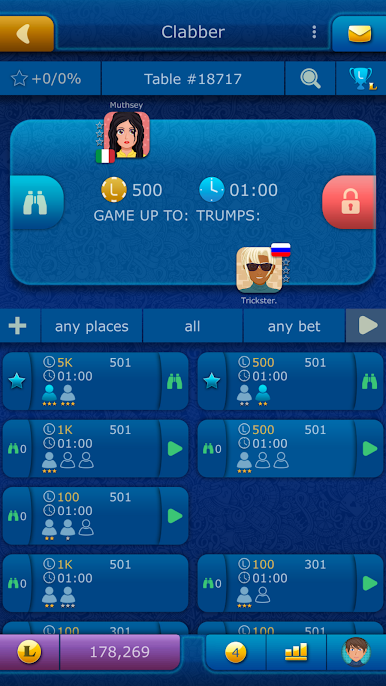
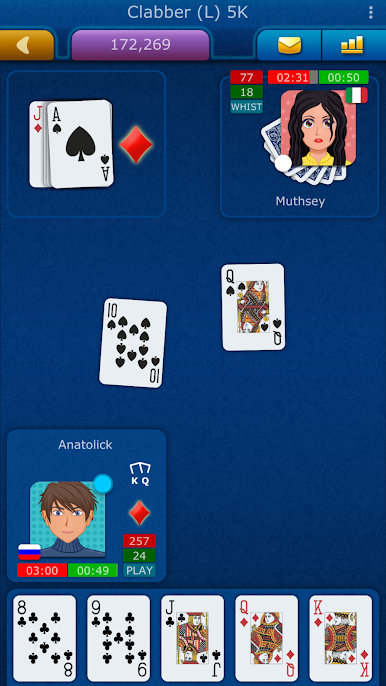
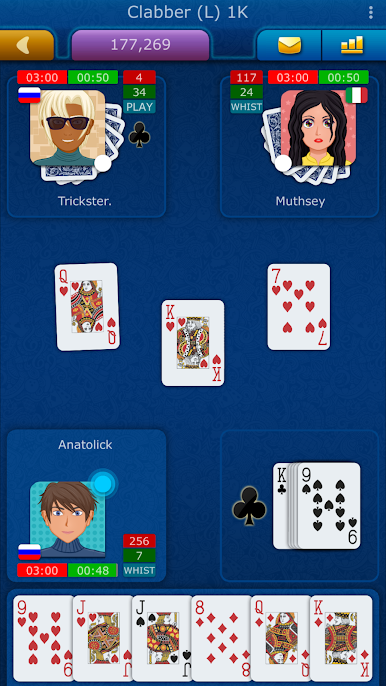
Clabber here is a straight up online card table with real people at all hours, so finding a seat is easy. It plays like a classic trick-taking game where smart bids and good memory matter, and each round moves fast enough that there is no long waiting between turns. The vibe is friendly but competitive, with chat baked right into the table, plus whispers and a general room for quick side talk. No pop up ads breaking the flow, which feels rare for a free game, and the rules page is clear if someone is rusty or brand new.
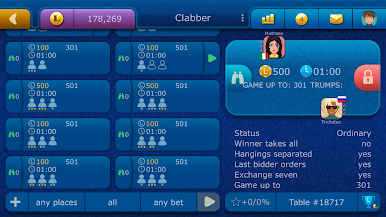
There are free points handed out every hour and each day, so a dry streak does not lock anyone out. For those who like goals, there are achievements and leaderboards, and the quick game option throws players into a match in seconds. Private tables with a password make it easy to set up games with friends, then send a little gift or two for laughs. Signing in is simple through Game Center, social accounts, a LiveGames login, or just jump in as a guest. It runs fine over WiFi or mobile data. On PC with BlueStacks, the bigger screen makes counting cards and using chat easier, and clicking to lay a card feels clean. There are occasional events and support answers fast if something goes weird.
Get ready for a buttery smooth, high-performance gaming action only on BlueStacks.
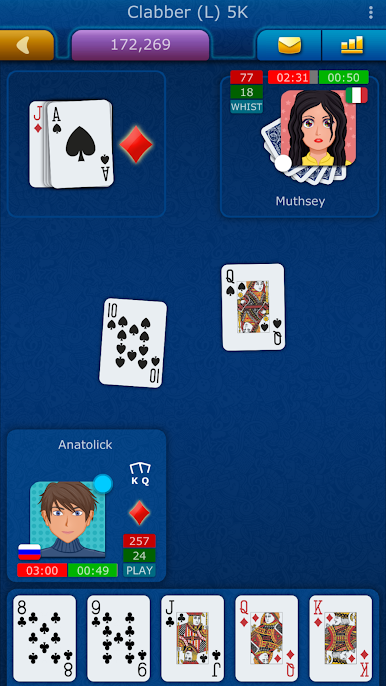
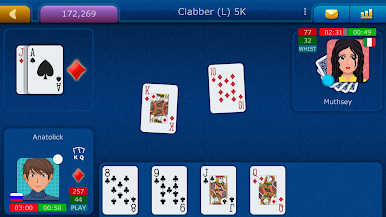
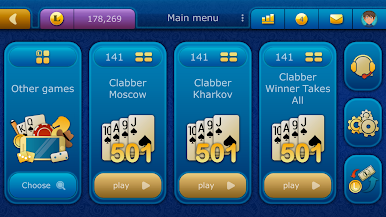
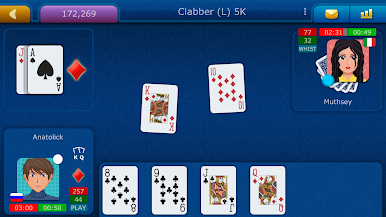
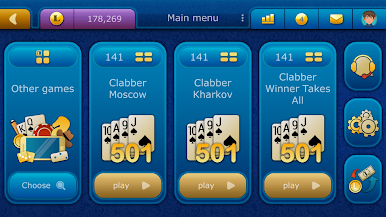
在電腦上遊玩Clabber LiveGames online . 輕易上手.
-
在您的電腦上下載並安裝BlueStacks
-
完成Google登入後即可訪問Play商店,或等你需要訪問Play商店十再登入
-
在右上角的搜索欄中尋找 Clabber LiveGames online
-
點擊以從搜索結果中安裝 Clabber LiveGames online
-
完成Google登入(如果您跳過了步驟2),以安裝 Clabber LiveGames online
-
在首頁畫面中點擊 Clabber LiveGames online 圖標來啟動遊戲

