

NetMonitor Pro
5억명 이상의 게이머가 신뢰하는 안드로이드 게임 플랫폼 BlueStacks으로 PC에서 플레이하세요.

Run NetMonitor Pro on PC or Mac
Let BlueStacks turn your PC, Mac, or laptop into the perfect home for NetMonitor Pro, a fun Tools app from Vitaly V.
About the App
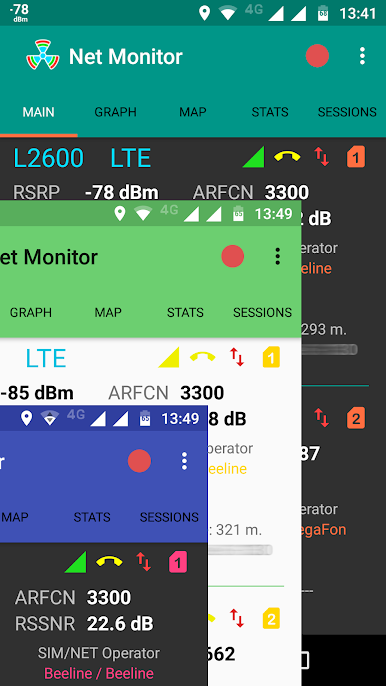
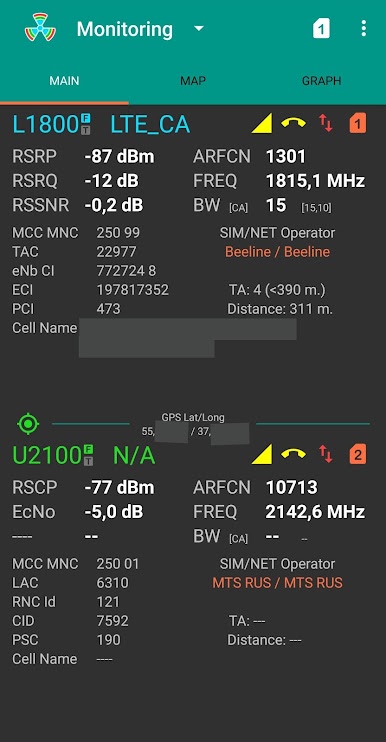
Ever wondered what’s really happening with your phone’s cellular connection? NetMonitor Pro by Vitaly V peels back the curtain, letting you see detailed live info about your GSM, WCDMA, LTE, and CDMA networks. Whether you’re tweaking cellular setups or just a tech enthusiast who likes stats, this Tools app puts a ton of real-time insights right at your fingertips.
App Features
-
All-in-One Cellular Monitoring
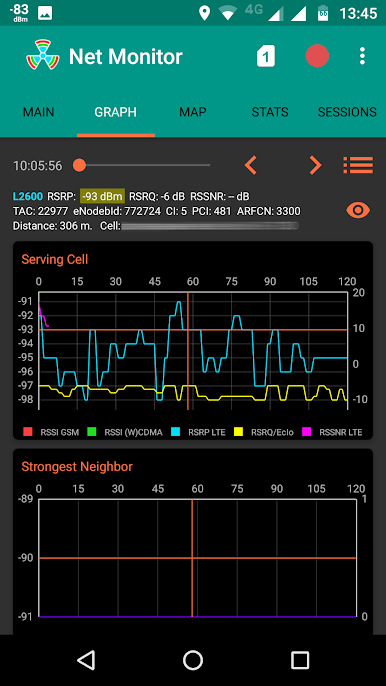
Keep tabs in real-time on signal quality and all the technical details spanning GSM, WCDMA, LTE, and CDMA networks. Dual SIM? No problem—NetMonitor Pro handles it smoothly. -
Multiple Display Options
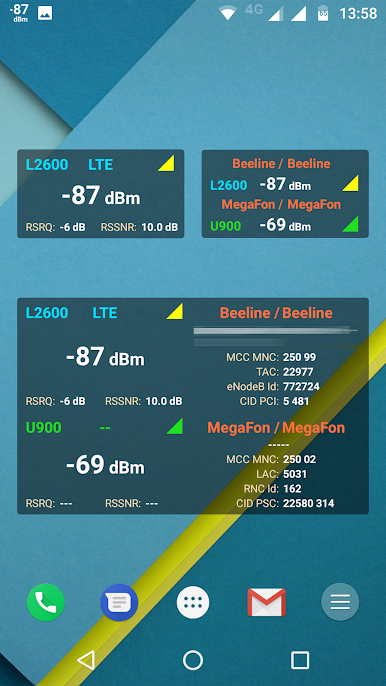
Monitor info directly on your notification bar, through flexible widgets (including 2×1, 4×2, and 4×3 sizes), and even get notifications on your Android Wear watch so you’re never out of the loop. -
In-Depth Data Logging
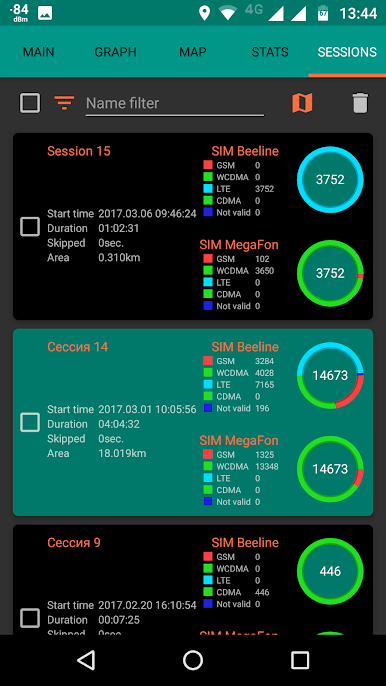
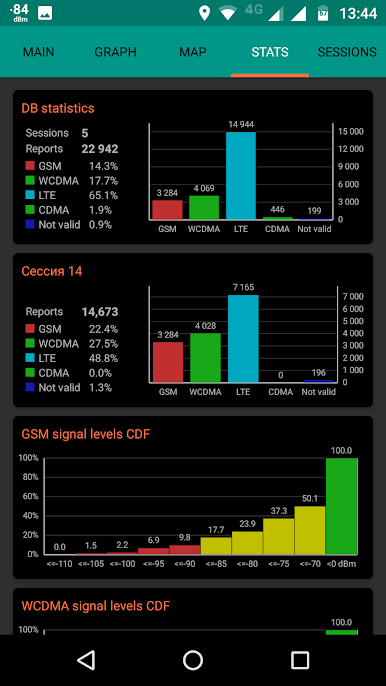
Curious about what happened last week or earlier today? The app saves millions of measurements for you to revisit later, making long-term analysis a breeze. -
Map-Based Insights
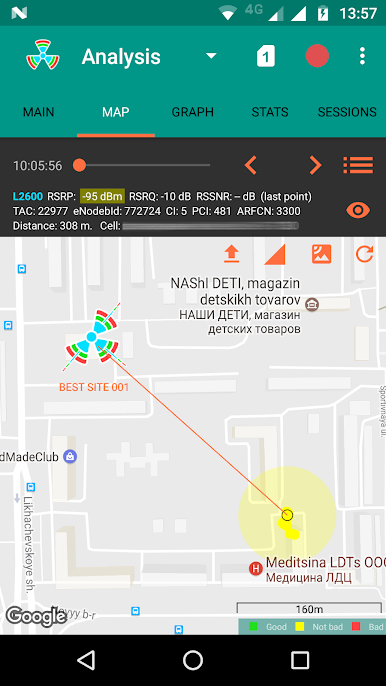
Watch network strength and details play out visually on your map. Need more? Load external BTS files to see cell locations, explore site details, and display sector azimuths. -
Flexible Export & Sharing
Take your session data with you—export to CSV, KML, or JSON, and move or share sessions as needed. You can also pull out unique cells and check a full measurement breakdown. -
Custom Themes & Styles
Switch between dark and light modes depending on your vibe. Prefer different map looks? Just long-press the map to try out other styles. -
Background Data Collection
Let the app keep gathering network info quietly in the background—even for both SIMs. No need to babysit it while it works. -
Developer Integrations
If you’re into DIY or have your own apps, NetMonitor Pro’s content provider lets you grab cellular data right from the database. You can even export and analyze the raw SQLite database on your computer.
NetMonitor Pro works great on Android 5.1 and higher, and if you’re curious about band and ARFCN info, Android 7+ opens up extra details. Run it on your device or test things out through BlueStacks—the experience is just as smooth.
BlueStacks gives you the much-needed freedom to experience your favorite apps on a bigger screen. Get it now.
PC에서 NetMonitor Pro 플레이해보세요.
-
BlueStacks 다운로드하고 설치
-
Google Play 스토어에 로그인 하기(나중에 진행가능)
-
오른쪽 상단 코너에 NetMonitor Pro 검색
-
검색 결과 중 NetMonitor Pro 선택하여 설치
-
구글 로그인 진행(만약 2단계를 지나갔을 경우) 후 NetMonitor Pro 설치
-
메인 홈화면에서 NetMonitor Pro 선택하여 실행

