


IrCode Finder Universal Remote
在電腦上使用BlueStacks –受到5億以上的遊戲玩家所信任的Android遊戲平台。

Run IrCode Finder Universal Remote on PC or Mac
Get freedom from your phone’s obvious limitations. Use IrCode Finder Universal Remote, made by WasiliySoft, a Tools app on your PC or Mac with BlueStacks, and level up your experience.
About the App
Looking for a quick way to control those old-school gadgets lying around your home? IrCode Finder Universal Remote is here for the job. Whether you’ve got an air conditioner, ceiling fan, or even some unique electronics that seem impossible to find remotes for these days, this handy app from WasiliySoft makes it possible to hunt down the right IR codes. No more frantic searching through drawers or worried moments when that original remote is missing.
App Features
-
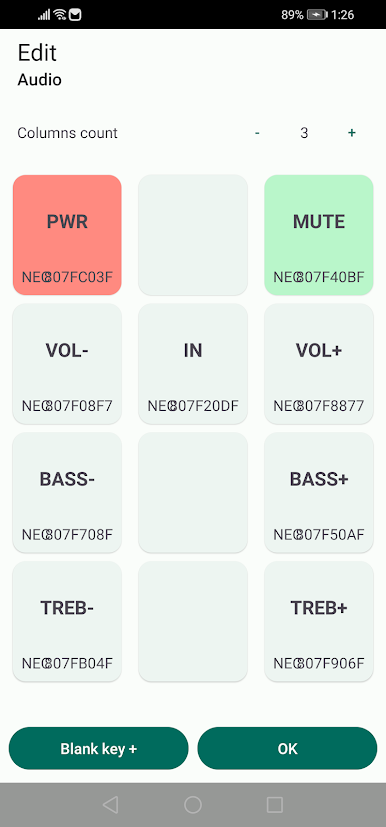
Extensive Remote Database
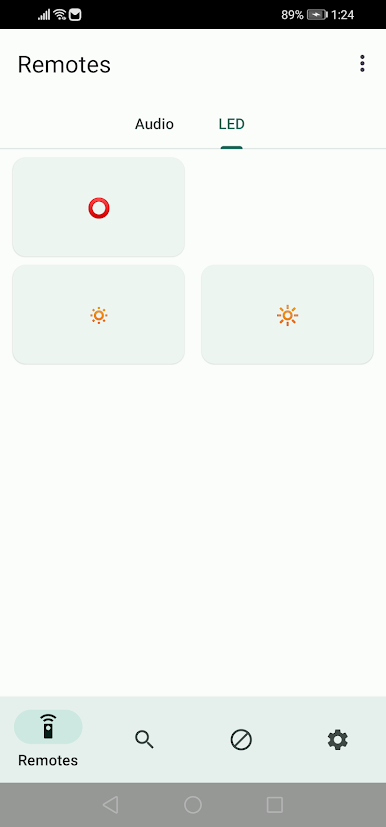
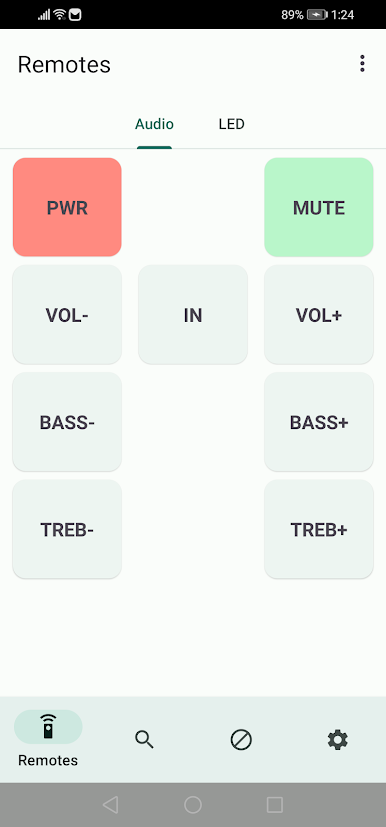
Browse through a huge collection of remote profiles—there’s a good chance your device is already in the mix. It’s like a lost-and-found for remotes, except digital. -
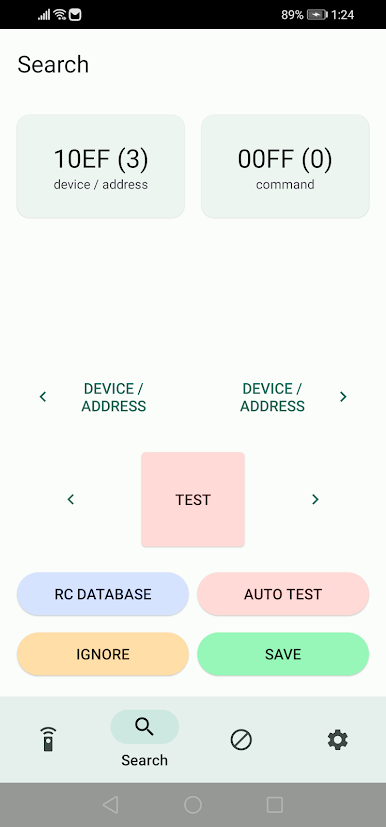
Automatic IR Code Search
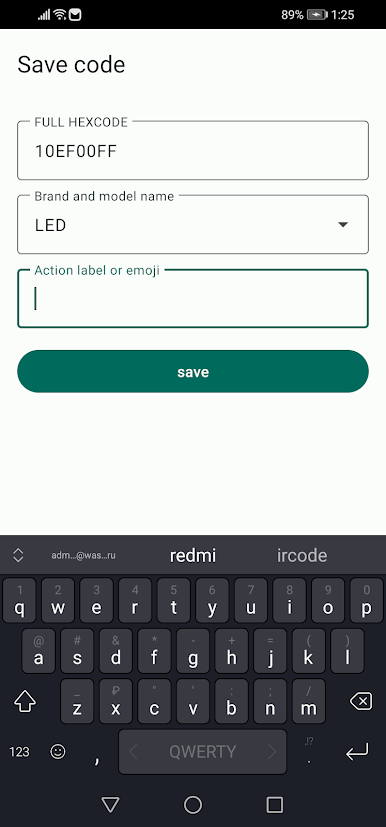
Got a gadget that isn’t listed? The app’s got you covered with an auto-testing feature. Just sit back while it tries possible IR codes, aiming to get your device up and running. -
NEC Protocol Support
If your tech uses the NEC IR protocol, IrCode Finder Universal Remote can search directly for matching signals, speeding things along for a bunch of home electronics. -
Ideal for Older Devices
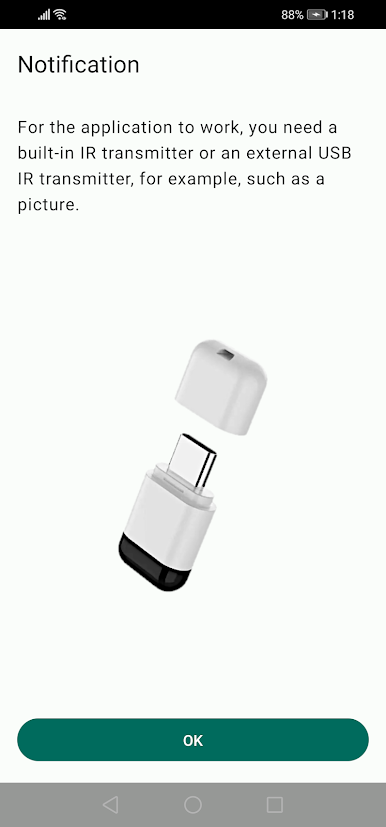
Especially helpful for older fans, chandeliers, or sound systems where replacement remotes are nowhere to be found. It turns your phone into a universal tool, with no need for extra hardware—just make sure your device has an IR transmitter. -
Works on Multiple Platforms
Prefer using your setup on a computer? With BlueStacks, you can access the app just as easily without being limited to your phone.
BlueStacks gives you the much-needed freedom to experience your favorite apps on a bigger screen. Get it now.

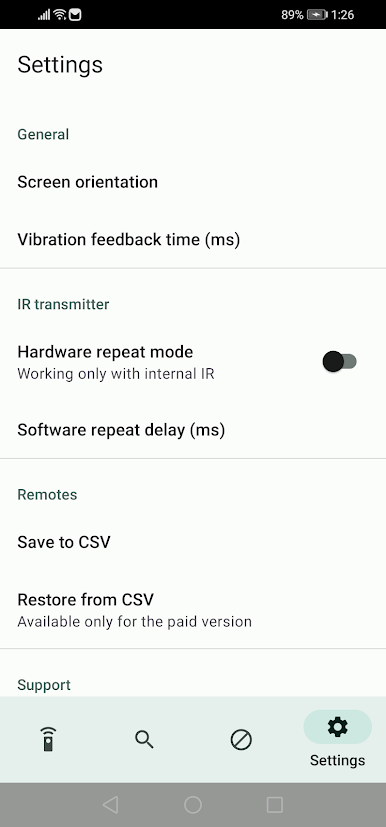
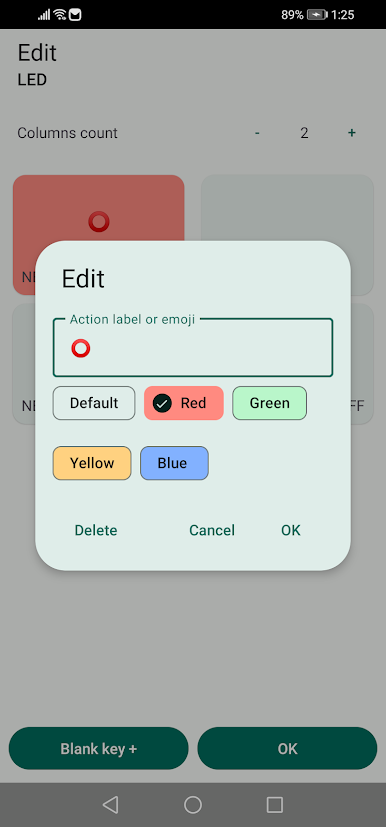
在電腦上遊玩IrCode Finder Universal Remote . 輕易上手.
-
在您的電腦上下載並安裝BlueStacks
-
完成Google登入後即可訪問Play商店,或等你需要訪問Play商店十再登入
-
在右上角的搜索欄中尋找 IrCode Finder Universal Remote
-
點擊以從搜索結果中安裝 IrCode Finder Universal Remote
-
完成Google登入(如果您跳過了步驟2),以安裝 IrCode Finder Universal Remote
-
在首頁畫面中點擊 IrCode Finder Universal Remote 圖標來啟動遊戲

