


ZFlasher STM32
在電腦上使用BlueStacks –受到5億以上的遊戲玩家所信任的Android遊戲平台。

Run ZFlasher STM32 on PC or Mac
Get freedom from your phone’s obvious limitations. Use ZFlasher STM32, made by ZDevs, a Tools app on your PC or Mac with BlueStacks, and level up your experience.
About the App
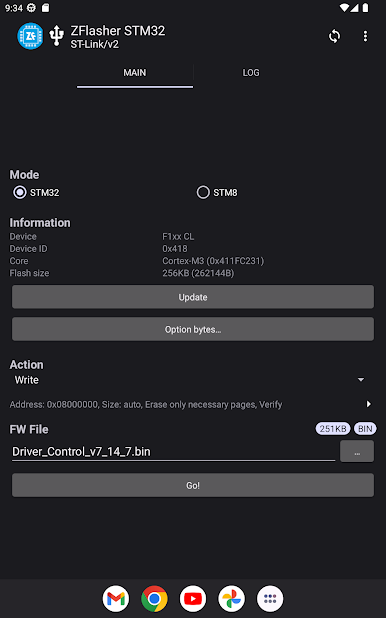
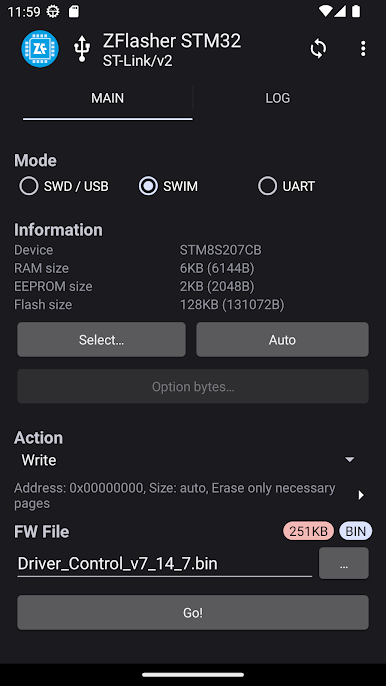
Think of ZFlasher STM32 as your go-to companion for working with STM32 microcontrollers, especially if you like getting hands-on with your projects. Built by ZDevs for folks who want reliability and a bit of flexibility, this tool lets you flash a broad list of STM32 chips right from your Android device. Whether you’re messing around with some tinkering at home or handling serious debugging at work, you’ll find it handles jobs with minimal fuss. If you’re the type who prefers a bigger workspace, using ZFlasher STM32 through BlueStacks can really streamline the whole process.
App Features
-
Broad STM32 Compatibility
Works with a pretty extensive set of STM32 families—F1, F2, F3, F4, F7, L0, L1, L4, G0, and more. If your board falls into one of these groups, chances are you’re good to go. -
Supports Multiple Programmer Tools
Out of the box, you’ll get support for ST-LINK v2, ST-LINK v2.1 (great if you’re using a Nucleo Board), and even the DFU Bootloader. Plug in your preferred tool and the app gets to work. -
USB Host (OTG) Requirement
Just a heads-up: your Android device has to support USB Host (OTG). No OTG? The app won’t be able to do its thing. -
Hands-On Flashing
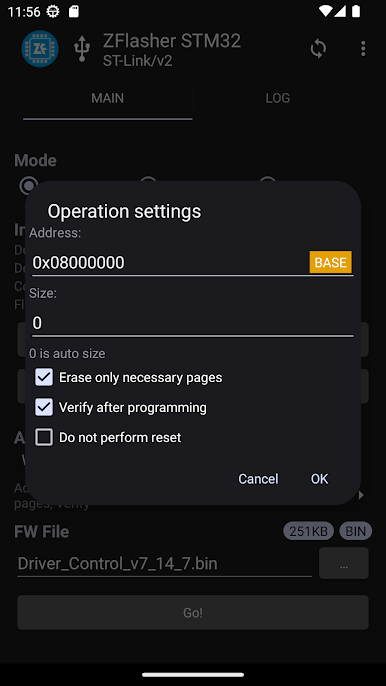
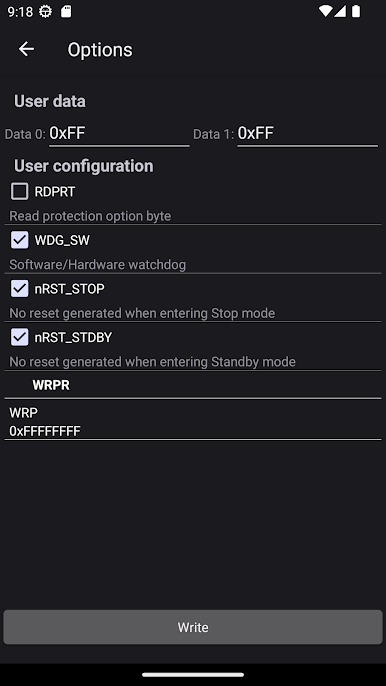
Manage your flashing sessions smoothly with a straightforward interface. You have all the core essentials for writing firmware without unnecessary clutter, so you can focus on the task at hand. -
User Feedback Welcome
ZDevs is open to suggestions and comments. If you’ve got ideas for making the app better, they actually want to hear from you—which is always nice. -
Flexible Workspaces
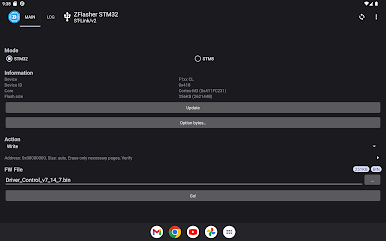
Want more room to maneuver? ZFlasher STM32 works well on a larger screen if you run it with BlueStacks, so you’re not stuck on a tiny display.
BlueStacks gives you the much-needed freedom to experience your favorite apps on a bigger screen. Get it now.
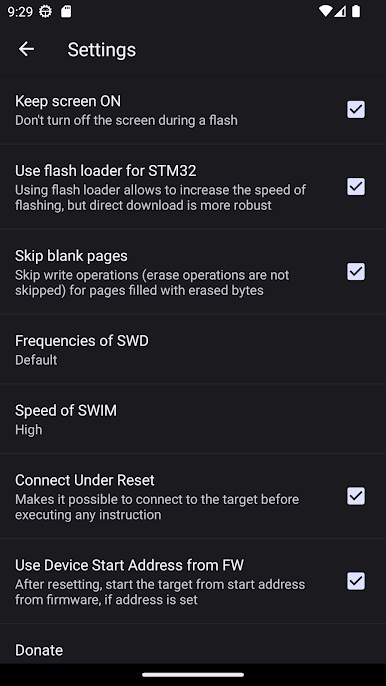
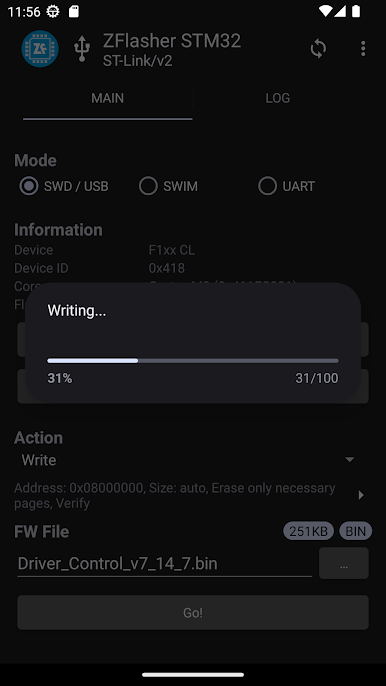
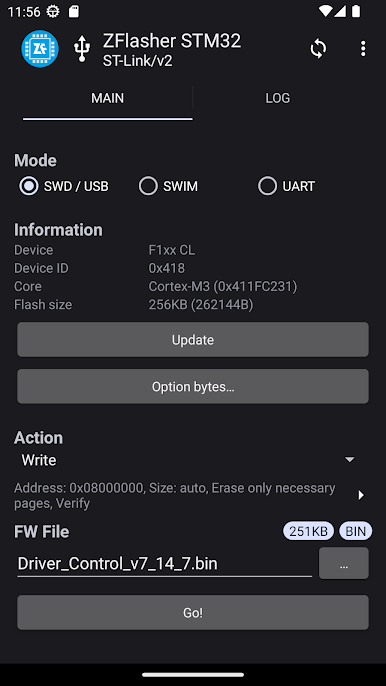
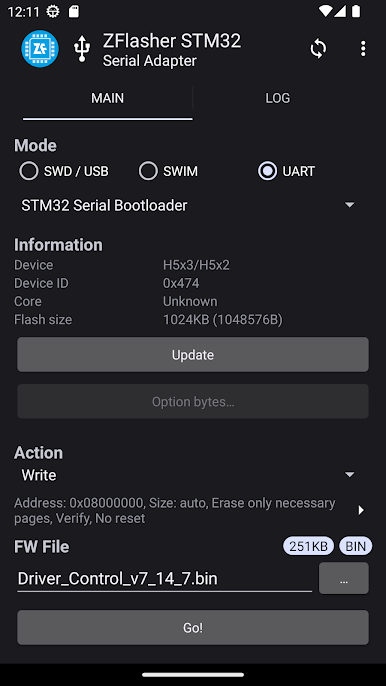
在電腦上遊玩ZFlasher STM32 . 輕易上手.
-
在您的電腦上下載並安裝BlueStacks
-
完成Google登入後即可訪問Play商店,或等你需要訪問Play商店十再登入
-
在右上角的搜索欄中尋找 ZFlasher STM32
-
點擊以從搜索結果中安裝 ZFlasher STM32
-
完成Google登入(如果您跳過了步驟2),以安裝 ZFlasher STM32
-
在首頁畫面中點擊 ZFlasher STM32 圖標來啟動遊戲

