

Secolink Pro
العب على الكمبيوتر الشخصي مع BlueStacks - نظام أندرويد للألعاب ، موثوق به من قبل أكثر من 500 مليون لاعب.

Run Secolink Pro on PC or Mac
Let BlueStacks turn your PC, Mac, or laptop into the perfect home for Secolink Pro, a fun Tools app from Secolink.
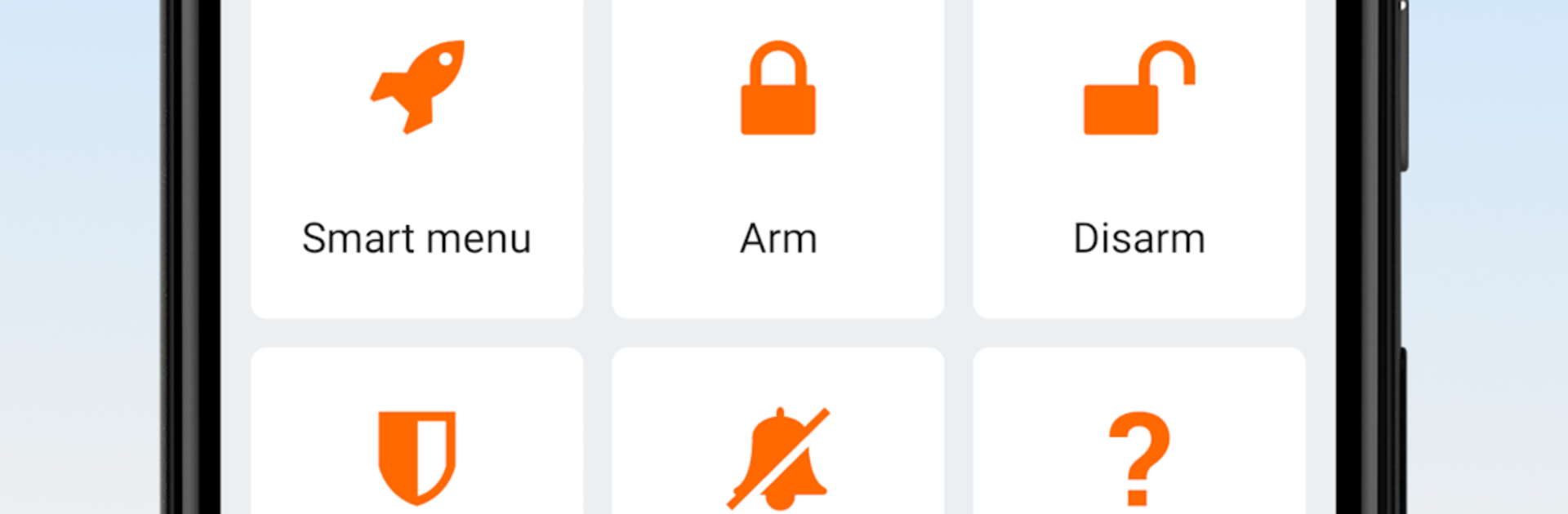
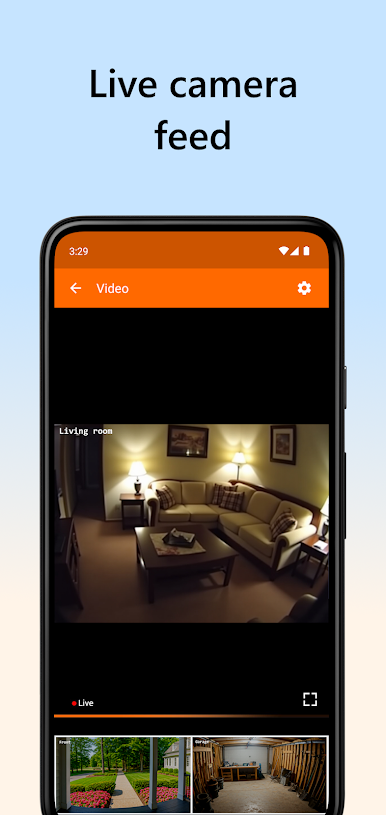
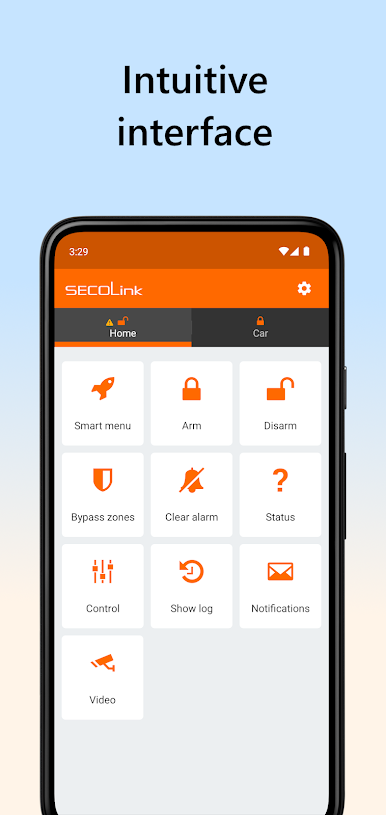
Secolink Pro feels like a clean remote control for a Secolink alarm, both home and car. Running it on a phone or through BlueStacks on a computer, the layout is simple and quick to learn. Big arm, disarm, and partial arm buttons, clear status, and alerts that show up fast when something happens. It focuses on the basics that matter for security, not fluff, which is nice when someone just wants to know if everything is fine.
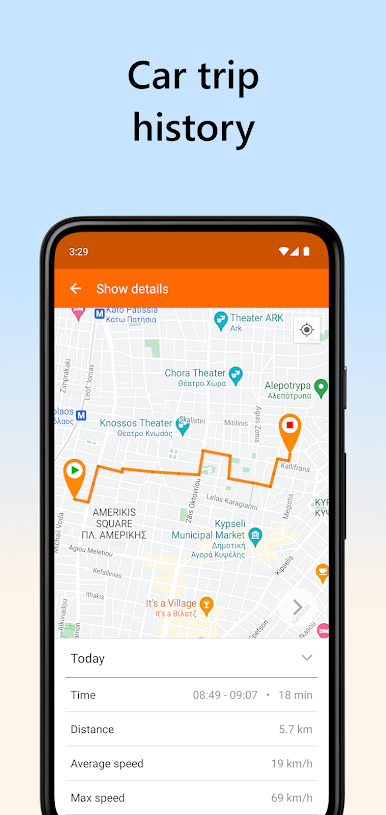
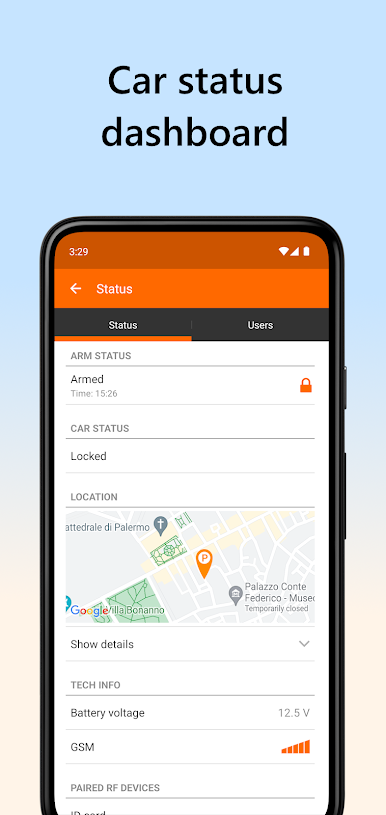
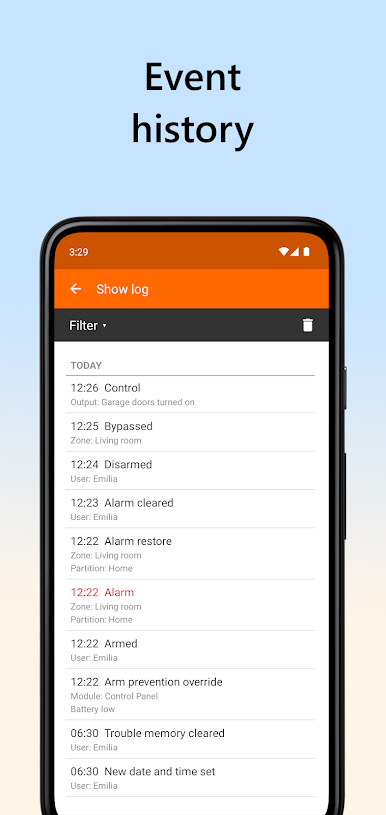
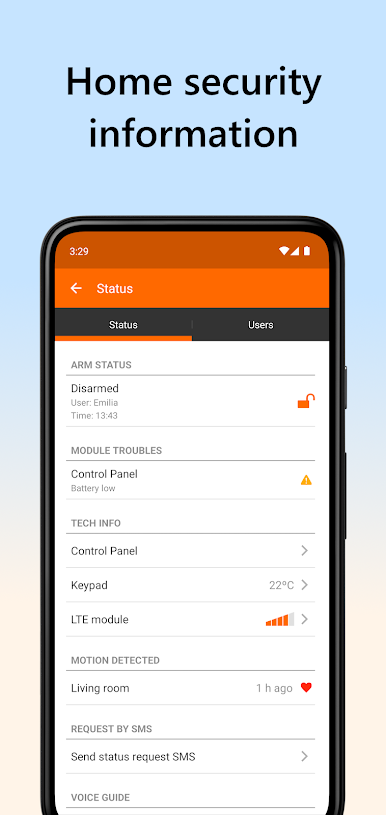
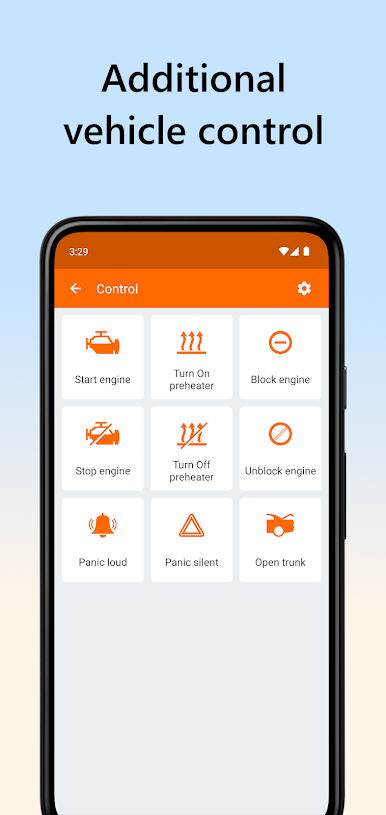
The app lets a user check what zones are open, bypass a sensor for a bit, and see whether power or network is having trouble. Device control is in there too, so things like gates or garage doors can be triggered from the same screen. Car tracking is a handy extra, showing the vehicle location on a map without feeling complicated. The event log keeps a tidy history of alarms, faults, arming, disarming, and other actions with timestamps, so it is easy to figure out who did what and when. Multiple sites are supported, so home, office, and garage can live side by side without a mess of menus. It does require compatible Secolink modules and a proper setup, usually done by the installer, but once it is linked up it runs steady. On a bigger screen with BlueStacks, naming zones, scrolling through logs, and checking maps just feels easier on the eyes.
Ready to experience Secolink Pro on a bigger screen, in all its glory? Download BlueStacks now.

العب Secolink Pro على جهاز الكمبيوتر. من السهل البدء.
-
قم بتنزيل BlueStacks وتثبيته على جهاز الكمبيوتر الخاص بك
-
أكمل تسجيل الدخول إلى Google للوصول إلى متجر Play ، أو قم بذلك لاحقًا
-
ابحث عن Secolink Pro في شريط البحث أعلى الزاوية اليمنى
-
انقر لتثبيت Secolink Pro من نتائج البحث
-
أكمل تسجيل الدخول إلى Google (إذا تخطيت الخطوة 2) لتثبيت Secolink Pro
-
انقر على أيقونة Secolink Pro على الشاشة الرئيسية لبدء اللعب

